Problem:
If Microsoft Entra ID groups or users do not import into ezeep, check the integration permissions and connection settings.
Cause:
Permissions are set to deny
Solution:
ezeep requires a set of permissions to sync users from an Entra ID. When Entra ID users don't seem to be syncing correctly to ezeep, it is a good idea to verify the permissions that are granted to ezeep by the Entra ID.
Go to Enterprise Applications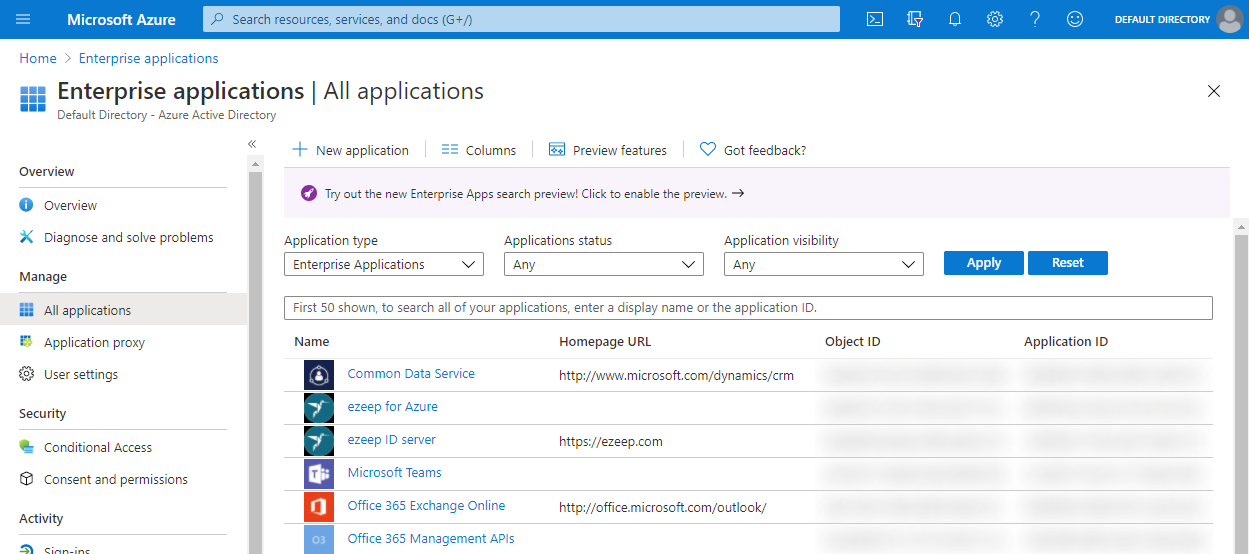
Select ezeep for Azure and click Permissions in the menu bar on the left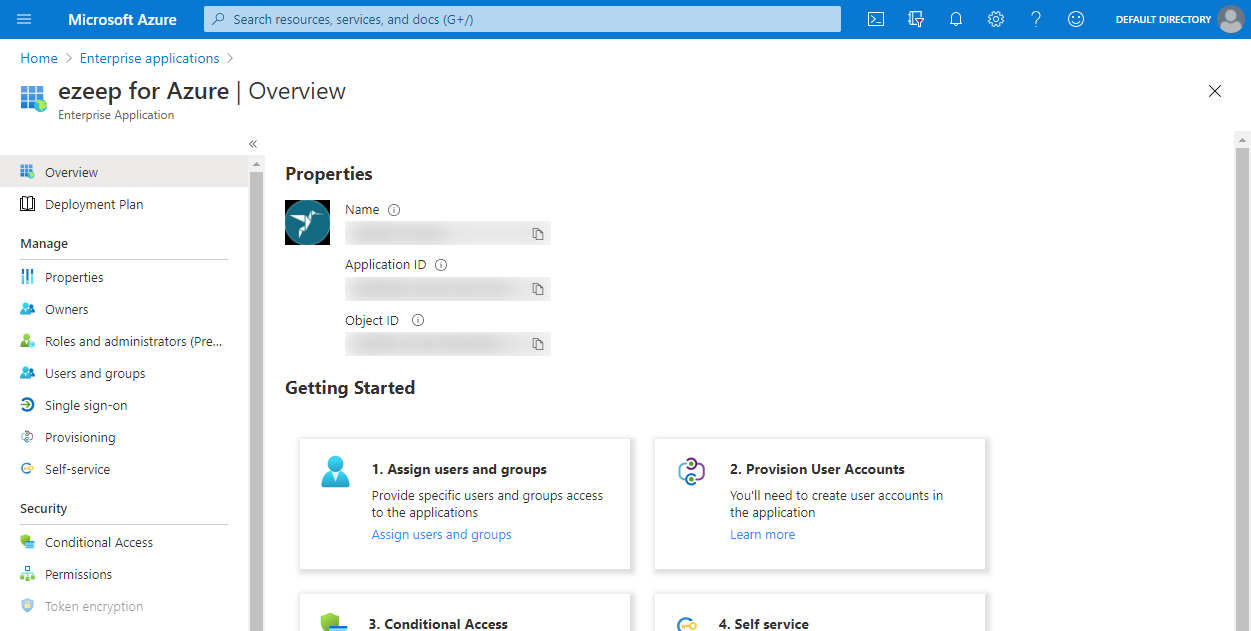
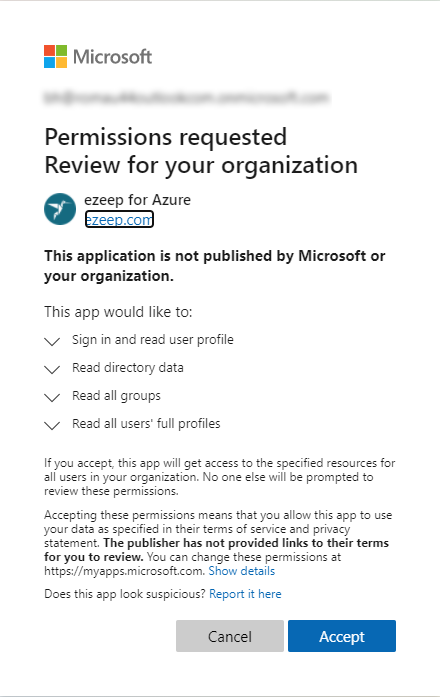
Check that the permissions as shown in this screenshot are listed
If some or all of the permissions are missing, click “Grant admin consent for Default Directory”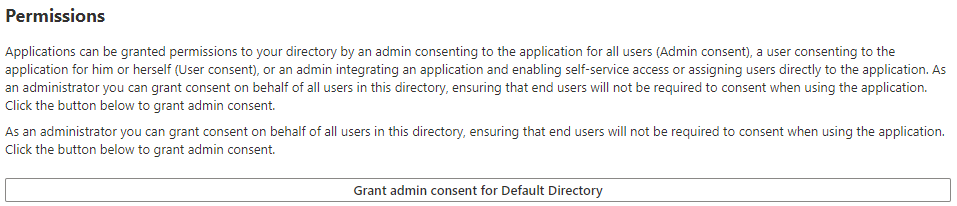
Provide your Entra ID credentials when prompted and accept the permissions.