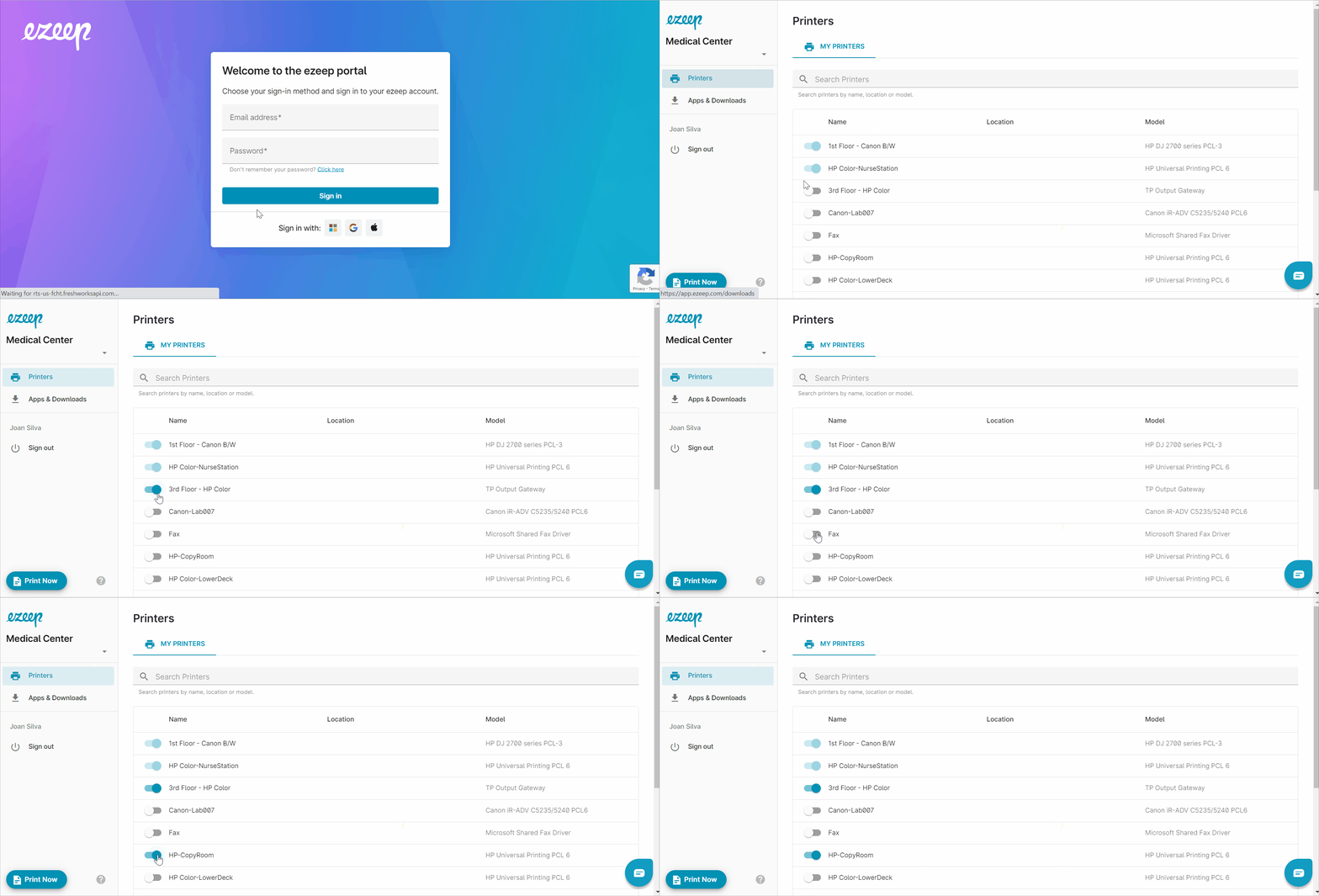
Use My Printers in the ezeep User Portal to select from printers already assigned to you. An administrator must enable the Printer Selection in User Portal policy first.
My Printers in User Portal
- Log in to the ezeep Admin Portal
- Select "Printers" in the left pane.
- Find your printer(s) and enable it by switching the toggle button.
- You will now see the printer in the printer dialog of your preferred application!