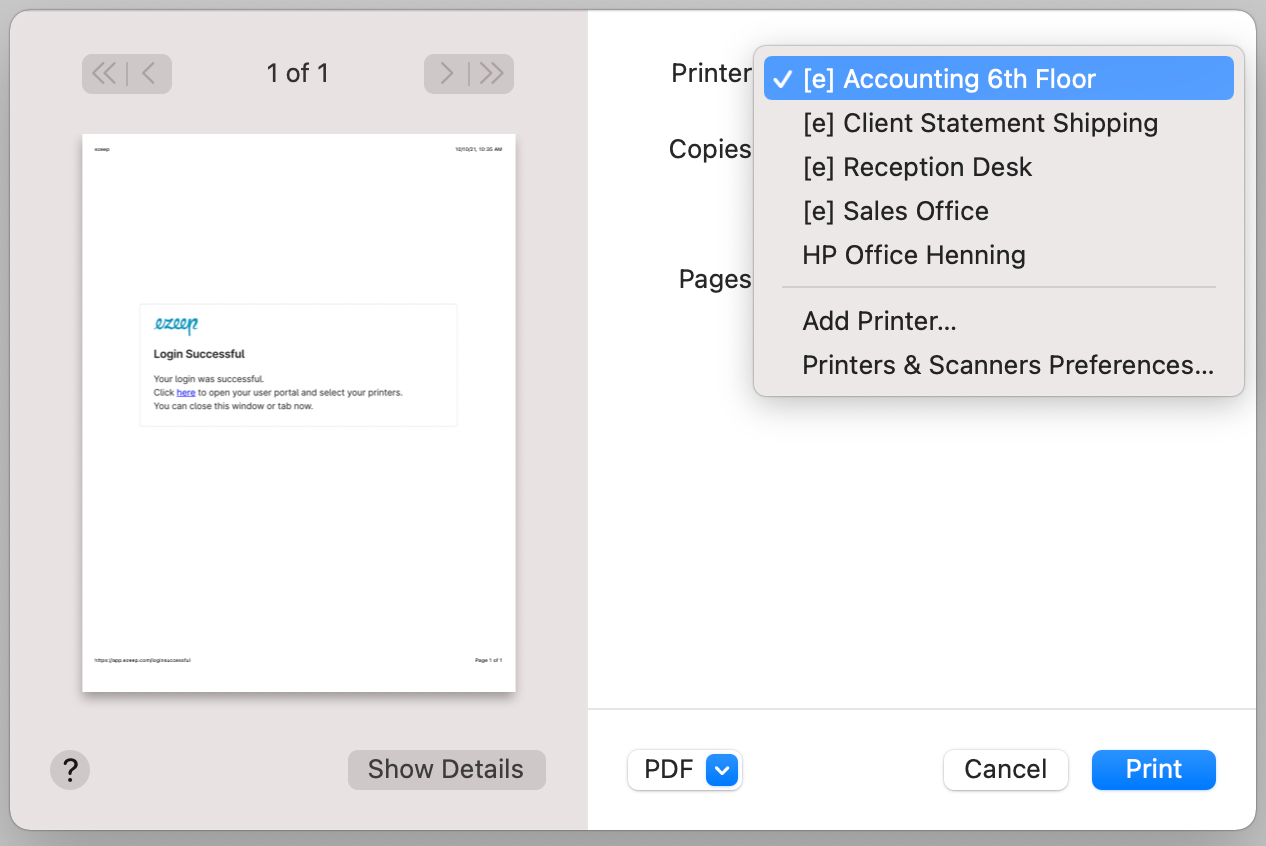
After installing the ezeep Print App and receiving printer assignments, you can print from a Mac application through its standard print dialog.
If you haven't completed the steps mentioned above, then go back to these links:
Let's Print! ezeep on a Mac integrates seamlessly into macOS.
Printing from macOS
- Click "File -> Print" option with your mouse/trackpad or
- the "Command + P" keyboard shortcut.
The [e] in the drop-down list with all your printers highlights those provided by ezeep, and print options are available through the usual macOS selections.