
Deploy the ezeep Connector for Print Server with an MSI package through Group Policy, Microsoft Intune, or another software-management tool.
First, Download the Connector for Print Server from the Quick Start page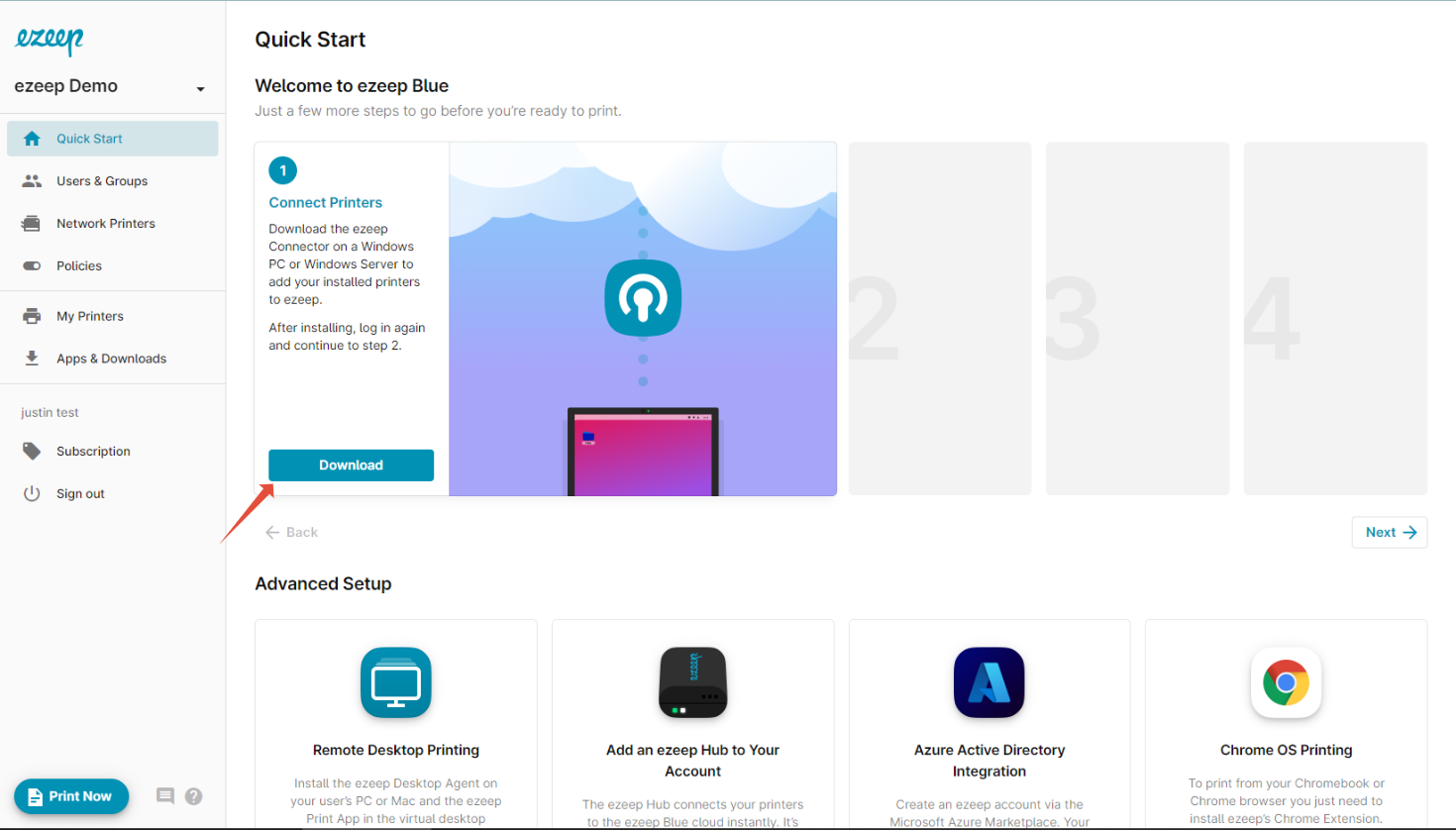
- Unzip the exe file, then open a command prompt as administrator and change into the directory that contains the downloaded installer file.
- Run the following command to start the unattended installation:
ezeepConnectorforPS.exe /s /a"C:\temp\extract\SetupPrerequisites" /b"C:\temp\extract\FullMSI" /v"TARGETDIR=C:\temp\extract /qb"
Adjust the path parameters according to your configuration.
For a successful automatic deployment, deploy the software packages from the folder .\SetupPrerequisites first before installing the MSI file from the folder .\extract\FullMSI.