
Deploy the ezeep Print App for Windows with an MSI package through Group Policy, Microsoft Intune, or another software-management tool.
First, Download the ezeep Print App from the Apps and Downloads page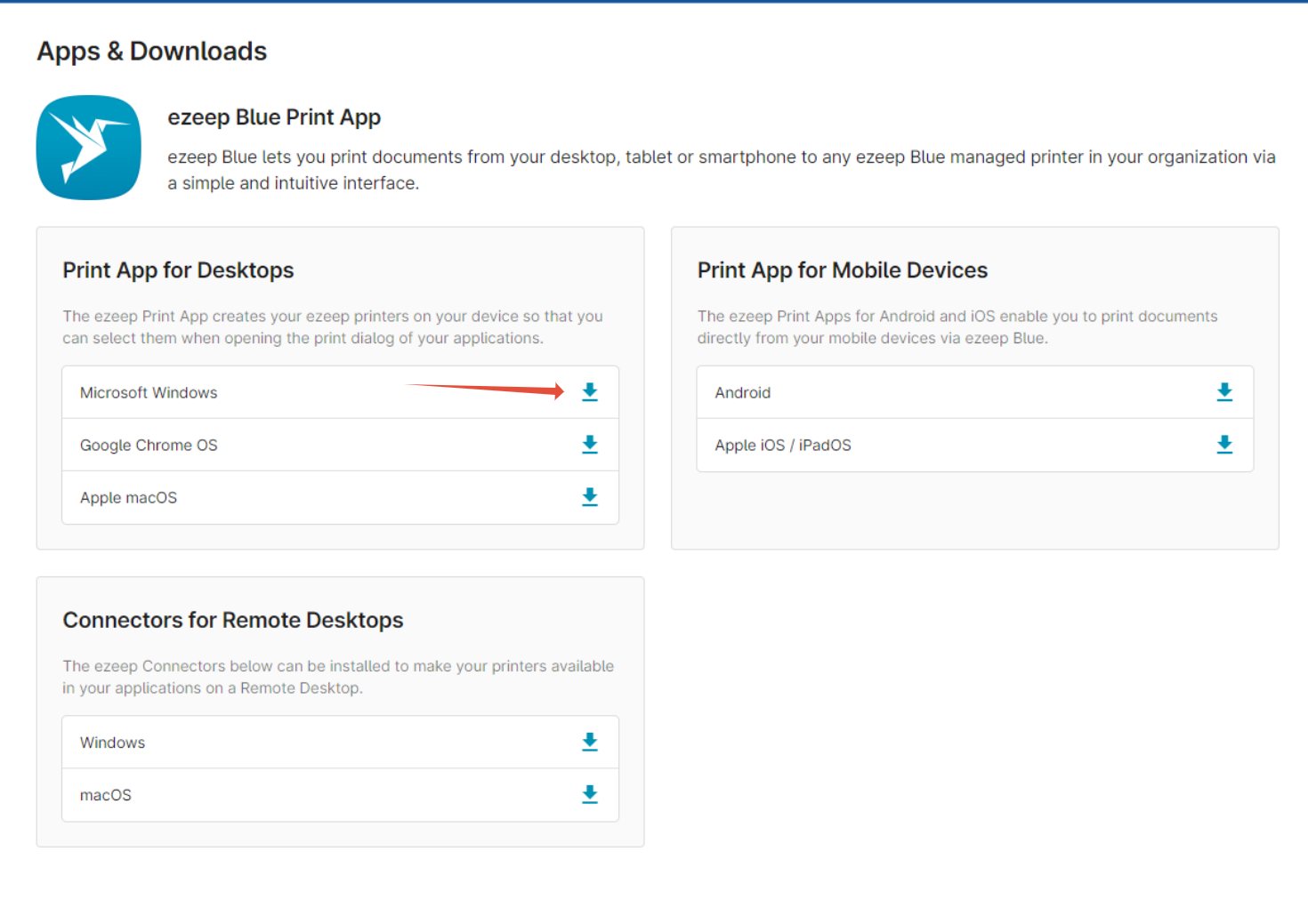
- Unzip the exe file, then open a command prompt as administrator and change into the directory that contains the downloaded installer file.
- Run the following command to start the unattended installation:
ezeepPrintApp.exe /s /a"C:\temp\extract\SetupPrerequisites" /b"C:\temp\extract\FullMSI" /v"TARGETDIR=C:\temp\extract /qb"
Adjust the path parameters according to your configuration.
For a successful automatic deployment, deploy the software packages from the folder .\SetupPrerequisites first before installing the MSI file from the folder .\extract\FullMSI.