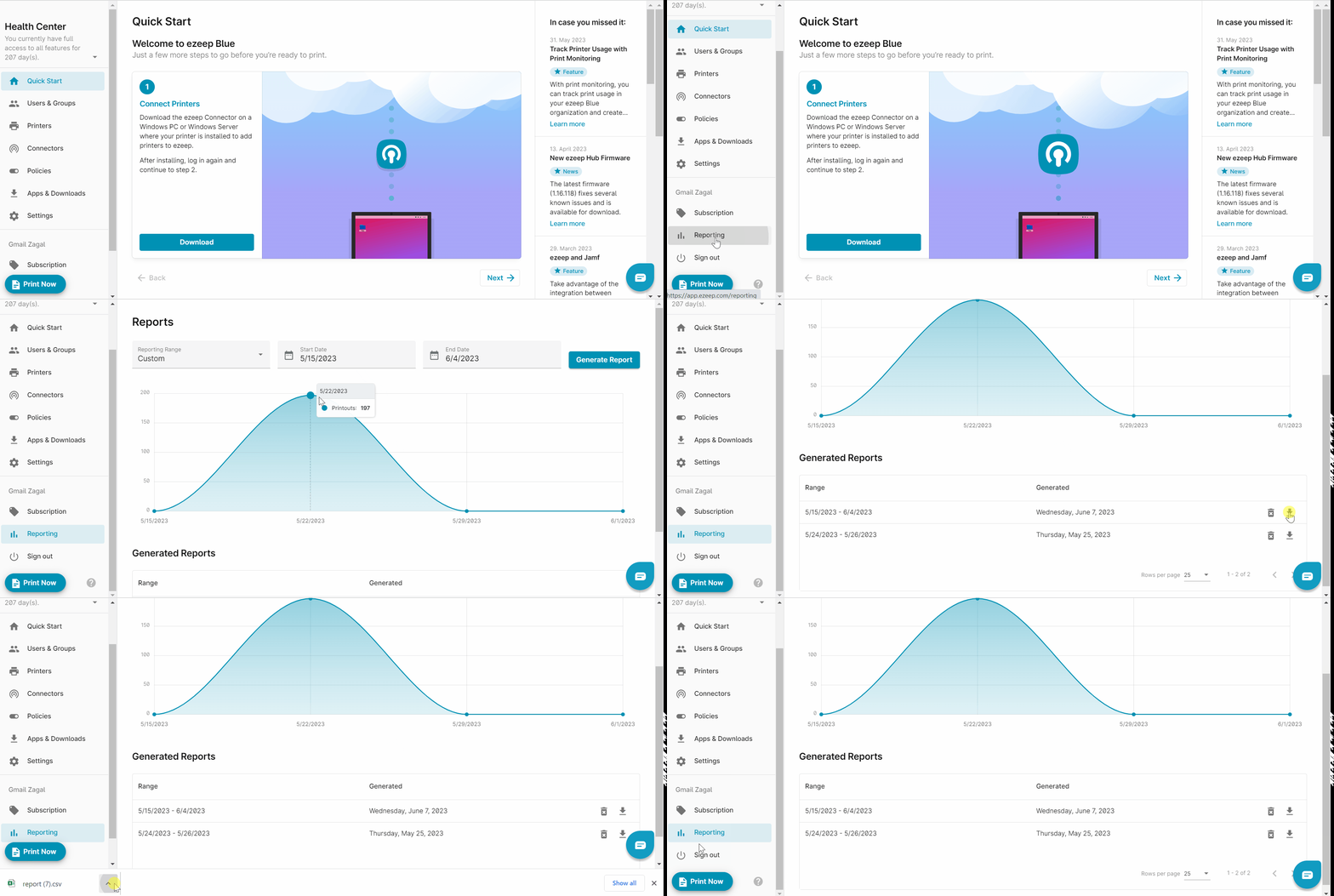
Tracking & Reporting provides visibility into print activity, usage, costs, and associated impact across your ezeep organization. Administrators can review results and export CSV reports.
Note: This feature is available in the ezeep Pro, Business and Enterprise Plans.
How to Generate a report:
- This feature is enabled by default
- Log into the ezeep portal with your admin credentials.
- Open the menu item "Reporting" on the left pane.
- Select a Date Range
- If desired, click "Generate Report"
- The report will be generated and you can download it!
What print data is tracked ?
- Timestamp
- User name
- User email
- User Billing Code
- User ID
- Filename
- Print Job ID
- Total Printed Pages
- Total Printed Sheets
- Final Status
- Chromaticity
- Paper Size
- Duplex
- Copies
- Source
- Connector Name
- Connector ID
- Printer Name
- Printer ID
- CO2 Impact
- OAuth Client ID
Data Protection
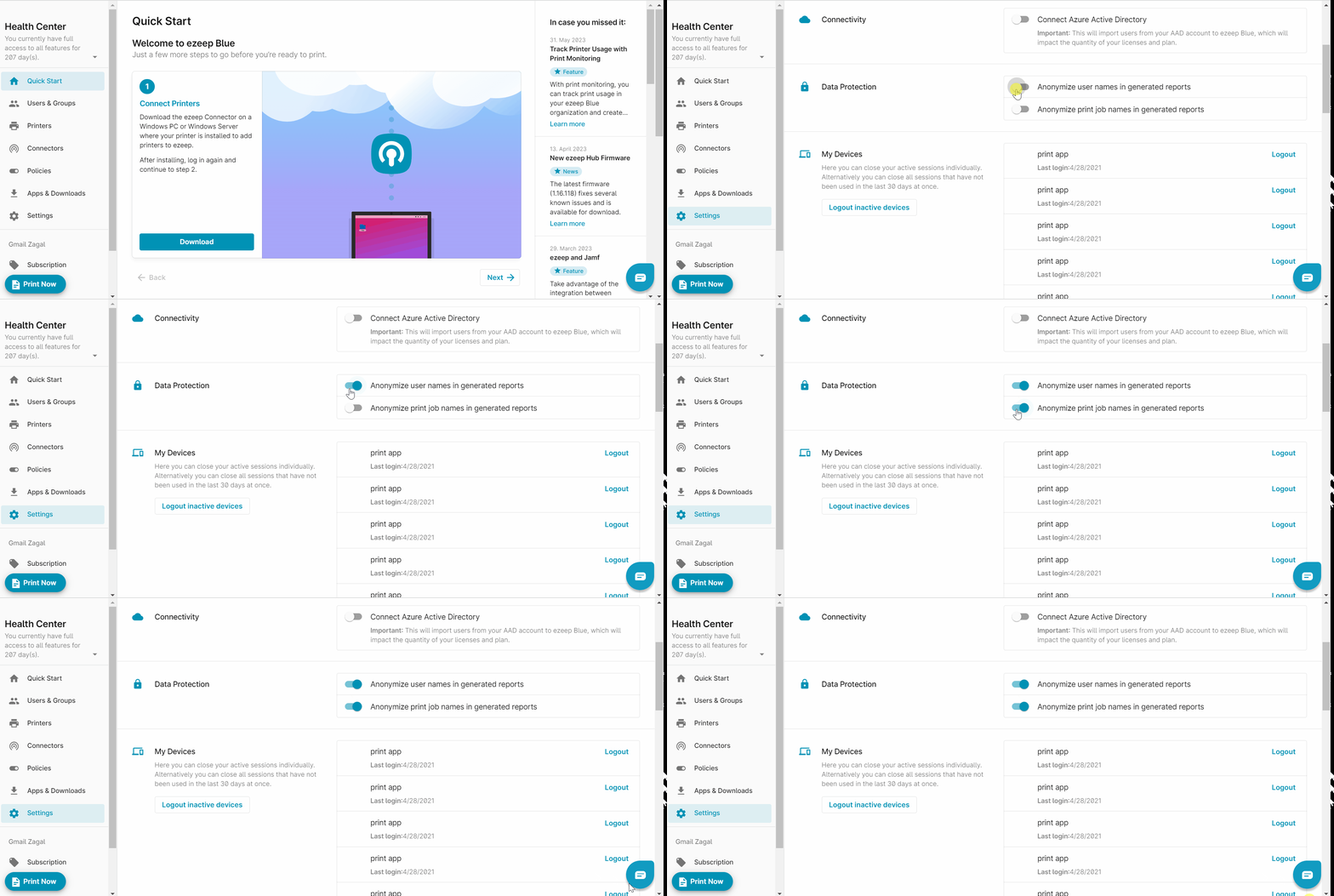
For data protection, it is possible to anonymize the user names and document names in the reports. To enable data protection:
- Click "Settings" on the left menu
- Enable the option "Anonymize user names in generated reports"
- Enable the option "Anonymize print job names in generated reports"