If Windows printing fails with "Connection reset by peer", use the following checks for the ezeep Print App and its connection to the service.
Problem/Symptom
You have the ezeep Print App for Windows installed, which lets you print from your Windows applications directly to ezeep. When you print a document, you receive a ThinPrint error that says "Connection reset by peer".
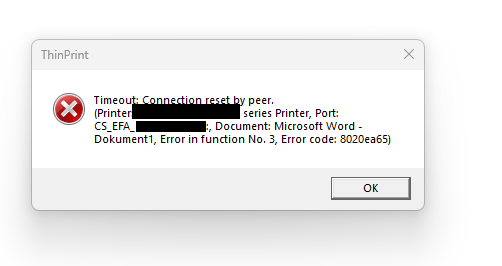
Cause
In January of 2024, we updated our cloud infrastructure to provide better performance and security for you. However, this requires the latest version of the ezeep apps (Print App, Connector for PS, Remote Desktop Agent, etc). Older versions of the application are not compatible with the updated cloud infrastructure and require the latest versions.
Solution/Workaround
- Update the ezeep app for windows
- Log in to the ezeep portal https://app.ezeep.com/
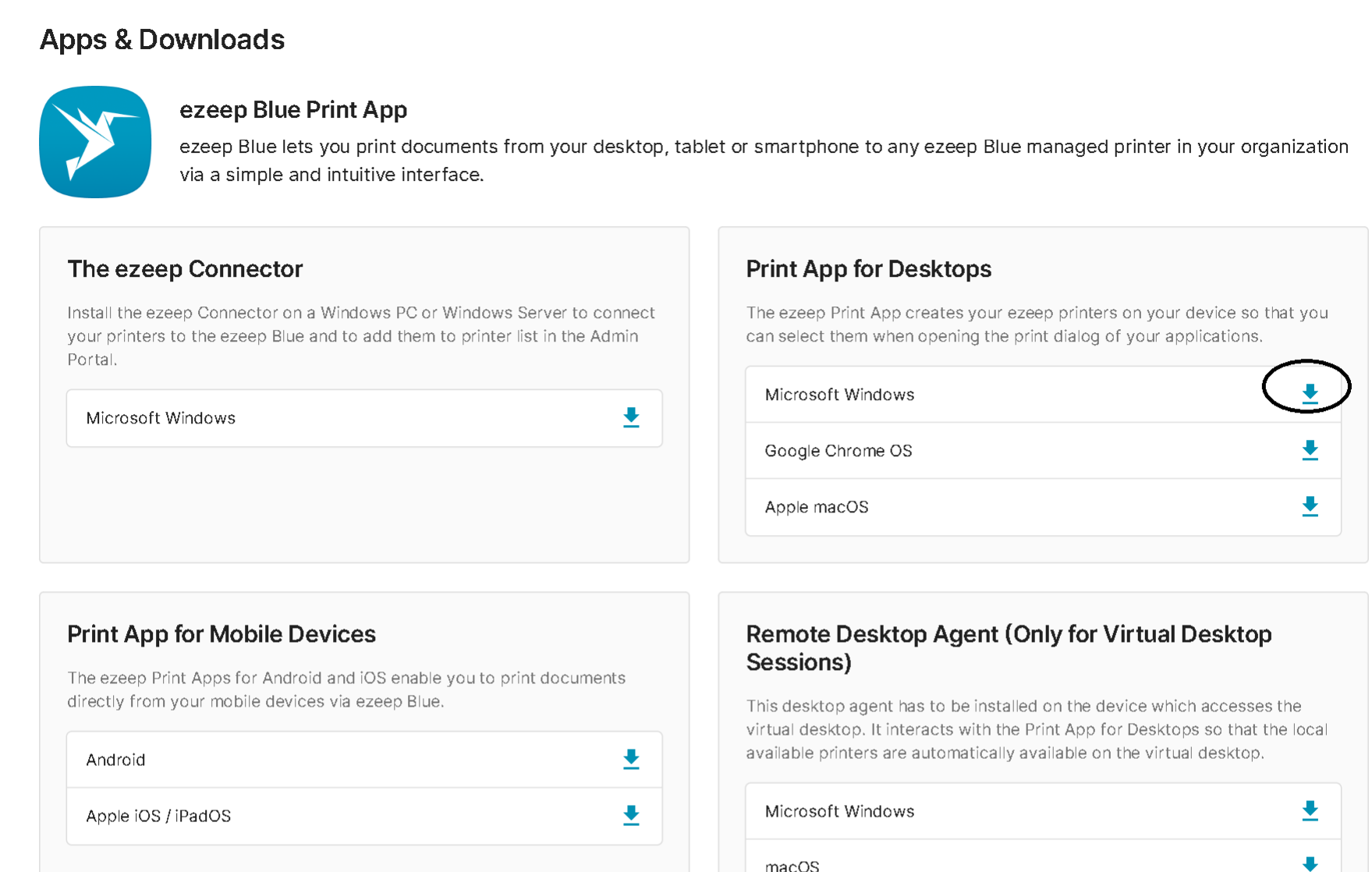
- Click the "Apps & Downloads"
- Download and install the app on your PC
- Reboot your PC, and try printing again.