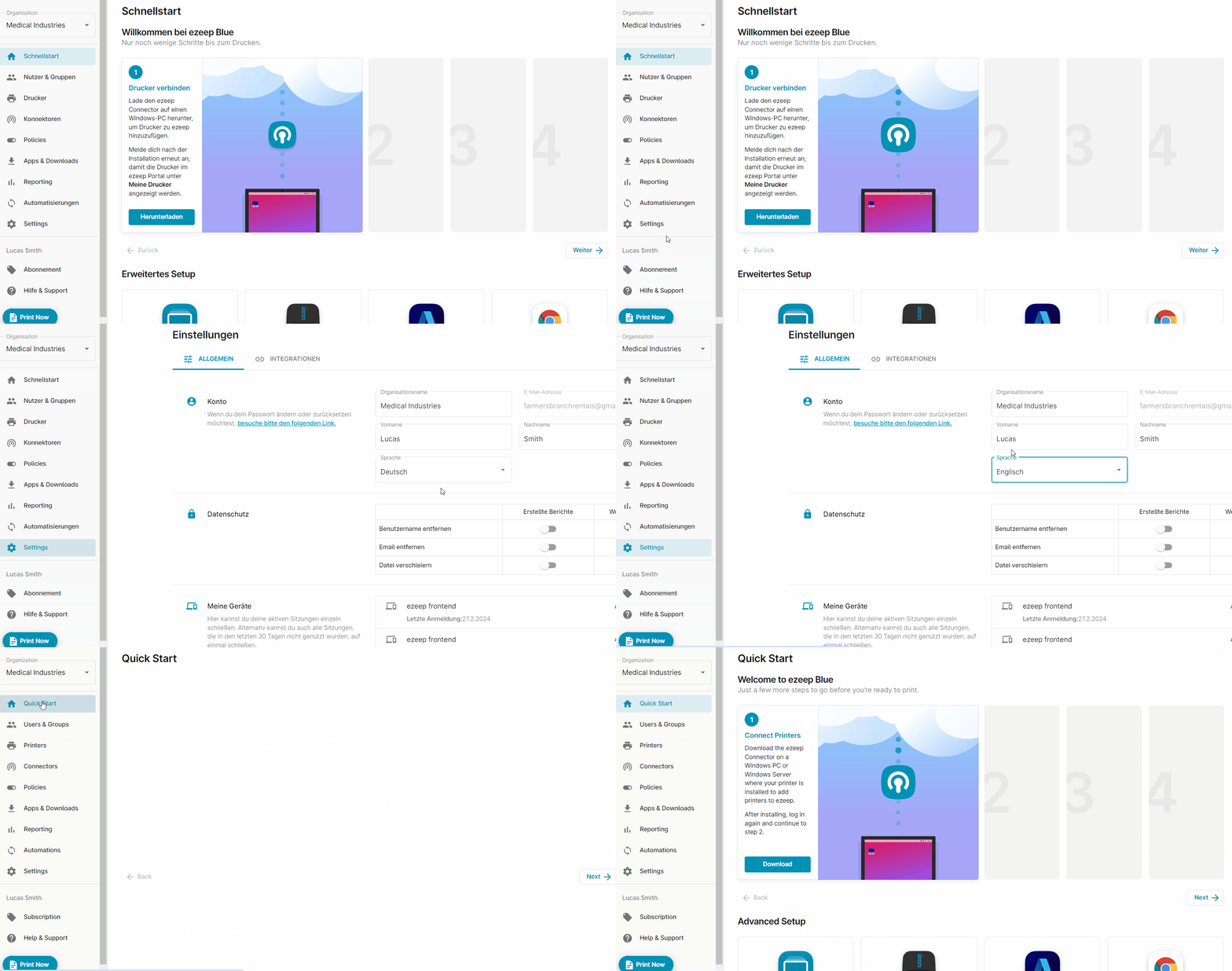
Change the language displayed in the ezeep portal from the account settings. The available choices depend on your portal configuration.
Who can change this
- Any user who can log in to the ezeep Portal can change their language.
- If you do not see the option, check your permissions or contact your administrator.
Steps to change the language
- Log in to the ezeep Portal at app.ezeep.com.
- From the left menu, click Settings.
- Under Language, click the drop-down field.
- Select the language you want (for example, German).
The portal will refresh in the language you selected.