
Problem/Symptom:
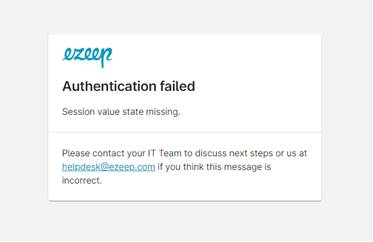
If the ezeep portal displays "Authentication failed", follow these checks to identify the sign-in issue.
Cause:
The token session value is missing or invalid
Solution/Workaround:
Close all internet browsers.
Clear cookies and cache from your internet browser.
Example in Chrome:
- On your computer, open Chrome.
- At the top right, click More

 Clear browsing data.
- Select a time range, like Last hour or All time.
- Select the types of information you want to remove.
- Click Clear data.