
Problem/Symptom:
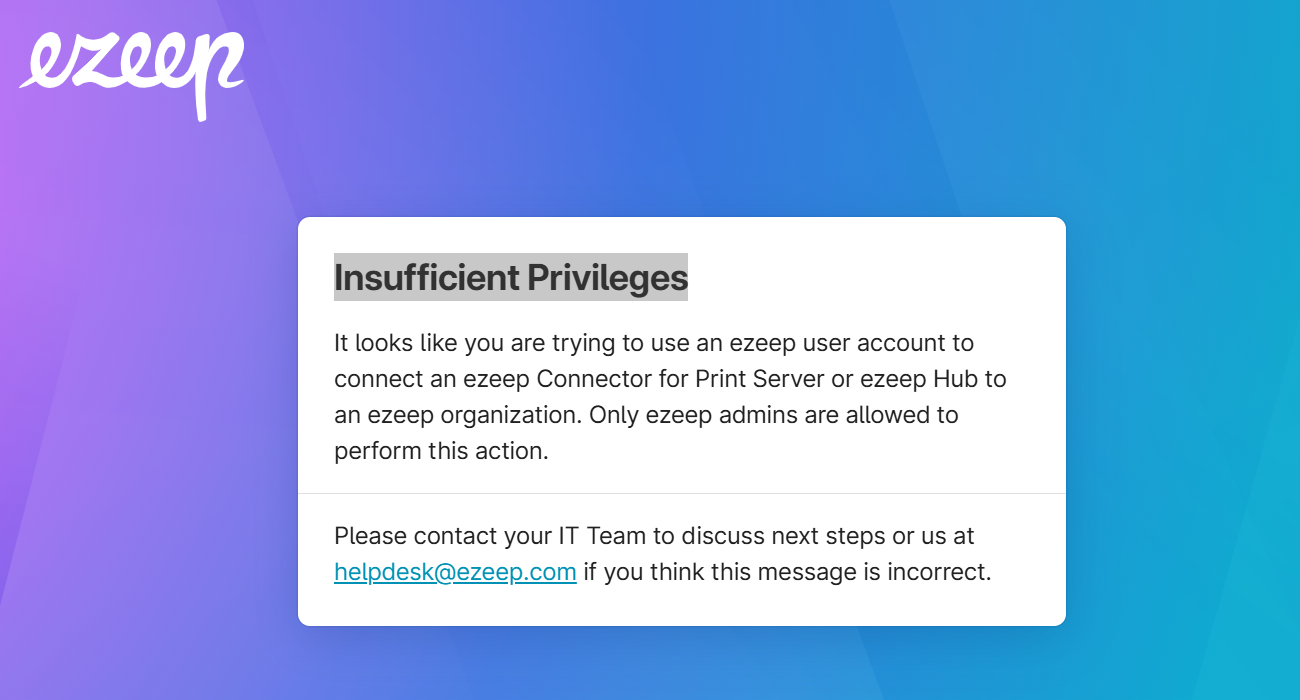
An "Insufficient Privileges" message can appear if you try to sign in to the ezeep Connector with a standard end-user account. Verify which ezeep application you're opening.
Cause:
The error message indicates that you are trying to log into the ezeep Connector software, NOT the ezeep App.
Solution/Workaround:
The error indicates that you have installed the incorrect ezeep software. Please make sure you have the correct software. On the machine where you are printing FROM, you will need the ezeep app installed (all other ezeep software needs to be removed). Please remove all ezeep software from the machine and then try installing the ezeep app again.