Install the ezeep Print App on a supported Windows on ARM device. Once signed in, you can use the printers assigned to your ezeep account.
The installation steps are the same as on Windows. Download the executable Microsoft Windows (ARM64).
See link: ezeep Print App for Windows
For Technical Requirements, see link:
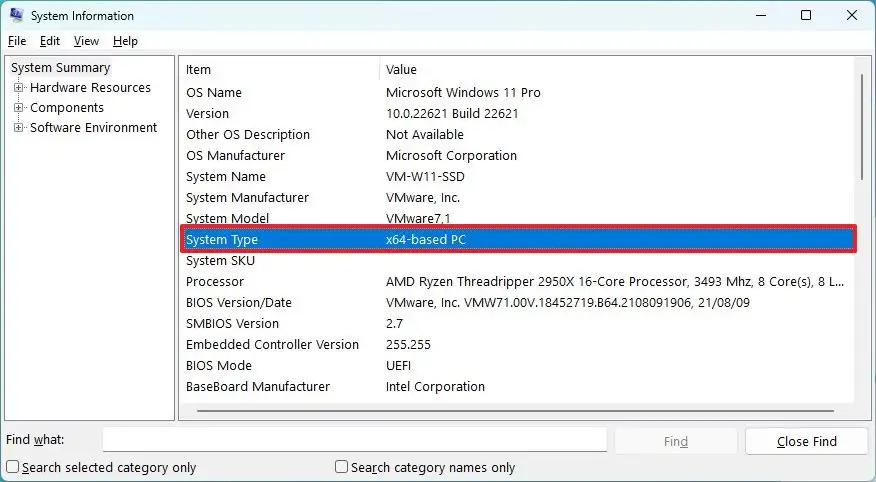
To check if a Windows device is an ARM PC, select Start and then select Settings > System > About . Under Device specifications, ARM devices have ARM based processor listed next to System type.