The ezeep Print App for Services supports unattended, automated printing from Windows applications and services, including ERP, point-of-sale, kiosk, warehouse, and laboratory workflows.
You can now download the Print App for Services directly from your ezeep Portal and start automating your printing today.
For Technical Requirements, see link:
Download & Install
- Log in to the ezeep Portal
- On the left pane, select "Apps & Downloads."
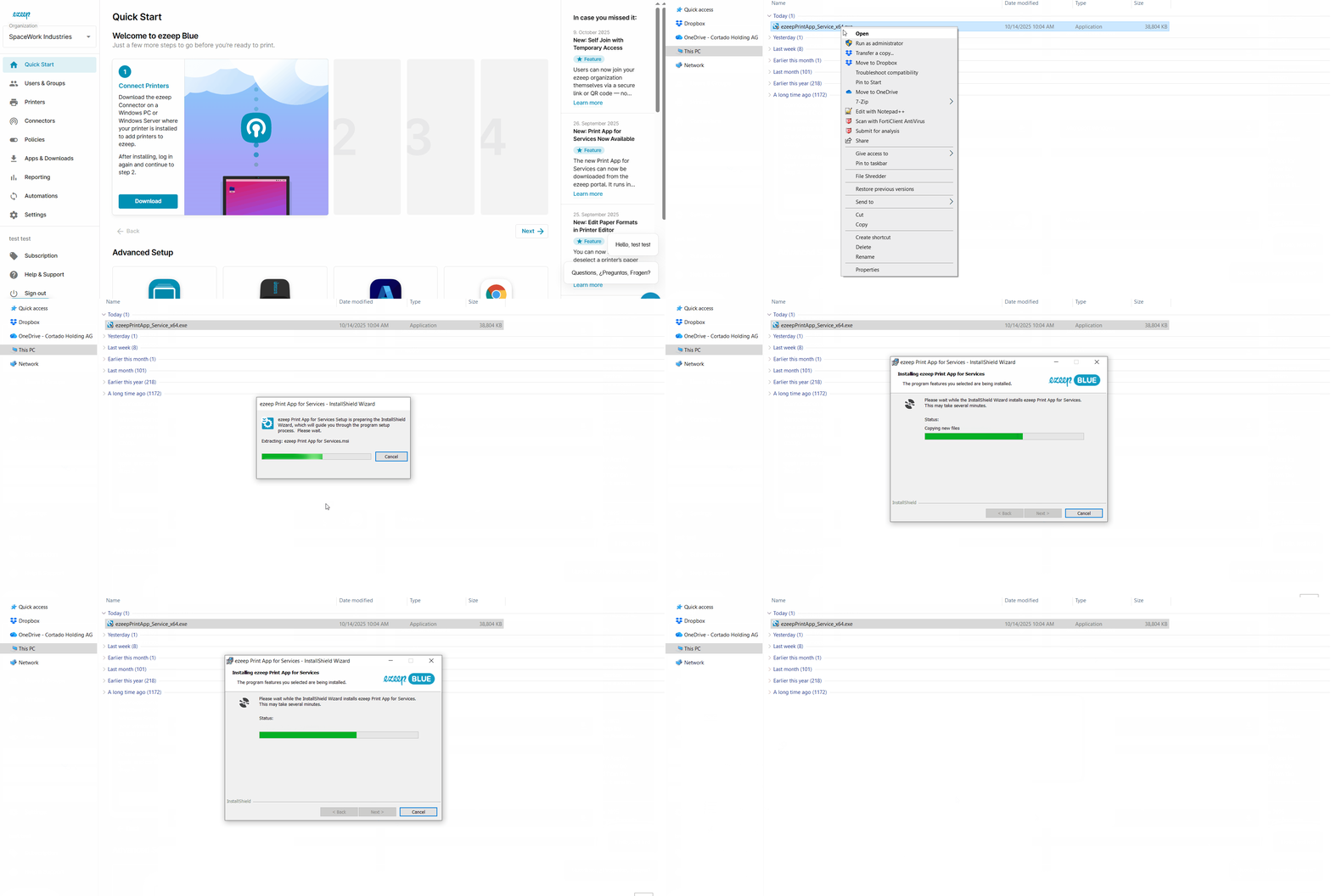
- Under "Print App for Services," click the download arrow on "Microsoft Windows." The software will download to the "Downloads" folder.
- Run the ezeep Print App executable as Admin and follow the prompts.
- Click "Next"
- Select "I accept the terms in the license agreement" and click "Next."
- Select "Typical" and click "Next."
- Click"Install"
- To complete the installation, click"Finish."
- A reboot of the machine is required. Click"Yes."
- After the reboot, open the app "ezeep Account login" and enter your ezeep credentials once.
- The printer that was assigned will appear in the printers selection list. You are ready to start printing!
Are you ready to print? See link:Printing from Windows