
Print directly from the ezeep portal if your organization has made a printer available to you.
[Step] 1. Upload files, continue to print options, choose a printer and print
- Sign in to the ezeep portal and select Print Now.
- Drop one or more files into the upload area, or select them from your device.
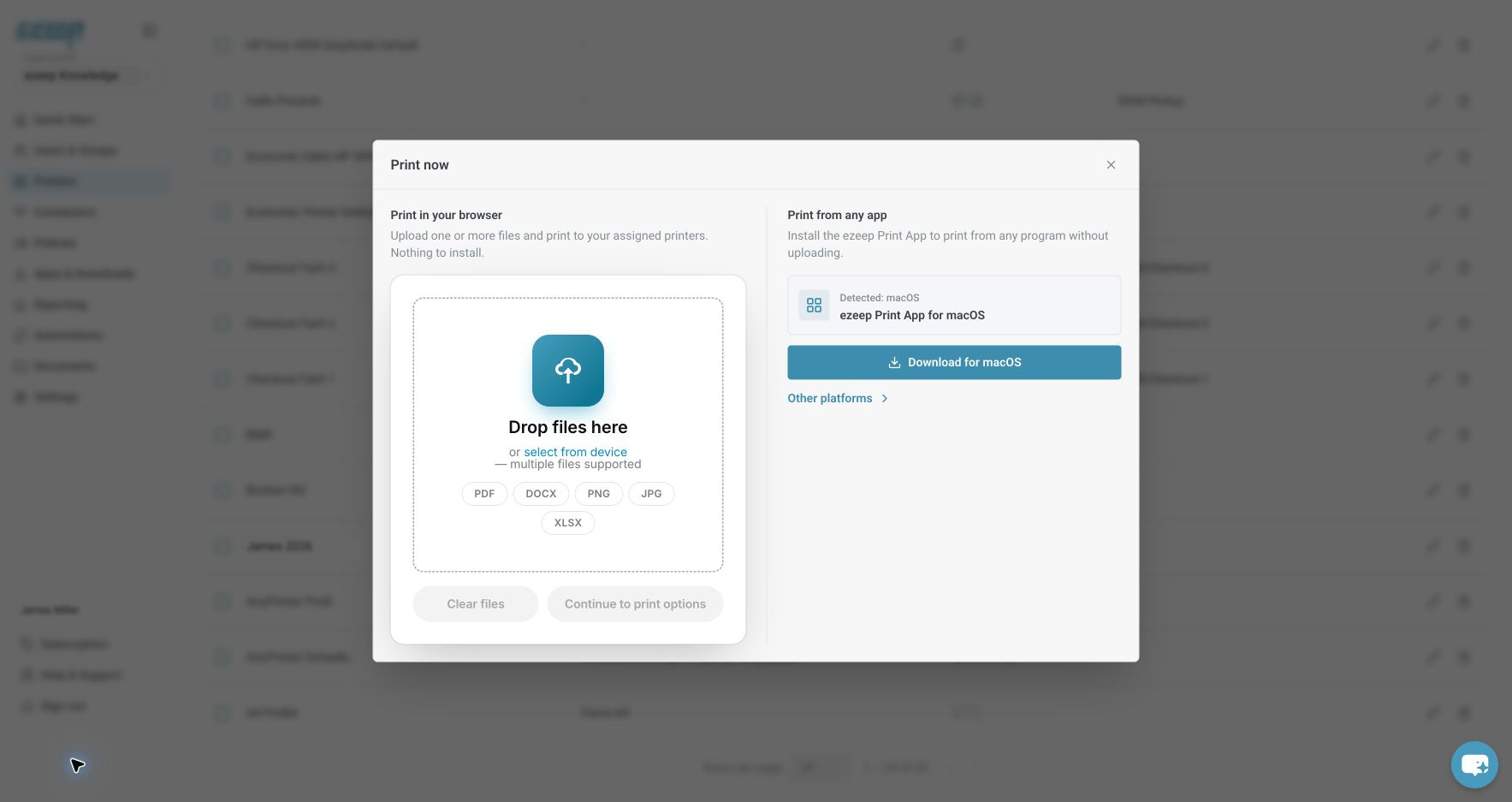
Add your files under Print in your browser, then continue to print options. - Select Continue to print options.
- Choose your printer and select Print.

[/Step]
If you selected AnyPrinter by ezeep
Your job is held. Follow QR-code or card release or Print Later, depending on your organization’s setup.
Printer not listed?
Printers can be assigned to you by your administrator. If My Printers is enabled, you can also turn on other available printers yourself. See Find your printer and manage printer selection.