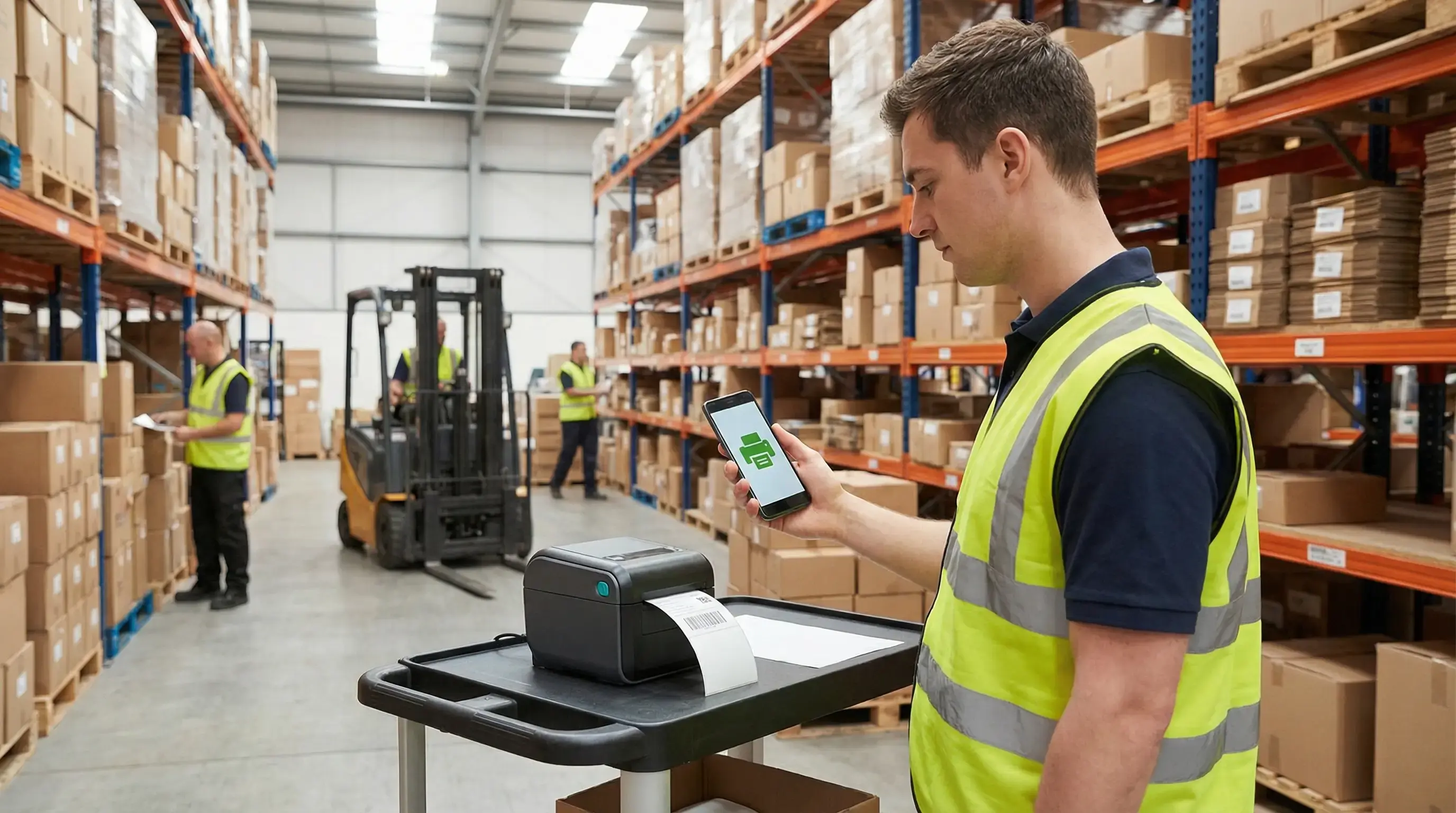
Drukowanie w chmurze, które utrzymuje ruch w waszej sieci logistycznej

Niezależnie od tego, czy zarządzacie centrami dostaw, punktami przeładunkowymi, regionalnymi oddziałami czy placówkami ostatniej mili, ezeep zapewnia przewidywalność drukowania etykiet i dokumentów w każdym punkcie przekazania. Dzięki temu zespoły operacyjne utrzymują płynność transportu, a dział IT przestaje być angażowany w eskalacje zgłoszeń typu „drukarka etykiet nie działa”.

Zobaczcie, jak to działaSkontaktujcie się z działem sprzedaży
logistics-printing-hero
Drukowanie w logistyce

Drukowanie nie powinno spowalniać dostaw

Środowiska logistyczne opierają się na ciągłym generowaniu dokumentów: etykiet, manifestów, kart drogowych, dokumentów zgodności i protokołów zdawczo-odbiorczych. Gdy drukowanie zawodzi, praca szybko się nawarstwia, a przepustowość spada.

Rozproszone lokalizacje, niespójna konfiguracja

Oddziały, centra logistyczne i punkty przeładunkowe często korzystają z różnych drukarek, ustawień i lokalnych obejść, co prowadzi do niepotrzebnych przestojów i konieczności ponownej pracy, gdy rośnie wolumen zleceń.

Praca mobilna kontra stacjonarne drukowanie

Zespoły korzystają z terminali ręcznych, tabletów i urządzeń wytrzymałych, ale procesy drukowania są często blokowane przez sterowniki, lokalne komputery i problemy z siecią, które zawodzą w terenie.

Brak wglądu w kluczowych momentach

Gdy dział IT nie może szybko zidentyfikować, która drukarka, stanowisko lub lokalizacja sprawia problemy, kłopoty z etykietami przeradzają się w długotrwałe przestoje, które wpływają na cały proces kompletacji, pakowania i wysyłki.

Przewidywalne drukowanie dla logistyki o dużym wolumenie

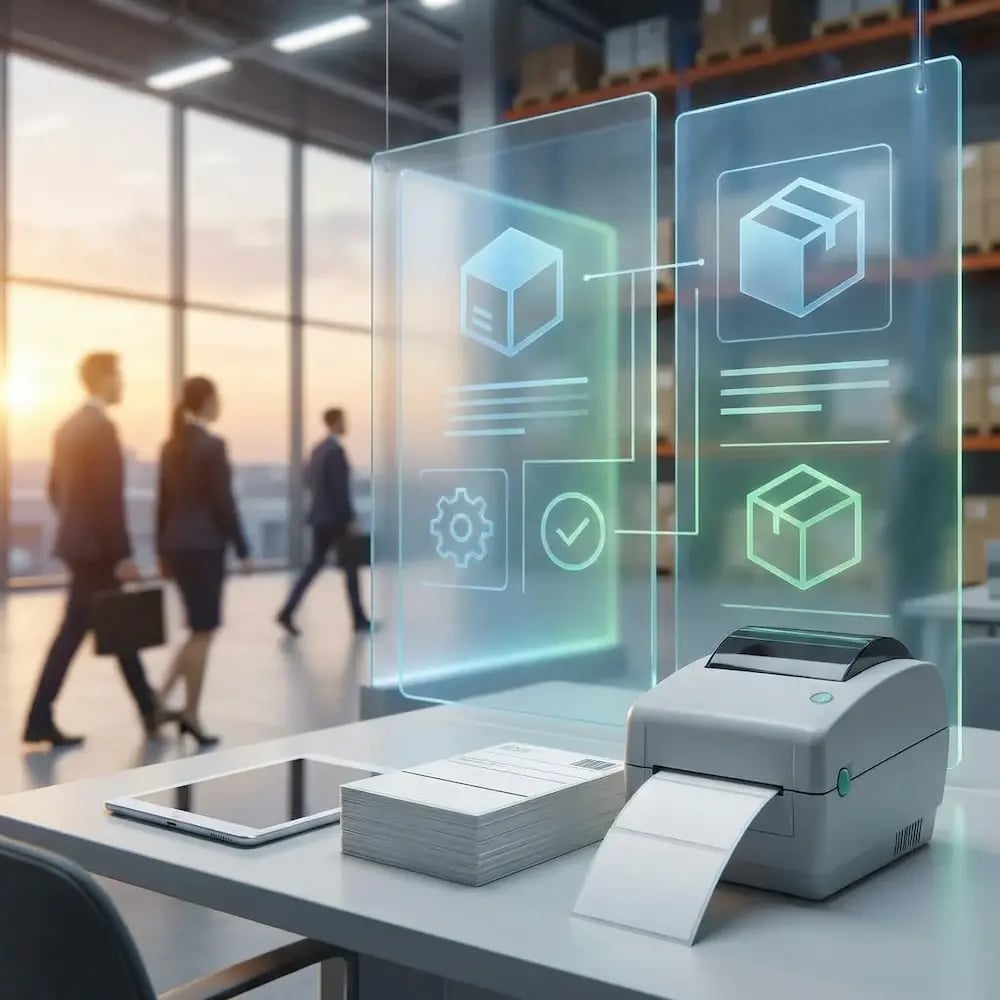
Wyeliminujcie kosztowne błędy na etykietach i w dokumentach

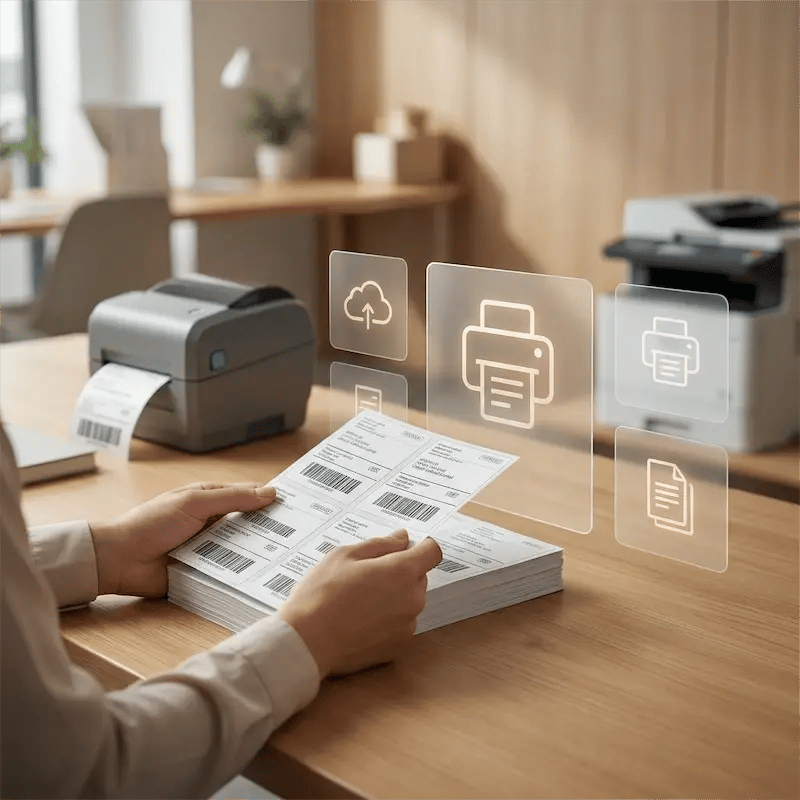
Niespójne etykiety powodują błędne wysyłki i opóźnienia. ezeep zapewnia, że etykiety wysyłkowe, manifesty i formularze zgodności są drukowane poprawnie zarówno na drukarkach termicznych Zebra, jak i na stacjonarnych drukarkach laserowych.

Zdefiniujcie standardy etykiet i dokumentów raz — i egzekwujcie je wszędzie — aby ograniczyć ponowne wydruki, zapobiegać błędom w kierowaniu przesyłek i zabezpieczyć przepustowość.
standardize-labels-everywhere

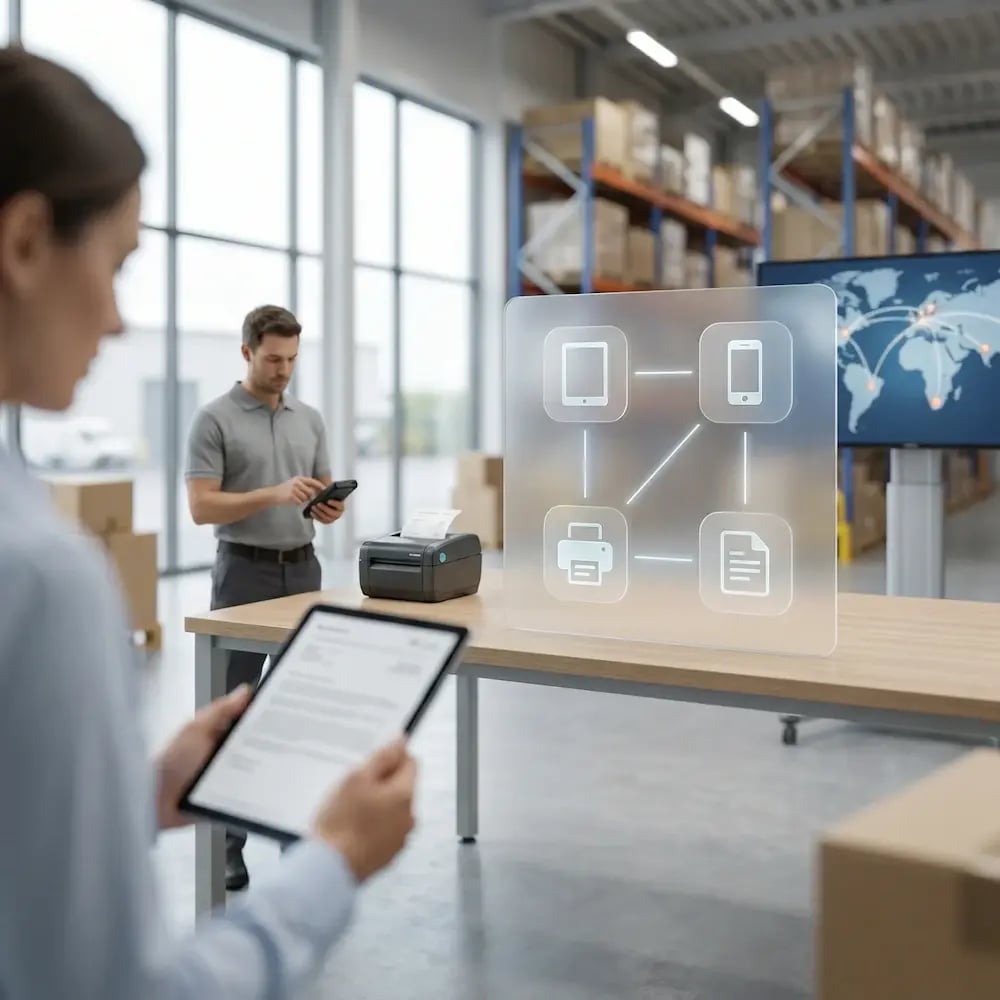
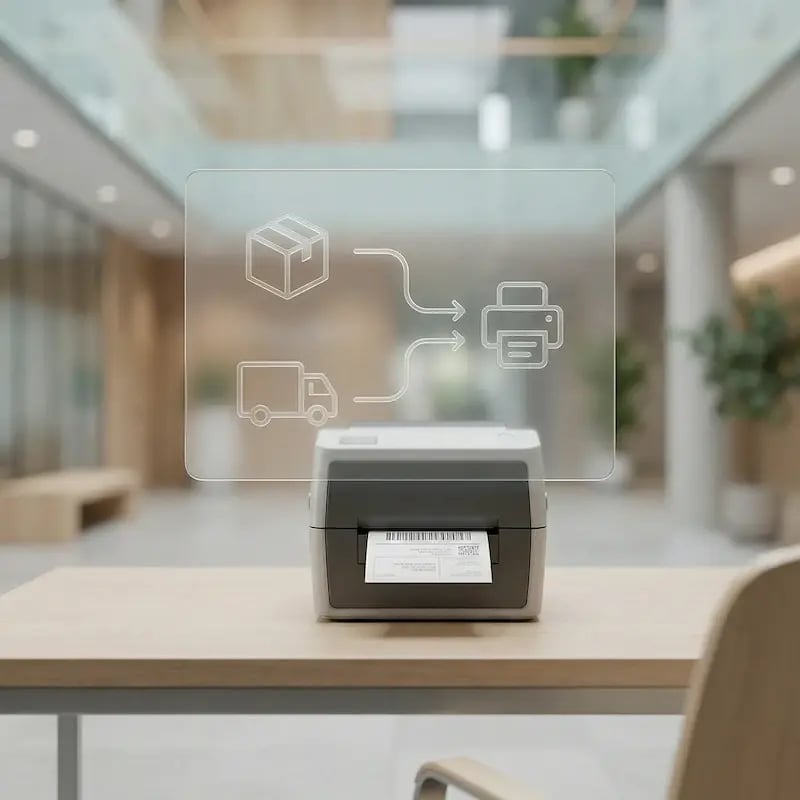
Drukujcie w miejscu działania — nie w biurze

Wasze operacje nie kończą się przy biurku, więc drukowanie też nie powinno. Umożliwcie kierowcom i pracownikom doków drukowanie bezpośrednio z tabletów, terminali ręcznych i urządzeń pokładowych.

Generujcie właściwe dokumenty dokładnie tam, gdzie następuje przekazanie, eliminując wąskie gardła i opóźnienia spowodowane koniecznością wracania do stacjonarnego punktu drukowania.
mobile-printing-warehouse-logistics

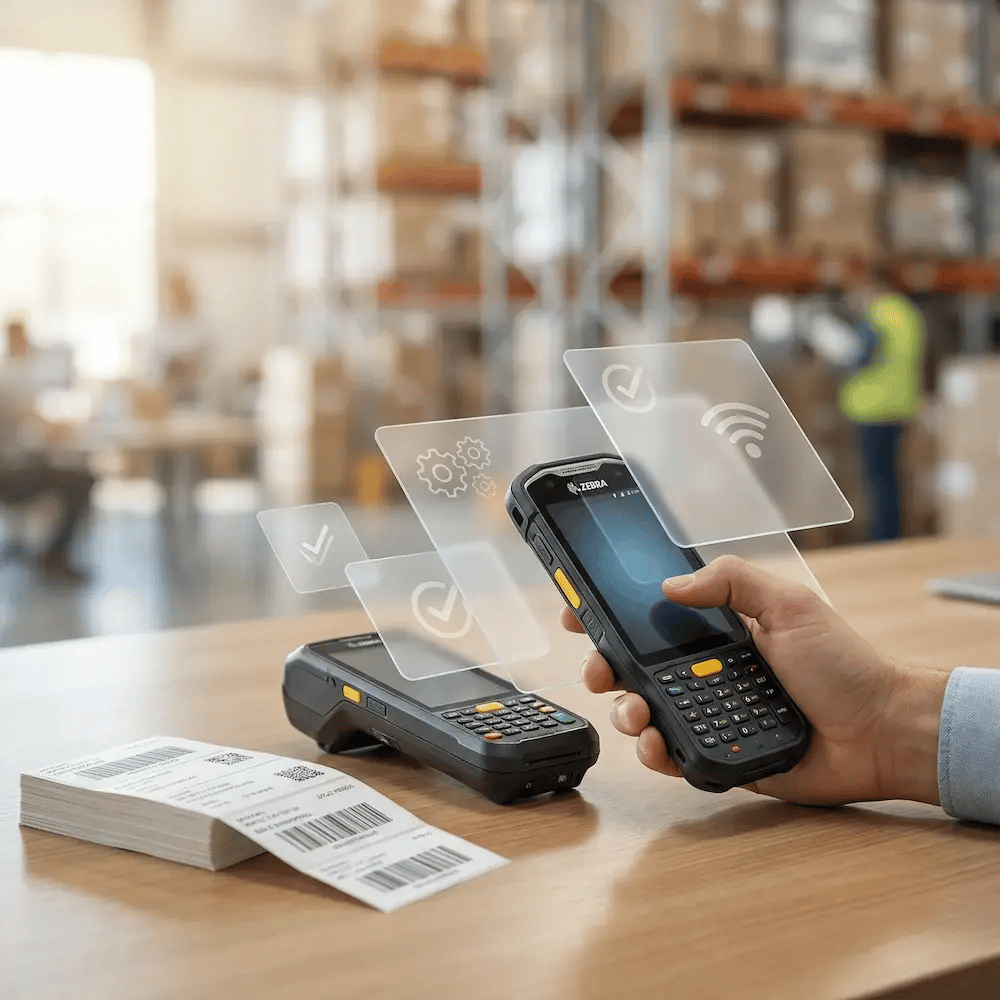
Zapewnijcie spójne wsparcie dla urządzeń Zebra i urządzeń wzmocnionych

Logistyka opiera się na specjalistycznym sprzęcie, a zarządzanie nim to znane wyzwanie. ezeep wprowadza niezawodne, ustandaryzowane drukowanie na waszych terminalach ręcznych Zebra i innych wzmocnionych terminalach mobilnych.

Skończcie z ciągłymi projektami związanymi ze zgodnością sterowników i zgłoszeniami do wsparcia, a nowe urządzenia wdrażajcie z pewnością.
support-zebra-rugged-devices

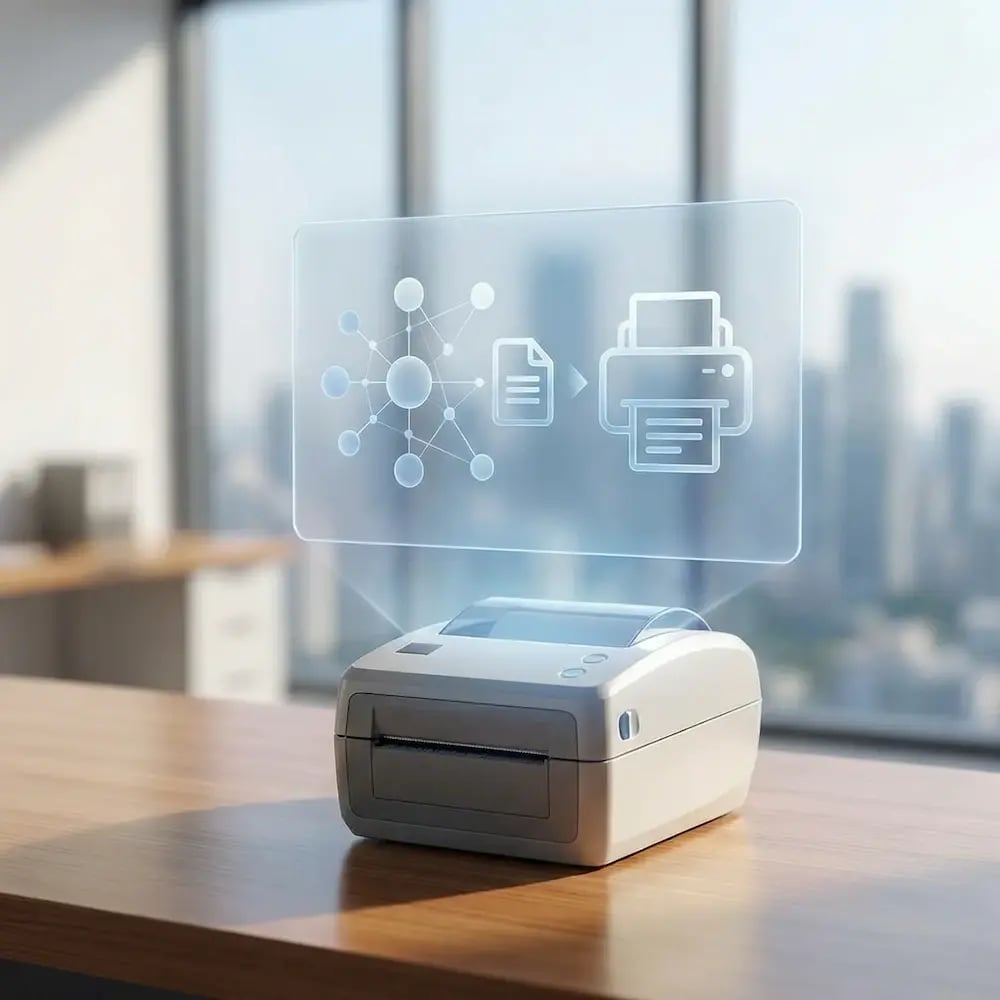
Połączcie wasze systemy WMS i TMS bezpośrednio z drukarkami

Ręczne drukowanie to hamulec, na który wasz przepływ pracy nie może sobie pozwolić. Zautomatyzujcie uruchamianie zadań drukowania z systemów WMS, TMS lub ERP — bez ręcznych kroków i lokalnych zależności.

Gdy przesyłka zostanie oznaczona jako „gotowa”, etykieta drukuje się natychmiast. Wyeliminujcie ręczne kroki, skróćcie czas oczekiwania i upewnijcie się, że odpowiednie dokumenty pojawią się dokładnie wtedy, gdy są potrzebne.
connect-wms-tms-printer

Zarządzajcie całą siecią logistyczną jako jedną całość

Przestańcie zarządzać drukiem oddział po oddziale. Z jednego panelu możecie kontrolować drukarki, wymuszać ustawienia (np. rozmiary etykiet) i rozwiązywać problemy we wszystkich hubach i punktach przeładunkowych.

Zmniejszcie zależność od lokalnych zespołów IT, ustandaryzujcie operacje i uzyskajcie jednolity wgląd w całą infrastrukturę druku.

mamange-network-as-one

Less Infrastructure. More Calm.

Move campus printing to the cloud and reduce the day-to-day maintenance burden. Have fewer patches, fewer queue mysteries, and fewer "it broke overnight" surprises.

Bez serwerów
Scentralizowane
Mniej konserwacji

One Experience Across Campus

Support the real education device mix - Chromebooks, MacBooks, Windows laptops, tablets, and phones - across libraries, labs, dorms, and shared printers without special steps per department or "this printer only works on that OS."

Campus-Wide
Cross-Platform
User-Friendly

Permissions That Actually Make Sense

Tie printer visibility and access to identity and groups, so students, staff, faculty, and researchers see the right printers by role, building, and department - all without constant manual adjustments.

Role-Based
Location-Aware
Consistent

Temporary Access, Without Temporary Chaos

Support guest lecturers, visiting scholars, events, and short-term programs with controlled access that doesn't create recurring IT work or one-off setups.

Temporary Access
Controlled
Low Effort

Confidential Pages Stay With The Right Person

Reduce tray exposure in busy shared spaces. Pull Printing helps ensure jobs only release when the user authenticates at the printer with their school ID, helping protect exams, registrar documents, and sensitive student records.

Private Release
Less Mix-Ups
Auditable

Visibility Finance Can Actually Use

Understand usage across departments and locations, support quotas and accountability, and make it easier for busier and finance teams to track print spend without turning IT into the print police. 

Measurable
Accountable
Budget-Friendly

Cost Recovery Without The Busywork

For campuses that charge students to print, ezeepCampus adds Self-Join onboarding and credit-based printing, so students and staff can self-serve while your institution keeps pricing and access under control.

Self-Join
Credit-Based
Accountable
How It Works

How Logistics Printing Becomes Predictable

Connect people and sites once, then keep printing consistent across hubs, shifts, and devices. Map printers to stations and workflows, standardize output settings, and automate print triggers so IT manages centrally while ops teams just print and keep moving freight.
connect-wms-printers
1

Add Printers and Hub Locations

Connect printers across hubs, docks, and back offices so they’re centrally managed and ready for every shift. Standardize defaults and naming so output stays consistent no matter the site.
add-warehouse-users
2

Add People and Access

Sync dispatch, ops, and admin teams and assign the right printers by hub, role, or workflow. As teams and shifts change, access stays aligned automatically—without manual rework.
standardize-labels
3

Print and Automate Workflows

Print from any device, and trigger labels and documents automatically via Print App for Services. Ops keeps freight moving while IT manages policies and updates from one place.
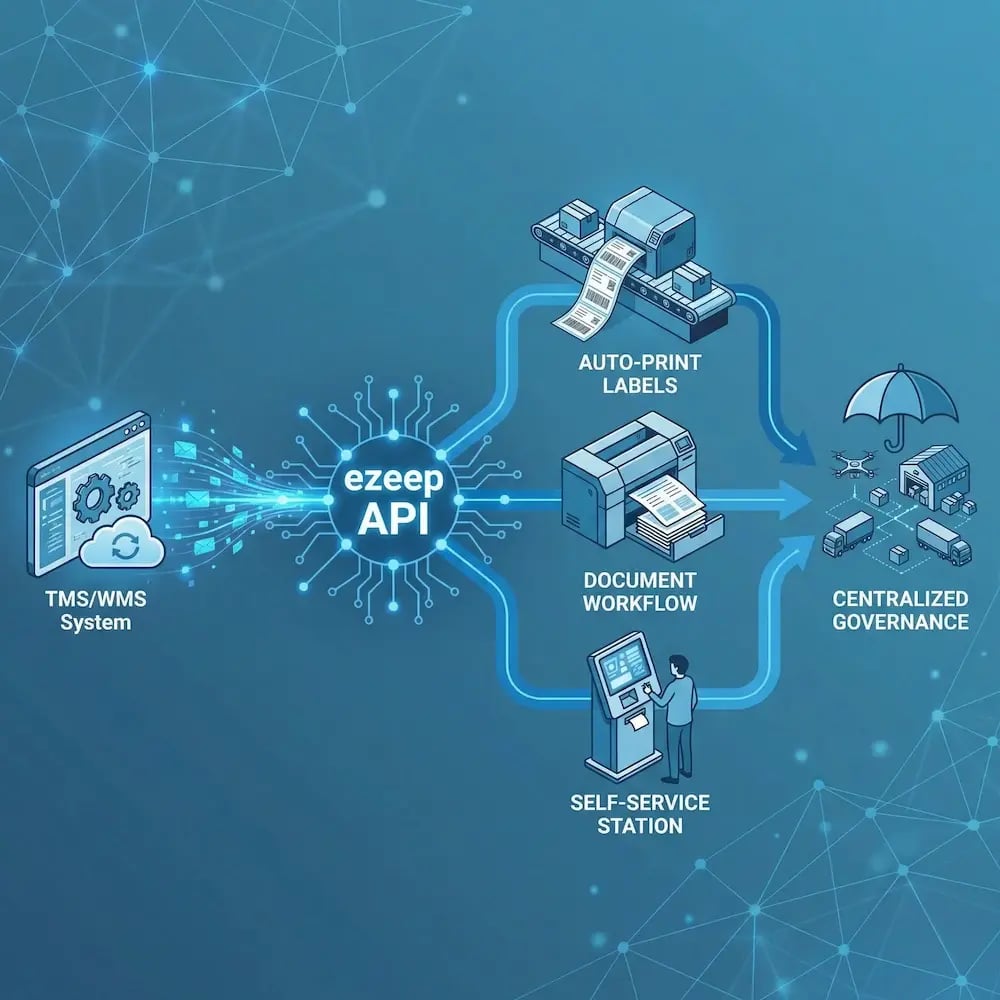

ezeep API

Automated, API-Driven Printing for High-Volume Logistics

When labels and documents are part of a logistics workflow, they shouldn't depend on manual steps. The ezeep API, MCP, and Print App for Services let WMS, TMS, and ERP systems trigger and route print jobs automatically, sending output to the correct station and keeping high-volume operations moving without human intervention.

Common use cases include TMS/WMS-triggered label printing, auto-printing when an order or shipment status changes, and routing rules that send the right document to the right place based on workflow logic, whether the jobs come from a cloud app, an AI agent, or a backend Windows service.

Explore the ezeep API
logistics-warehouse-api
Environments

Built for Real Logistics Workflows

dispatch-route-areas

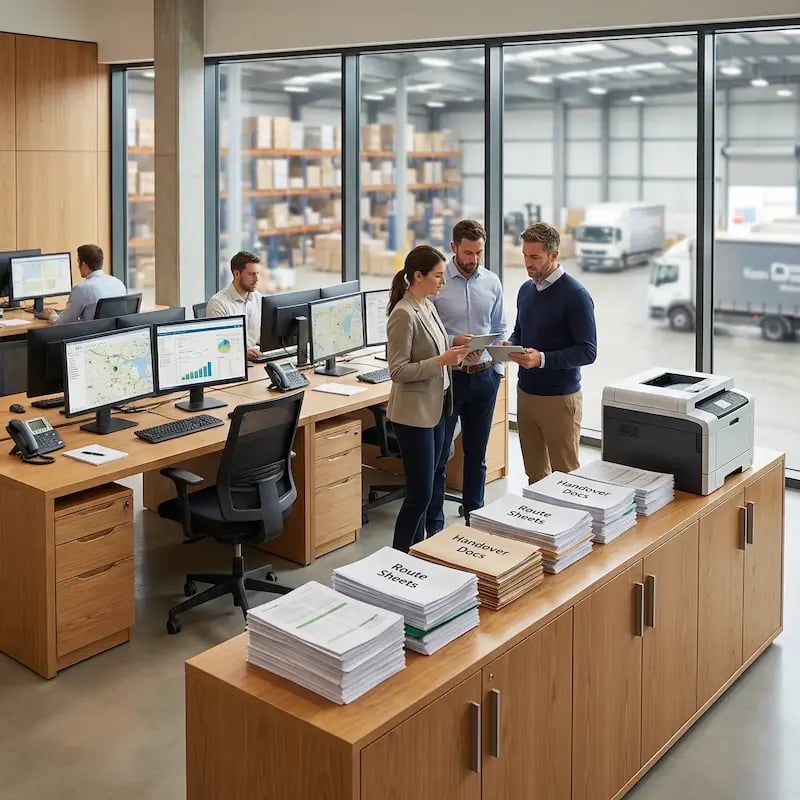
Dispatch & Route Preparation Areas

Get route sheets, manifests, and handover documents where drivers start their day, without last-minute printer surprises.
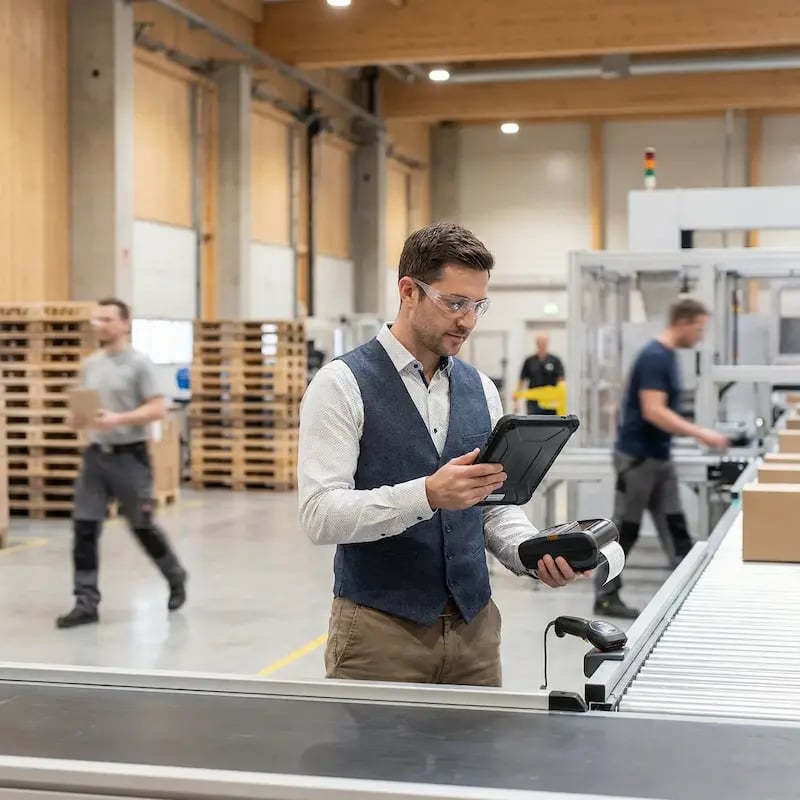
cross-dock-sorting-zones

Cross-Dock & Sorting Zones

Print labels and transfer paperwork reliably, including from mobile and rugged devices, while teams stay on the move.
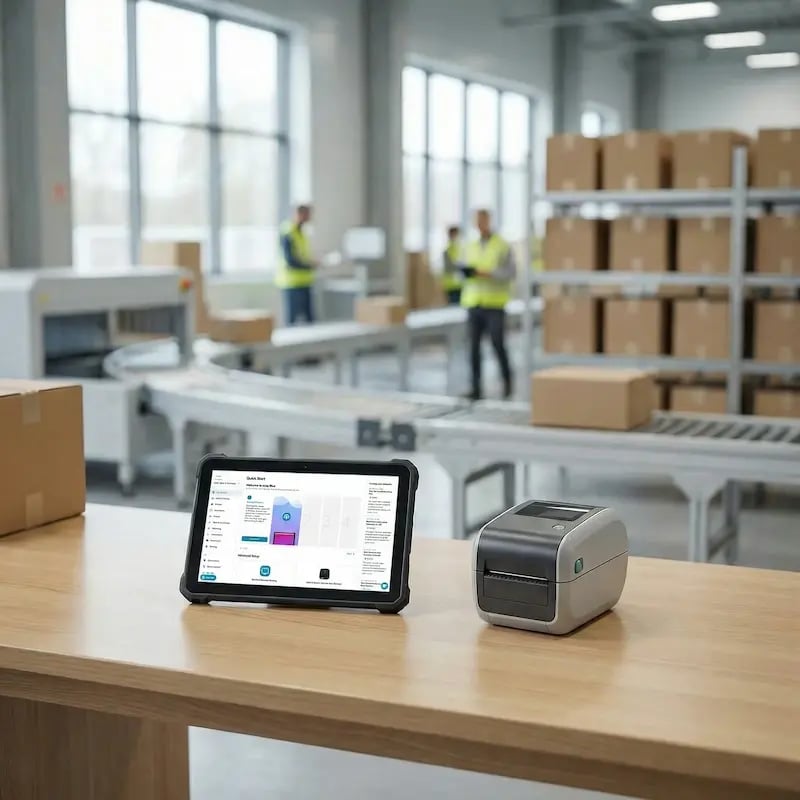
delivery-hubs-regional-depots

Delivery Hubs & Regional Depots

Standardize label and document settings across sites so output scans correctly and meets carrier requirements everywhere.

fleet-offices-planning

Fleet Offices, Planning & Administration

Support schedules, compliance documents, and reporting with predictable printing across teams and locations.

Security & Compliance

Protect Shipment Data Without Disrupting Throughput

Sensitive customer and shipment data should not become a printing risk. Keep controls strong without slowing operations down.
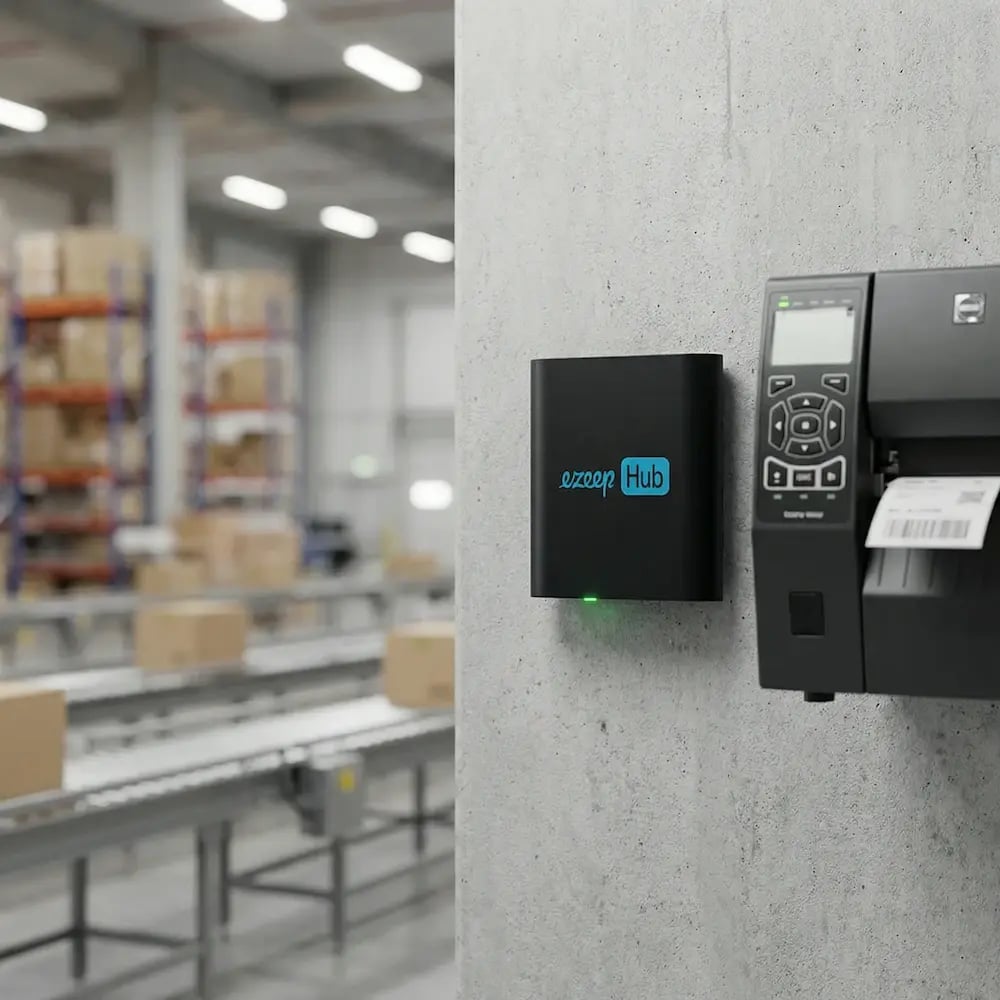
Meet the ezeep Hub

Bring Depot Printers Under Network-Wide Control

The ezeep Hub connects label, thermal, office, and legacy depot printers to your centralized print infrastructure without rip-and-replace projects. It removes local server and driver dependencies, keeping printers reliable across hubs, depots, and cross-docks without on-site IT intervention.

ezeep-hub-warehouse-logistics
Testimonials

Trusted by Logistics Teams Worldwide

From dispatch centers to delivery hubs, logistics operators rely on ezeep to keep printing consistent, accurate, and ready for peak days.
"Thanks to ezeep, we can connect to printers outside the network quickly and easily for relatively low cost."
Marcus Klein
CIO, Quick Cargo Service
Related Articles

Dive Into the World of ezeep

Fresh takes, practical guides, and smart ways to print better

Driverless Printing for Android Warehouse Staff

Driverless Printing for Android Warehouse Staff

November 28, 2025 2 min read
Prepare Your Label Printer for the Holiday Rush

Prepare Your Label Printer for the Holiday Rush

November 26, 2025 3 min read
The Future of POS Printing: Key Takeaways for ezeep

The Future of POS Printing: Key Takeaways for ezeep

July 11, 2025 2 min read

Frequently Asked Questions

Curious about how it all works? Here’s everything you wanted to know about ezeep’s cloud printing solution!

Can ezeep support printing for transport documents, manifests, and waybills?

Yes. ezeep works with label, thermal, office, and legacy printers to support every logistics document type, including bills of lading, shipping manifests, customs paperwork, proof-of-delivery receipts, and waybills. Cloud-hosted drivers handle rendering for a wide range of printer models, so depot offices, cross-dock facilities, and driver check-in stations can all print the documents they need without local driver installations or per-site configuration.

Can drivers print from mobile devices or in-vehicle tech?

Yes. Drivers can print from tablets, phones, rugged handhelds, or onboard computers without a VPN, regardless of carrier network or location. ezeep routes print jobs through the cloud, so a driver at a customer site, a fuel stop, or a remote delivery location can send documents to a printer at the depot, a branch office, or a partner facility. Supported platforms include iOS, Android, Windows, and Zebra mobile devices.

Can ezeep integrate with our TMS, routing system, or carrier software?

Yes. Through the ezeep API, MCP server, and Print App for Services, your TMS, routing platform, and carrier software can trigger automated, unattended printing based on system events. Route assignments, manifest generation, shipment status changes, and carrier label requests can all fire print jobs automatically to the correct printer at the correct location, with no manual intervention from dispatchers or drivers.

Do we need local servers or PCs?

No. Everything is cloud-managed, which means no print servers at depots, no VPN tunnels between locations, no driver installations on endpoints, and no on-site IT required to keep printing running. The ezeep Hub connects existing printers to the cloud through a secure outbound connection, so adding a new terminal or cross-dock facility takes minutes instead of weeks of infrastructure work.

Can we standardize output across different hubs?

Yes. ezeep Printer Profiles let you enforce standardized label sizes, document formats, duplex settings, and output defaults across every depot, terminal, and distribution center. Assignments are managed centrally from the admin portal, so a bill of lading printed in one hub looks identical to one printed across the network, reducing errors and eliminating the inconsistencies that come from per-site configuration.

Back to top

Ready to Modernize Your Logistics Printing?

Keep logistics printing predictable across every site and device so operations teams stay moving and IT spends less time on escalations.

ezeep-chart (1)