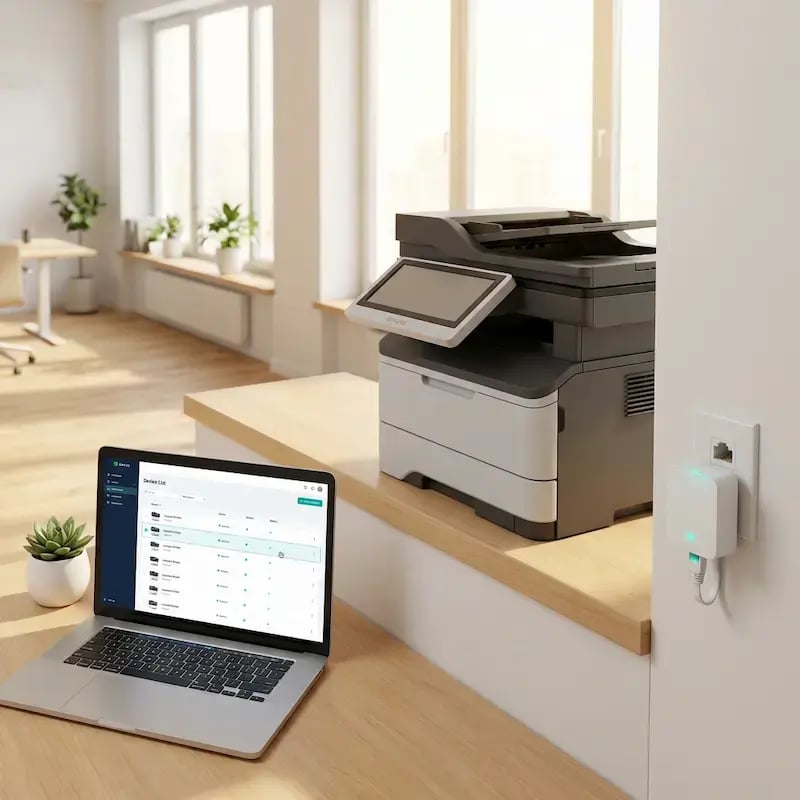
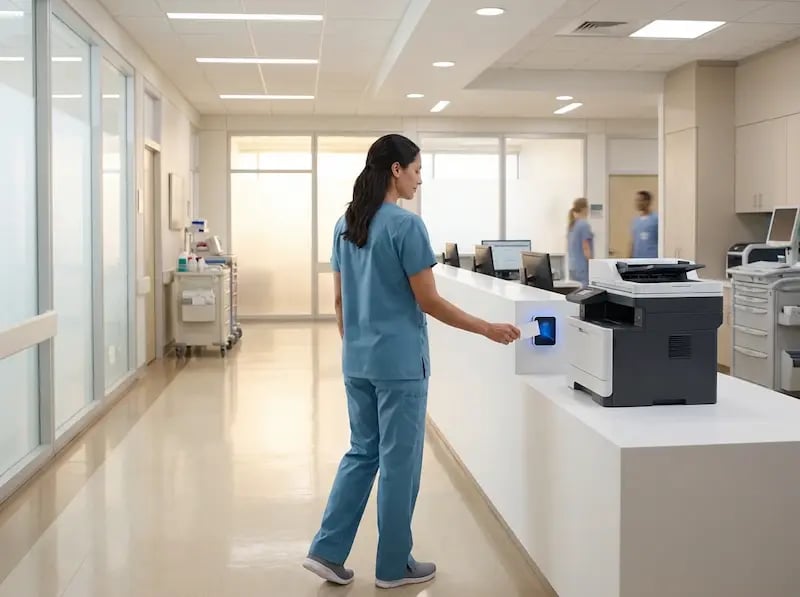
Zautomatyzowane drukowanie, które uruchamia się samo

Koniec z pilnowaniem zadań drukowania. Dzięki ezeep wasze aplikacje, systemy ERP, webhooki i agenci AI wysyłają dokumenty prosto do dowolnej drukarki — bez ręcznej obsługi, skomplikowanych konfiguracji ani osób czekających przy drukarce na wydruk.

Wypróbujcie bezpłatnieZobaczcie, jak to działa
automated-printing-developer-setup

Czym jest zautomatyzowane drukowanie z ezeep?

ezeep to platforma do zarządzania drukiem w chmurze, która wyzwala zadania drukowania z dowolnej aplikacji, webhooka lub agenta AI, bez udziału człowieka. Udostępnia cztery ścieżki wyzwalania: REST API do bezpośredniej integracji, natywny serwer MCP dla Claude i innych agentów AI, platformy no-code (Zapier, Make, Pabbly Connect) dla zespołów operacyjnych oraz ezeep Print App for Services do bezobsługowych przepływów pracy w ERP, WMS, EHR i LIS. Zadania są kierowane do właściwej drukarki w dowolnej lokalizacji za pośrednictwem ezeep Hub.

Problem

Ręczne drukowanie paraliżuje przepływy pracy

Każde zamówienie, etykieta, paragon i formularz, które wymagają od kogoś kliknięcia „Drukuj”, to wąskie gardło i punkt awarii. Zespoły IT i operacyjne odczuwają to w postaci opóźnień, błędów i niekończących się zgłoszeń do pomocy technicznej.

Etykiety wysyłkowe nie drukują się same

Lista kompletacji musi zostać wydrukowana w chwili otrzymania zamówienia. Etykieta wysyłkowa musi się wydrukować w chwili zapakowania paczki. Gdy te momenty wyzwalające zależą od kliknięcia przycisku „Drukuj”, pominięte dokumenty prowadzą do opóźnień w wysyłce.

Systemy back-office nie mają dostępu do drukarki

wasz system ERP, WMS lub narzędzie SaaS generuje dokument, ale przesłanie go do właściwej drukarki w odpowiedniej lokalizacji wymaga użycia sieci VPN, lokalnych agentów lub zawodnych obejść, które zawodzą w najgorszym możliwym momencie.

Agenci AI nie mają gdzie drukować

wasz zespół tworzy przepływy pracy z użyciem Claude, ChatGPT lub niestandardowych agentów, ale ostatnia mila do papieru wciąż jest ręczna. Automatyzacja zatrzymuje się w momencie, gdy dokument trzeba wydrukować.

Rozwiązanie

Jedno API, każda aplikacja, każda drukarka

Wyzwalajcie wydruki z dowolnego źródła wysyłającego żądania HTTP

Wasz system ERP, CRM, platforma wysyłkowa, własna aplikacja SaaS, przepływ pracy w Zapier lub skrypt w Pythonie — jeśli może wykonać wywołanie API, może drukować przez ezeep.

Wyślijcie dokument, wybierzcie drukarkę i gotowe. Bez lokalnych agentów, bez zainstalowanych sterowników i bez nikogo przy komputerze.
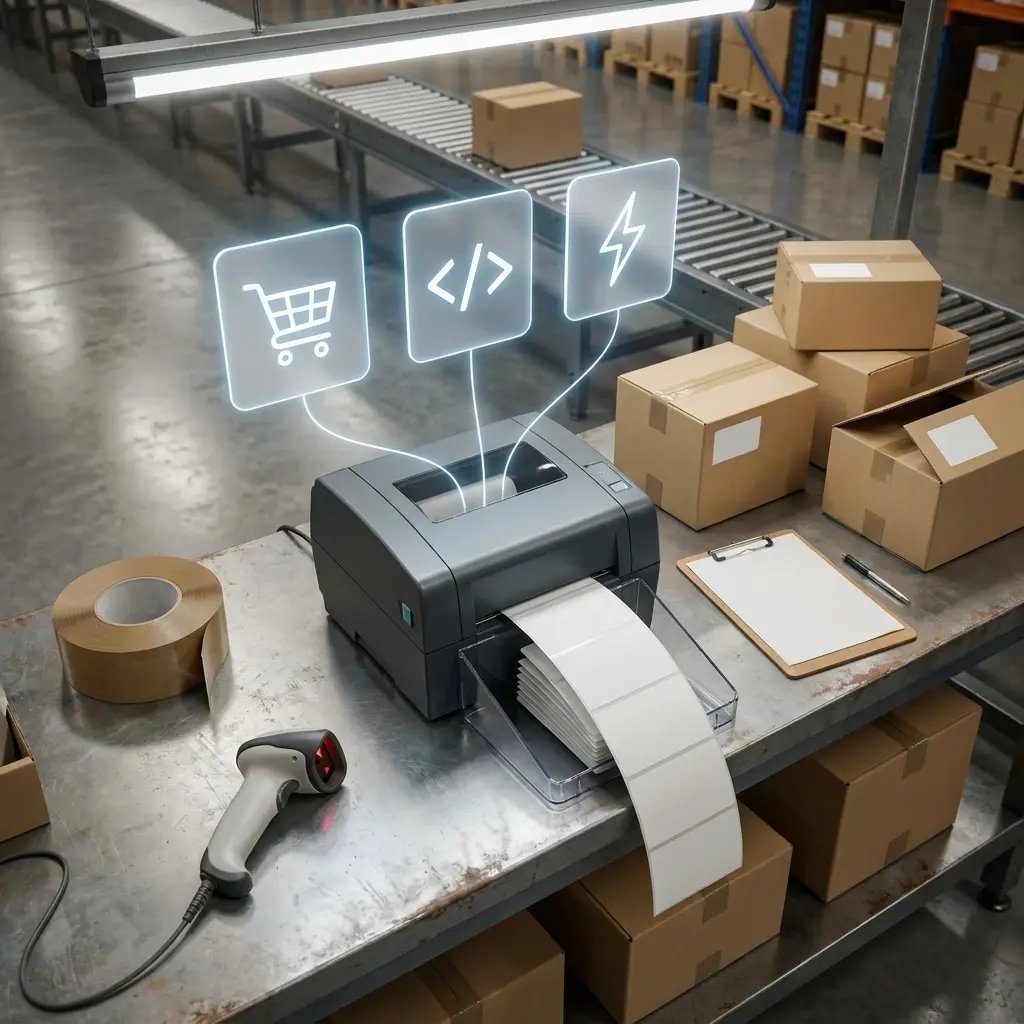
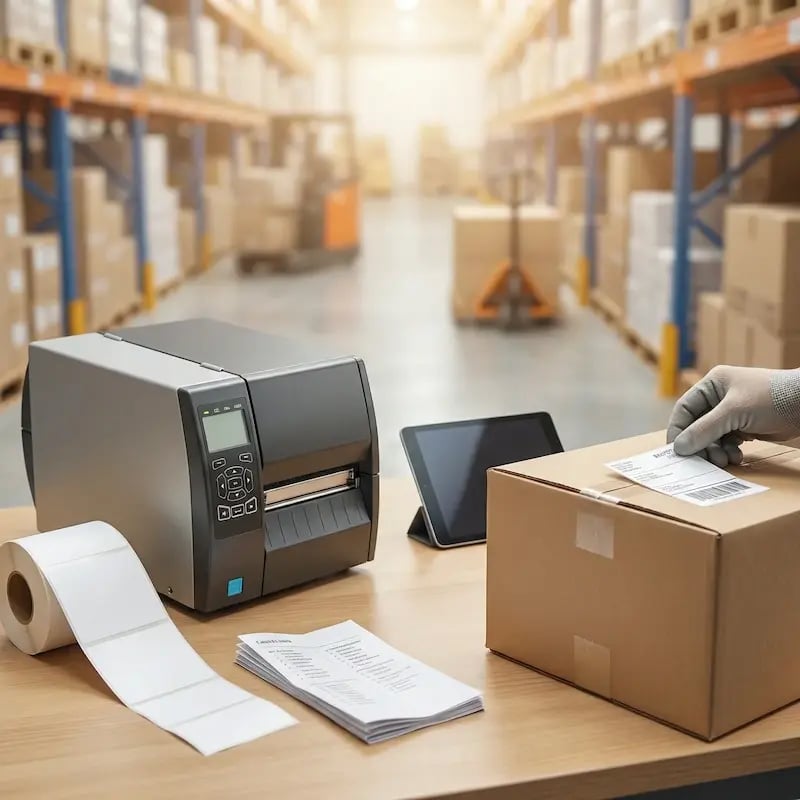
zebra-warehouse-printer-automated

Drukujcie z Zapier, Make i Pabbly w kilka minut

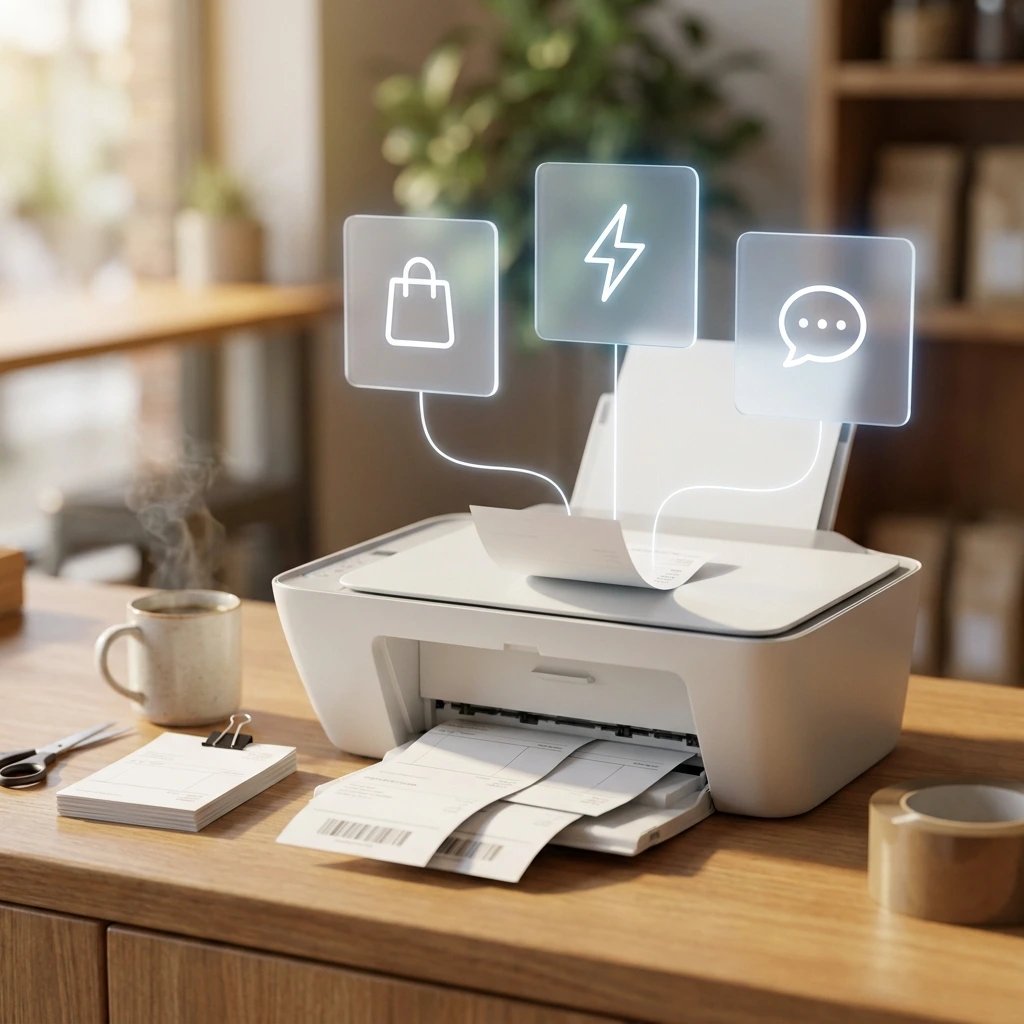
Połączcie ezeep z ponad 7 000 aplikacji za pomocą platform automatyzacji no-code. Wyzwalajcie wydruki w odpowiedzi na nowe zamówienia w Shopify, zgłoszenia w HubSpot, zdarzenia w SAP, wiadomości na Slacku lub cokolwiek innego — bez napisania ani jednej linii kodu.

Zespoły operacyjne zyskują potrzebną automatyzację bez oczekiwania na dział IT.

print-from-zapier-make-apps

Udostępnijcie drukarkę swoim agentom AI

ezeep to jedna z pierwszych platform do druku z natywnym serwerem MCP. Połączcie Claude, Cursor lub dowolnego agenta AI obsługującego MCP i pozwólcie mu drukować faktury, etykiety, raporty lub podsumowania jako część przepływu pracy Waszego projektu „vibe coding”.

Automatyzacja oparta na agentach aż do wydruku na papierze — bez potrzeby ręcznego łączenia elementów.
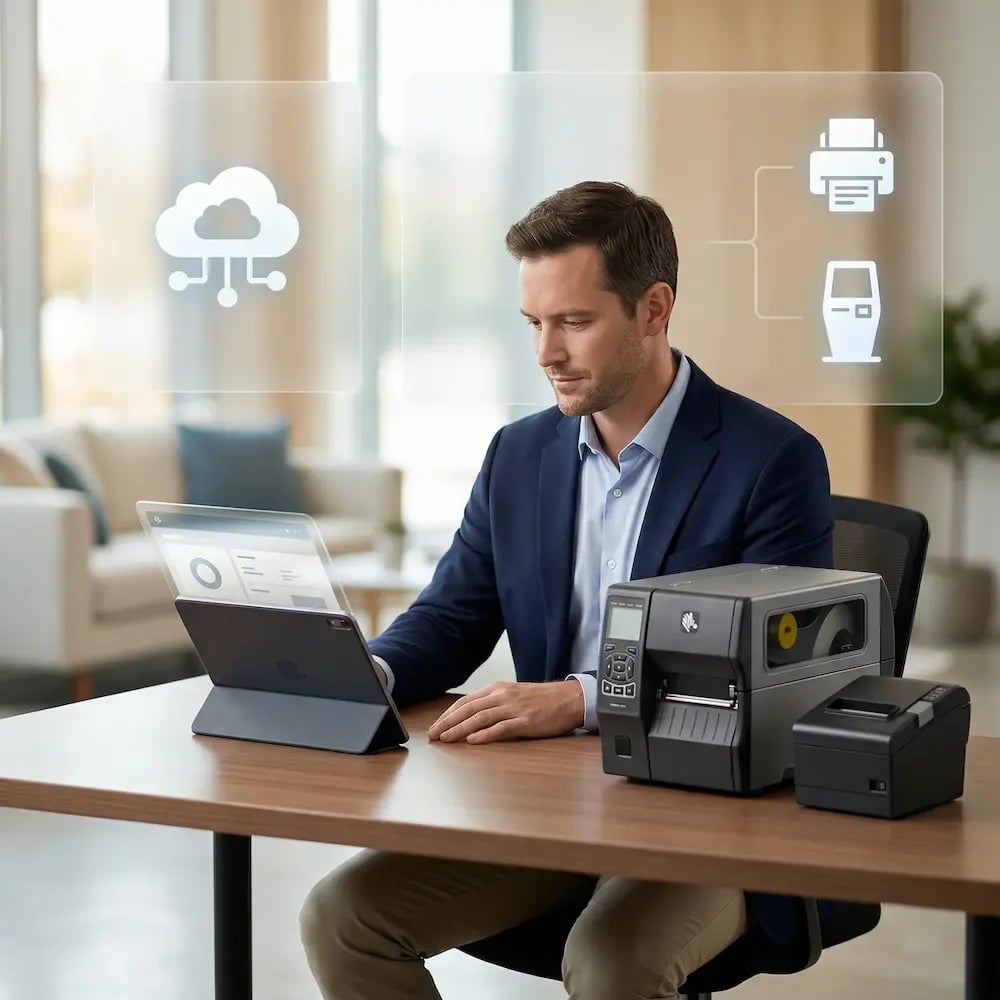
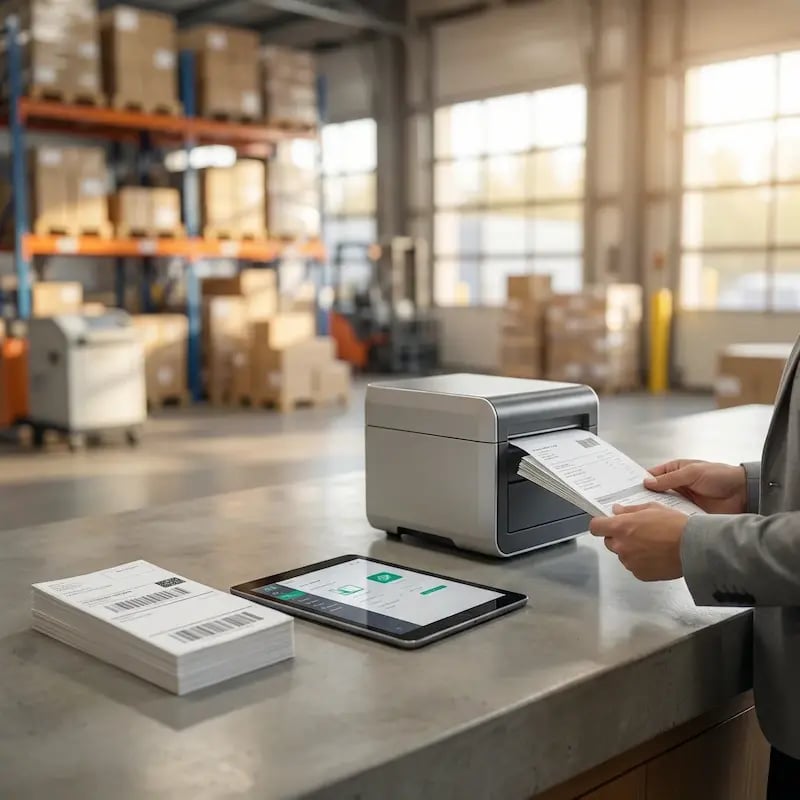
manage-printer-tablet-label-printer

Drukujcie bezpośrednio z systemów ERP, WMS i innych systemów zaplecza

Uruchomcie drukowanie bezobsługowe z SAP, Oracle, Dynamics lub z dowolnego systemu backendowego, który musi drukować dokumenty bez udziału człowieka.

Print App for Services tworzy trwałe, połączone z chmurą kolejki wydruku, do których systemy ERP, WMS, EHR i systemy laboratoryjne mogą drukować jak do każdej innej drukarki — bez potrzeby lokalnego serwera wydruku.
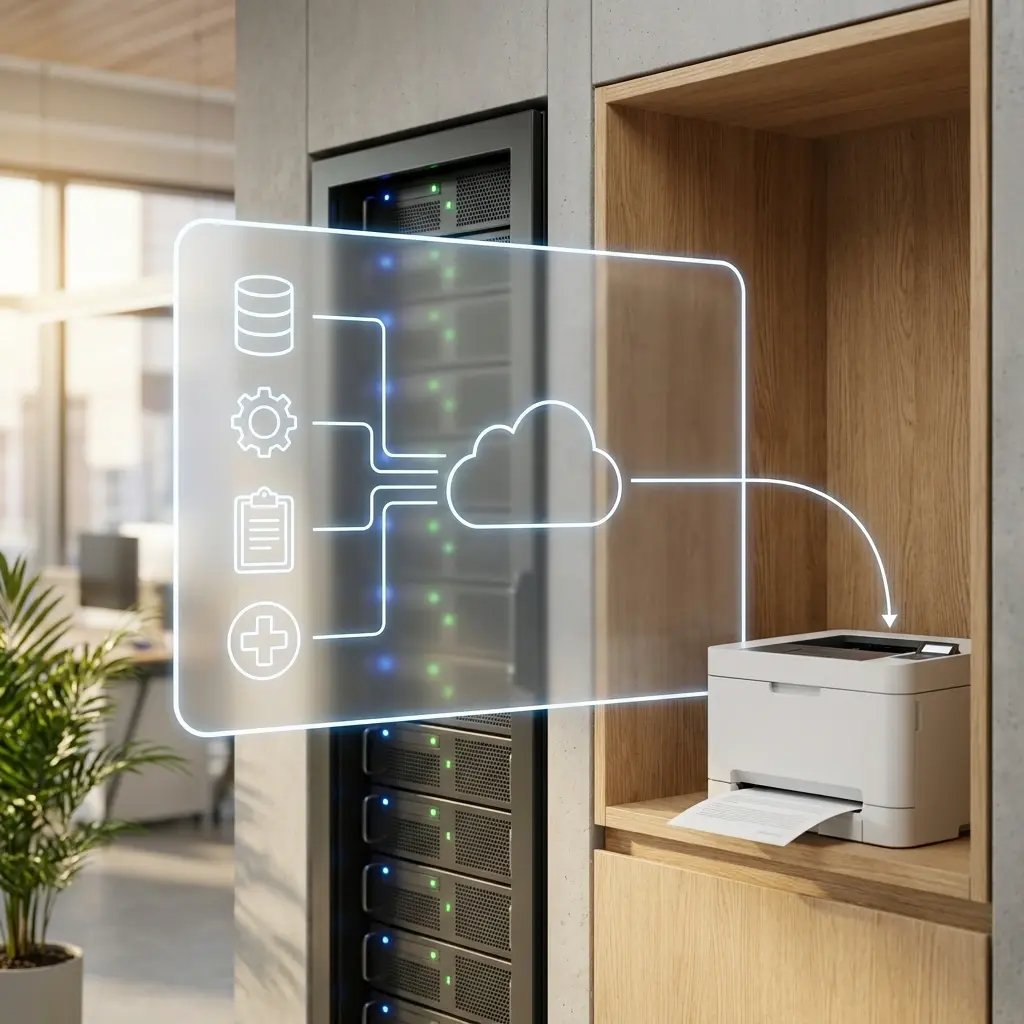
 

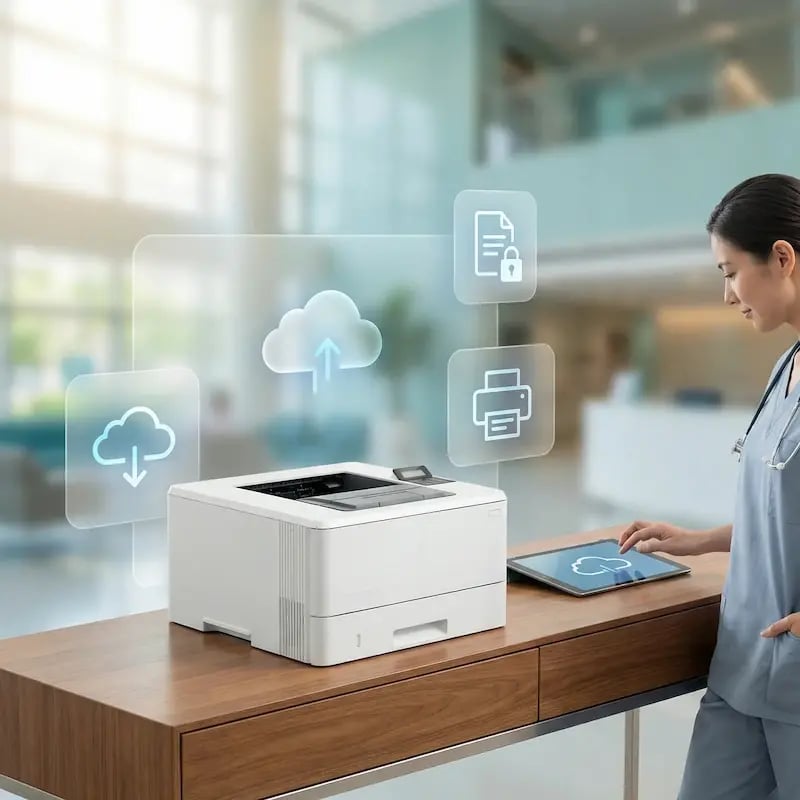
print-app-for-services-automated-printing

Skalujcie bez przebudowy infrastruktury

Dodajcie nowy magazyn, sklep lub oddział i w kilka minut podłączcie jego drukarki do istniejących automatyzacji. Bez nowych serwerów wydruku, bez niestandardowych integracji dla każdej lokalizacji i bez przepisywania przepływów pracy.

Wasza zautomatyzowana infrastruktura druku rośnie tak szybko, jak Wasze operacje.

manage-fleet-printers-one-screen-dashboard

Less Infrastructure. More Calm.

Move campus printing to the cloud and reduce the day-to-day maintenance burden. Have fewer patches, fewer queue mysteries, and fewer "it broke overnight" surprises.

Server-Free
Centralized
Less Upkeep

One Experience Across Campus

Support the real education device mix - Chromebooks, MacBooks, Windows laptops, tablets, and phones - across libraries, labs, dorms, and shared printers without special steps per department or "this printer only works on that OS."

Campus-Wide
Cross-Platform
User-Friendly

Permissions That Actually Make Sense

Tie printer visibility and access to identity and groups, so students, staff, faculty, and researchers see the right printers by role, building, and department - all without constant manual adjustments.

Role-Based
Location-Aware
Consistent

Temporary Access, Without Temporary Chaos

Support guest lecturers, visiting scholars, events, and short-term programs with controlled access that doesn't create recurring IT work or one-off setups.

Temporary Access
Controlled
Low Effort

Confidential Pages Stay With The Right Person

Reduce tray exposure in busy shared spaces. Pull Printing helps ensure jobs only release when the user authenticates at the printer with their school ID, helping protect exams, registrar documents, and sensitive student records.

Private Release
Less Mix-Ups
Auditable

Visibility Finance Can Actually Use

Understand usage across departments and locations, support quotas and accountability, and make it easier for busier and finance teams to track print spend without turning IT into the print police. 

Measurable
Accountable
Budget-Friendly

Cost Recovery Without The Busywork

For campuses that charge students to print, ezeepCampus adds Self-Join onboarding and credit-based printing, so students and staff can self-serve while your institution keeps pricing and access under control.

Self-Join
Credit-Based
Accountable
How It Works

How Automated Printing Works with ezeep

Go from "someone needs to click Print" to fully automated output in three steps. Connect your printers, wire up your trigger, and let your apps handle the rest.
add-printers-healthcare
1

Connect Your Printers

Plug in an ezeep Hub or install the ezeep Connector at any location. Your printers are online and cloud-managed in minutes, whether they're at HQ, a warehouse, a retail store, or a branch office.

guy-coding-api
2

Wire Up Your Trigger

Connect ezeep to your app through the REST API, MCP server, or a no-code platform like Zapier or Make. Choose what triggers a print - a new order, a webhook, a cron job, an AI agent action.

printer-automated-home-office
3

Prints Happen Automatically

Every time the trigger fires, the document goes to the right printer without anyone touching a keyboard. You watch dashboards instead of printer queues.

Ways to Trigger

Trigger Prints from Any App, Agent, or API

Connect ezeep to your stack through code, no-code platforms, AI agents, or backend workflows. Pick the path that fits your team.

How ezeep Makes Mobile & BYOD Printing Easy

Go from "I need this printed" to page-in-hand in three quick, simple steps. Invite users with Self-Join using a link or QR code, choose which printers they can access, then let them print from the ezeep app or web app and release securely on-site.

1. Add Your People
2. Connect Your Printers
3. Print from Any Device
go-live (1)
Describe your image
Describe your image
Meet the ezeep Hub

Make Any Printer Cloud-Ready for Automation

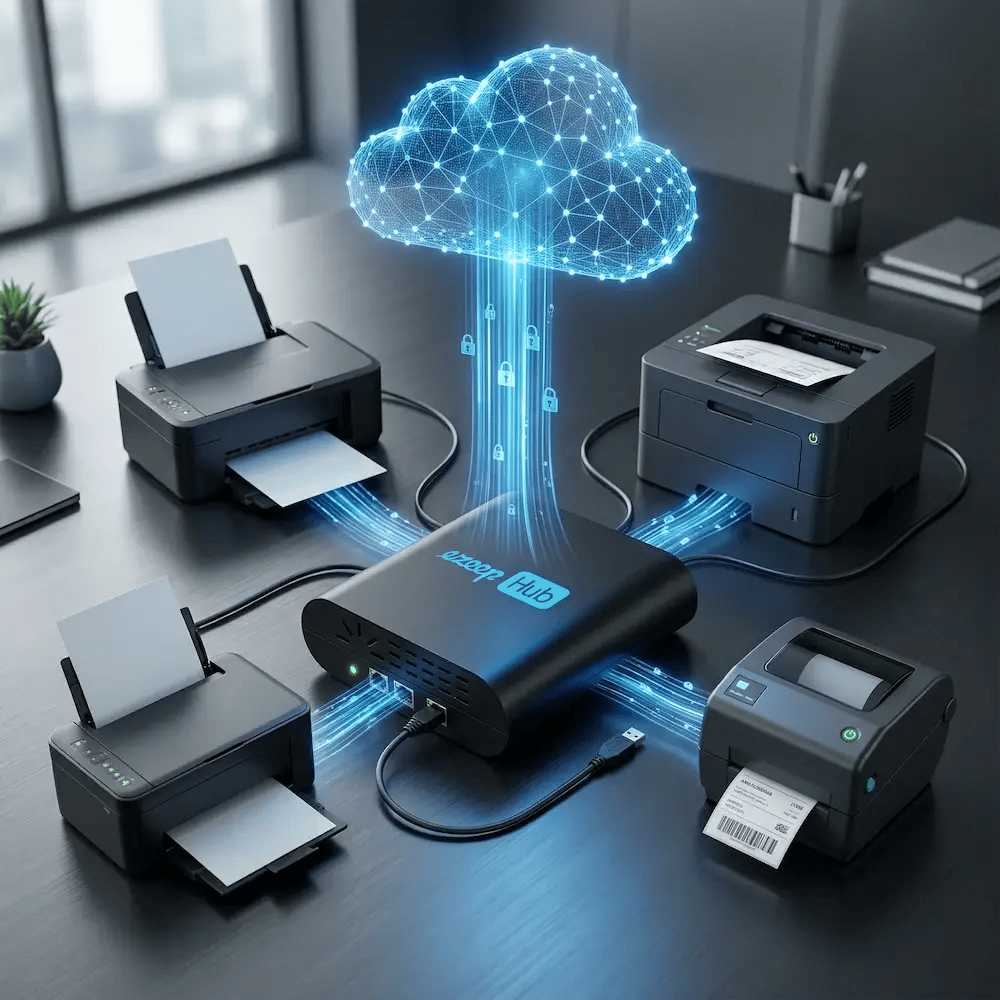
The ezeep Hub connects your existing printers - including older, USB-only, and thermal label printers - to the ezeep Cloud. A small, maintenance-free device that brings any printer into your automated workflow without replacing hardware or leaving a PC running next to the printer.

Learn More About the ezeep Hub
ezeep-hub-connect-printer-fast-cloud
Security

Automated Doesn't Mean Unsecured

Just because no human is at the printer doesn't mean the pipeline is open. ezeep applies enterprise-grade security to every automated job.
Industries

Trusted Across Industries That Run on Automated Output

When printing has to happen without a human in the loop, there's no margin for failure. ezeep powers reliable automated output in the industries where every missed print costs time, money, and trust.
Customer Quotes

Trusted by Teams That Automate Print at Scale

"ezeep has made our warehouse have a much better workflow and removed the bigger part of human mistakes since 90% is now automated."

Ronny Gjersvold
Application Engineer, L5 Navigation
"We're using Zapier to send signed prescriptions from our medical clinic to our pharmacy, with ezeep printing them in the pharmacy."

Andreas Schuren
IT Provider, PHG Viersen
"We use ezeep's API to print waybills through our thermal printers placed in our warehouses. It saves time and prevents employee errors."

Sergey Grigorev
IT Department, Ecom Marketing

Frequently Asked Questions

What is automated printing and how does it work?

Automated printing is the process of triggering print jobs directly from applications, webhooks, APIs, or AI agents without a human clicking "Print." With ezeep, any system that can make an HTTP request can send a document to any connected printer. Common triggers include new ecommerce orders, ERP events, WMS pick lists, cron jobs, Zapier workflows, and AI agent actions. The document is rendered in the ezeep cloud and delivered directly to the target printer - no local agent, driver install, or user intervention.

How do I trigger a print job from my app or ERP?

You have three options with ezeep: call the REST API directly from your code, connect through a no-code platform like Zapier, Make, or Pabbly, or use the ezeep MCP server to let AI agents print. The REST API works with any language - Python, Node.js, Go, PHP, Ruby, .NET, and others - and requires only an API key and a POST request with the document and target printer. No-code platforms let operations teams set up automations without developer involvement.

How does ezeep decide which printer a job goes to?

You pick. Send a print job to a specific printer, to a printer group, or let ezeep route by identity, location, or logic you define in your workflow. Printer assignments can follow user, site, or job type, so the shipping station always gets the shipping labels, the clinic printer always gets the prescription, and a new hire automatically inherits the right printers when they join a group. One document, the correct printer, every time.

Does ezeep work with AI agents like Claude and ChatGPT?

Yes. ezeep provides a native MCP (Model Context Protocol) server that connects to Claude, Cursor, and other MCP-capable AI agents. This lets agents print documents as part of their workflow - for example, generating and printing an invoice, a label, or a summary report without leaving the conversation. ezeep was one of the first print platforms to ship a production MCP server, making it a natural fit for teams building agentic automation.

What types of printers work with automated printing?

Any printer connected to ezeep works with automated printing, regardless of manufacturer or model. This includes network printers, USB printers connected via the ezeep Hub, thermal label printers (Zebra, Brother, Dymo), receipt printers, and legacy devices without modern interfaces. The ezeep cloud handles all rendering and driver management, so no printer drivers are required on the application side. If a printer is connected to your ezeep account, any automated workflow can send jobs to it.

Back to top

Ready to Automate Every Print Job in Your Stack?

Connect your apps, your ERP, your AI agents, and your printers in one cloud-managed pipeline. Stop clicking Print.

ezeep-chart (1)