
ezeep vs PaperCut MF: Cloud Print Management Compared
Looking for a PaperCut alternative or evaluating ezeep alongside PaperCut MF? This is a current, side-by-side comparison of how each platform handles print drivers, pricing, platform support, and security. (Updated as of August 2026)
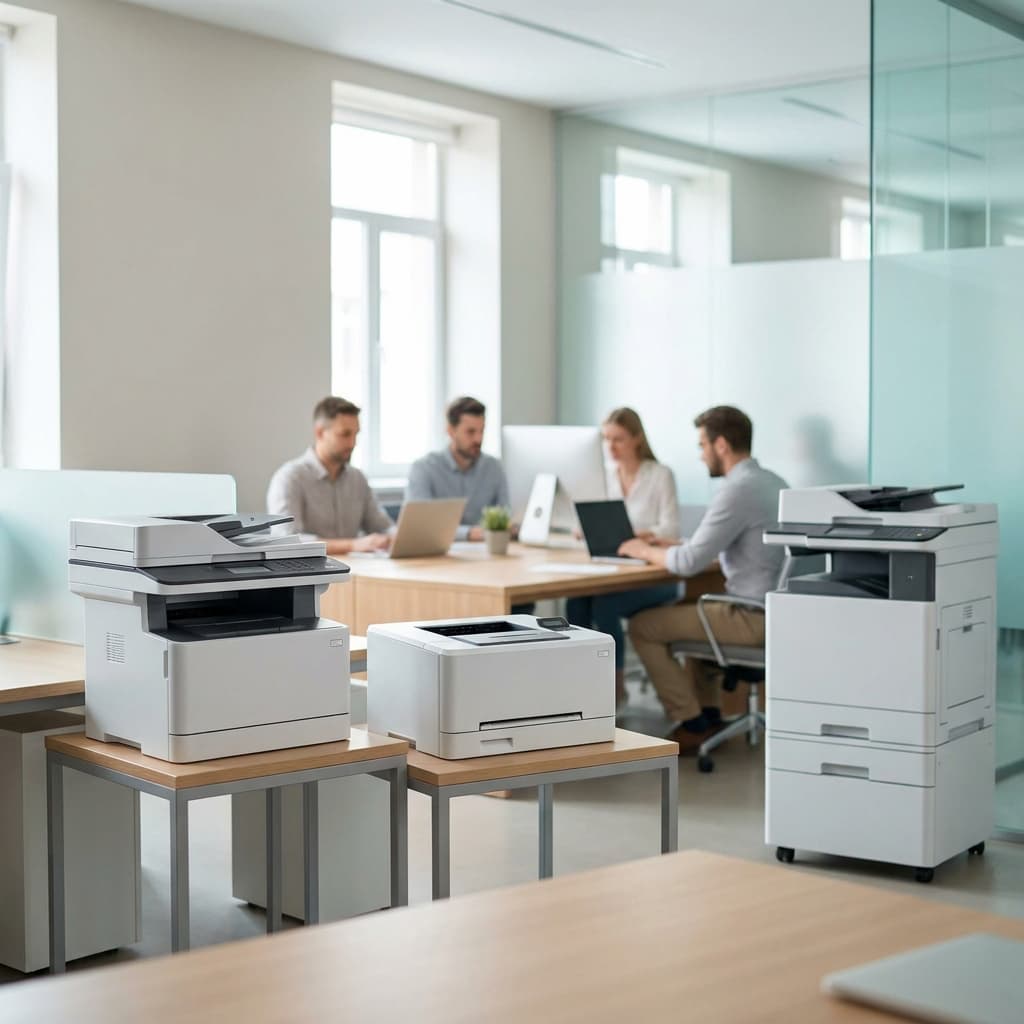
Quick Comparison
Do Users Need Print Drivers? ezeep vs. PaperCut MF
ezeep - renders in the cloud
Every job is rendered in the cloud against 6,000+ drivers, then sent finished to the printer.
- User machines stay driver-free; finishing still comes through
- Secure Pull Printing on any printer; no embedded app on the device
- Ready for Windows Protected Print Mode
- Printers connect via ezeep Hub or a Windows Software Connector; outbound-only and encrypted
- On user machines, the ezeep app adds ezeep as a printer for File -> Print, deployed through Intune or similar
- Print Now handles most documents from a browser with nothing installed.
PaperCut MF - renders on user computers and print servers
Jobs render locally using the printer's own driver, then travel across your network.
- Print queues and their drivers are installed onto endpoints by Print Deploy
- The generic driver covers basic printing; stapling, hole punch and tray selection need manufacturer drivers
- Secure release runs through an embedded app on the MFD, licensed per device
- Windows Protected Print support is introductory - simple printing only
- Virtual desktop support requires a separately licensed VDI pack
- An application server on Windows, macOS or Linux has to run on site or be hosted for you
Which Devices and Environments are Supported?
ezeep supports Windows, macOS, ChromeOS & Chrome browser, iOS & iPadOS, Android, and web-based printing - plus virtual desktop environments including Azure Virtual Desktop, Windows 365, Citrix, Parallels, and Omnissa Horizon.
Print jobs can also come from other systems - ERP, CRM, EHR, and similar business applications - through the ezeep REST API.
PaperCut MF's client software runs on Windows, macOS and Linux. Mobility Print adds ChromeOS, iOS and Android; Print Deploy covers Windows, macOS, Chromebooks and Linux. Virtual desktops - Citrix, Azure Virtual Desktop, Omnissa Horizon and Microsoft RDS - are supported through a VDI pack that is licensed separately. PaperCut MF also has a documented XML Web Services API and scripting interface.
Desktop and mobile coverage is broadly comparable. The difference shows up in what's included rather than licensed on top, and in what has to be installed on each machine to get there.
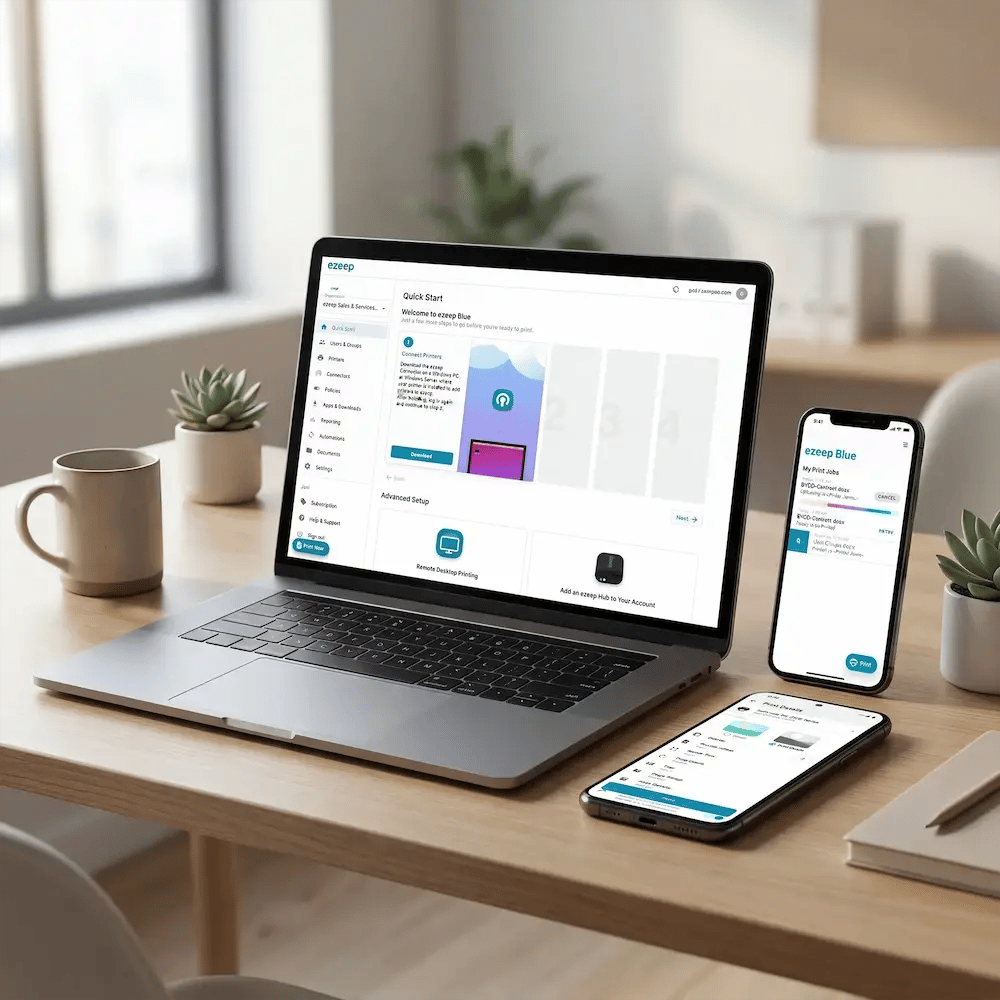
How Each Platform is Priced
ezeep
ezeep is priced per user, billed monthly or annually. Plans run from a free tier for up to 10 users through small-business and enterprise deployments, with dedicated plans for coworking spaces and education. Pricing is published.
The free tier is free indefinitely - not a time-limited trial. The 14-day free trial gives full-feature access without a credit card, and when it ends, the account moves to the free plan rather than switching off.
ezeep is sold direct, with a partner option.
PaperCut MF
PaperCut MF is priced per device. Licences are based on the number of devices running PaperCut's embedded software, with no limit on servers, workstations or printers. It can be bought perpetually or as a subscription.
On a perpetual licence, the first year of Maintenance & Support is mandatory. Virtual desktop support and cloud document processing are licensed on top.
PaperCut doesn't sell MF itself - it goes through Authorized Partners and their resellers, so no price is published.
Quotas & Reporting
ezeep
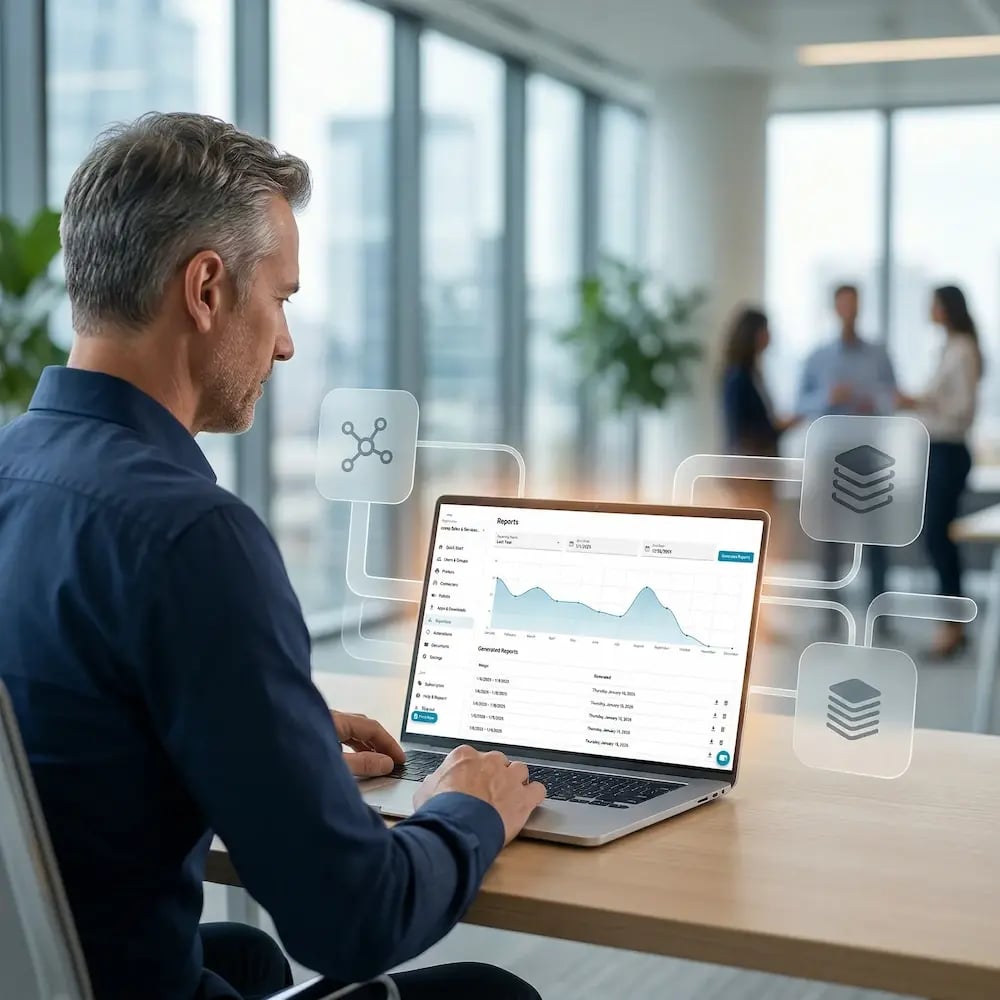
ezeep includes a print monitoring dashboard with print volume, cost estimates, and per-user, per-group, and per-printer breakdowns on Pro plans and above. CSV export is available on Business and Enterprise plans. There is no native print quota enforcement.

PaperCut MF
PaperCut MF was built around quota management and cost recovery. It enforces print quotas at the device, supports charge-back to accounts and departments, and tracks copying, scanning and faxing at the MFD alongside printing. Reports export to CSV/Excel, PDF and HTML.
How is Print Data Protected?
ezeep is GDPR compliant and publishes a Data Processing Addendum. It runs on Microsoft Azure (ISO 27001 and SOC 2 certified), with ezeep's own ISO 27001 certification in progress. Print data is encrypted in transit with TLS 1.3 and at rest with AES-256; jobs held for secure release stay encrypted and are deleted after 72 hours if nobody collects them. The Hub connects outbound only, so printers can sit on an isolated network segment.
PaperCut holds ISO 27001 certification and publishes a Trust Center carrying the certificate, its security policies, third-party penetration test results and its list of data processors. MF supports SAML 2.0 single sign-on with MFA. Two things follow from self-hosting: the security of the deployment depends on the infrastructure you run it on and how it's configured, and jobs are encrypted on the last hop to the printer only where the printer supports IPPS - PaperCut's own guidance for printers that don't is that jobs won't be encrypted and the defense is to put those printers on a separate VLAN.

Which One Fits Your Environment?
ezeep is The Better Fit For:
- Teams that want self-service onboarding, transparent pricing, and a free tier that doesn't expire
- Organizations with diverse endpoints - virtual desktops, mixed mobile, browser-based BYOD
- Coworking, education, and shared-printing environments billed per user
- Environments where a small hardware connector is preferred over running and maintaining a server
- Organizations preparing for Windows Protected Print Mode
- Printing driven by other systems - ERP, CRM, EHR and similar applications - through the ezeep REST API or the ezeep MCP server
PaperCut MF May Be The Better Fit For:
- Organizations where print data has to stay entirely on infrastructure they control
- Use cases that require hard print quotas with enforcement at the device
- Organizations that need to track copy, scan, and fax activity at the MFD, not just printing
- Sites that want scan-to-email and scan-to-cloud workflows run from the printer's touchscreen
Frequently Asked Questions
How does ezeep compare to PaperCut Hive?
PaperCut Hive is PaperCut's cloud-native product, which makes it a different evaluation from MF — you don't host Hive yourself. This page covers MF, PaperCut's self-hosted product. For the cloud-to-cloud comparison, see our ezeep vs PaperCut Hive page.
Can I migrate from PaperCut to ezeep?
Yes, and nothing in an ezeep setup depends on your existing one. Printers connect through the ezeep Hub or the Windows Software Connector, and users sync from Microsoft Entra ID or Google Workspace. The ezeep app for Windows and Mac deploys through Intune or similar device management tools, so nobody has to visit machines individually, and Print Now handles most documents straight from a browser.
Because ezeep renders print jobs in the cloud, the manufacturer drivers PaperCut MF deploys to user machines are no longer needed and can be removed during the transition. The application server goes with them.
Since ezeep runs on its own infrastructure, you can set it up and test with a small group before committing to anything.
Does ezeep work with my existing printers?
Yes. ezeep renders print jobs in the cloud against a library of more than 6,000 printer drivers, so no specific printer brand or model is required.
Do I still need a print server?
No. The ezeep Hub connects printers to the cloud without a server or a dedicated PC at the site. If you'd rather keep an existing Windows machine in the picture, the Software Connector runs on it instead.
Do users have to install anything?
The ezeep app runs on Windows and Mac for printing from File → Print, and deploys through Intune or similar tools rather than machine by machine. Print Now covers most documents from a web browser with nothing installed. PaperCut MF installs print queues and their drivers onto each machine through Print Deploy.
Is there a free version of either product?
ezeep has a free tier for up to 10 users, with driverless printing, unlimited print jobs, and one connector. It doesn't expire. PaperCut MF has no free tier — a 40-day trial is set up through a PaperCut partner.
Which costs less, ezeep or PaperCut MF?
That can't be answered from public information. ezeep's pricing is published; PaperCut MF's comes through a partner quote, and depends on whether you buy perpetually or subscribe. The two also count different things — ezeep per user, MF per device — so which works out lower depends on your own environment. What you can compare before buying is how much each platform lets you evaluate on your own: ezeep's free tier and 14-day trial need no conversation and no commitment.
See ezeep Running in Your Environment
Full-feature access for 14 days. No credit card required. If you decide ezeep isn't the right fit, your account simply moves to the Free plan, and your printer setup and user invitations are preserved.
.webp?width=1920&height=1536&name=ezeep-chart%20(1).webp)