Cloud Printing Without the Print Server Headache

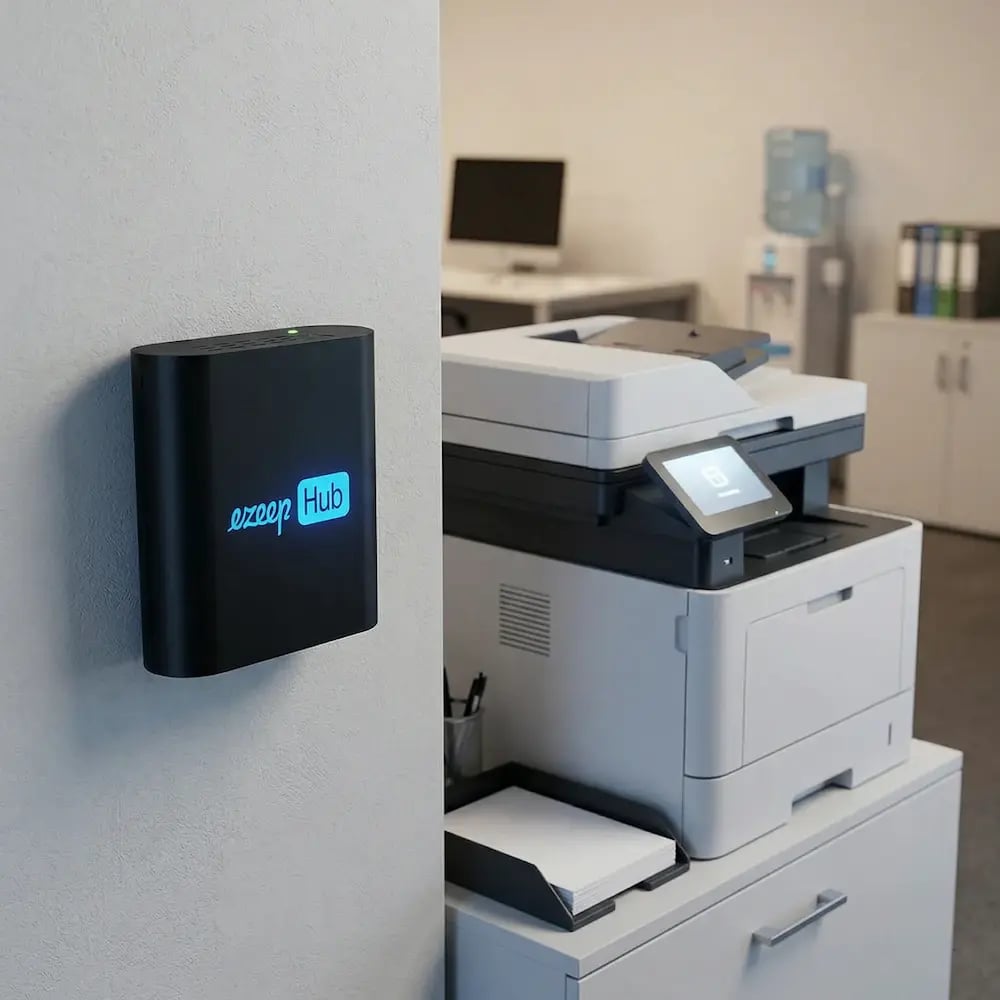
The ezeep Hub connects your local printers to the cloud and takes over everything a traditional print server used to handle, without the Windows machine running underneath it, the driver packages you have to maintain, or the post-Patch Tuesday scramble that usually follows. One compact device per location is all it takes. Set it up once and it quietly runs in the background while your team focuses on work that actually matters.
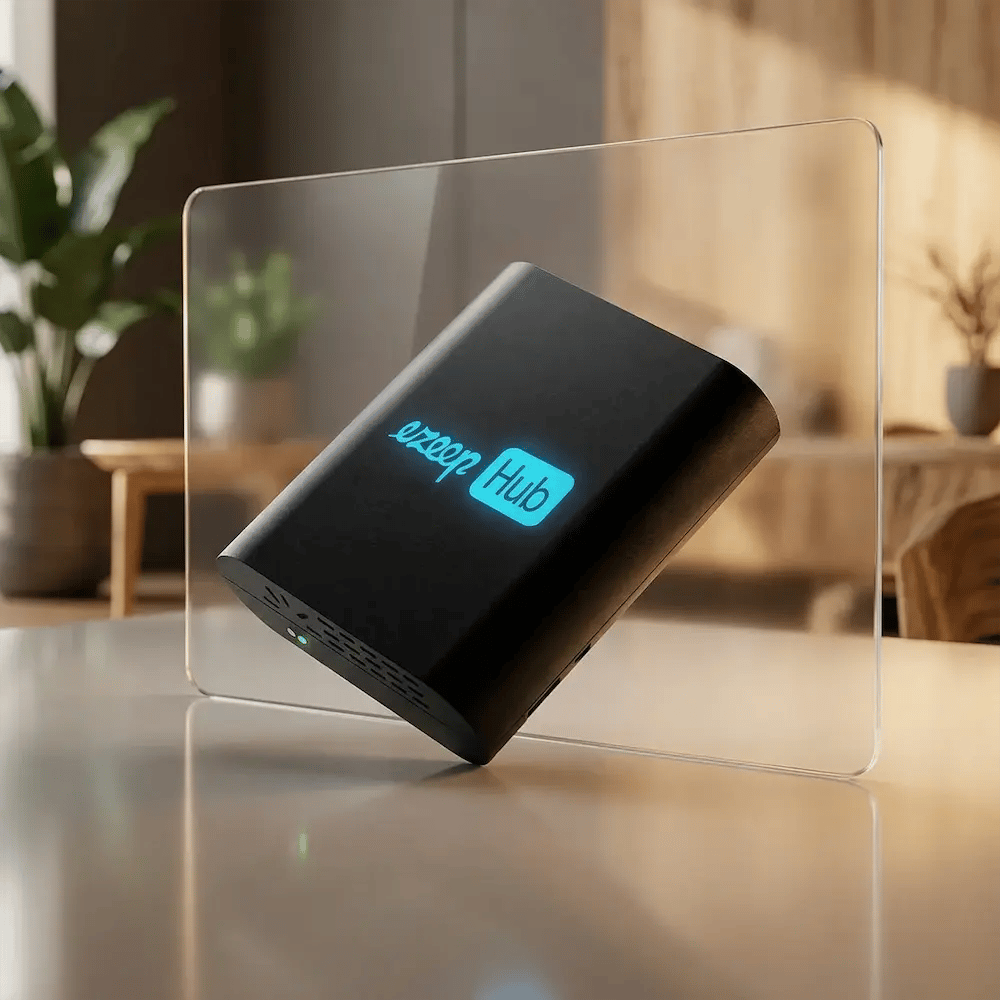
See Hub OptionsStart Free Trial Today
ezeep-hub-stylized
What It Does

Printing That Just Works. Without Anyone Nursing It.

No servers. No driver packages. No one restarting anything at 7am. The ezeep Hub handles the infrastructure so your team handles everything else.

No Spooler. No Scramble.

The Hub manages queuing, routing, and job delivery without a Windows service underneath it. No restarts after Patch Tuesday, no firefighting when it hangs, no failed overnight batches, and no recurring ticket category quietly consuming your team's time week after week.

No Drivers On Any Device Or System

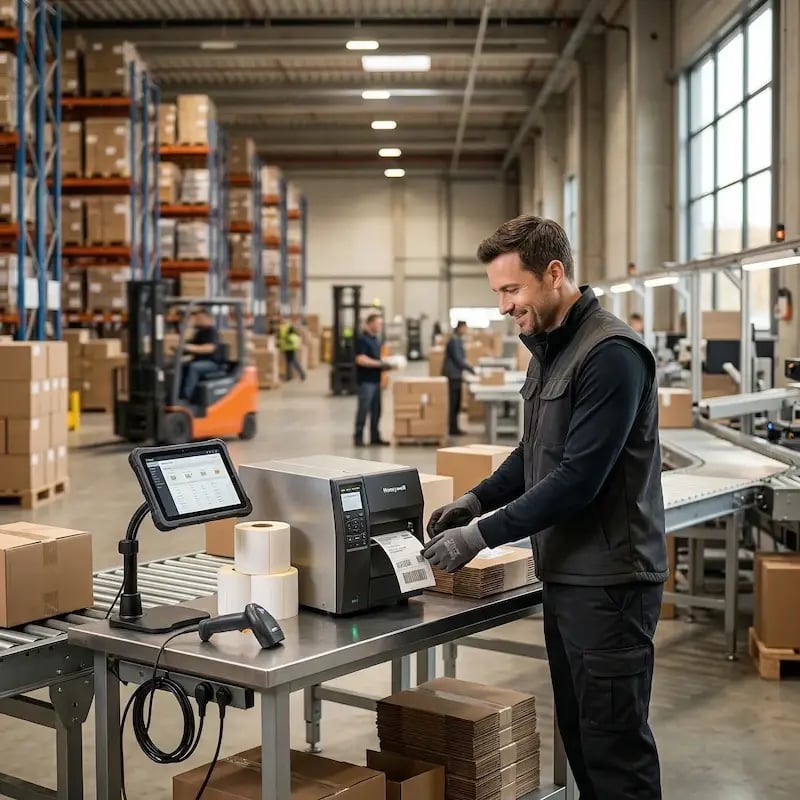
Cloud rendering handles the translation between source and printer, so users print from Windows, Mac, Chromebook, iOS, or Android without a driver install. The Hub also acts as a print endpoint for ERPs, EHRs, WMS, and other backend systems.

No Servers at Every Location

One Hub per site connects your local printers to the ezeep Cloud automatically. Run multiple Hubs at a location if the environment demands it. Adding a site doesn't mean another server to procure, configure, or maintain. Just a Hub on the network and you're done.

How It Works

See How The ezeep Hub Works

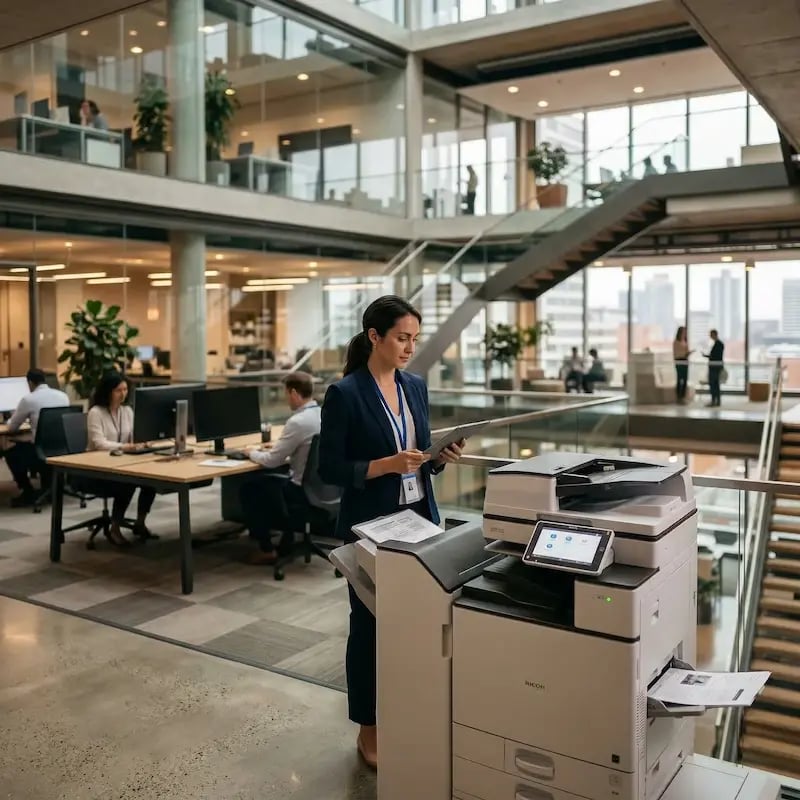
This simple workflow is ideal for IT teams managing distributed offices, coworking locations, retail branches, or remote sites. No external technicians needed, no server upkeep, and no wasted hours.

ezeep-hub-office-setup
1

Plug In and Let the Hub Find Your Printers

Connect the Hub to power and your network. It automatically discovers every printer on the local network and registers them in your ezeep dashboard. No configuration files. No manual driver loading. No one needs to be on-site to make it work.

full-control-visibility-manage-dashboard
2

Assign and Manage from the ezeep Console

Open your ezeep dashboard and your printers are already there. Assign them to users or groups and set print policies, all from wherever you are. Backend systems like ERPs and warehouse platforms connect through a service user, so the same assignment model covers everything that needs to print, whether there's a human involved or not.

byod-multiple-devices-printing
3

Users Print from Any Device

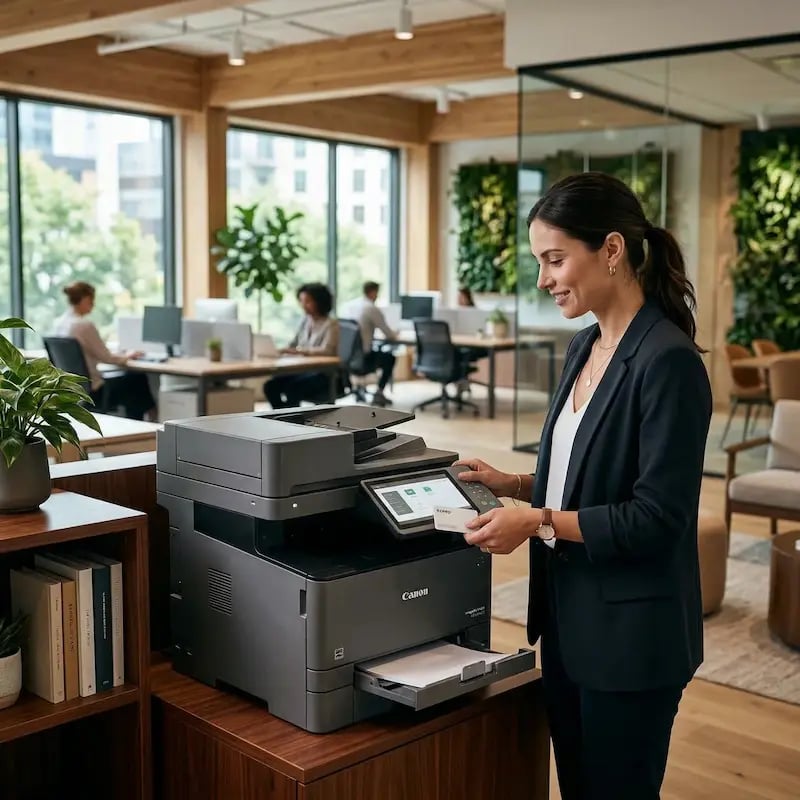
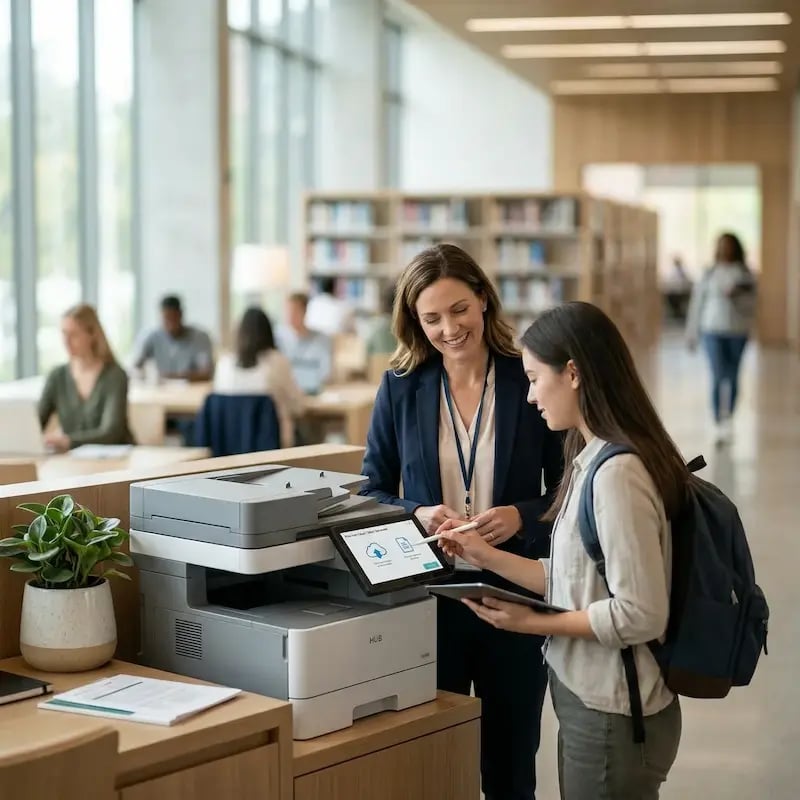
Users print from any device without installing anything, and systems print through the Hub as a reliable endpoint. Jobs route, deliver, and complete, while IT stays out of it entirely.
Security

Print Infrastructure Has a Security Problem. The Hub Doesn't.

Only 19% of IT decision-makers are completely confident in the security of their print infrastructure. That number keeps falling, and it shouldn't be surprising.
50
+

Print Spooler vulnerabilities since PrintNightmare (2021)

68
%

Increase in print-related security incidents reported since 2016 (HP)

19
%

Of IT leaders completely confident in their print security position (Quocirca)

The Hub Changes the Equation

The Windows Print Spooler is out of the picture. Driver installation on endpoints is eliminated. There's no print server left for attackers to compromise. The Hub connects to the ezeep platform via outbound-only connections, so nothing opens in your firewall.

Your printers also stay isolated from the corporate network and the internet entirely. They sit on their own network segment, reachable only through the Hub. The attack surface doesn't shrink. It disappears.

Print stops being the exception to Zero Trust and starts looking like everything else in your architecture.

Work Environments

One Hub. Any Environment. Zero Infrastructure Overhead.

Whitepaper

Read Free Whitepaper on Cloud Migration

This free whitepaper provides an overview of ezeep’s professional printing solution for companies looking to migrate their print infrastructure to the cloud with the ezeep Hub.

cloud-migration-whitepaper
Manage Hub

One Dashboard. Every Printer. Every Location.

Monthly Annual
Screenshot 2026-02-02 at 3.30.53 PM
Personal
€0
€0

For up to 10 users

Get started with a lightweight plan designed for private use, startups, or small teams.

This plan includes:

1 connector
User self-service for assigned printers
100% driver-free endpoints
Supports ChromeOS, macOS, Windows, iOS, Android, Linux & Web browsers
Local printer support for remote desktops
Printer profiles
UNLIMITED print jobs for user printing
API Printouts: 50 pages/month per organization for ezeep API-triggered print jobs or via Zapier, Make, or Pabbly Connect
Screenshot 2026-02-02 at 3.31.06 PM
Pro
€3.45
€2.75
per User / Month*
per User / Month*
10 users minimum

Professional printer mapping and print management for small to medium-size organizations.

This plan includes all Free features plus:

Up to 10 connectors
Group user management
Admin-assigned printers
Customer support with response time up to next business day
Tracking and reporting dashboard
API: Up to 1,000 pages/month per organization for ezeep API-triggered print jobs or via Zapier, Make, or Pabbly Connect


* Billed monthly
* Billed annually
Screenshot 2026-02-02 at 3.31.18 PM
Business
€5.95
€4.75
per User / Month*
per User / Month*
10 users minimum

Offers more functions for additional security and mobile employees. Great for larger organizations.

This plan includes all Pro features plus:
Up to 80 connectors
Automated group / printer assignment
Secure Pull Printing with Follow Me
Microsoft Entra ID group synchronization
Tracking and reporting dashboard with CSV download
API: 1,000+ pages/month per organization for print jobs triggered by ezeep API, ezeep Print App for Services, or via Zapier, Make, or Pabbly Connect.
Contact for quote if more pages needed.

* Billed monthly
* Billed annually
Screenshot 2026-02-02 at 3.31.33 PM
Enterprise
Ask Us
Ask Us
Best for heavily distributed print environments

This plan includes all Business features plus:
Unlimited connectors
Custom API package
Custom support package


Frequently Asked Questions

Curious about how it all works? Here's everything you wanted to know about ezeep's cloud printing solution!

What is the difference between the ezeep Hub and a traditional print server?

A traditional print server is a Windows machine running a spooler service, managing drivers, and sitting on your network around the clock. The ezeep Hub does the same job - connecting printers to the network, managing queues, routing jobs, in a device the size of a small router that draws a fraction of the power and requires none of the maintenance. No Windows service to patch. No drivers to manage. No spooler to restart. It is a print server rebuilt from scratch for how printing should work now.

How long does it take to deploy the ezeep Hub at a new location?

Most deployments take less than 15 minutes. Connect the Hub to power and your network, and it automatically discovers local printers and registers them in your ezeep dashboard. Assign them to users or groups from wherever you are. No one needs to be on-site after the initial plug-in.

Does the ezeep Hub work with backend systems like ERPs and warehouse management platforms?

Yes. The Hub works as a print endpoint for any system that needs to put something on paper: ERPs, EHRs, warehouse management systems, shipping platforms, and fulfilment software. Backend systems connect through a service user account using the same model as any other user. No local print infrastructure required.

How does ezeep handle user authentication and access control?

ezeep connects to Microsoft Entra ID or Google Workspace, so your existing users, groups, and access policies apply directly. Native ezeep user management is also available for environments that don't need SSO. Users only see the printers they're authorised to use, and documents are only released at the device by badge tap or PIN. Nothing sits in a tray uncollected.

Does the ezeep Hub require any changes to our firewall or network?

No firewall changes are required. The Hub makes outbound-only connections to the ezeep platform. Nothing opens inbound. Your printers don't need internet access or exposure to the general corporate network. They can sit on an isolated network segment reachable only by the Hub, which handles the connection to the cloud on their behalf.

Back to top

Ready to Replace Your Print Server?

See how the ezeep Hub works in your environment. Talk to someone who knows print infrastructure. No sales script, just a straight conversation about your setup.

ezeep-chart (1)