Mobile and BYOD Printing That Just Works

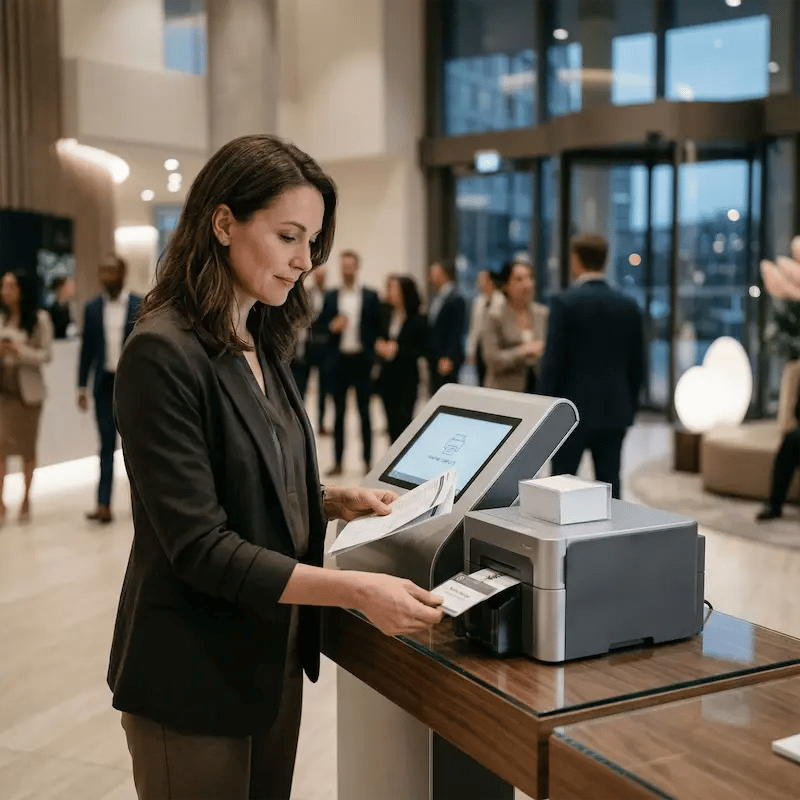
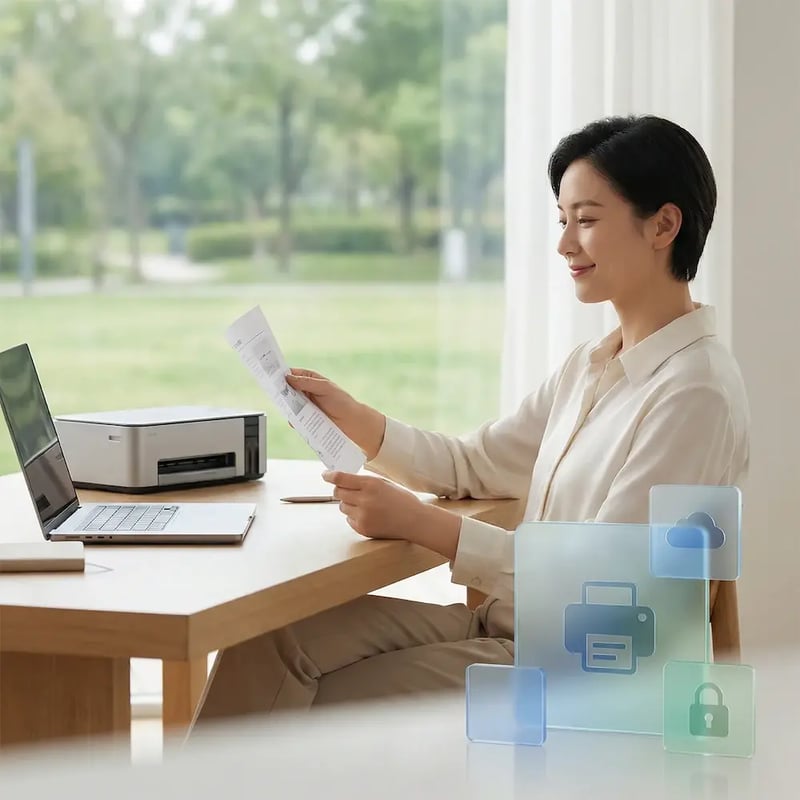
Employees, guests, students, and event attendees all expect to print from their own laptops and mobile devices. Printing then becomes a problem the moment users aren’t on company-owned hardware. Not anymore.
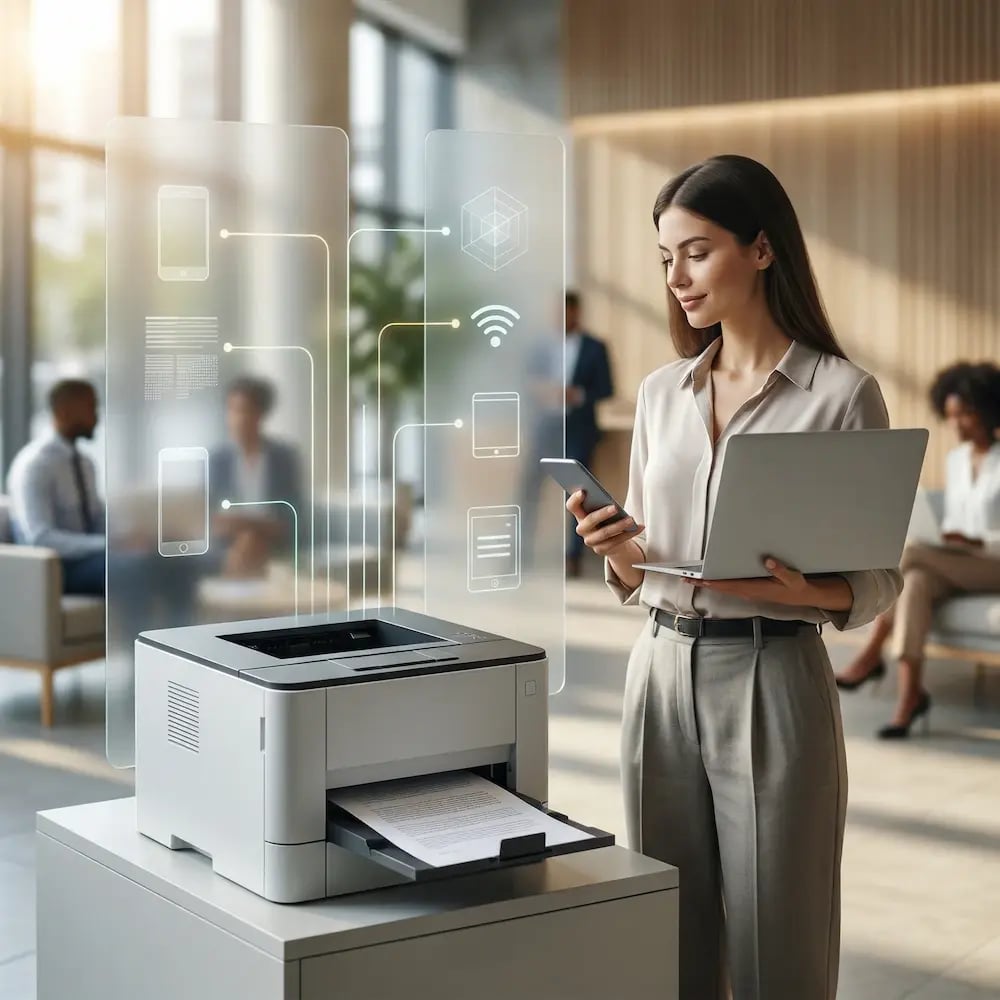
Start Free TrialSee It In Action
mobile-byod-printing-hero
Mobile & BYOD

People Use Their Own Devices. Traditional Printing Isn't Built for That.

Personal laptops, phones, tablets, and Chromebooks are everywhere, and none of them work with legacy print systems out of the box.

BYOD Makes Printing Inconsistent

Personal laptops and mobile devices don't have corporate drivers installed, can't connect to print servers, and have no VPN access. Printing works on company devices but fails the moment someone brings their own.

Guest Access is a Security Gamble

Visitors, contractors, students, and event attendees need to print, but connecting unmanaged personal devices to your corporate network opens security gaps that IT can't monitor or control.

Mobile Printing Isn't Reliable by Default

Native mobile printing apps work in limited scenarios and fail in others. Web applications, virtual desktop sessions, and cross-platform workflows often can't print at all, which sends users straight to the help desk.

Solution

Cloud Printing for Mobile Devices, BYOD Laptops, and Guest Users

End the "Can I Print From My...?" Questions

Your users want to print from their personal phones, tablets, and laptops, but new devices create support headaches.

ezeep unifies the experience with a single app that works on iOS, Android, macOS, and Windows. Let your users print from whatever they bring, while your help desk closes the compatibility tickets for good.
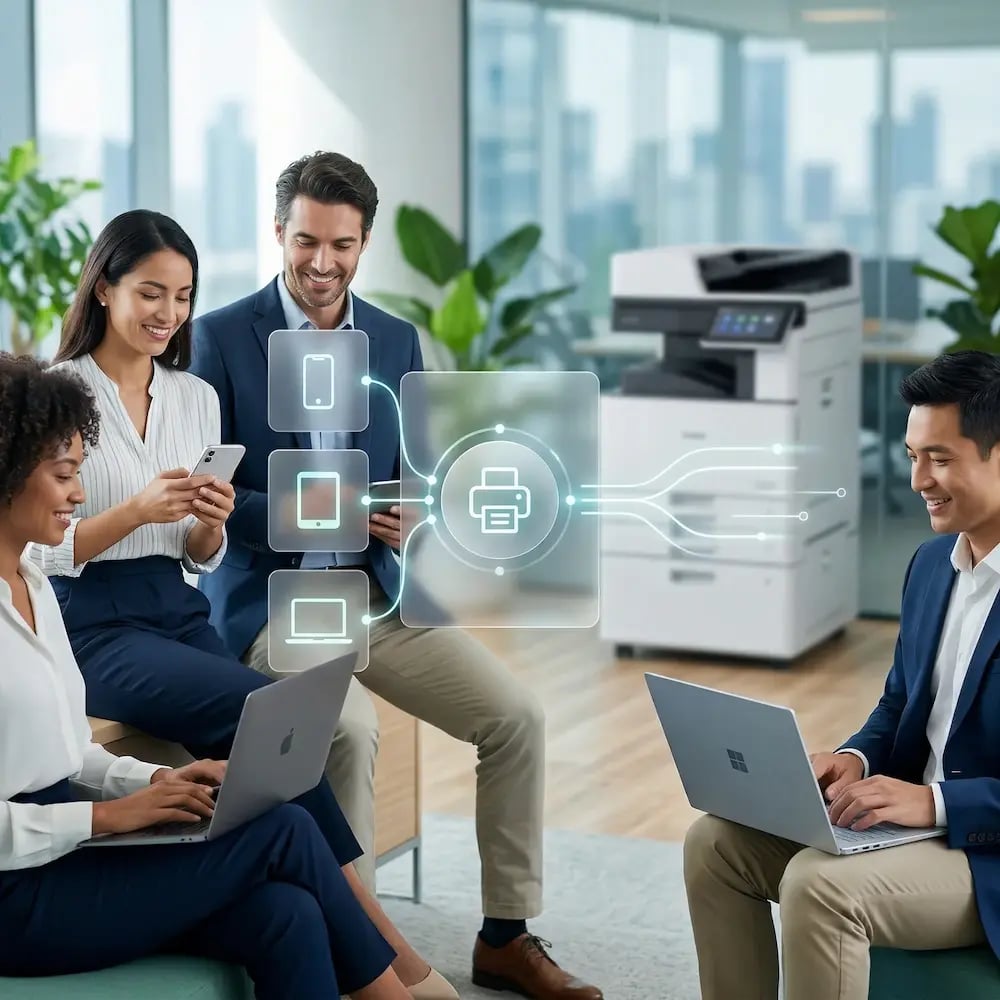
print-from-multiple-devices-byod

Driverless Mobile Printing with Zero IT Setup

Troubleshooting a user's personal device is a black hole for help desk hours, especially when it comes to printer drivers.

By moving to a driverless cloud platform, you completely remove the most common point of failure. Free your support team from compatibility guesswork and let users print from their personal devices without installing anything.
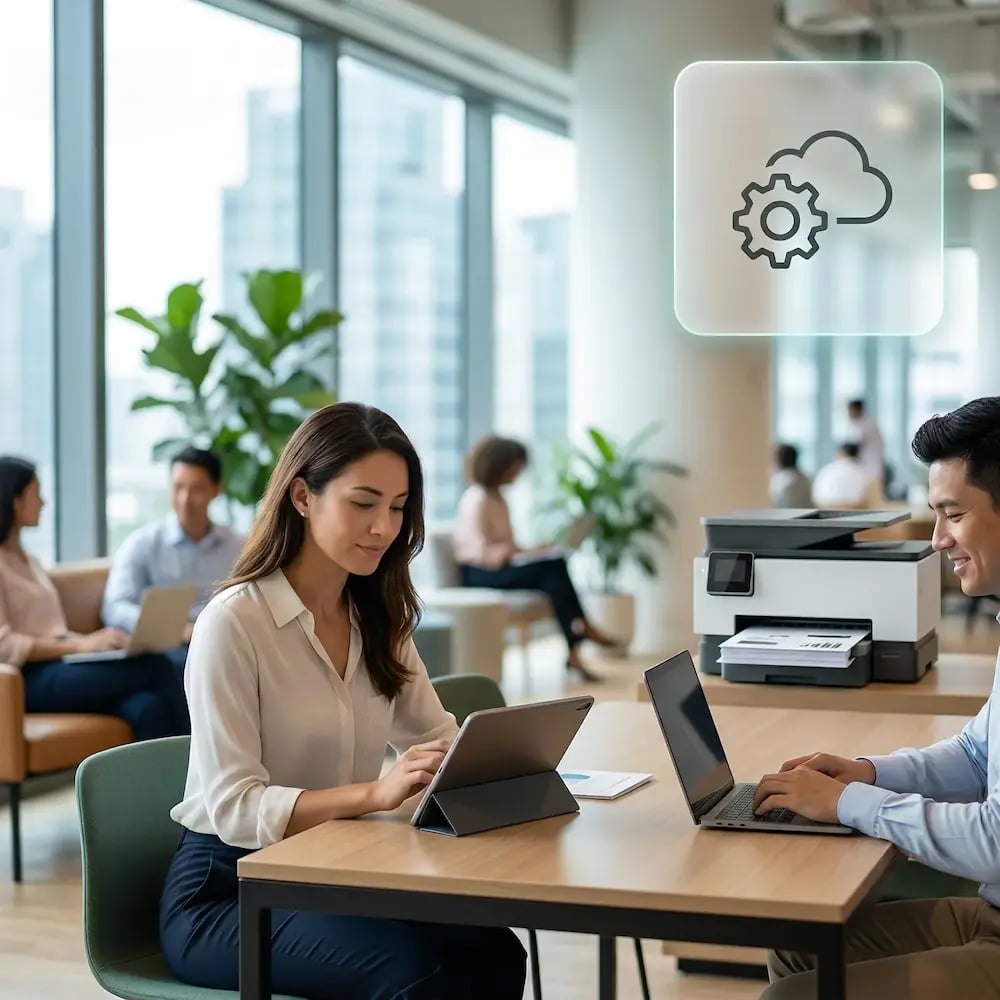
printing-happy-no-drivers-no-servers

Secure Guest Printing Without Network Access

A client needs to print a document, forcing you to choose between a frustrating "no" and a risky network exception.

ezeep provides a secure printing pathway that keeps guests completely off your corporate network. Let visitors easily print from their own devices while your infrastructure remains locked down and invisible.
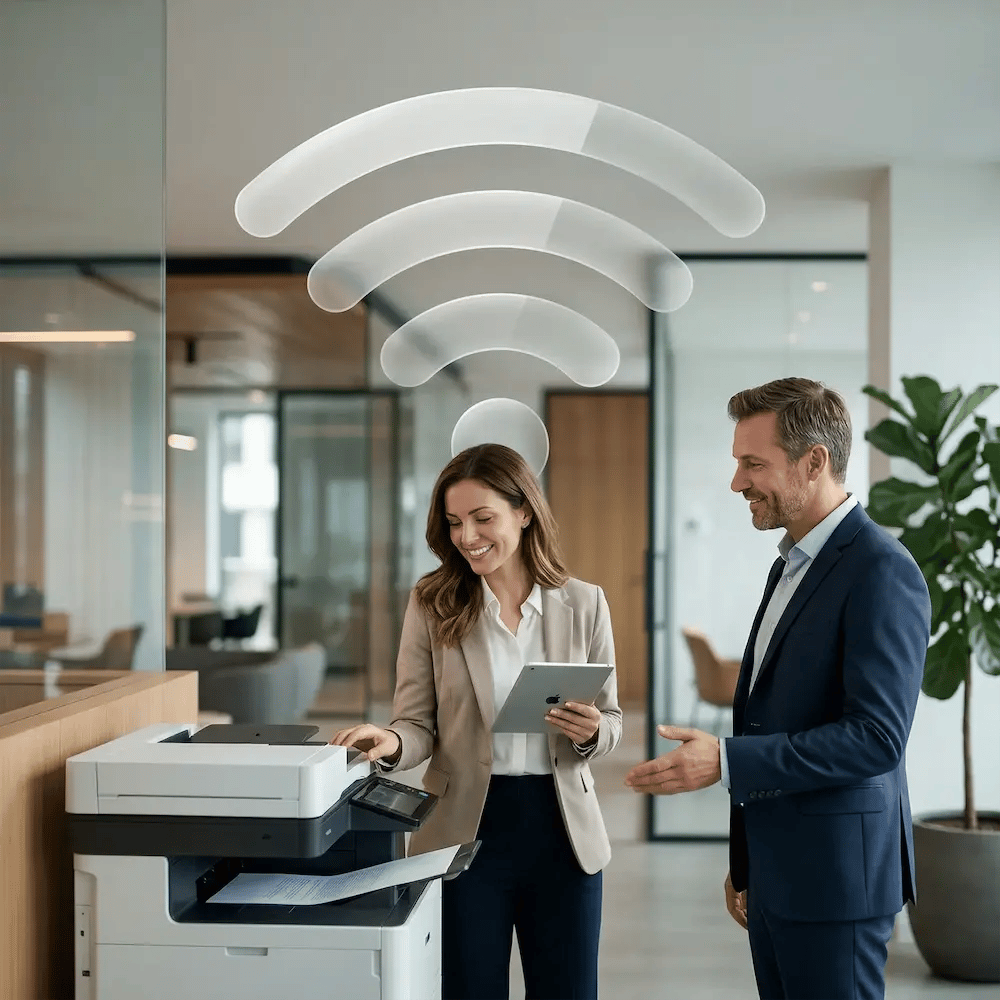
wifi-printing

Get IT Out of the Printer Setup Business

Manually connecting every new user or BYOD device to the right printers is a task that just doesn't scale.

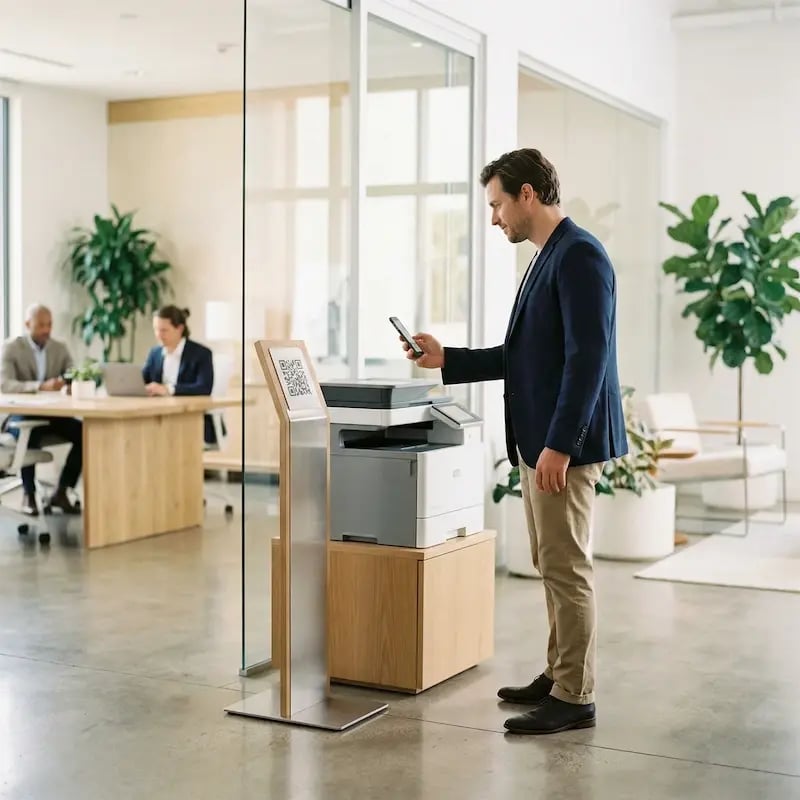
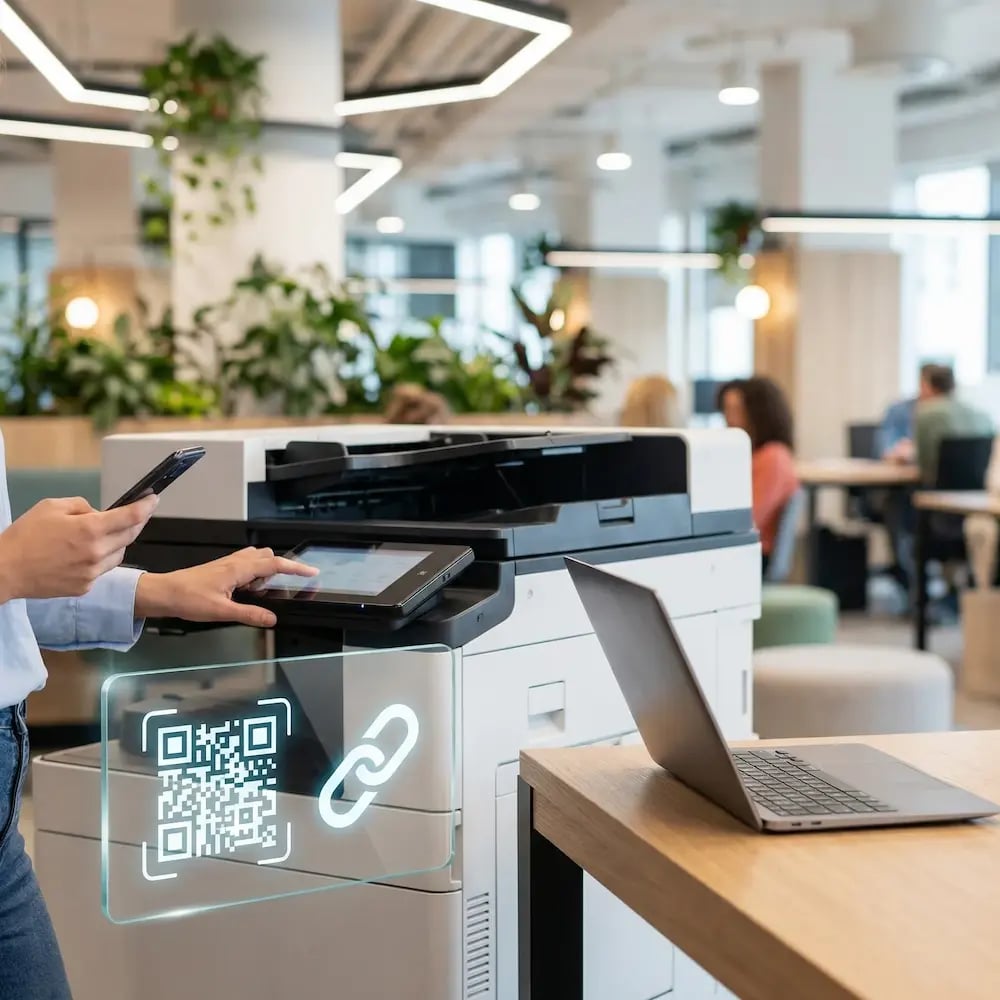
ezeep's QR codes turn printer setup into a simple, self-service action for the user. Empower people to connect themselves in seconds, eliminating setup tickets and freeing your team from manual onboarding.
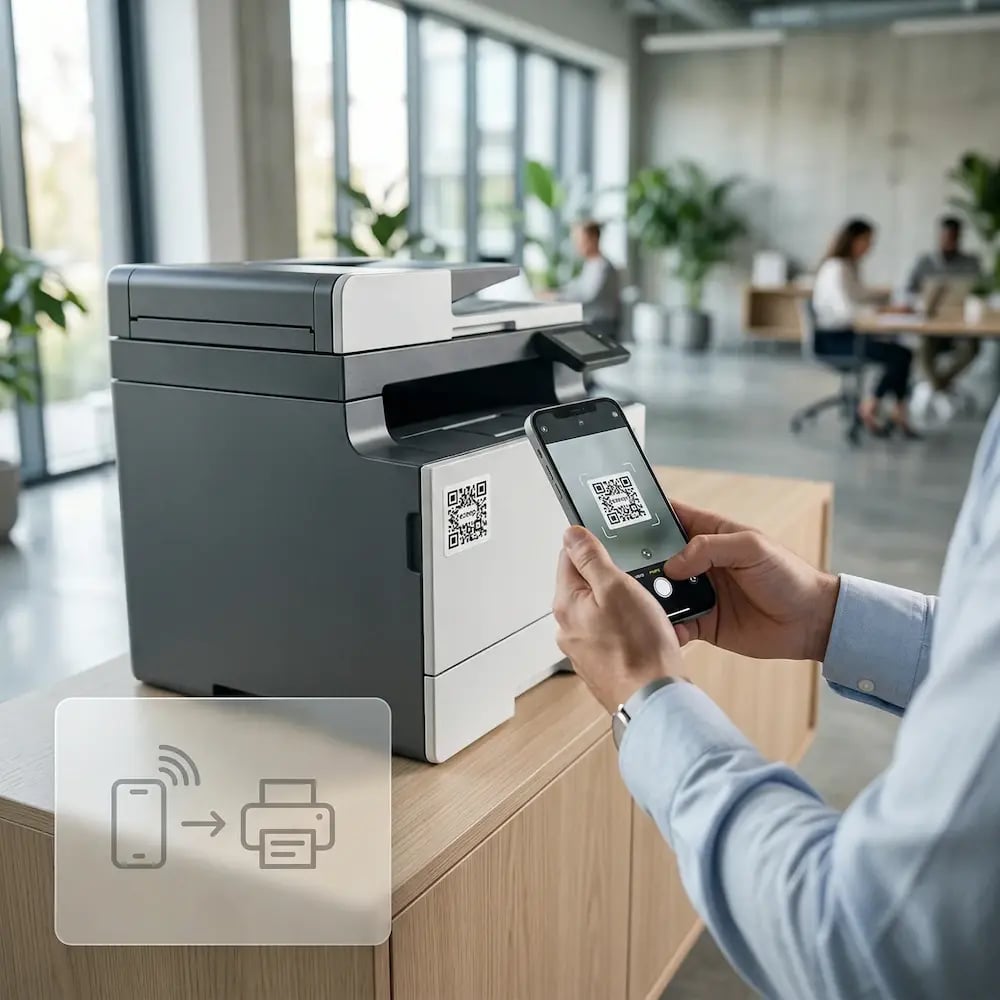
qr-code-printing-self-join

Stop BYOD From Becoming the Wild West

Allowing personal devices to connect can feel like a loss of control, creating an environment with no visibility.

ezeep funnels all print activity, from any device, through a single central dashboard. Confidently embrace BYOD by applying group-based policies, tracking usage, and managing access from one source of truth.

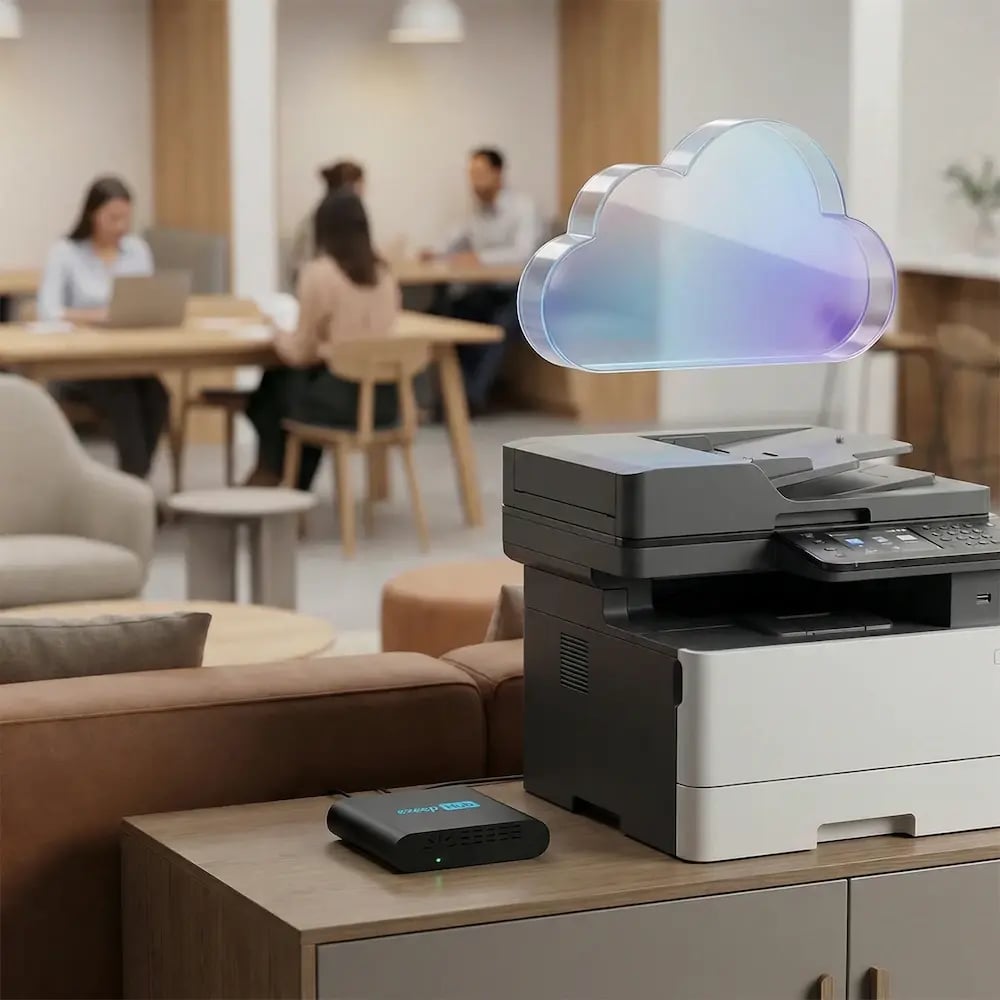
byod-multiple-devices-printing

Less Infrastructure. More Calm.

Move campus printing to the cloud and reduce the day-to-day maintenance burden. Have fewer patches, fewer queue mysteries, and fewer "it broke overnight" surprises.

Server-Free
Centralized
Less Upkeep

One Experience Across Campus

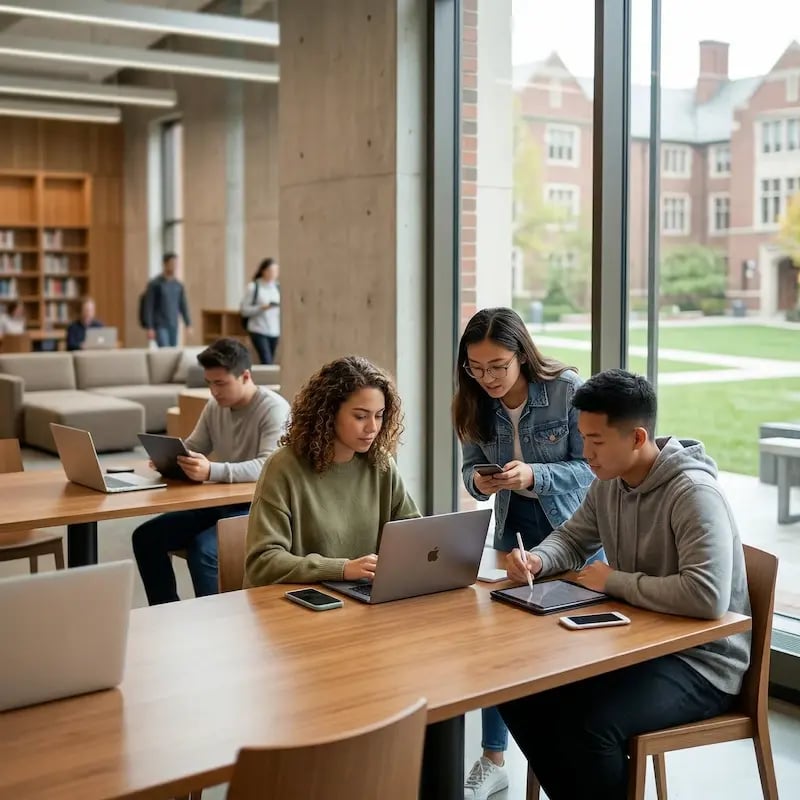
Support the real education device mix - Chromebooks, MacBooks, Windows laptops, tablets, and phones - across libraries, labs, dorms, and shared printers without special steps per department or "this printer only works on that OS."

Campus-Wide
Cross-Platform
User-Friendly

Permissions That Actually Make Sense

Tie printer visibility and access to identity and groups, so students, staff, faculty, and researchers see the right printers by role, building, and department - all without constant manual adjustments.

Role-Based
Location-Aware
Consistent

Temporary Access, Without Temporary Chaos

Support guest lecturers, visiting scholars, events, and short-term programs with controlled access that doesn't create recurring IT work or one-off setups.

Temporary Access
Controlled
Low Effort

Confidential Pages Stay With The Right Person

Reduce tray exposure in busy shared spaces. Pull Printing helps ensure jobs only release when the user authenticates at the printer with their school ID, helping protect exams, registrar documents, and sensitive student records.

Private Release
Less Mix-Ups
Auditable

Visibility Finance Can Actually Use

Understand usage across departments and locations, support quotas and accountability, and make it easier for busier and finance teams to track print spend without turning IT into the print police. 

Measurable
Accountable
Budget-Friendly

Cost Recovery Without The Busywork

For campuses that charge students to print, ezeepCampus adds Self-Join onboarding and credit-based printing, so students and staff can self-serve while your institution keeps pricing and access under control.

Self-Join
Credit-Based
Accountable
How It Works

How Mobile and BYOD Printing Works with ezeep

Three steps from unboxing to BYOD printing. No drivers on any device, no network access for guests, no IT setup per user.
Printers-Cloud-Ready-ezeep-Hub
1

Connect Your Printers to the Cloud

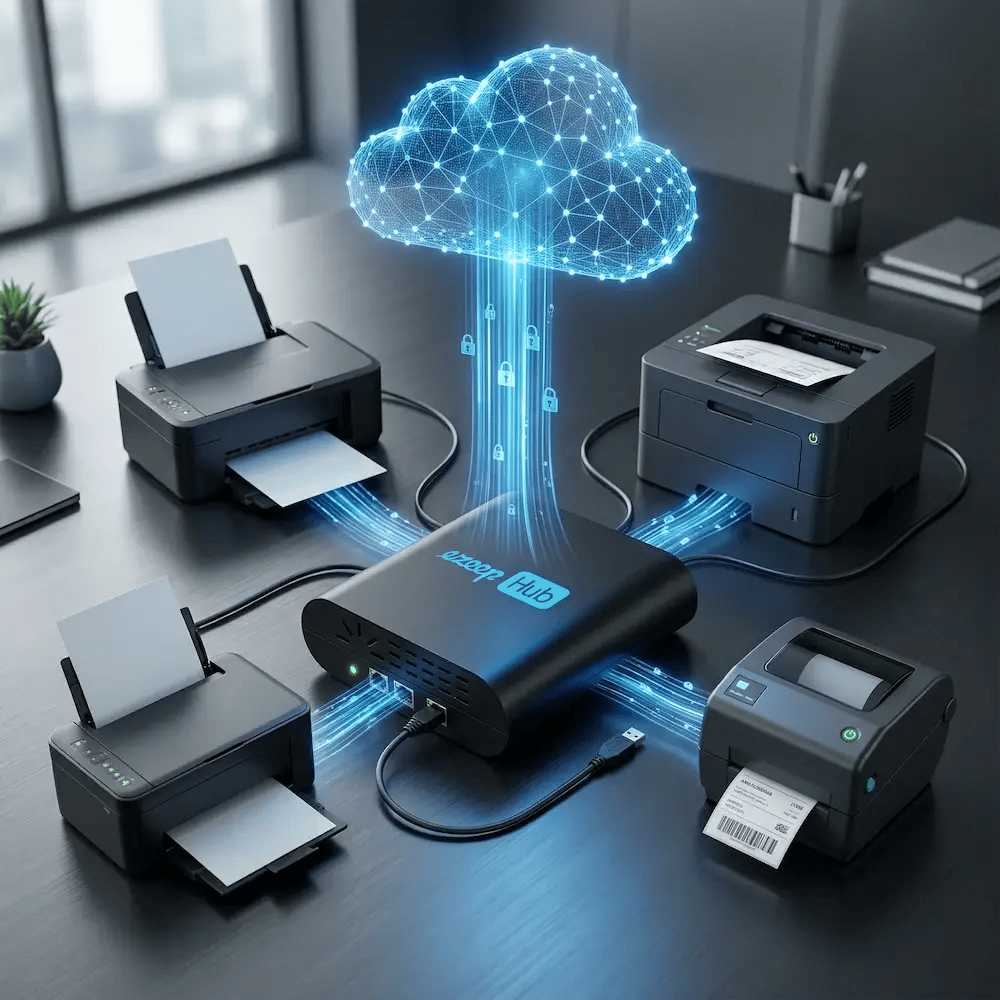
Plug in an ezeep Hub or install the ezeep Connector. Your existing printers are cloud-managed in minutes, with no print servers required.
Self-Join-QR-Code
2

Users Join Through QR Code or Link

Share a QR code at the printer or a link through email. Users self-join instantly and get access to the printers you assign, for as long as you allow.

woman-printing-laptop-office
3

Print from Any Personal Device

Users print from the ezeep app or browser on iOS, Android, Mac, Windows, or Chromebook. Pull Printing holds jobs until they authenticate at the printer.

How ezeep Makes Mobile & BYOD Printing Easy

Go from "I need this printed" to page-in-hand in three quick, simple steps. Invite users with Self-Join using a link or QR code, choose which printers they can access, then let them print from the ezeep app or web app and release securely on-site.

1. Add Your People
2. Connect Your Printers
3. Print from Any Device
go-live (1)
Describe your image
Describe your image
Meet the ezeep Hub

Connect Your Printers to the Cloud - Fast

The ezeep Hub securely connects existing printers to the cloud without print servers, local PCs, or inbound network access. Printers remain available and controlled, even for unmanaged devices.

Learn More About the ezeep Hub
ezeep-hub-connect-printer-fast-cloud
Key Features

Everything You Need For Fast, Secure Mobile & Guest Printing

Simple access for users, full control for IT, even in environments with hundreds of personal devices.
Work Environments

Printing That Shows Up When People Need It

Security & Compliance

Secure Mobile Printing and BYOD Print Management

Personal devices on your printers doesn't mean giving up control. ezeep keeps mobile and BYOD printing secure by design.

Customers

Trusted by Organizations with BYOD & Mobile Teams

See how teams use ezeep to simplify printing, reduce costs, and keep work running smoothly.

"Everything is running smoothly. We are satisfied with ezeep allowing our employees to protein from their tablets at field appointments."
Andreas Schuren
IT Provider, PHG Viersen
"With ezeep, printing instantly while traveling between client sites has been simplified significantly. This streamlines our work immensely."
Patrick Simon
IT Service Provider, Patrick Simon IT
"ezeep is easy to set up and administer, and the printing service for our Android devices works flawlessly."

Markus Farnhammer
IT Administrator, Holz-Mayrhofer

Frequently Asked Questions

Curious about how it all works? Here's everything you wanted to know about ezeep's cloud printing solution!

How does BYOD printing work without installing printer drivers on personal devices?

ezeep uses cloud rendering to process print jobs entirely in the cloud, so no printer drivers are ever installed on any user's device. Employees, guests, and students print from their personal Android phones, iPhones, iPads, MacBooks, Windows laptops, or Chromebooks using the ezeep app or a browser. IT never needs to touch or configure the personal device.

How do guests and visitors print securely without accessing the corporate network?

Guests scan a QR code or open a shared link to Self-Join and get temporary printer access through ezeep's Cloud. Print jobs route through ezeep's encrypted cloud path and never pass through the corporate network. IT can set time-limited access that automatically expires, so guest printing stays controlled without creating a security gap.

What mobile devices and operating systems does ezeep support for mobile printing?

ezeep supports mobile printing from iOS (iPhone and iPad), Android phones and tablets, macOS, Windows, and ChromeOS. Users print through native ezeep apps for iOS and Android, or through a browser-based web interface that works on any device with internet access. No device-specific configuration or driver installation is required.

Can IT control which printers BYOD and mobile users can access?

Yes. IT assigns printers to users or groups through the ezeep cloud console. BYOD users only see the printers they've been authorized to use. Access can be configured by group, location, or time window, and removed instantly when a guest leaves or a contractor's engagement ends. All mobile and BYOD print activity is logged for reporting and compliance.

Does mobile printing work from virtual desktops and browser-based applications?

Yes. ezeep supports printing from virtual desktop sessions (Azure Virtual Desktop, Citrix, Windows 365) and browser-based web applications accessed from mobile devices. This covers the scenarios where native iOS and Android printing typically fails, such as printing from a cloud-hosted ERP, CRM, or document management system accessed through a mobile browser or remote desktop client.

Back to top

Ready to Simplify Mobile & BYOD Printing?

Give your employees, guests, and students a printing experience that works on any device - without complexity.

ezeep-chart (1)