
ezeep vs Printix: Cloud Print Management Compared
Looking for a Printix alternative or evaluating ezeep alongside Printix? This is a current, side-by-side comparison of how each platform handles print jobs, pricing, platform support, and security. (Updated as of August 2026)
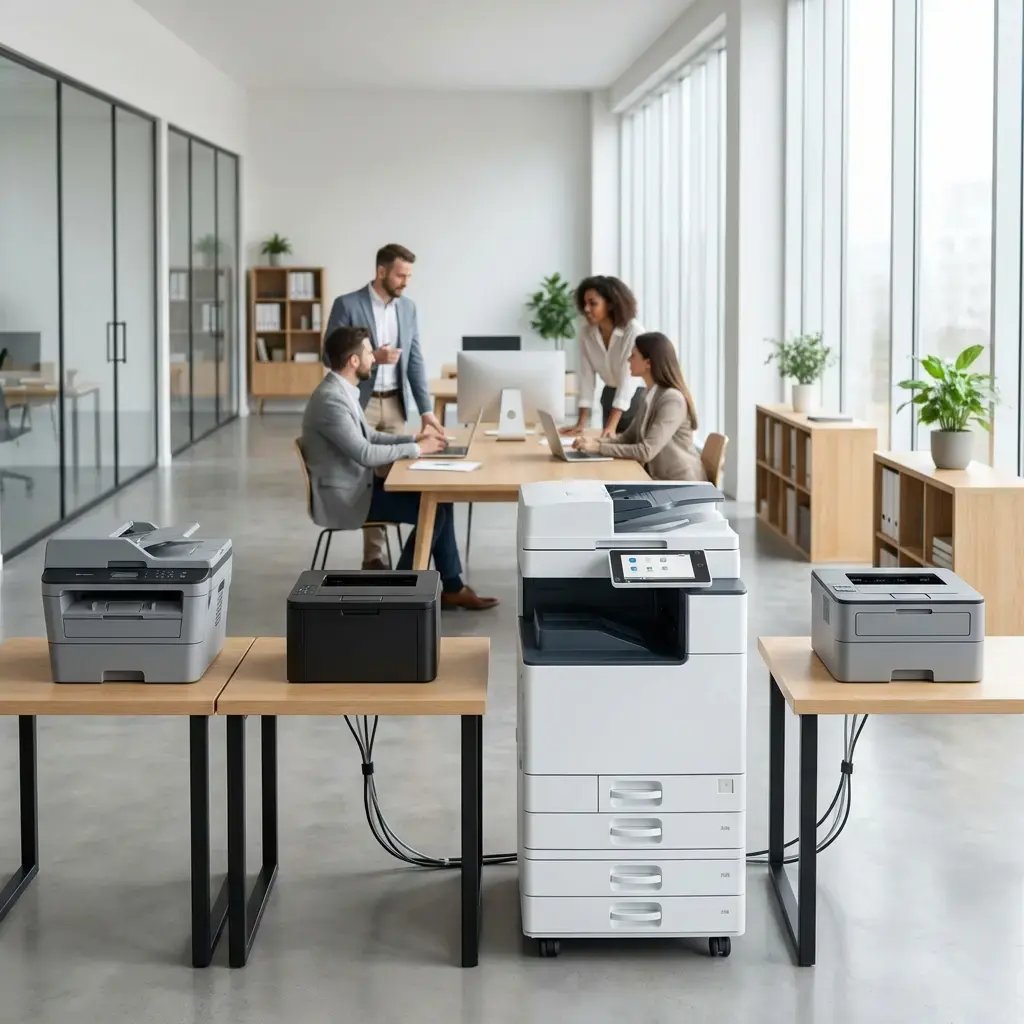
Quick Comparison
Where Do Your Print Jobs Live? ezeep vs. Printix
ezeep - nothing at the site stays running
Jobs are rendered in ezeep's cloud and sent finished to the printer, so no computer on your network holds or processes them.
- Printers connect via the ezeep Hub, a small appliance, or a Windows Software Connector; outbound-only and encrypted
- No machine has to stay powered on for colleagues to print
- Rendering runs against 6,000+ drivers, so user machines stay driver-free and finishing still comes through
- Secure Pull Printing on any printer; no embedded app on the device
- Virtual desktops are covered - Azure Virtual Desktop, Windows 365, Citrix, Parallels, Omnissa Horizon
- Print Now handles most documents from a browser with nothing installed
Printix - keeps documents on your network
Print jobs stay on the local network, encrypted and stored locally rather than in the vendor's cloud.
- The Printix client runs on computers on your network and handles the job
- Drivers are managed centrally, using either native or universal print drivers
- Secure release works through card-based print or mobile and QR release
- Storage is S3-compatible, so job data can be kept in a chosen region
- Home and remote printers can be brought into the same managed scope
- Deployment runs through Microsoft Endpoint Manager
Keeping documents inside your own perimeter is a real advantage for some organizations. It also makes those machines part of what has to stay secured, patched, and available.
Which Devices and Environments are Supported?
ezeep supports Windows, macOS, ChromeOS & Chrome browser, iOS & iPadOS, Android, ARM devices, and web-based printing - plus virtual desktop environments including Azure Virtual Desktop, Windows 365, Citrix, Parallels, and Omnissa Horizon.
Print jobs can also come from other systems - ERP, CRM, EHR, and similar business applications - through the ezeep REST API.
Printix covers Windows including ARM-based devices, macOS, ChromeOS, iOS, and Android, and extends managed printing to home printers.
Endpoint coverage is close on both sides. The differences show up in virtual desktop environments, in printing your own software can trigger, and in whether anything has to run on a machine at the site.
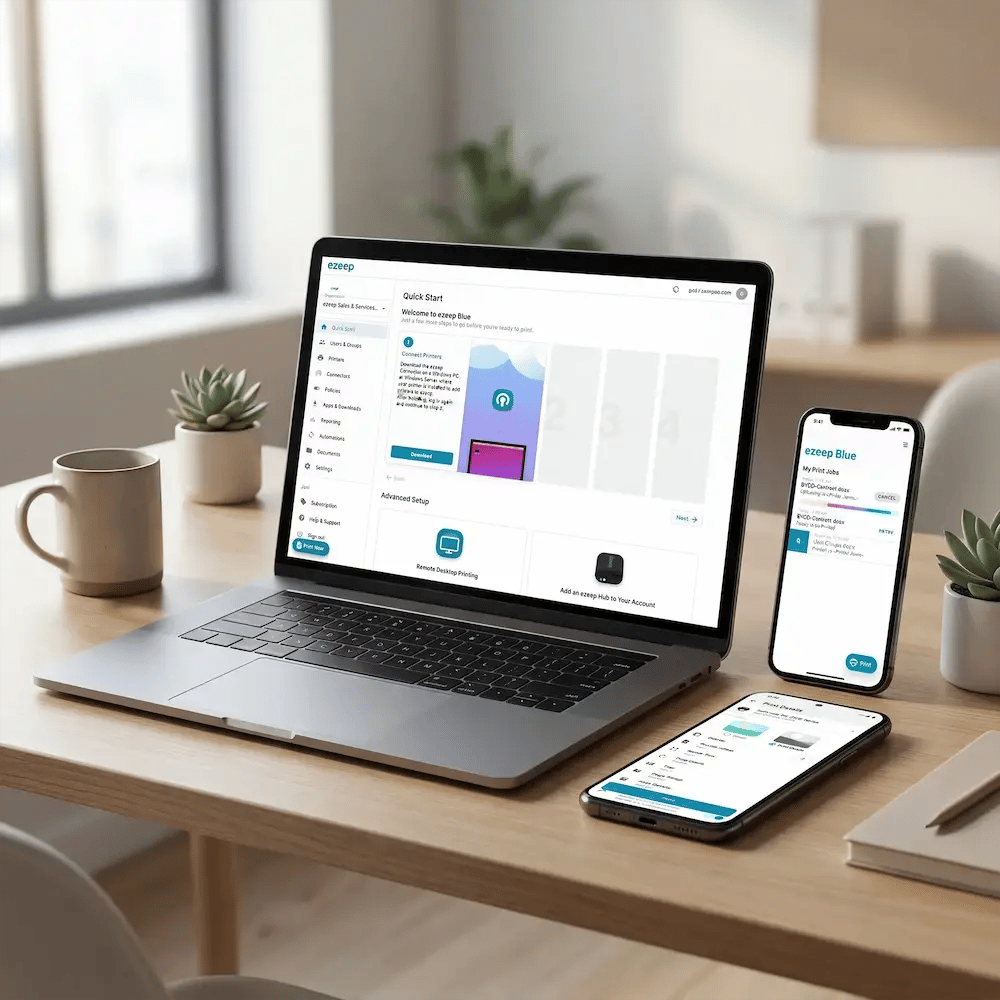
How Each Platform is Priced
ezeep
ezeep is priced per user, billed monthly or annually. Plans run from a free tier for up to 10 users through small-business and enterprise deployments, with dedicated plans for coworking spaces and education. Pricing is published.
The free tier is free indefinitely - not a time-limited trial. The 14-day free trial gives full-feature access without a credit card, and when it ends, the account moves to the free plan rather than switching off.
ezeep is sold direct, with a partner option.
Printix
Printix is priced per logged-in user. On the monthly pay-as-you-go plan, Printix counts the users who actually signed in that month and bills accordingly, which flexes well for seasonal staff, contractors, and guests. Annual plans are prepaid for a set number of users and quoted by sales.
Every plan includes all features and integrations, with unlimited printers, devices, pages, and locations - there are no paid add-on modules to buy separately.
A subscription starts with a free one-month trial that you can convert yourself by adding card details in the Printix Administrator. There is no permanent free tier.
Quotas & Reporting
ezeep
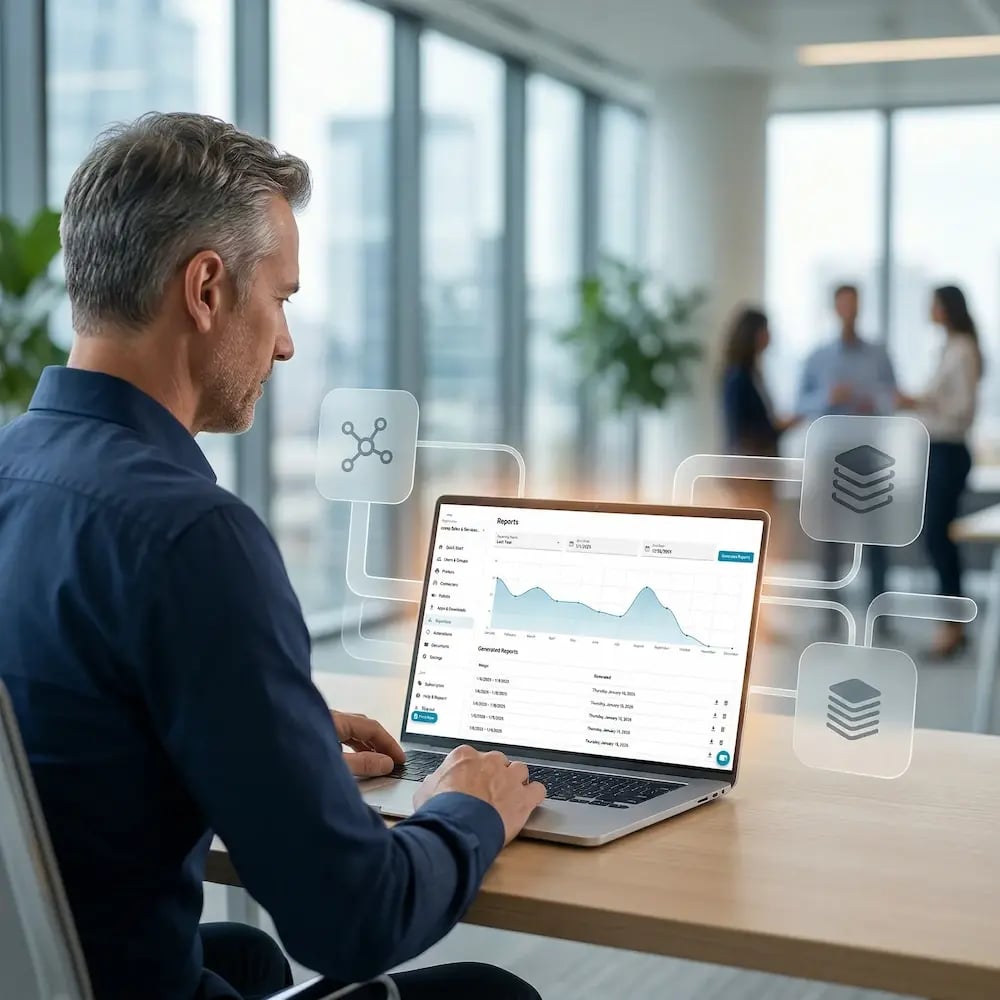
ezeep includes a print monitoring dashboard with print volume, cost estimates, and per-user, per-group, and per-printer breakdowns on Pro plans and above. CSV export is available on Business and Enterprise plans. There is no native print quota enforcement.

Printix
Printix provides tracking reports and audit trails covering local and remote printing, with document names visible only to the document owner, and supports analytics through Power BI. Print rules can be enforced centrally.
How is Print Data Protected?
The two products answer the same question differently, and it is worth being direct about it: ezeep sends print jobs to the cloud, Printix keeps them on your network. With ezeep, jobs are encrypted in transit with TLS 1.3 and at rest with AES-256, stay encrypted while they wait for secure release, and are deleted after 72 hours if nobody collects them. ezeep is GDPR compliant, publishes a Data Processing Addendum, and runs on Microsoft Azure (ISO 27001 and SOC 2 certified), with its own ISO 27001 certification in progress. The Hub connects outbound only, so printers can sit on an isolated network segment. Single sign-on works through Entra ID and Google Workspace.
Printix is GDPR compliant, and Tungsten Automation publishes a trust portal covering its products. Documents are encrypted and stored on the local network, and S3-compatible storage lets you keep job data in a chosen region — useful where data residency is a hard requirement. Single sign-on covers Entra ID, Google Workspace, Okta, and OneLogin.

Which One Fits Your Environment?
ezeep is The Better Fit For:
- Sites that would rather not keep a computer running to process print jobs
- Environments where a small hardware connector is preferred over running software on a Windows host
- Organizations running virtual desktops - Azure Virtual Desktop, Windows 365, Citrix, Parallels, Omnissa Horizon
- Teams that want self-service onboarding, transparent pricing, and a free tier that doesn't expire
- Coworking, education, and shared-printing environments billed per user
- Printing driven by other systems - ERP, CRM, EHR and similar applications - through the ezeep REST API or the ezeep MCP server
Printix May Be The Better Fit For:
- Organizations where print documents must not leave the local network
- Deployments with strict regional data residency requirements
- Microsoft-first environments already standardized on Endpoint Manager
- Organizations that want document capture, OCR, and routing alongside print management
Frequently Asked Questions
Is Printix the same as Kofax or Tungsten Automation?
Printix joined Tungsten Automation in August 2021. Tungsten Automation is the company formerly called Kofax, so all three names refer to the same organization at different points in time. Printix is sold today as part of Tungsten's platform.
Can I migrate from Printix to ezeep?
Yes, and nothing in an ezeep setup depends on your existing one. Printers connect through the ezeep Hub or the Windows Software Connector, and users sync from Microsoft Entra ID or Google Workspace. The ezeep app for Windows and Mac deploys through Intune or similar device management tools, so nobody has to visit machines individually, and Print Now handles most documents straight from a browser.
Because ezeep renders print jobs in the cloud, nothing on your network has to hold or process jobs once the move is complete.
Since ezeep runs on its own infrastructure, you can set it up and test with a small group before committing to anything.
Does ezeep work with my existing printers?
Yes. ezeep renders print jobs in the cloud against a library of more than 6,000 printer drivers, so no specific printer brand or model is required.
Do I still need a print server?
No. Neither product needs one. The ezeep Hub connects printers to the cloud without a server or a dedicated PC at the site; if you'd rather keep an existing Windows machine in the picture, the Software Connector runs on it instead.
Do users have to install anything?
The ezeep app runs on Windows and Mac for printing from File → Print, and deploys through Intune or similar tools rather than machine by machine. Print Now covers most documents from a web browser with nothing installed. Printix deploys its client to computers through Microsoft Endpoint Manager.
Is there a free version of either product?
ezeep has a free tier for up to 10 users, with driverless printing, unlimited print jobs, and one connector. It doesn't expire. Printix has no free tier, but offers a full-feature one-month trial you can start and convert yourself.
Which costs less, ezeep or Printix?
That depends on your environment. Both bill per user, but they count differently — Printix charges for users who logged in during the month, ezeep for the users on your plan — so organizations with a lot of occasional or seasonal users may find the two land in different places. ezeep's free tier and 14-day trial let you find out at no cost and without a conversation.
See ezeep Running in Your Environment
Full-feature access for 14 days. No credit card required. If you decide ezeep isn't the right fit, your account simply moves to the Free plan, and your printer setup and user invitations are preserved.
.webp?width=1920&height=1536&name=ezeep-chart%20(1).webp)