Drukowanie w chmurze dla urządzeń Apple zarządzanych przez Jamf
Wdróżcie ezeep Print App w całej flocie urządzeń Apple za pomocą Jamf. Wysyłajcie przypisania drukarek i ustawienia drukowania przez zarządzane konfiguracje. Każdy Mac, iPhone i iPad uzyskuje dostęp do dowolnej drukarki — bez uzależnienia od AirPrint i bez ręcznej konfiguracji.

Co robi integracja ezeep z Jamf?
Wdrażanie Print App na dużą skalę
Wysyłajcie ezeep Print App na komputery Mac, iPhone'y i iPady za pomocą Jamf Pro, Jamf School lub Jamf Now. Wdróżcie ją na poszczególne urządzenia, za pomocą Blueprints lub przez Self Service. Bez ręcznej instalacji i bez interwencji użytkownika.
Wdróżcie przypisania drukarek i ustawienia druku
Dzięki zarządzanym konfiguracjom Apple w Jamf możecie przypisywać konkretne drukarki, ograniczać drukowanie w kolorze, wymuszać druk dwustronny i ustawiać domyślne preferencje. Użytkownicy otrzymują gotowe do pracy środowisko drukowania, bez zmiany żadnego ustawienia.
Druk bez ograniczeń AirPrint
AirPrint wymaga, aby urządzenie Apple i drukarka znajdowały się w tej samej sieci. To oznacza miksowanie urządzeń z infrastrukturą i umożliwienie każdemu podłączonemu drukowania bez nadzoru. ezeep przesyła zadania drukowania przez chmurę, dzięki czemu urządzenia nigdy nie mają dostępu do sieci drukarek.
Dla zespołów IT zarządzających środowiskiem Apple na dużą skalę
Wdrożenia Apple w środowiskach Enterprise
Organizacje wdrażające komputery Mac, iPady i iPhone'y w działach potrzebują drukowania klasy Enterprise, które działa od pierwszego dnia. ezeep i Jamf zapewniają, że każde urządzenie automatycznie otrzymuje właściwe drukarki z odpowiednimi zasadami.
Edukacja i środowiska akademickie
Szkoły i uniwersytety wdrażające iPady i komputery Mac dla studentów i pracowników potrzebują niezawodnego drukowania, które nie wymaga infrastruktury AirPrint. ezeep łączy dowolną drukarkę, a wdrożeniem aplikacji zarządza Jamf Pro lub Jamf School.
Zespoły pracujące hybrydowo i w wielu lokalizacjach
Użytkownicy Apple pracujący w biurze, z domu i w podróży potrzebują drukowania, które za nimi podąża. ezeep przesyła zadania drukowania przez chmurę, więc lokalizacja nie ma znaczenia. Jamf dba o aktualność aplikacji i konfiguracji na każdym urządzeniu.
Opieka zdrowotna i branże regulowane
Organizacje wymagające bezpiecznego wydruku dokumentów z urządzeń Apple korzystają z Pull Printing połączonego ze scentralizowaną kontrolą przez zasady zgodności Jamf. Dokumenty są zwalniane do druku dopiero po uwierzytelnieniu przy drukarce.
Szczegółowa kontrola drukowania dzięki zarządzanym konfiguracjom Jamf
Przypisywanie drukarek według użytkownika, grupy lub urządzenia
Przypisujcie konkretne drukarki poszczególnym użytkownikom, grupom Jamf Smart Groups lub typom urządzeń za pomocą zarządzanych konfiguracji.
Użytkownicy widzą tylko drukarki zatwierdzone dla nich przez dział IT, a przypisania aktualizują się automatycznie przy zmianie członkostwa w grupie.

Domyślne ustawienia drukowania i ograniczenia
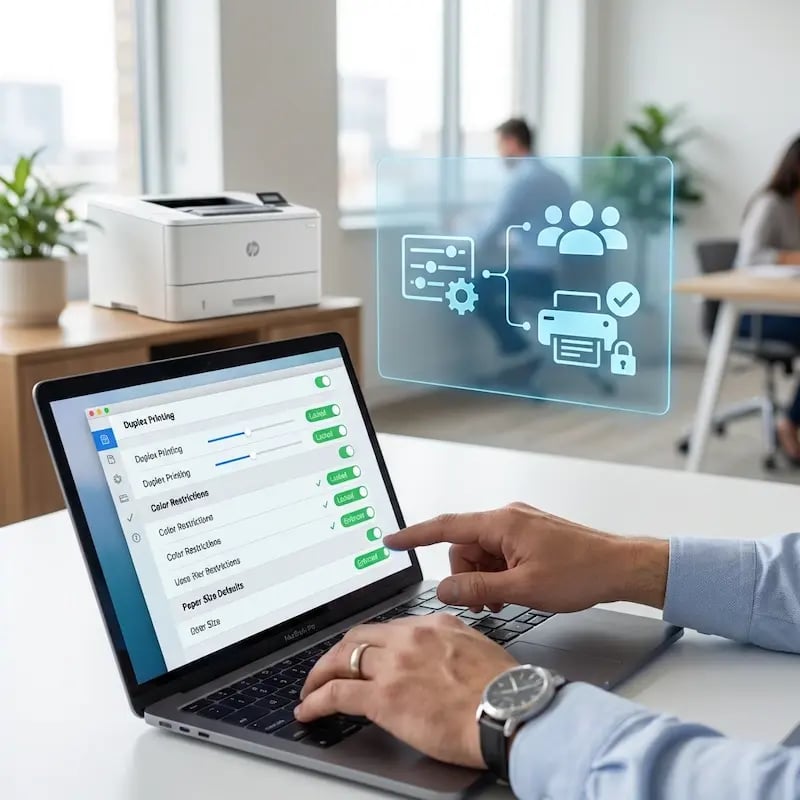
Wymuszajcie druk dwustronny, ograniczajcie drukowanie w kolorze dla określonych grup oraz ustawiajcie domyślny rozmiar papieru i jakość druku za pośrednictwem Jamf.
Te preferencje są stosowane w tle i nadpisują dotychczasowe ustawienia użytkownika, dzięki czemu każde zadanie drukowania startuje z właściwymi ustawieniami domyślnymi.
Pull Printing — bezpieczne wydawanie dokumentów
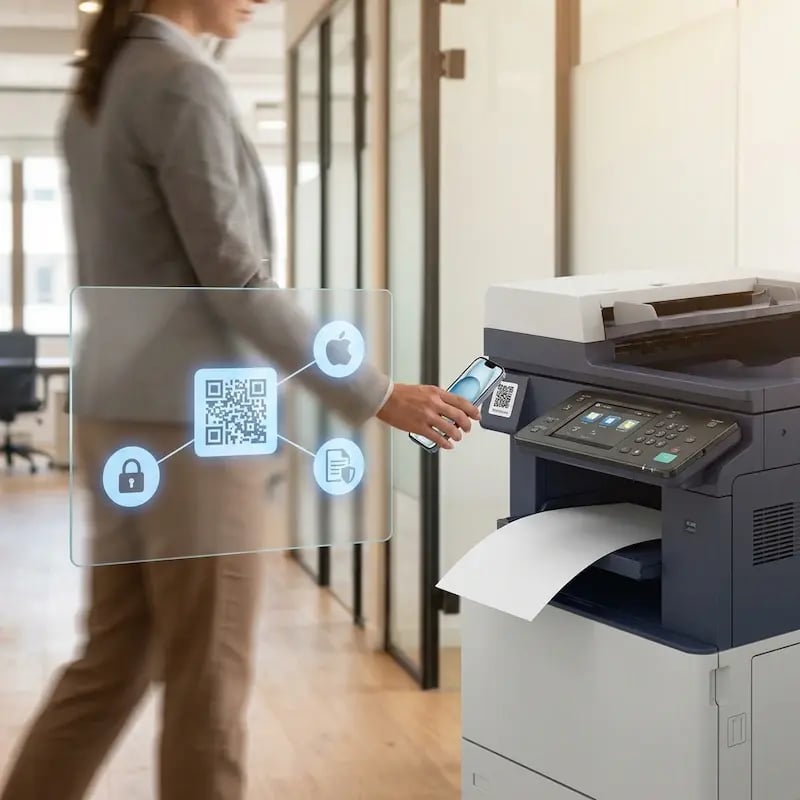
Włączcie Pull Printing przez zarządzane konfiguracje, tak by dokumenty były przechowywane w chmurze, aż użytkownik uwierzytelni się przy drukarce.
Dla zespołów medycznych, prawnych i finansowych korzystających z urządzeń Apple oznacza to, że poufne wydruki nie pozostają na wspólnych tacach.
Renderowanie w chmurze zamiast CUPS i plików PPD
W przeciwieństwie do wbudowanego w Jamf mechanizmu wdrażania drukarek, który opiera się na kolejkach CUPS, plikach PPD i sterownikach producentów na każdym Macu, ezeep wykonuje całe renderowanie w chmurze.
Nie trzeba pakietować sterowników, utrzymywać konfiguracji dla poszczególnych modeli ani martwić się o problemy ze zgodnością po aktualizacjach macOS.

Mniej infrastruktury. Więcej spokoju.
Przenieście drukowanie kampusowe do chmury i zmniejszcie codzienny nakład pracy związany z utrzymaniem. Mniej poprawek, mniej zagadkowych problemów z kolejkami i mniej niespodziewanych awarii.
Jedno spójne doświadczenie w całym kampusie
Obsługujcie rzeczywisty przekrój urządzeń w edukacji — Chromebooki, MacBooki, laptopy z systemem Windows, tablety i telefony — w bibliotekach, laboratoriach, akademikach i przy drukarkach współdzielonych, bez specjalnych kroków dla poszczególnych wydziałów i bez komunikatów „ta drukarka działa tylko na tym systemie”.
Permissions That Actually Make Sense
Tie printer visibility and access to identity and groups, so students, staff, faculty, and researchers see the right printers by role, building, and department - all without constant manual adjustments.
Temporary Access, Without Temporary Chaos
Support guest lecturers, visiting scholars, events, and short-term programs with controlled access that doesn't create recurring IT work or one-off setups.
Confidential Pages Stay With The Right Person
Reduce tray exposure in busy shared spaces. Pull Printing helps ensure jobs only release when the user authenticates at the printer with their school ID, helping protect exams, registrar documents, and sensitive student records.
Visibility Finance Can Actually Use
Understand usage across departments and locations, support quotas and accountability, and make it easier for busier and finance teams to track print spend without turning IT into the print police.
Cost Recovery Without The Busywork
For campuses that charge students to print, ezeepCampus adds Self-Join onboarding and credit-based printing, so students and staff can self-serve while your institution keeps pricing and access under control.
How to Set Up Jamf Printing with ezeep
Connect Your Printers to ezeep
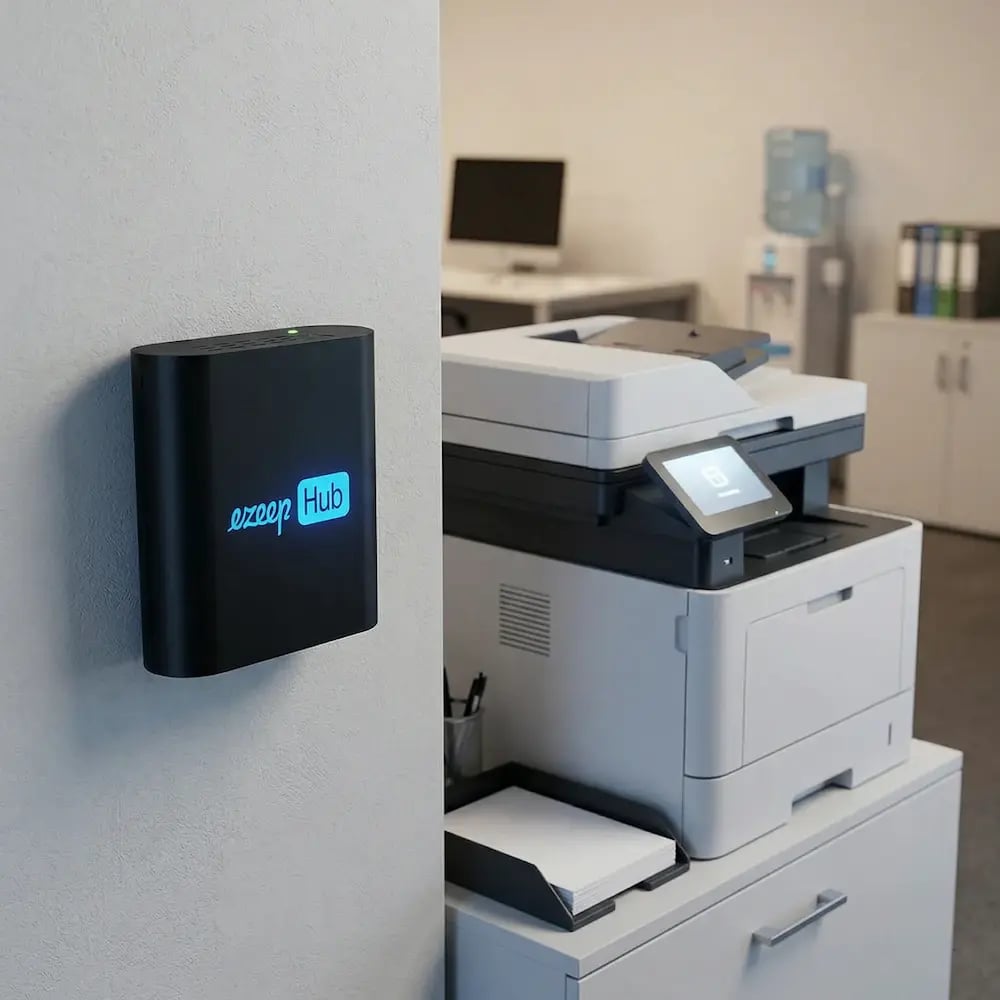
Use the ezeep Hub or Connector to register your printers with ezeep's cloud platform. Assign them to user groups and set any printing policies (page limits, color restrictions, Pull Printing) in the ezeep admin portal.
Deploy the ezeep Print App Through Jamf
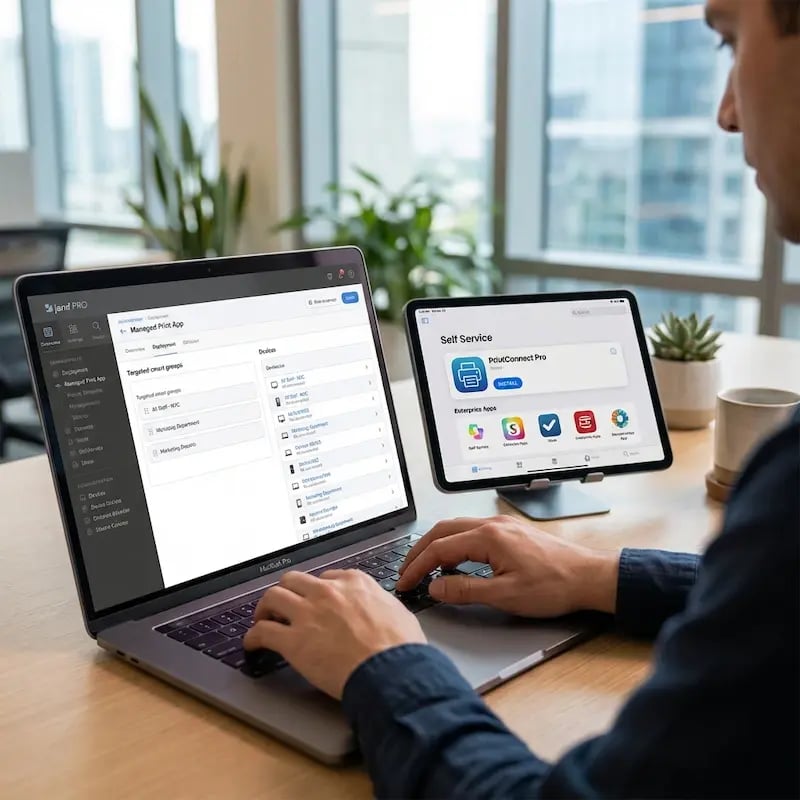
In Jamf Pro, add the ezeep Print App as a managed app and push it to your target devices or Smart Groups. In Jamf School, assign the app to devices, users, or device groups. In Jamf Now, upload the app package and assign it to devices directly or through a Blueprint. For Self Service, make the app available for users to install on demand.

Push Managed Configurations
Configure Apple managed app settings through Jamf to assign printers, set default print preferences (duplex, B&W, paper size), and control which printers each user or group can see. Settings are pushed silently. Users open the app and their printers are ready.

Why AirPrint Isn't Enough for Managed Apple Fleets
AirPrint requires same-network proximity, Bonjour/mDNS discovery that doesn't cross subnets, and compatible printers. In enterprise environments with segmented networks, branch offices, and mixed hardware, that covers a fraction of the fleet. It also gives IT no central control over which printers users see or what settings they use.
ezeep routes jobs through the cloud, so network topology doesn't matter. Any printer works, and IT manages everything from one console.
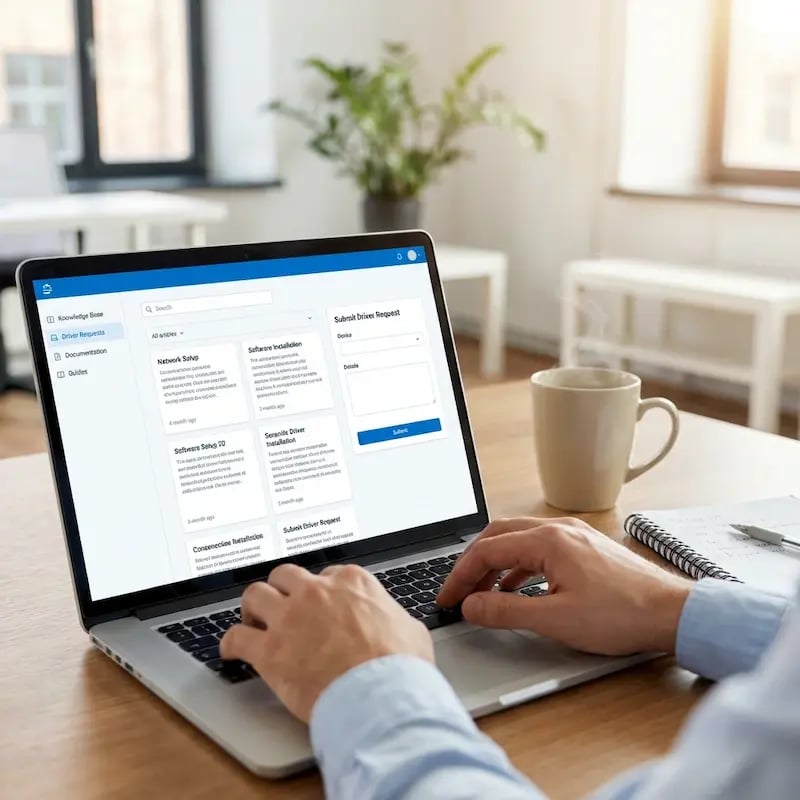
Documentation and Support
For Jamf Pro, Jamf School, and Jamf Now deployment, managed configurations, and Blueprint setup, visit the ezeep Knowledge Base. Our guides cover step-by-step instructions for all three Jamf products.
If you're managing iOS and Android devices through another EMM platform (Cortado, Workspace ONE, Sophos, or others), ezeep supports managed configurations across all major providers.
Frequently Asked Questions
How does the ezeep integration with Jamf work?
IT admins deploy the ezeep Print App to managed Apple devices through Jamf Pro, Jamf School, or Jamf Now. The app is pushed like any other managed application: per-device, through Smart Groups, or via Blueprints. Managed configurations push printer assignments and print settings (duplex, color, paper size) to each device silently. Users open the app and their printers are ready.
Does ezeep replace AirPrint on managed Apple devices?
ezeep removes the dependency on AirPrint. With AirPrint, the printer must be on the same local network and support the protocol, and IT has no central control over assignments or settings. ezeep routes jobs through the cloud so Apple devices can reach any printer regardless of network, location, or protocol. If the printer is connected to ezeep through the Hub or Connector, any Mac, iPhone, or iPad can print to it.
What happens when a macOS update breaks printer drivers?
It doesn't affect ezeep. Print jobs are rendered in the cloud using manufacturer drivers hosted on ezeep's infrastructure, so there are no drivers installed on the Mac itself. macOS updates won't break printing, and IT doesn't need to repackage or redeploy drivers after an OS upgrade. This eliminates the most common cause of post-update print failures on Apple devices.
Can I control print settings and printer assignments through Jamf?
Yes. Using Apple's managed app configuration framework, IT admins push printer assignments, default paper size, color or black-and-white restrictions, duplex settings, and Pull Printing policies through Jamf. Configurations are applied silently and can be updated anytime without user involvement or physical access to the device.
Does ezeep work with MDM platforms other than Jamf?
Yes. The ezeep Print App supports managed configurations across all major EMM/MDM platforms, including Jamf Pro, Jamf School, Jamf Now, Cortado, Workspace ONE (AirWatch), Sophos, and others. The same managed configuration keys work across platforms, so the setup process is consistent regardless of which MDM you use.
Give Your Apple Fleet Printing That Actually Works
Deploy ezeep through Jamf and every Mac, iPhone, and iPad prints to any printer, from any location, without drivers, and with the settings IT controls.