ezeep i Lexmark: natywna integracja aplikacji do drukowania w chmurze, Pull Printing i śledzenia kopii

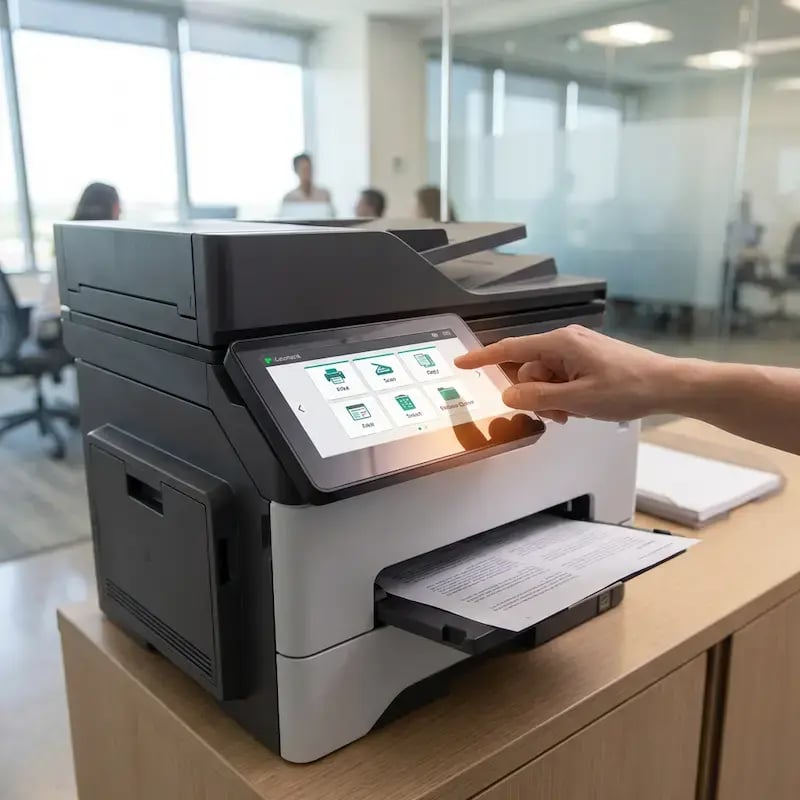
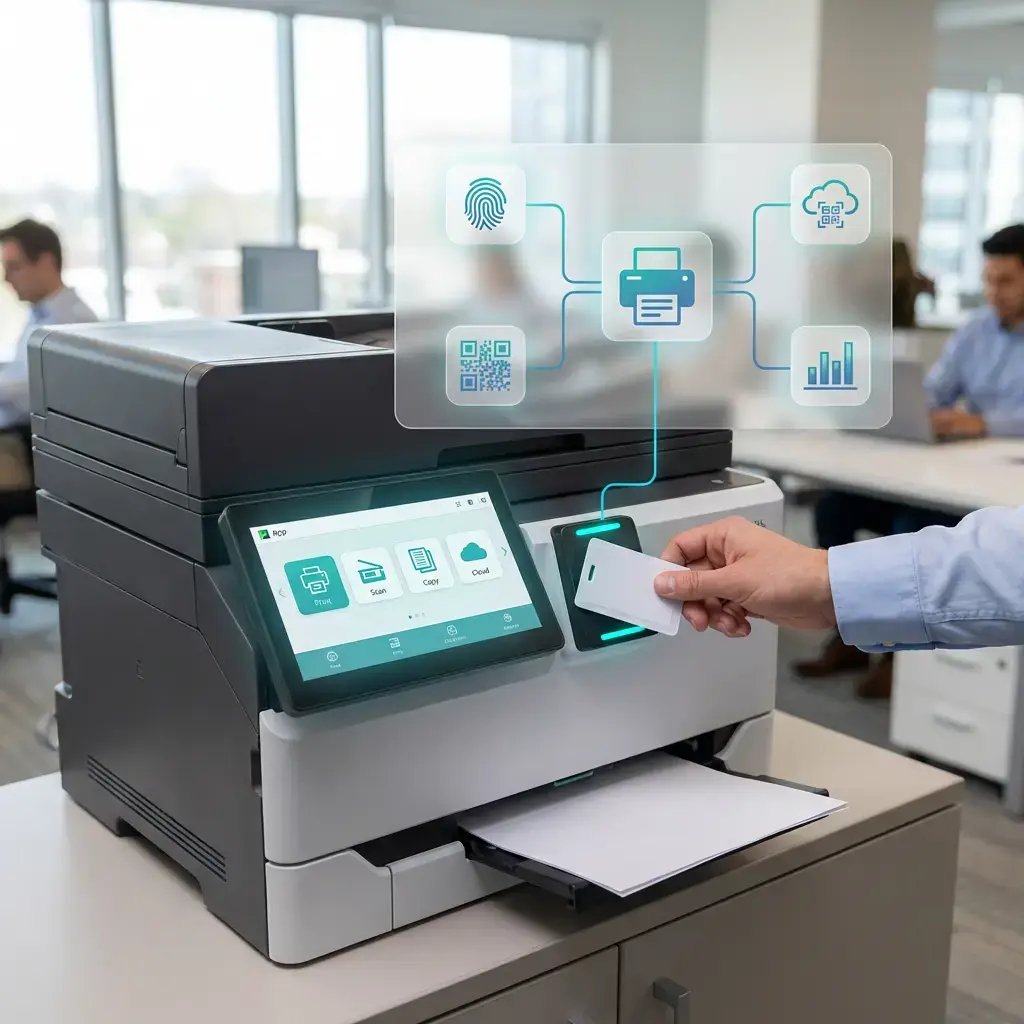
Integracja ezeep z Lexmark to coś więcej niż sama łączność z chmurą. Natywna ezeep App działa bezpośrednio na urządzeniach wielofunkcyjnych Lexmark, umożliwiając bezpieczny Pull Printing z uwierzytelnianiem za pomocą QR, RFID lub PIN, skanowanie do chmury oraz śledzenie kopii bezpośrednio na panelu urządzenia. Bez dodatkowego oprogramowania pośredniczącego i serwerów.
Rozpocznijcie 14-dniowy bezpłatny okres próbnyPorozmawiajcie z ekspertem
lexmark-integration-hero
lexmark-pin-pad

Natywna aplikacja, a nie tylko łączność z chmurą

Większość platform do drukowania w chmurze ogranicza się do kierowania zadań drukowania do drukarki. Integracja ezeep z Lexmark idzie o krok dalej, osadzając aplikację bezpośrednio na ekranie dotykowym urządzenia wielofunkcyjnego (MFP), wykorzystując Lexmark Embedded Solutions Framework (eSF).

Po wdrożeniu użytkownicy korzystają z niej na panelu urządzenia, aby zwalniać wstrzymane zadania drukowania, skanować dokumenty do chmury i uwierzytelniać się w celu śledzenia kopiowania. Aplikacja jest instalowana i zarządzana centralnie z poziomu ezeep Console, więc na miejscu nie trzeba nic konfigurować, a między drukarką a chmurą nie działa żadne oprogramowanie pośredniczące.

Co potrafi aplikacja

Co umożliwia ezeep App dla Lexmark

Pull Printing, skanowanie i śledzenie kopii — wbudowane w ekran dotykowy Lexmark. Wdrażane i zarządzane centralnie z poziomu ezeep Console.

Pull Printing z użyciem karty RFID lub kodu PIN

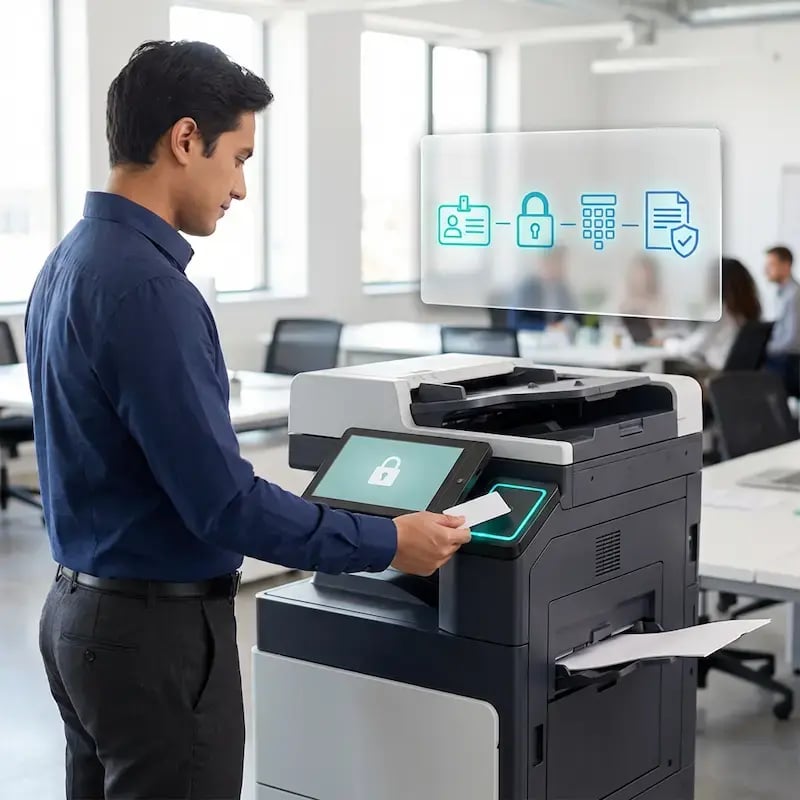
Zadania drukowania są przechowywane w ezeep Cloud, dopóki użytkownik nie podejdzie do urządzenia wielofunkcyjnego Lexmark i nie uwierzytelni się na ekranie dotykowym za pomocą karty RFID lub kodu PIN.

Zadanie jest zwalniane dopiero po weryfikacji, więc poufne dokumenty nie pozostają nieodebrane na tacy odbiorczej.
pull-printing-card

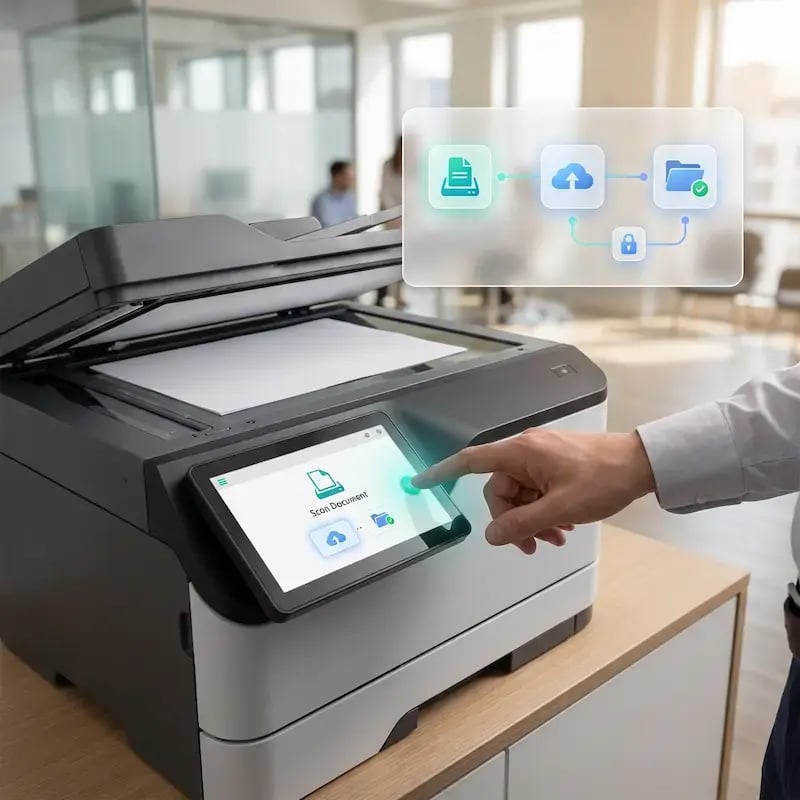
Skanowanie do chmury

Uwierzytelnieni użytkownicy skanują dokumenty bezpośrednio z panelu urządzenia Lexmark i przesyłają je do chmury, bez udziału lokalnego serwera skanowania ani ręcznego przesyłania plików.

Skanowanie jest zarządzane z poziomu tego samego portalu administracyjnego ezeep co drukowanie, więc dział IT kontroluje oba przepływy pracy z jednego miejsca.
scan-to-lexmark

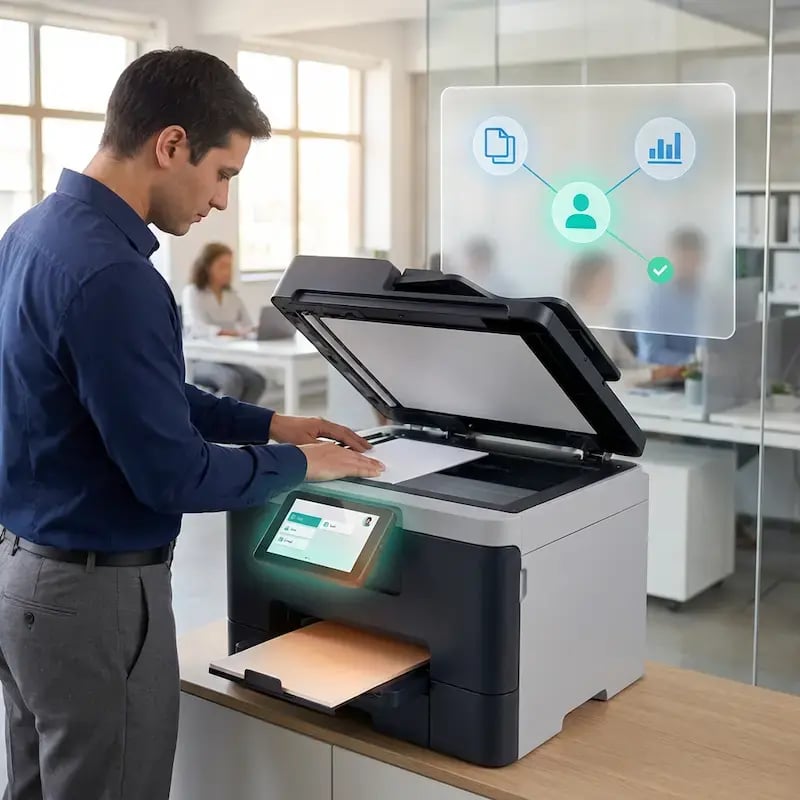
Śledzenie kopiowania według użytkownika

Każda kopia wykonana na urządzeniu wielofunkcyjnym Lexmark jest rejestrowana i przypisywana użytkownikowi, który uwierzytelnił się na urządzeniu.

Zespoły IT i finansów otrzymują pełny wgląd w wykorzystanie kopiowania oraz dane o wydrukach, co ułatwia rozliczenia wewnętrzne, przypisywanie kosztów do działów i raportowanie marnotrawstwa.
track-copying

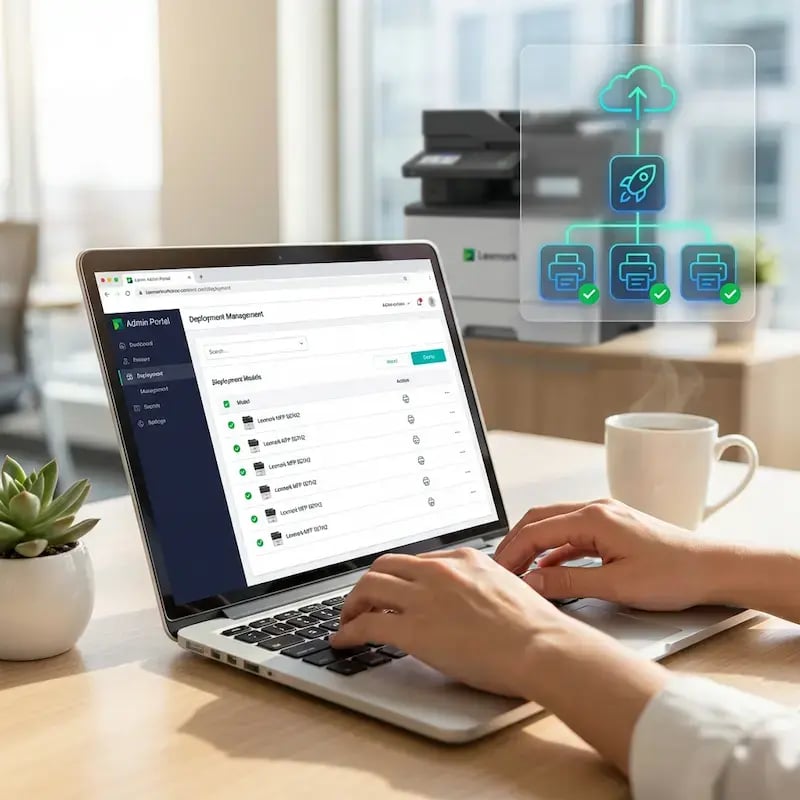
Scentralizowane wdrażanie i zarządzanie

ezeep App jest wdrażana zdalnie na urządzeniach wielofunkcyjnych Lexmark z poziomu portalu administracyjnego.

Ustawienia Pull Printing, metody uwierzytelniania, śledzenie kopiowania i miejsca docelowe skanów są konfigurowane i wdrażane centralnie, więc nie trzeba dotykać poszczególnych urządzeń ani wysyłać zespołu IT do każdej lokalizacji.
admin-tracking

Mniej infrastruktury. Więcej spokoju.

Przenieście drukowanie na kampusie do chmury i zmniejszcie codzienne obciążenie związane z konserwacją. Mniej łatek do instalowania, mniej zagadkowych problemów z kolejkami i mniej niespodzianek w stylu „w nocy przestało działać”.

Bez serwerów
Scentralizowane
Mniej konserwacji

Spójne doświadczenie na całym kampusie

Obsługujcie rzeczywisty miks urządzeń używanych w edukacji — Chromebooks, MacBooki, laptopy z systemem Windows, tablety i telefony — w bibliotekach, laboratoriach, akademikach i przy drukarkach współdzielonych. Wszystko to bez dodatkowych kroków dla poszczególnych wydziałów i bez komunikatów typu „ta drukarka działa tylko z tym systemem operacyjnym”.

Na całym kampusie
Wieloplatformowe
Przyjazne dla użytkownika

Uprawnienia, które naprawdę mają sens

Połączcie widoczność drukarek i dostęp do nich z tożsamością i grupami, aby studenci, pracownicy, wykładowcy i badacze widzieli odpowiednie drukarki według roli, budynku i wydziału — wszystko bez ciągłych ręcznych zmian.

Oparte na rolach
Uwzględniające lokalizację
Spójne

Tymczasowy dostęp bez tymczasowego chaosu

Umożliwcie drukowanie gościnnym wykładowcom, wizytującym naukowcom, uczestnikom wydarzeń i programów krótkoterminowych dzięki kontrolowanemu dostępowi, który nie generuje cyklicznych zadań dla IT ani nie wymaga jednorazowych konfiguracji.

Tymczasowy dostęp
Kontrolowany
Niski nakład pracy

Confidential Pages Stay With The Right Person

Reduce tray exposure in busy shared spaces. Pull Printing helps ensure jobs only release when the user authenticates at the printer with their school ID, helping protect exams, registrar documents, and sensitive student records.

Poufne zwalnianie wydruków
Mniej pomyłek
Możliwość audytu

Visibility Finance Can Actually Use

Understand usage across departments and locations, support quotas and accountability, and make it easier for busier and finance teams to track print spend without turning IT into the print police. 

Measurable
Accountable
Budget-Friendly

Cost Recovery Without The Busywork

For campuses that charge students to print, ezeepCampus adds Self-Join onboarding and credit-based printing, so students and staff can self-serve while your institution keeps pricing and access under control.

Self-Join
Credit-Based
Accountable

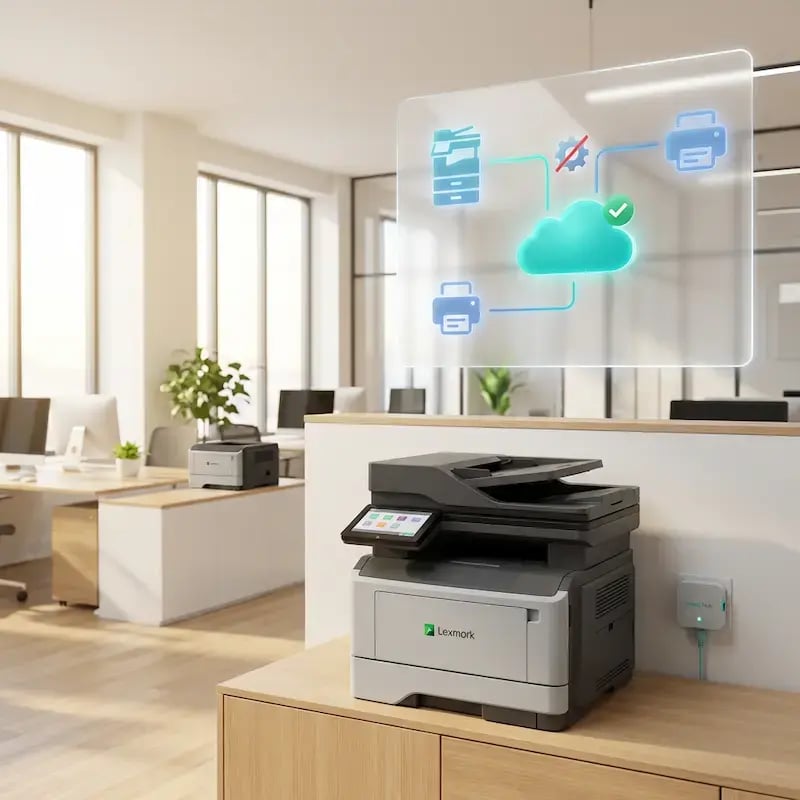
Cloud Printing for Your Entire Lexmark Fleet

The embedded app is just  one layer of the integration. Underneath it, ezeep connects all Lexmark printers to the cloud through the ezeep Hub or Connector, including single-function models that don't support the app. Those devices get driverless cloud printing and Printer Profiles, while MFPs with the app also get pull printing, scan to cloud, and copy tracking.

Everything is managed from the same admin console, and if your fleet includes Xerox hardware alongside Lexmark after the acquisition, ezeep handles both brands without running separate tools.

See Full Lexmark Printing Use Case
cloud-printing-lexmark
Work Environments

Who This Integration is For

How to Deploy the ezeep App on Lexmark MFPs

Three steps to go from a standard Lexmark MFP to a cloud-connected print, scan, and copy station.
connect-printer-to-ezeep
1

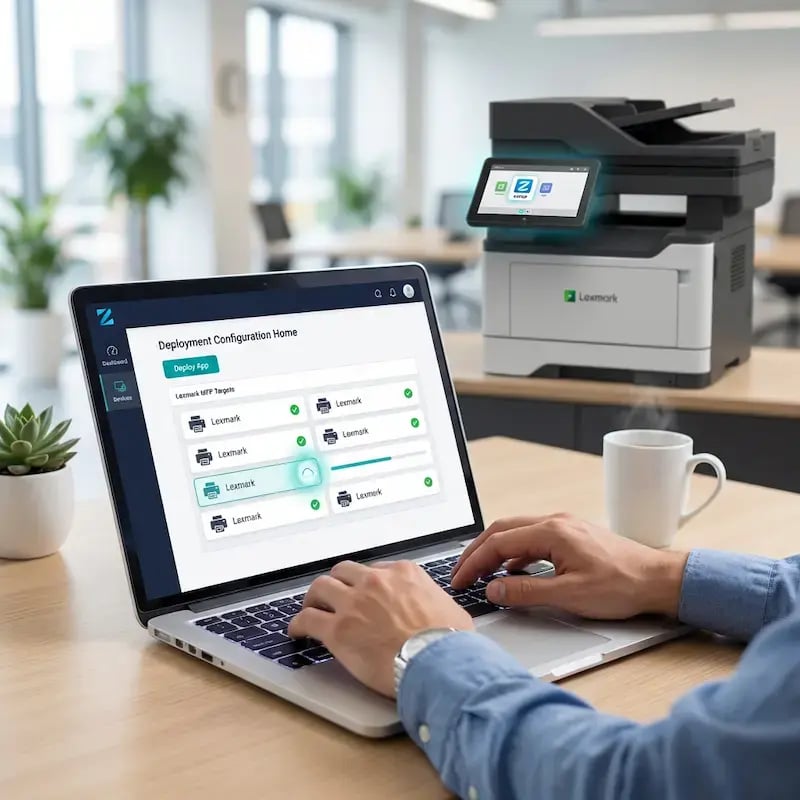
Connect Lexmark Printers to ezeep

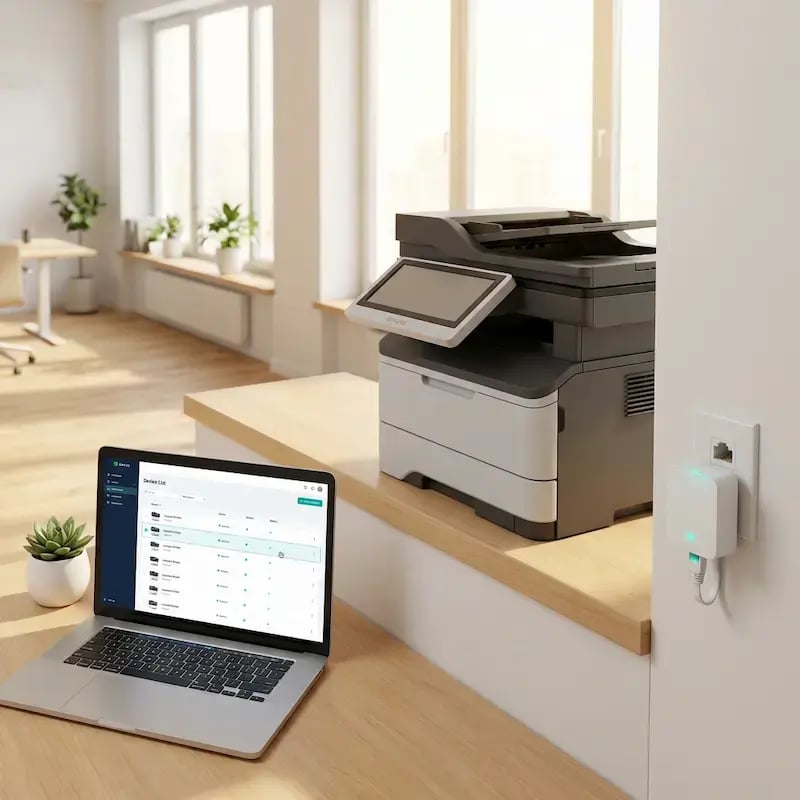
Connect your Lexmark printers to ezeep through the ezeep Hub or the ezeep Connector on a Windows machine. The printers register in the ezeep admin console automatically.
install-app-on-printer
2

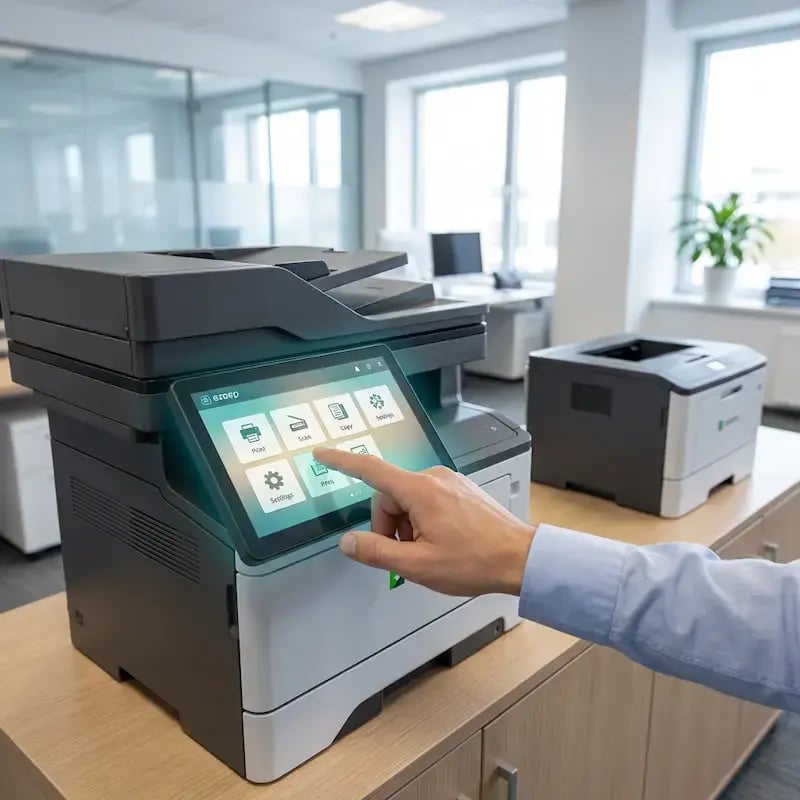
Install the ezeep App on Lexmark MFPs

Deploy the ezeep App to compatible Lexmark multifunction printers through the ezeep admin portal. The app installs on the device's embedded Solutions Framework (eSF) and appears on the Lexmark touchscreen.
configure-settings
3

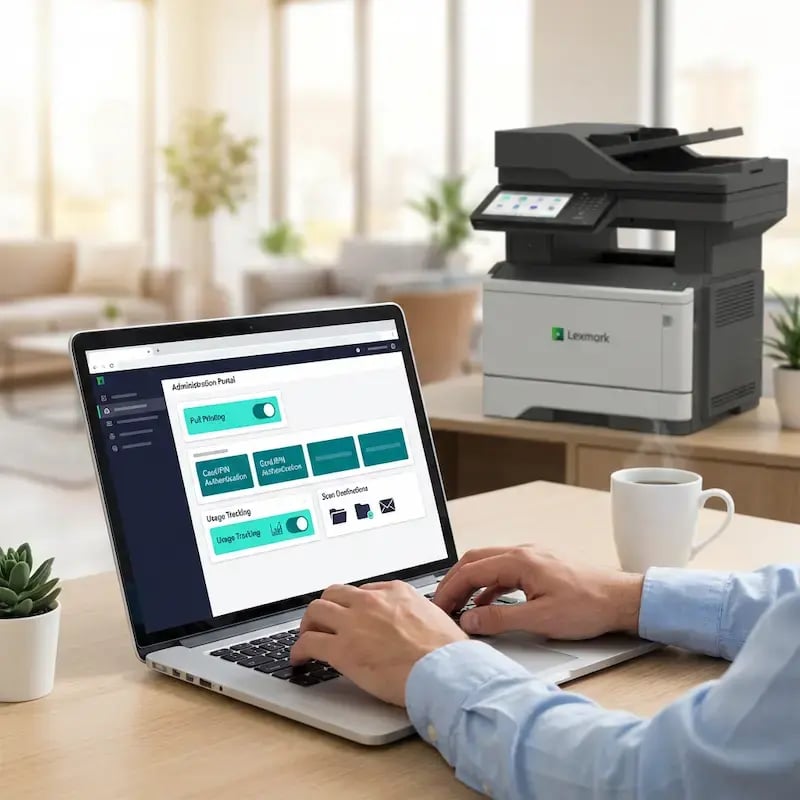
Configure Pull Printing, Scanning, and Copy Tracking

Enable Pull Printing and choose the authentication method (RFID or PIN). Turn on copy tracking to log all copy activity per user. Configure scan to cloud destinations. All settings are managed centrally and pushed to devices remotely.

ezeep API

Automate Print Jobs to Your Lexmark Fleet

Not every print job starts at a user's desk. Hospital admissions systems generate wristbands and discharge paperwork. Loan origination platforms produce document packages. Retail inventory systems trigger shelf labels and pricing updates. The ezeep API lets these systems send jobs directly to specific Lexmark printers without user interaction. Combined with the embedded app for walk-up workflows, ezeep covers both automated and on-demand printing across your Lexmark fleet.

ezeep-api
pin-pade-lexmark

Which Lexmark Devices Support the ezeep App?

The ezeep App is available on Lexmark MFPs that support the embedded Solutions Framework (eSF), covering a broad range of current and recent mono and color models. RFID-based Pull Printing requires a card reader (supplied with some models, available separately for others). Standard single-function Lexmark printers work with ezeep's cloud printing platform but do not support the embedded app. For the full list, visit the ezeep Knowledge Base.

See Compatible Lexmark Devices
Documentation and Support

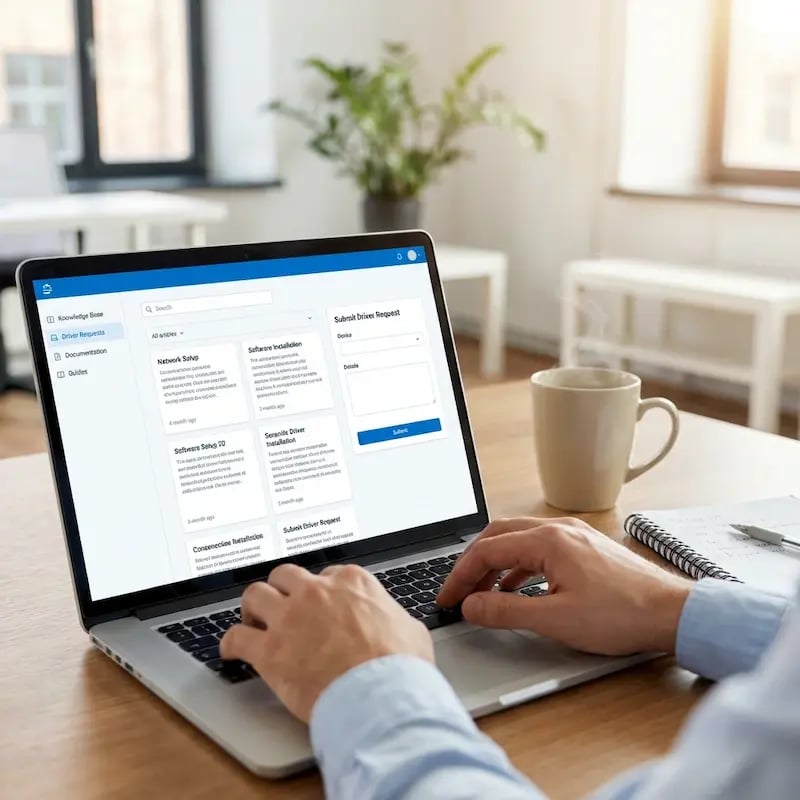
For ezeep App installation, Lexmark eSF compatibility, RFID reader setup, and copy tracking configuration, visit the ezeep Knowledge Base. For broader Lexmark fleet management, cloud connectivity, and Printer Profile setup, see the Lexmark Printing page.

If you need help planning a deployment or confirming compatibility with a specific Lexmark model, our team is available.

Visit ezeep Help Center
documentation

Frequently Asked Questions

What is the ezeep App for Lexmark?

The ezeep App is a native application that runs directly on Lexmark multifunction printers using Lexmark's embedded Solutions Framework (eSF). It adds secure Pull Printing with RFID or PIN authentication, scan to cloud, and per-user copy tracking to the Lexmark device panel. The app is deployed and configured centrally through the ezeep admin portal and requires no middleware, extra servers, or additional hardware.

Does the ezeep App work on all Lexmark printers?

The embedded app requires a Lexmark MFP that supports the eSF framework. Standard single-function Lexmark printers connect to ezeep through the Hub or Connector for driverless cloud printing, Printer Profiles, and central management, but do not support the embedded app features. Both printer types are managed from the same admin console.

How is the ezeep App different from Lexmark's own device management tools?

Lexmark Cloud Fleet Management handles device configuration, firmware updates, and fleet monitoring. The ezeep App adds a workflow layer on top: pull printing with authentication, scan to cloud, and per-user copy tracking. Lexmark's tools manage the device. ezeep manages what happens when a user walks up to it.

Does the Lexmark integration still work after the Xerox acquisition?

Yes. Lexmark's embedded Solutions Framework (eSF) is actively maintained, and the ezeep App continues to run on all supported Lexmark MFP models. If your fleet includes both Lexmark and Xerox hardware, ezeep manages both brands from the same admin console. The embedded app is currently available on Lexmark MFPs only.

Can ezeep track both print and copy usage on Lexmark MFPs?

Yes. Print jobs are logged automatically as they pass through the ezeep cloud. When copy tracking is enabled in the ezeep App, every copy is also logged and attributed to the authenticated user. Both data sets appear in the same admin portal reports, giving IT and finance teams a complete picture for chargebacks, cost allocation, and compliance auditing.

Back to top

Turn Your Lexmark MFPs into Cloud-Connected Print Stations

Pull printing, scan to cloud, and copy tracking built directly into the Lexmark device panel. No middleware. No extra servers.

ezeep-chart (1)