Drukujcie w chmurze z dowolnego Chromebooka na dowolną drukarkę

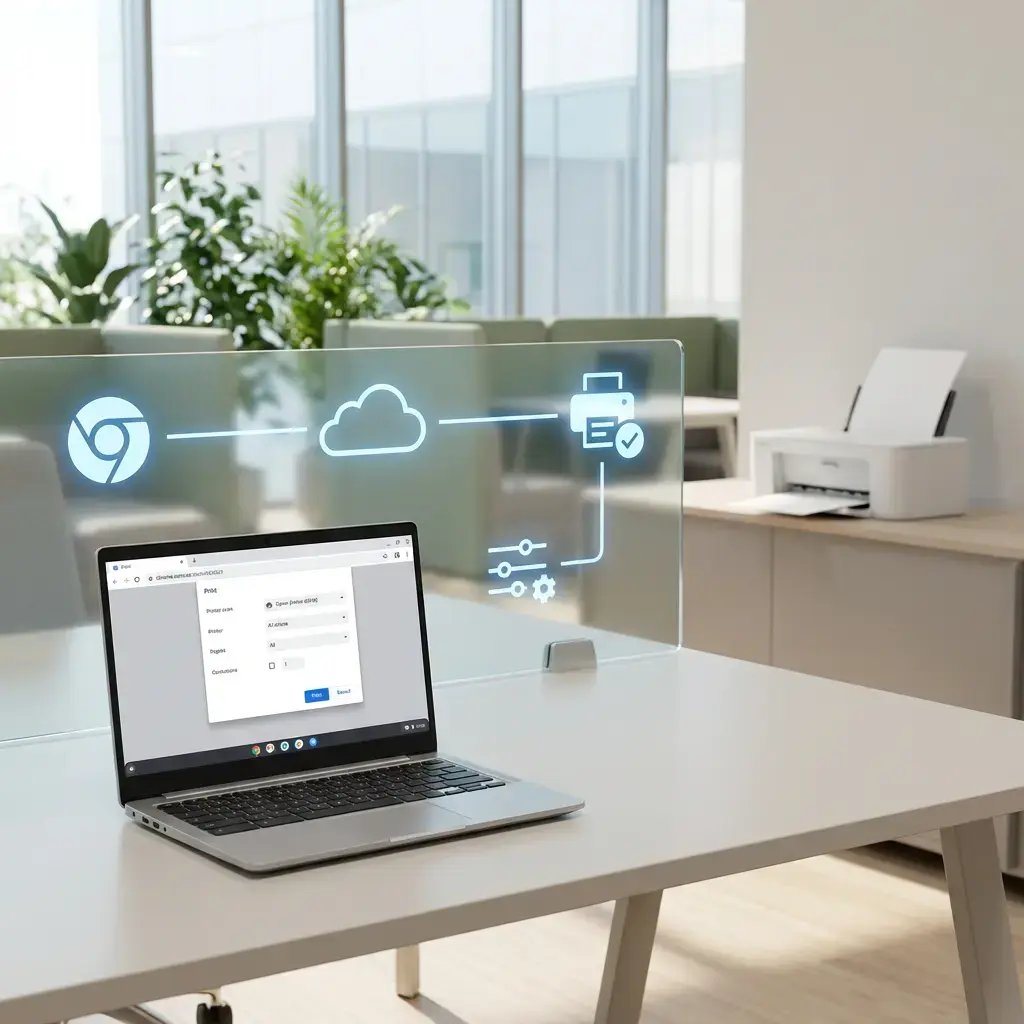
ezeep zapewnia rozwiązanie do zarządzania drukowaniem w Chrome dla przedsiębiorstw, obsługujące Chromebooky i przeglądarkę Chrome. Drukujcie z urządzeń ChromeOS na dowolną drukarkę, korzystając z centralnego zarządzania IT i bez lokalnej konfiguracji.
Rozpocznijcie bezpłatny okres próbny już dziśPorozmawiajcie z ekspertem
chrome-printing-hero
Problemy z drukowaniem w Chrome

Dlaczego drukowanie w Chrome nadal frustruje zespoły IT

Chromebooky są wszędzie. Scentralizowane zarządzanie drukowaniem dla ChromeOS — już nie.

ChromeOS nie ma wbudowanego zarządzania drukowaniem

Działy IT nie mogą kontrolować, które drukarki widzą użytkownicy Chromebooków, wymuszać drukowania dwustronnego lub zasad dotyczących druku w kolorze ani śledzić zużycia wydruków z jednego miejsca. ChromeOS nie oferuje kontroli druku na poziomie całej floty, jakiej oczekują administratorzy Windows i macOS.

Wykrywanie w sieci nie działa między lokalizacjami

Natywne drukowanie w Chrome opiera się na wykrywaniu urządzeń w sieci lokalnej lub na ręcznie skonfigurowanych drukarkach. Sieci VLAN, sieci dla gości i użytkownicy przemieszczający się między lokalizacjami powodują, że drukarki pojawiają się i znikają w nieprzewidywalny sposób.

Google Cloud Print to już przeszłość i nic go nie zastąpiło.

Google wycofało Cloud Print w 2020 roku i nigdy nie wprowadziło wbudowanego zamiennika dla zarządzanych środowisk Chromebooków. Organizacje, które nadal korzystają z rozwiązań zastępczych, potrzebują dedykowanej alternatywy.

Jak ezeep to umożliwia

Chmurowe drukowanie z Chrome

Drukowanie w ChromeOS bez konfiguracji dla użytkowników końcowych

Zapewnijcie użytkownikom płynne drukowanie w ChromeOS. ezeep automatycznie dodaje przypisane drukarki do natywnego okna dialogowego drukowania w Chrome wraz ze wszystkimi ustawieniami skonfigurowanymi przez dział IT.

Użytkownicy drukują od razu, bez konfiguracji — oszczędza to czas działu IT i eliminuje problemy.
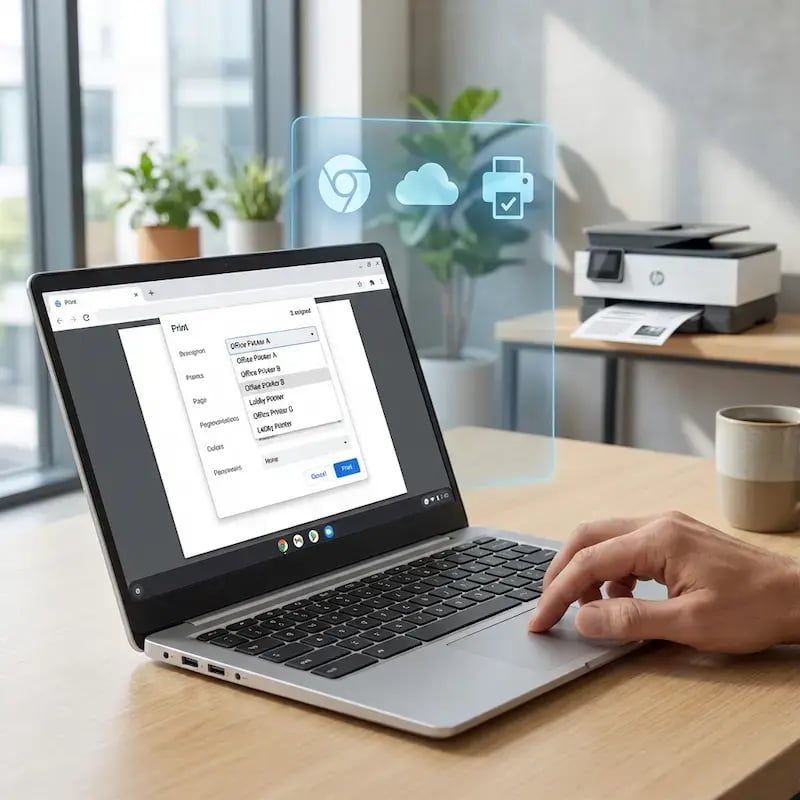
zero-configuration-chrome-printing

Scentralizowane zarządzanie drukowaniem na Chromebookach dla działu IT

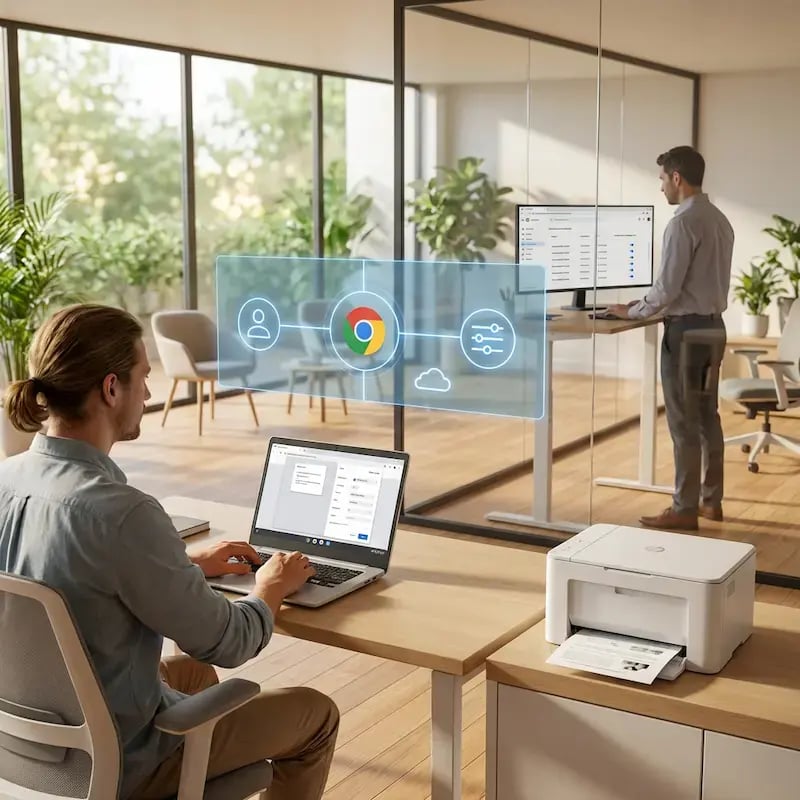
Zarządzajcie wszystkimi drukarkami i uprawnieniami użytkowników z jednego portalu internetowego. Zmiany są natychmiast przesyłane na urządzenia z ChromeOS, co zapewnia spójne egzekwowanie zasad w całej flocie.

Nie trzeba dotykać poszczególnych Chromebooków ani zarządzać lokalnymi konfiguracjami.
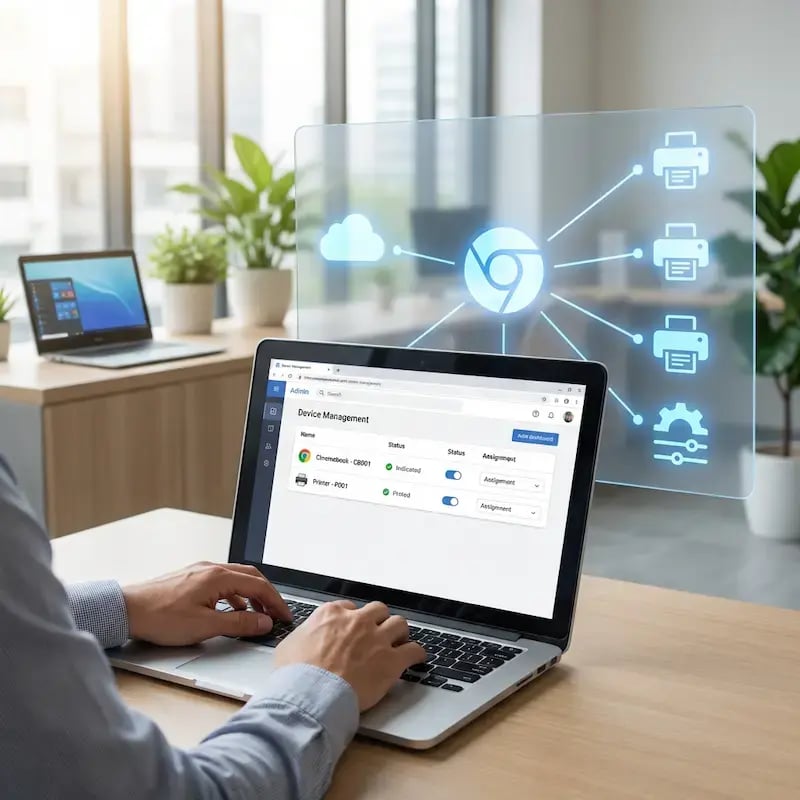
central-management-chrome

Pełna kompatybilność z drukarkami — bez ograniczeń

ezeep współpracuje z każdą drukarką w waszej flocie — nie tylko z drukarkami gotowymi do pracy w chmurze.

Podłączcie dowolną starszą drukarkę sieciową do środowiska drukowania ChromeOS za pomocą ezeep Hub i wydłużcie żywotność waszego sprzętu bez konieczności stosowania obejść.
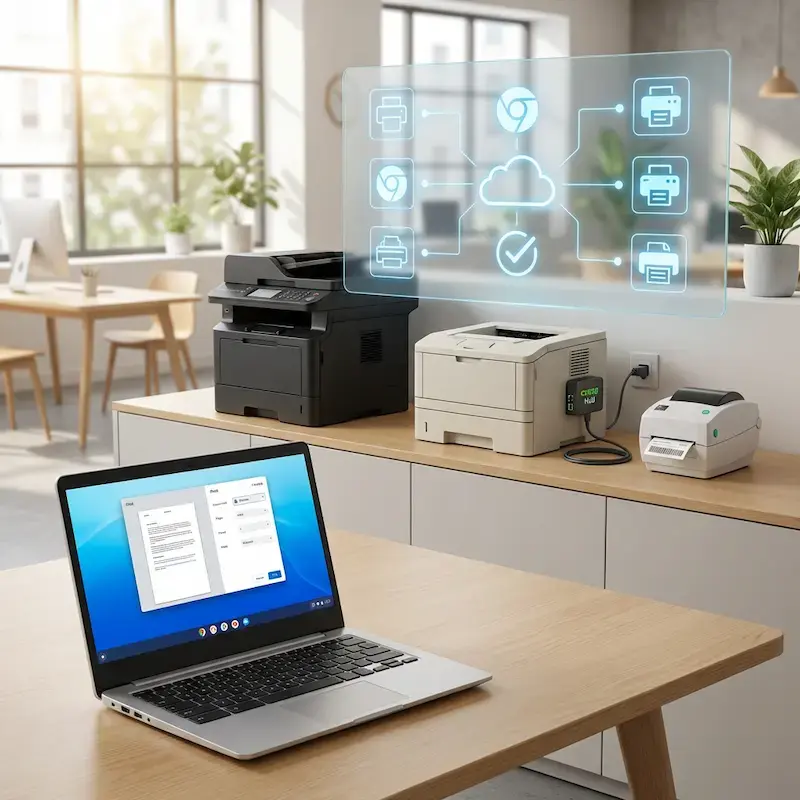
chrome-printer-compatability

Bezpieczna funkcja Pull Printing dla urządzeń z ChromeOS

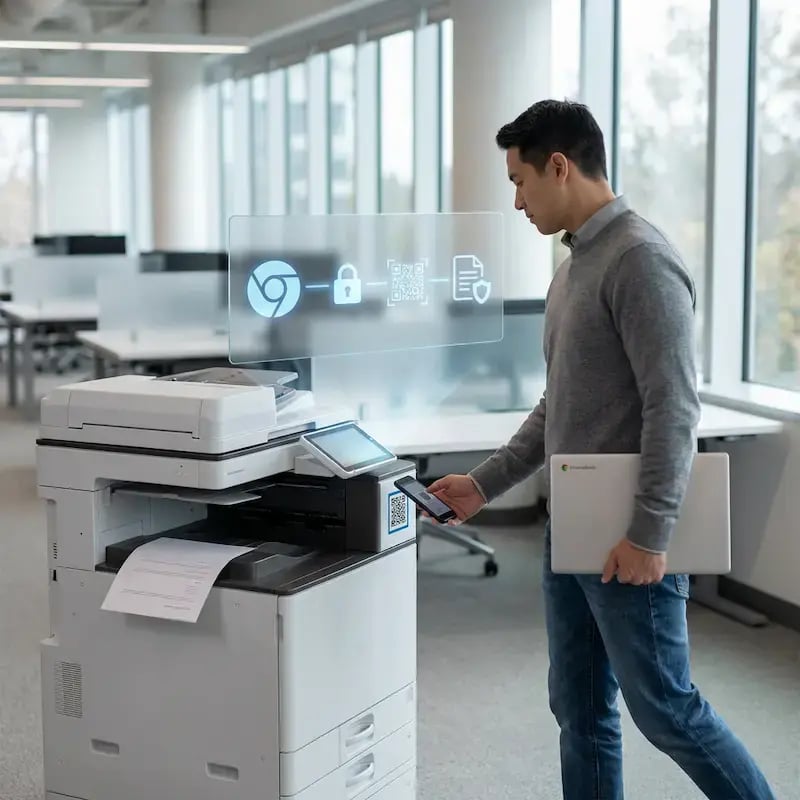
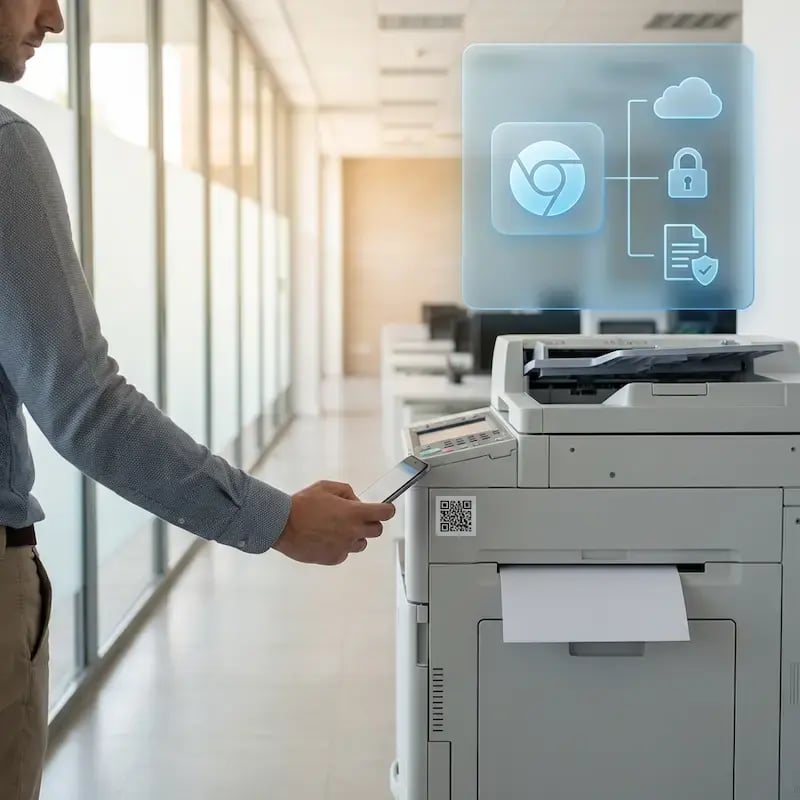
Wprowadźcie zabezpieczenia Zero Trust i kontrolę kosztów do drukowania w ChromeOS. Pull Printing przechowuje dokumenty w bezpiecznej kolejce, dopóki użytkownik nie uwierzytelni się przy drukarce za pomocą smartfona lub karty identyfikacyjnej.

To eliminuje ryzyko pozostawienia poufnych dokumentów na tacach odbiorczych i ogranicza marnotrawstwo papieru.
chrome-pull-printing

Mniej infrastruktury. Więcej spokoju.

Przenieście drukowanie kampusowe do chmury i zmniejszcie codzienne obciążenie związane z utrzymaniem. Mniej poprawek, mniej zagadkowych problemów z kolejkami wydruku i mniej niespodzianek typu „zepsuło się przez noc”.

Bez serwerów
Scentralizowane
Mniej konserwacji

Jedno, spójne doświadczenie w całym kampusie

Wspierajcie faktyczną mieszankę urządzeń używanych w edukacji — Chromebooki, MacBooki, laptopy z systemem Windows, tablety i telefony — w bibliotekach, laboratoriach, akademikach i przy drukarkach współdzielonych, bez specjalnych kroków dla poszczególnych wydziałów czy sytuacji typu „ta drukarka działa tylko z tym systemem operacyjnym”.

Na całym kampusie
Wieloplatformowe
Przyjazne dla użytkowników

Uprawnienia, które faktycznie mają sens

Powiążcie widoczność drukarek i dostęp z tożsamością i grupami, dzięki czemu studenci, pracownicy, wykładowcy i badacze będą widzieć odpowiednie drukarki według roli, budynku i wydziału — a wszystko to bez ciągłego ręcznego dostosowywania.

Oparty na rolach
Uwzględniający lokalizację
Spójny

Tymczasowy dostęp — bez niepotrzebnego chaosu

Wspierajcie wykładowców gościnnych, odwiedzających naukowców, wydarzenia i krótkoterminowe programy, zapewniając kontrolowany dostęp, który nie generuje cyklicznych zadań dla działu IT ani jednorazowych konfiguracji.

Tymczasowy dostęp
Kontrolowany
Minimalny nakład pracy

Confidential Pages Stay With The Right Person

Reduce tray exposure in busy shared spaces. Pull Printing helps ensure jobs only release when the user authenticates at the printer with their school ID, helping protect exams, registrar documents, and sensitive student records.

Prywatny odbiór
Mniej pomyłek
Możliwość audytu

Visibility Finance Can Actually Use

Understand usage across departments and locations, support quotas and accountability, and make it easier for busier and finance teams to track print spend without turning IT into the print police. 

Measurable
Accountable
Budget-Friendly

Cost Recovery Without The Busywork

For campuses that charge students to print, ezeepCampus adds Self-Join onboarding and credit-based printing, so students and staff can self-serve while your institution keeps pricing and access under control.

Self-Join
Credit-Based
Accountable
chrome-it-user

Chromebook Print Management That’s Easy for Users & Controlled for IT.

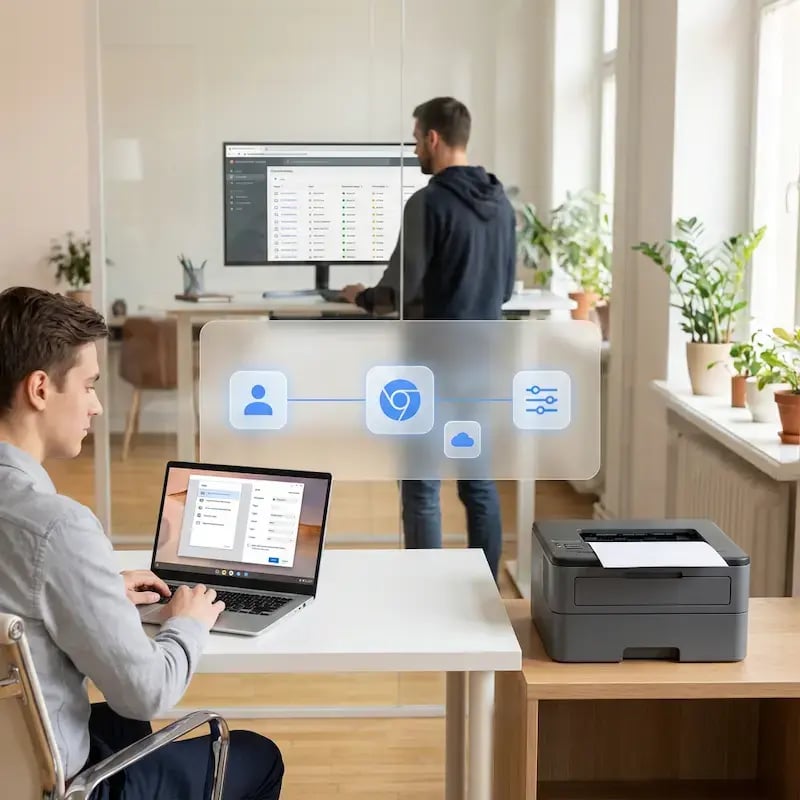
Users print directly from the Chrome print dialog, with no new workflows to learn.

Admins configure printers through policies, making even complex environments manageable without local infrastructure.

Start Free Trial
Who Solution is For

Who Benefits Most from ezeep’s ChromeOS Printing Solution

This Chrome printing solution is ideal for schools, enterprises, and distributed teams that need centralized control over ChromeOS printing without per-device setup.
How It Works

How to Print from Chromebook to Any Printer with ezeep

No drivers, no print servers, no printer restrictions. Three steps from install to output.
chrome-print-push
1

Deploy the Chrome Extension

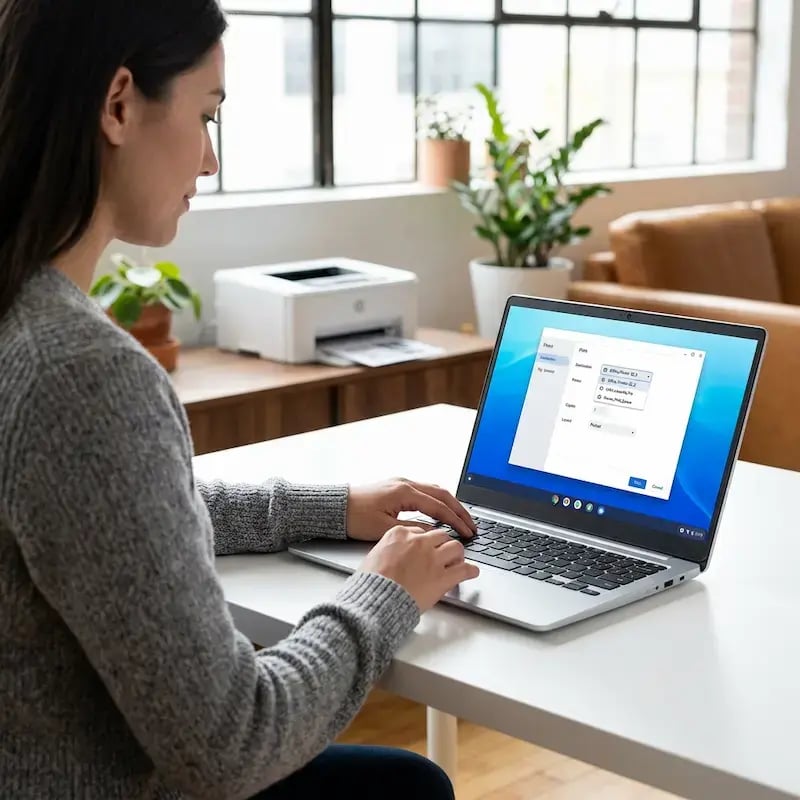
IT pushes the ezeep extension through Chrome Enterprise Console or MDM for zero-touch installation. Users sign in once and assigned printers appear automatically in the native Chrome print dialog - no manual configuration per device.
chrome-extension-print
2

Print from the Native Chrome Dialog

Users select a printer and print like they normally would. Printer settings, defaults, and restrictions are pre-configured by IT and enforced consistently across the fleet.
chrome-pull-printing-qr-code
3

Cloud Routing and Secure Release

Print jobs route through the ezeep Cloud to the correct printer, even across sites and networks. Optional Pull Printing holds jobs until the user authenticates at the device, keeping documents private and giving IT a full audit trail.
Built for Chrome Enterprise Environments

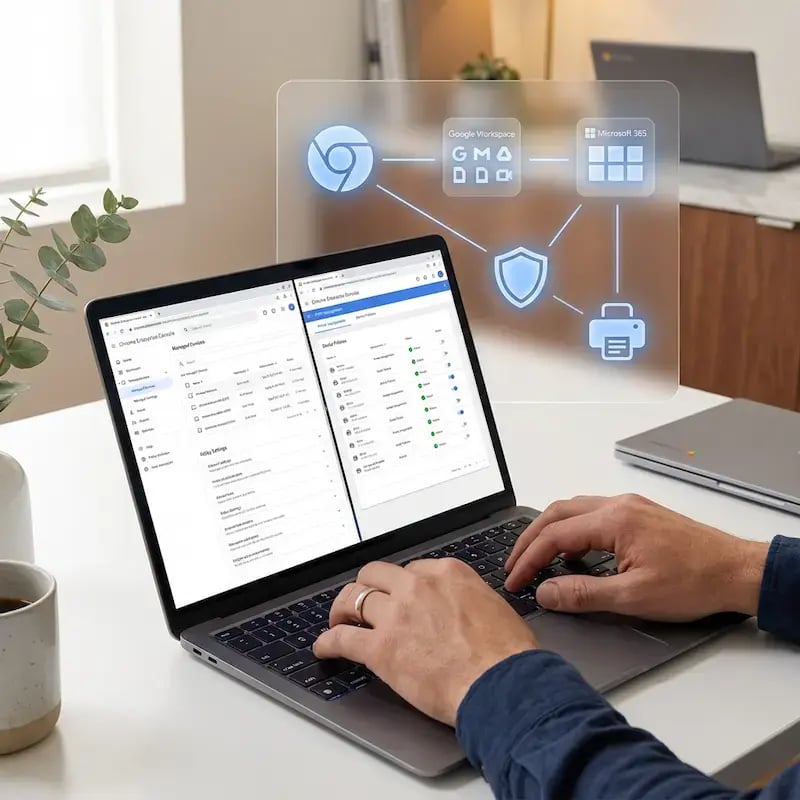
ezeep is designed for organizations running Chrome devices at scale. Deploy the Chrome extension through your Chrome Enterprise Console or MDM solution for zero-touch installation. All printer assignments and policies push instantly from a central admin portal.

Integrates seamlessly with:

  • Google Workspace (Docs, Sheets, Drive)
  • Microsoft 365 (Office Online)
  • Chrome Enterprise Console
  • Active Directory / Entra ID
  • Popular MDM platforms

This Chrome printing solution fits directly into your existing infrastructure without requiring new authentication systems or network reconfigurations.

built-for-chrome

Frequently Asked Questions

How does ezeep support printing from Chromebooks and Chrome browsers?

ezeep uses a Chrome extension to connect Chrome devices to a centrally managed print environment in the cloud. Once installed, users sign in with their ezeep account and assigned printers appear automatically in the native Chrome print dialog. IT admins control all printer access, settings, and policies from a web-based portal without touching individual devices.

Do Chromebooks need to be on the same network as the printer?

No. Chromebooks can print from separate networks, making this solution ideal for guest printing and BYOD scenarios. The print job routes securely through the ezeep Cloud to reach the printer, so users don't need VPN access or network credentials. This works whether printing from home, a coffee shop, or a different office location.

Is ezeep a replacement for Google Cloud Print?

Yes. ezeep is a complete Google Cloud Print alternative that supports all printer models and provides centralized management. Unlike Google Cloud Print, ezeep works with over 10,000 printer models including legacy network printers, USB printers, and multifunction devices from HP, Canon, Epson, Brother, Xerox, and Ricoh. You can migrate without replacing existing hardware.

Can admins control printer access and print volume?

Yes. IT administrators assign printers and configure default settings through user group policies. You can restrict color printing, enforce duplex mode, set page limits, and generate detailed usage reports. All changes apply instantly across your Chromebook fleet without requiring user intervention or device restarts.

How much does Chrome printing with ezeep cost?

ezeep offers a free plan for up to 10 users with Chrome printing included. The free plan includes the Chrome extension, basic printer management, and access to our cloud infrastructure. Paid plans add features like Pull Printing, advanced reporting, priority support, and higher user limits with volume discounts for education and enterprise.

Back to top

Ready to Bring Print Management Under Control?

Support Chromebooks and Chrome browsers with a Chrome printing solution that doesn’t limit printer choice or lose visibility.

ezeep-chart (1)