Drukowanie w chmurze, które utrzymuje ciągłość operacji w handlu detalicznym

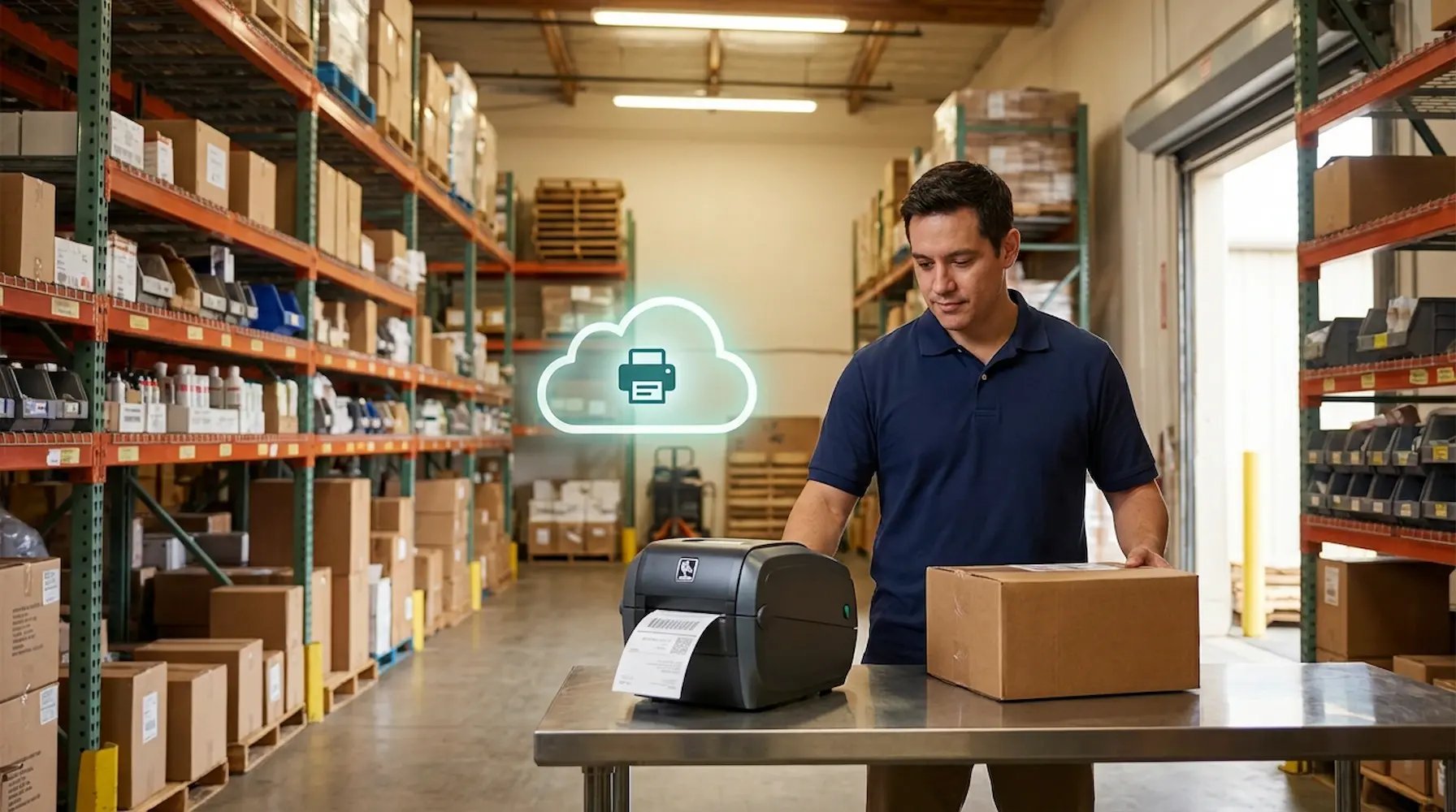
Utrzymajcie spójność wydruków na zapleczu i przy realizacji zamówień we wszystkich sklepach i regionach. ezeep standaryzuje etykiety i dokumenty operacyjne w całej sieci — dzięki czemu sklepy przestają eskalować problemy z drukarkami, a wasz zespół IT przestaje tracić czas na sterowniki, serwery i doraźne poprawki typu „w tym sklepie jest inaczej”.
Wypróbujcie bezpłatnieZobaczcie, jak to działa
retail-fulfillment-ops-hero
Drukowanie w handlu detalicznym

Drukowanie w handlu detalicznym wciąż generuje pracę, której dział IT nie powinien wykonywać

W handlu detalicznym drukowanie to infrastruktura operacyjna: etykiety na półki, etykiety z kodami kreskowymi, listy kompletacji, listy pakowe, dokumentacja zwrotów i dokumenty inwentaryzacyjne. Gdy wydruki są niespójne lub system drukowania przestaje działać, oznacza to przestoje w sklepie, opóźnienia w realizacji zamówień i kolejkę zgłoszeń do wsparcia oznaczonych jako „pilne”.

Drukowanie etykiet zawodzi w kluczowych momentach

Błędne dopasowanie, słaba jakość druku i niespójne ustawienia prowadzą do ponownych skanów, ponownych wydruków oraz zatrzymania prac związanych z uzupełnianiem zapasów i realizacją zamówień na zapleczu.

Realizacja zamówień w sklepie zwiększa presję na drukowanie

BOPIS i wysyłka ze sklepu (ship‑from‑store) zmieniają sklepy w węzły realizacji zamówień, więc problemy z drukowaniem blokują teraz procesy kompletacji, pakowania i wydawania zamówień, a nie tylko zadania administracyjne.

Rozproszone sklepy prowadzą do drukowania „na własną rękę”

Gdy każdy sklep ma własną konfigurację, IT traci standaryzację, a rozwiązywanie problemów staje się powolne i coraz bardziej zależne od zdalnych sesji wsparcia.

Rozwiązanie

Niezawodne drukowanie dla spójnych operacji w sklepach

Niech Wasze systemy sprzedaży detalicznej sterują drukowaniem

Ręczne drukowanie to wąskie gardło. ezeep integruje się bezpośrednio z Waszym systemem zarządzania zamówieniami, WMS lub ERP, aby automatycznie uruchamiać zadania drukowania.

Listy kompletacyjne drukują się automatycznie, gdy zamówienia są gotowe. Dokumenty zwrotów generowane są natychmiast. Połączcie systemy, wyeliminujcie ręczne kroki i przyspieszcie pracę na zapleczu.

integrate-wms-system

Wyeliminujcie błędy w drukowaniu etykiet

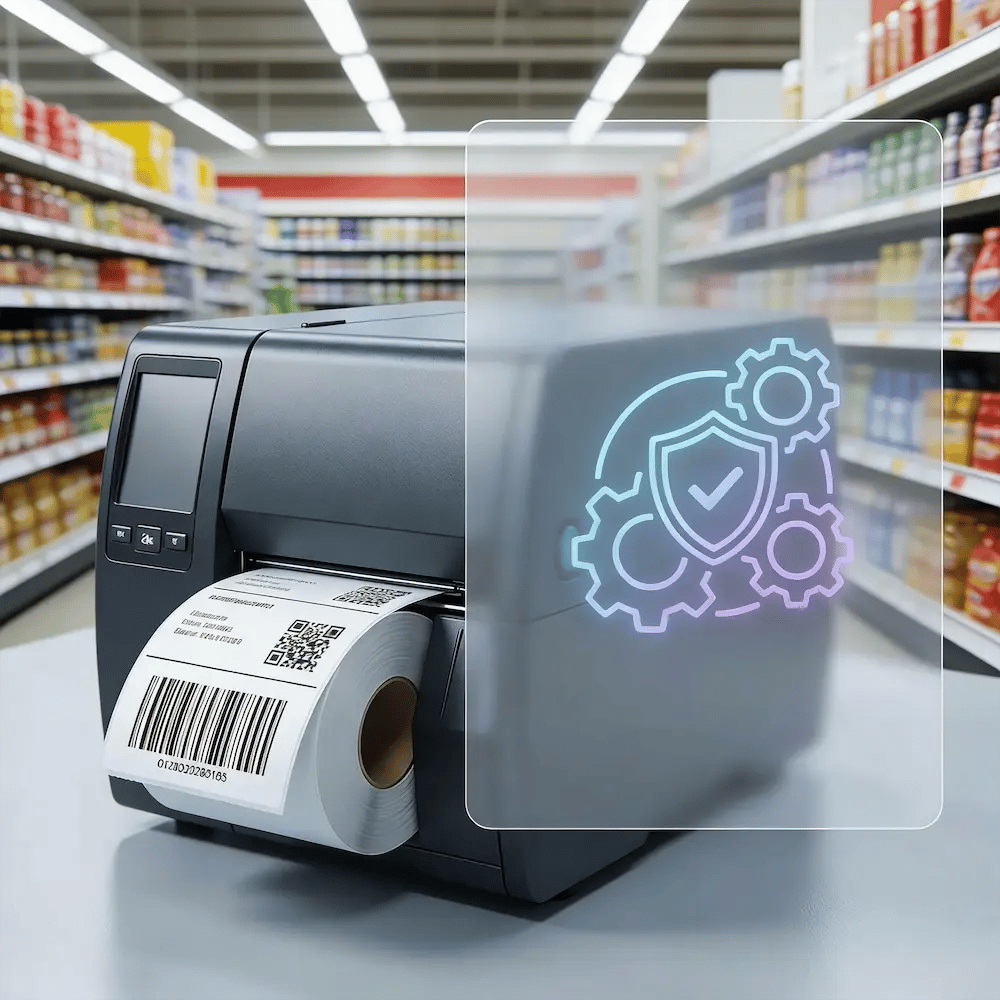
Nieudane skany i błędnie wydrukowane etykiety cenowe marnują pracę i obniżają dokładność stanów magazynowych. ezeep centralnie zarządza profilami drukarek termicznych i blokuje je przed edycją, dzięki czemu kody kreskowe są drukowane wyraźnie i poprawnie.

Ograniczcie liczbę zgłoszeń serwisowych ze sklepów i zapewnijcie zespołom niezawodne narzędzia do utrzymania towaru na półkach i sprawnego obrotu zapasami.
keep-label-output-reliable

Drukujcie z dowolnego urządzenia w sklepie

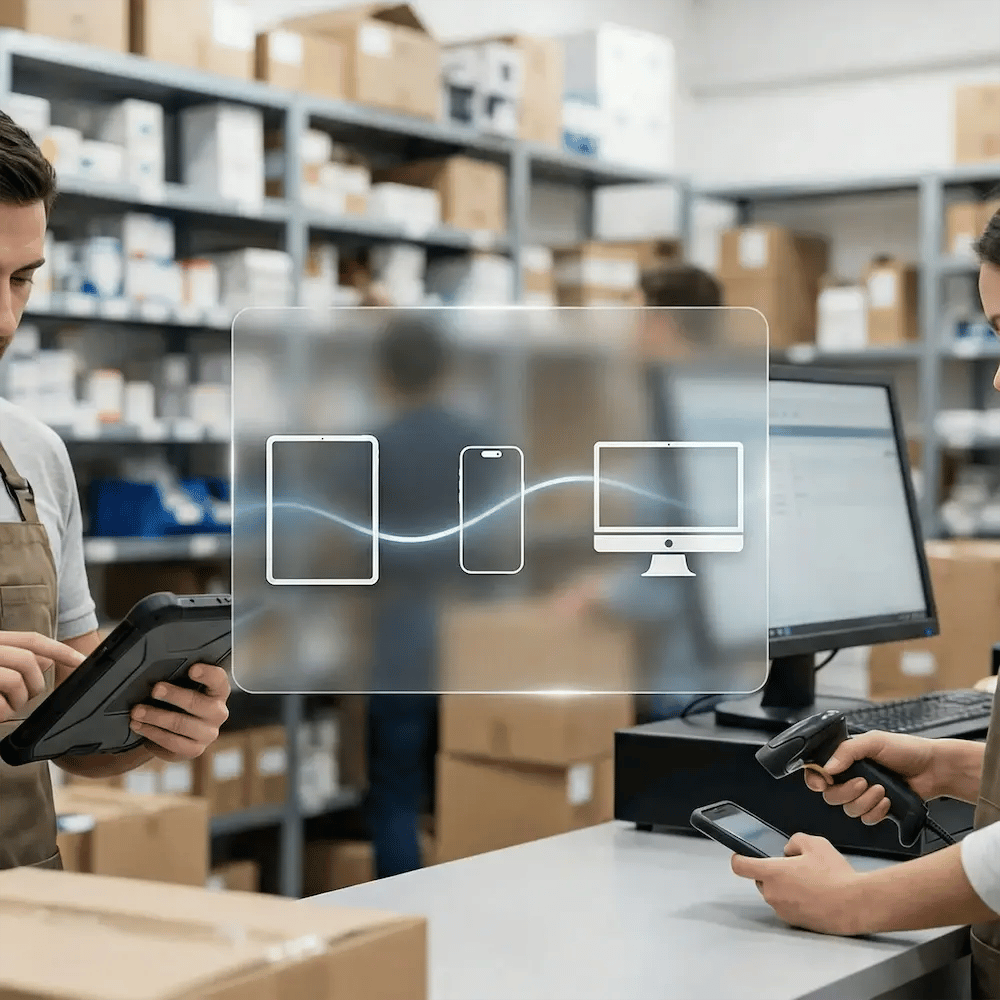
Wasi pracownicy korzystają ze współdzielonych komputerów, skanerów ręcznych i tabletów. ezeep standaryzuje drukowanie na wszystkich tych urządzeniach — bez konfliktów sterowników ani lokalnej konfiguracji.

Wreszcie spójne drukowanie, które działa na urządzeniach, których faktycznie używają, od magazynu po punkt obsługi klienta.
mixed-device-printing

Zarządzajcie centralnie całą siecią sklepów

Przestańcie wysyłać techników i polegać na lokalnym „zaklinaczu drukarek”. Z jednego scentralizowanego panelu sterowania Wasz zespół IT może zarządzać drukarkami, aktualizować ustawienia i rozwiązywać problemy we wszystkich sklepach.

Zyskajcie pełną widoczność i kontrolę, ograniczcie wizyty na miejscu i uwolnijcie zespół od reaktywnego rozwiązywania zgłoszeń serwisowych.

manage-network-as-one

Wprowadźcie jeden standard dla wszystkich sklepów

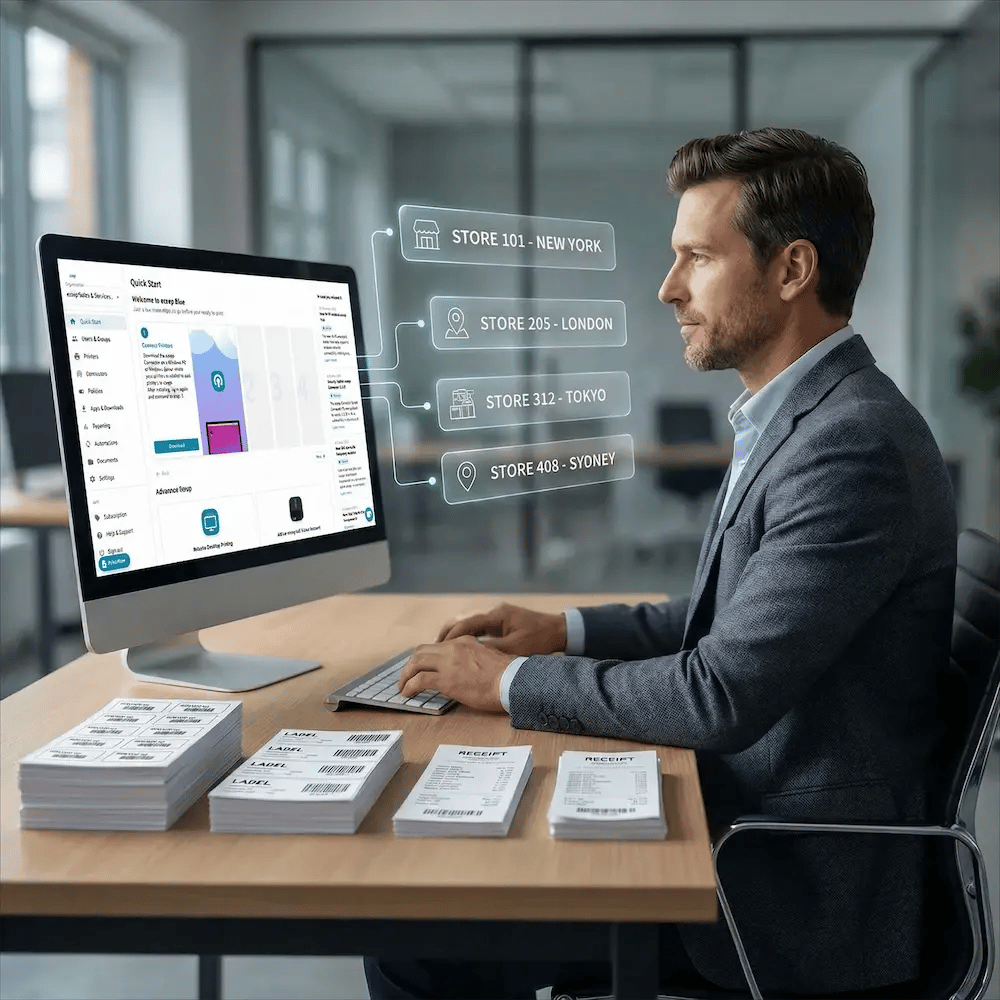
Zdefiniujcie raz standardy dla etykiet cenowych, formularzy zwrotu i dokumentów realizacji zamówień — a następnie wdróżcie je w całej sieci.

ezeep zapewnia, że każdy sklep drukuje dokładnie w ten sam sposób, eliminując wyjątki dla poszczególnych lokalizacji i zmieniając otwieranie nowych placówek w prosty, powtarzalny proces.
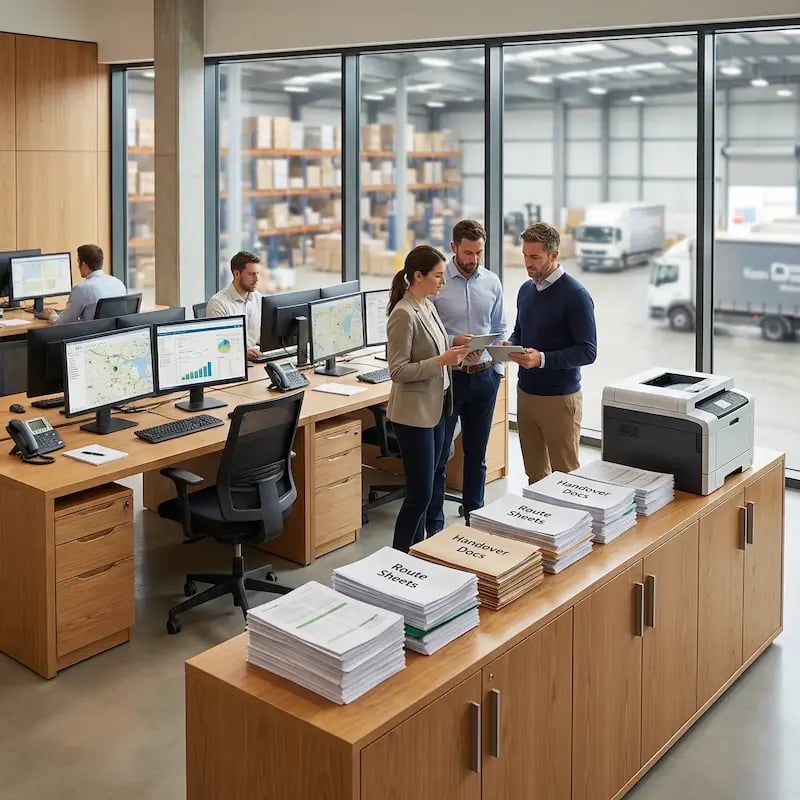
standardize-backroom-printing-retail

Less Infrastructure. More Calm.

Move campus printing to the cloud and reduce the day-to-day maintenance burden. Have fewer patches, fewer queue mysteries, and fewer "it broke overnight" surprises.

Bez serwerów
Centralized
Less Upkeep

One Experience Across Campus

Support the real education device mix - Chromebooks, MacBooks, Windows laptops, tablets, and phones - across libraries, labs, dorms, and shared printers without special steps per department or "this printer only works on that OS."

Campus-Wide
Cross-Platform
User-Friendly

Permissions That Actually Make Sense

Tie printer visibility and access to identity and groups, so students, staff, faculty, and researchers see the right printers by role, building, and department - all without constant manual adjustments.

Role-Based
Location-Aware
Consistent

Temporary Access, Without Temporary Chaos

Support guest lecturers, visiting scholars, events, and short-term programs with controlled access that doesn't create recurring IT work or one-off setups.

Temporary Access
Controlled
Low Effort

Confidential Pages Stay With The Right Person

Reduce tray exposure in busy shared spaces. Pull Printing helps ensure jobs only release when the user authenticates at the printer with their school ID, helping protect exams, registrar documents, and sensitive student records.

Private Release
Less Mix-Ups
Auditable

Visibility Finance Can Actually Use

Understand usage across departments and locations, support quotas and accountability, and make it easier for busier and finance teams to track print spend without turning IT into the print police. 

Measurable
Accountable
Budget-Friendly

Cost Recovery Without The Busywork

For campuses that charge students to print, ezeepCampus adds Self-Join onboarding and credit-based printing, so students and staff can self-serve while your institution keeps pricing and access under control.

Self-Join
Credit-Based
Accountable
How It Works

Simple for Stores. Predictable for IT.

Get printing in minutes. Simply connect your users and locations, map printers to backroom workflows, and standardize output so stores print the same way everywhere. You manage centrally - stores print and move on.
add-warehouse-users
1

Add Printers and Locations

Connect printers across stores, backrooms, and distribution points so they’re centrally visible and ready to use. Standardize naming, placement, and defaults so every site prints the same way.

manage-warehouse-printing-centrally
2

Add People and Access

Sync teams and assign the right printers by store, role, or workflow - without manual setup per user. As staffing changes, access stays aligned automatically so support stays low.
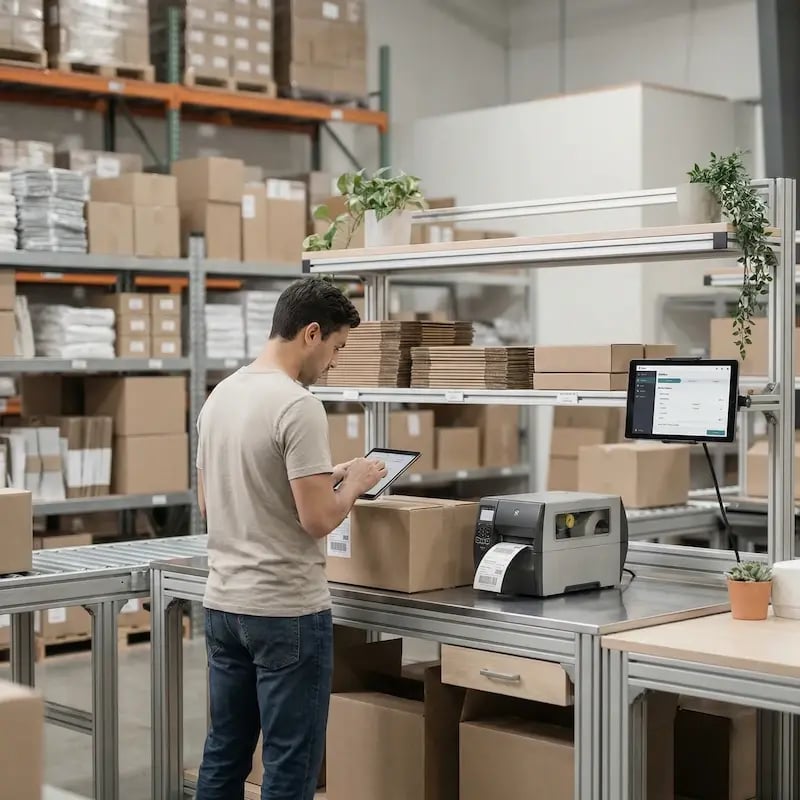
print-anywhere-warehouse
3

Print and Automate Workflows

Print from any device, and trigger backroom documents automatically via your systems or ezeep's Print App for Services. Stores print what they need, when they need it - while IT keeps control from one place.
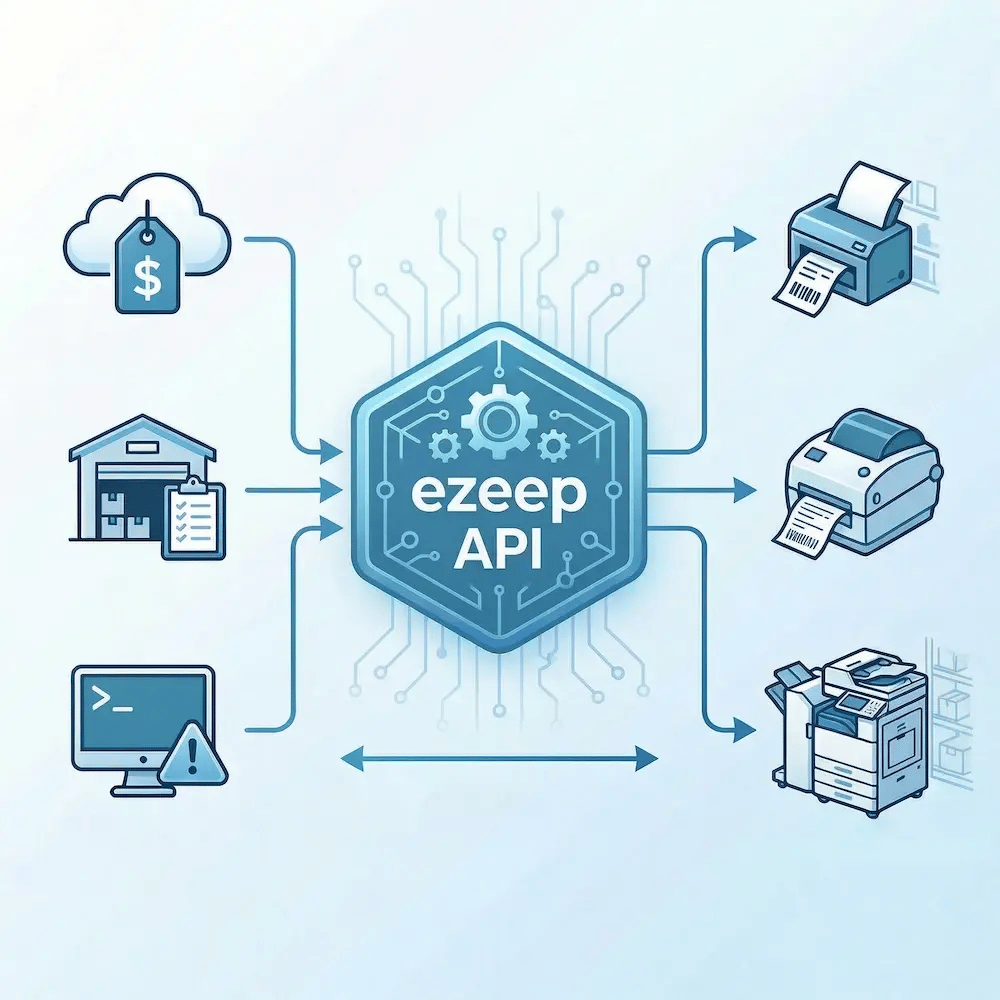
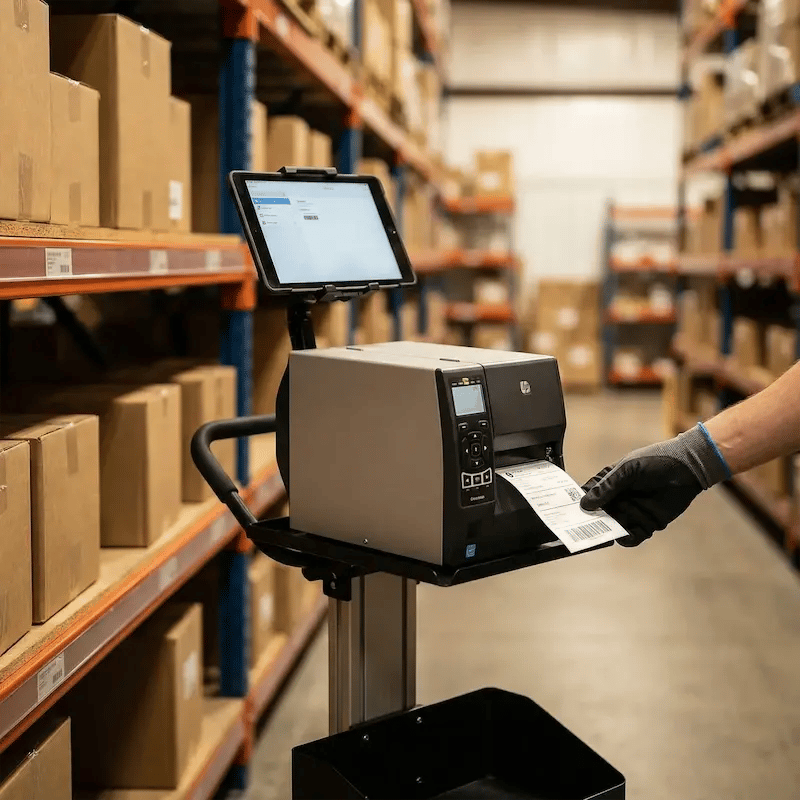
ezeep API

API-Driven Printing for Multi-Store Retail

Make printing part of the workflow, not a manual step. Use the ezeep API, MCP, and Print App for Services to trigger prints from retail systems, route output to the right store or zone, and standardize output across regions.

Teams often use it to auto-print shelf tags from pricing updates, trigger pick docs from OMS/WMS events, reprint labels from exceptions, and power backroom self-service stations, whether the jobs come from a cloud app, an AI agent, or a backend Windows service.

Explore the ezeep API
ezeep-api-retail-ops
Environments

Built for Real Retail Operations Workflows That Drive Revenue

inventory-management-restocking

Inventory Management & Restocking

Print labels and inventory docs where replenishment happens so teams don’t lose time walking, waiting, or reprinting.
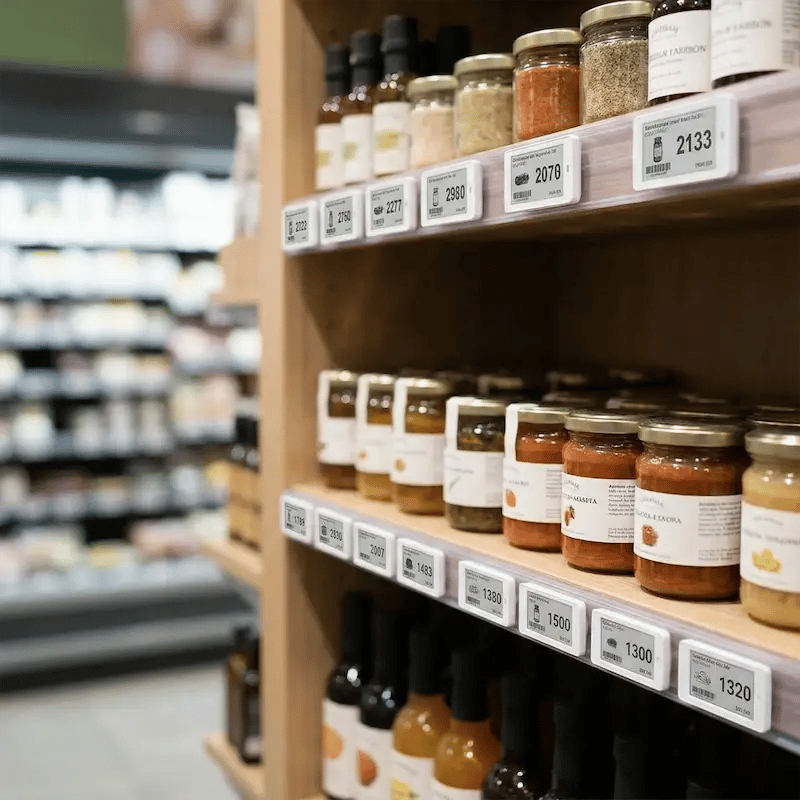
shelf-labeling-price-updates

Shelf Labeling & Price Updates

Standardize shelf tags across stores so price changes are faster, cleaner, and less error-prone.
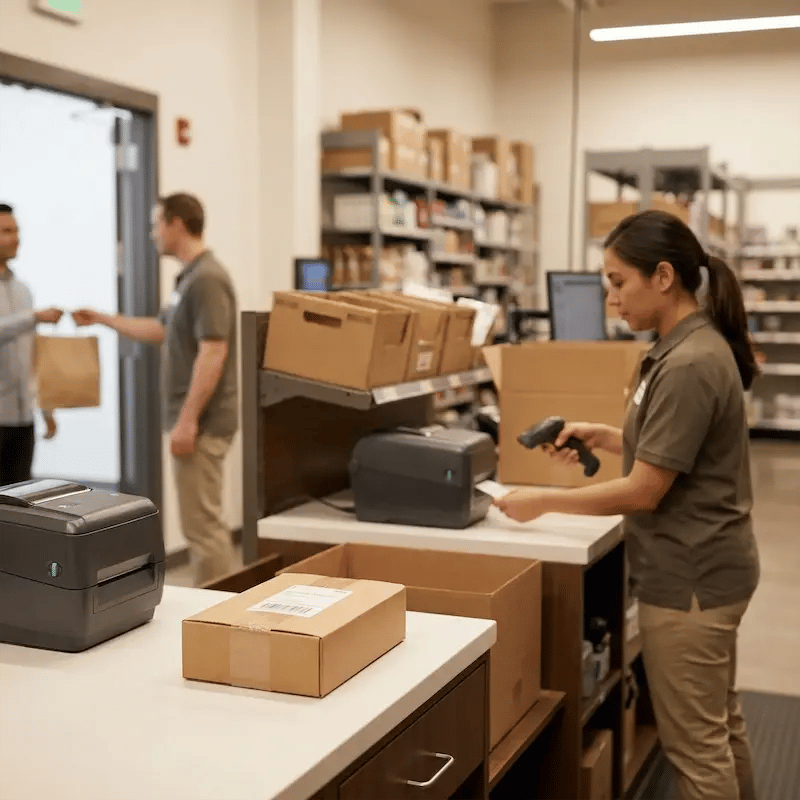
bopis-store-fulfillment

BOPIS & Store Fulfillment Areas

Keep pick/pack and handoff printing reliable so orders move from backroom to customer without delays.
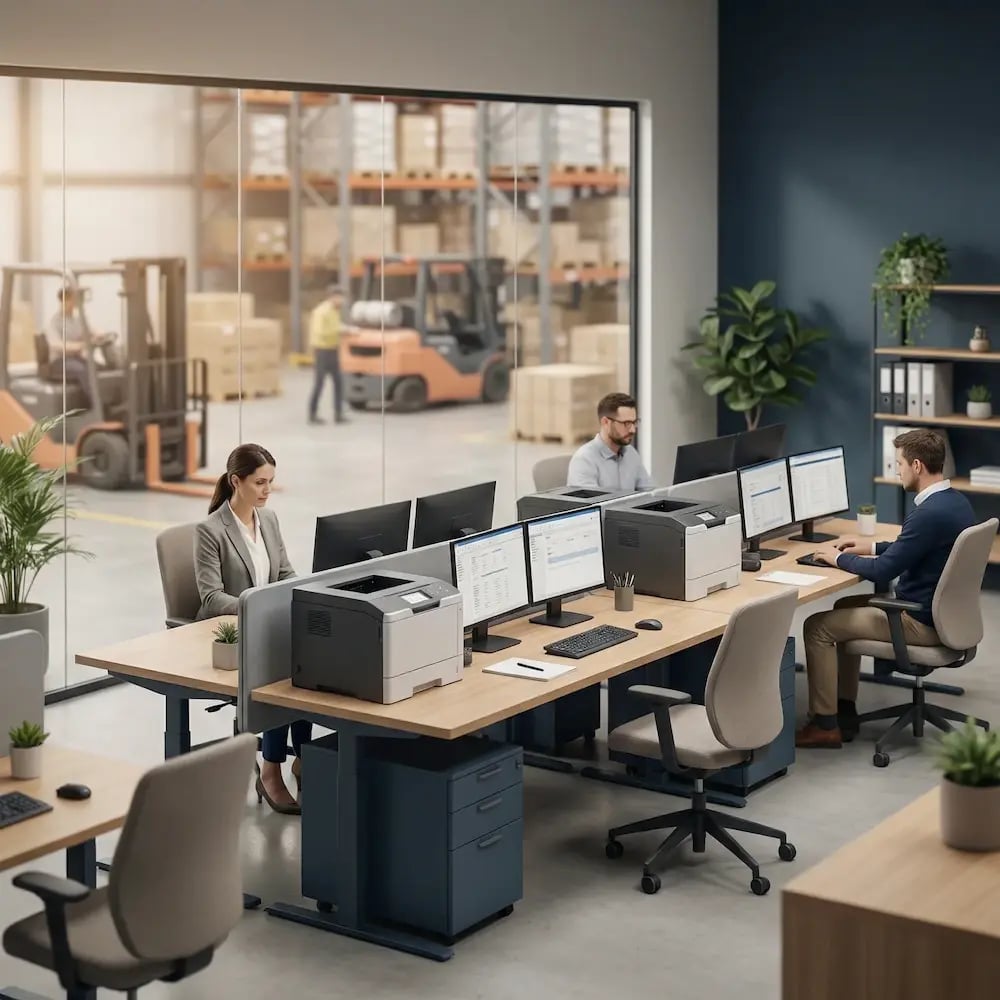
warehouse-office-dispatch-center

Regional Ops & Store Support Teams

Centralize control and visibility so store support becomes repeatable, not reactive.
Security & Compliance

Enterprise-Grade Controls for Distributed Retail Networks

Protect operational documents and sensitive business data with controls designed for distributed environments, while keeping store workflows fast.
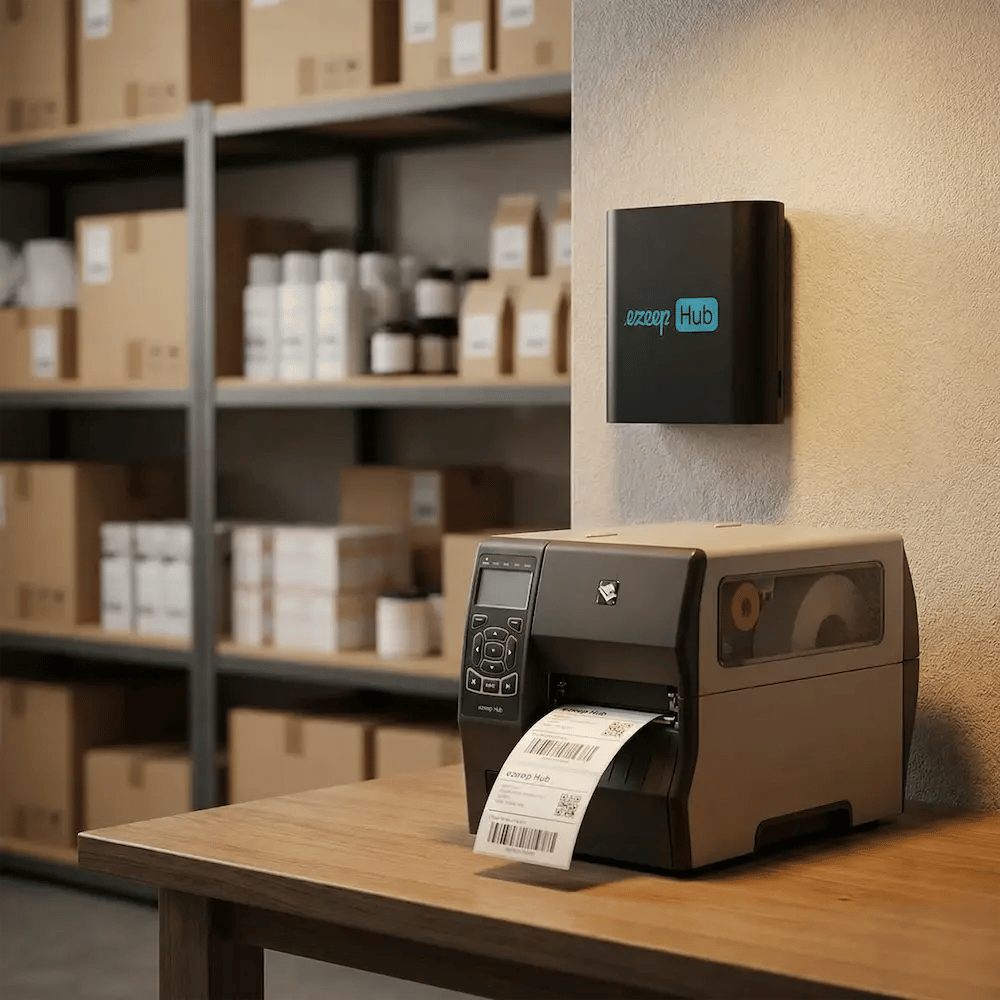
Meet the ezeep Hub

Connect Store Printers Without Replacing Them

The ezeep Hub is a compact hardware device that connects your existing retail printers - from POS receipt printers to stockroom label printers and older USB models - to your centralized print infrastructure. It bridges the gap between your store systems and your print devices, keeping everything reliably online without print servers, drivers, or on-site IT support.

ezeep-hub-retail-backroom
Testimonials

Retail Operators Who Trust ezeep

See how multi-store teams streamline their operations with cloud printing.
"After a simple setup, ezeep has worked flawlessly, providing reliable and efficient remote printing without any issues or delays."
Vlad Khmil
IT Support, United Tires
"We created an auto print app and used ezeep's API to print waybills through printers place in our warehouses."
Sergey Grigorev
IT Department, Ecom Marketing
"ezeep made our warehouse have a better workflow, and we also removed the bigger part of human mistakes since 90% is now automated."
Ronny Gjersvold
Application Engineer, L5 Navigation

Frequently Asked Questions

Curious about how it all works? Here’s everything you wanted to know about ezeep’s cloud printing solution!

Can ezeep connect to our label, barcode, and thermal printers?

Yes! ezeep works with most label, barcode, and thermal printers used in retail operations. With the ezeep Hub, existing store printers can be cloud-enabled in minutes without replacing hardware or installing drivers.

How does ezeep help manage printing across multiple store locations?

ezeep centralized all printers, users, and store locations in one cloud dashboard. Retail IT can assign printers, update access, and monitor activity for every store without traveling onsite or maintaining local servers.

Does ezeep support printing from mobile devices, tablets, or handheld scanners?

Absolutely! ezeep supports printing from iOS and Android devices, tablets, shared workstations, handheld scanners, warehouse devices, and back-office systems used in retail operations.

How quickly can retail stores or distribution teams get set up with ezeep?

Most stores are ready within minutes. Connect the ezeep Hub to your network, sync your teams, and printing is live. This makes ezeep ideal for fast rollouts, pop-up locations, and seasonal stores.

Is cloud printing secure enough for store, inventory, or supply chain data?

Yes. Every print job is encrypted end to end, and only authorized staff can release documents. ezeep provides full audit trails, identity-based access, and a cloud architecture that reduces risk across distributed retail environments.

Back to top

Ready to Stop Thinking About Retail Printing?

Set it up once, then let it run. Keep backroom printing consistent across locations so stores stay productive and your team spends less time on recurring printer escalations.

ezeep-chart (1)