Zautomatyzujcie drukowanie z ezeep i Pabbly Connect
Połączcie ezeep z ponad 2 000 aplikacji przez Pabbly Connect i uruchamiajcie zadania drukowania w odpowiedzi na codzienne zdarzenia biznesowe. Gdy nadejdzie nowe zamówienie, przyjdzie e-mail lub zostanie przesłany plik, odpowiedni dokument wydrukuje się na właściwej drukarce. Bez kodu, bez ręcznych kroków — dożywotnie plany Pabbly oznaczają brak opłat cyklicznych za automatyzację.
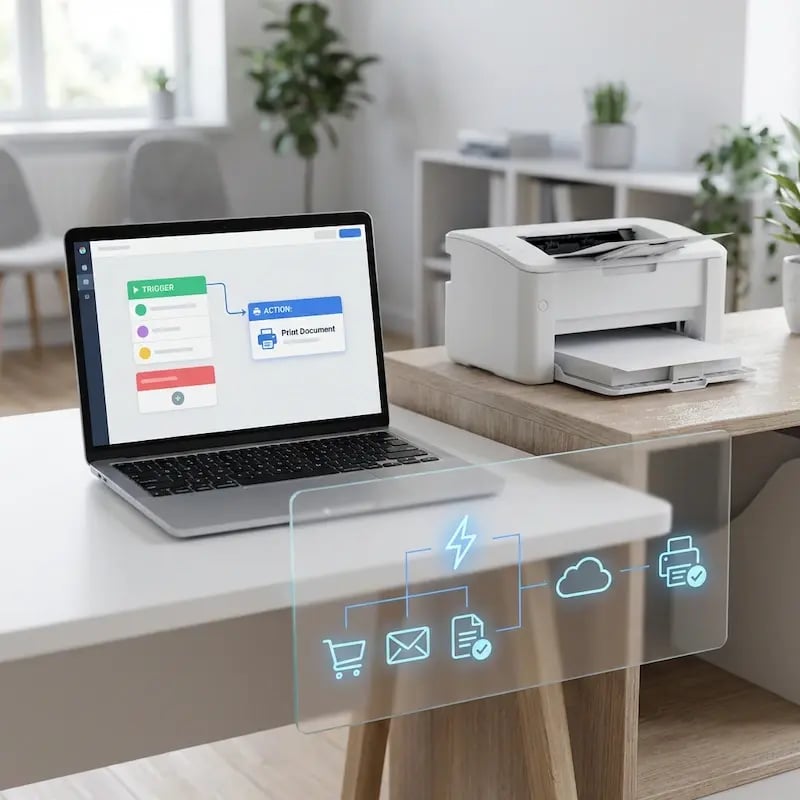
Co możecie zautomatyzować dzięki Pabbly Connect i ezeep?
Drukowanie w odpowiedzi na zdarzenia
Pojawia się nowe zamówienie, przychodzi e-mail, formularz zostaje przesłany. Pabbly Connect przechwytuje zdarzenie i wysyła dokument do ezeep w celu wydrukowania. Wystarczy raz zdefiniować wyzwalacz, a system zajmie się resztą.
Bez kodu — nic do zainstalowania
Połączcie ezeep z Pabbly Connect przez przeglądarkę. Bez wtyczek, bez lokalnego oprogramowania i bez angażowania programistów. Jeśli Wasz zespół potrafi stworzyć przepływ pracy w Pabbly Connect, może też zautomatyzować drukowanie.
Drukujcie na dowolnej drukarce, w dowolnym miejscu
Zadania drukowania przechodzą przez chmurową infrastrukturę ezeep, więc drukarki mogą być w biurach, magazynach, sklepach lub domowych biurach. Pabbly Connect obsługuje wyzwalacz; ezeep — dostarczenie zadania do drukarki.
Popularne przepływy drukowania w Pabbly Connect
Drukowanie etykiet wysyłkowych i dokumentów zamówienia
Gdy nowe zamówienie zostanie złożone w Shopify, WooCommerce lub na Waszej platformie e‑commerce, Pabbly Connect wysyła zadanie drukowania do ezeep.
Etykiety wysyłkowe, listy pakowe lub faktury są drukowane na wskazanej drukarce bez ręcznej interwencji.
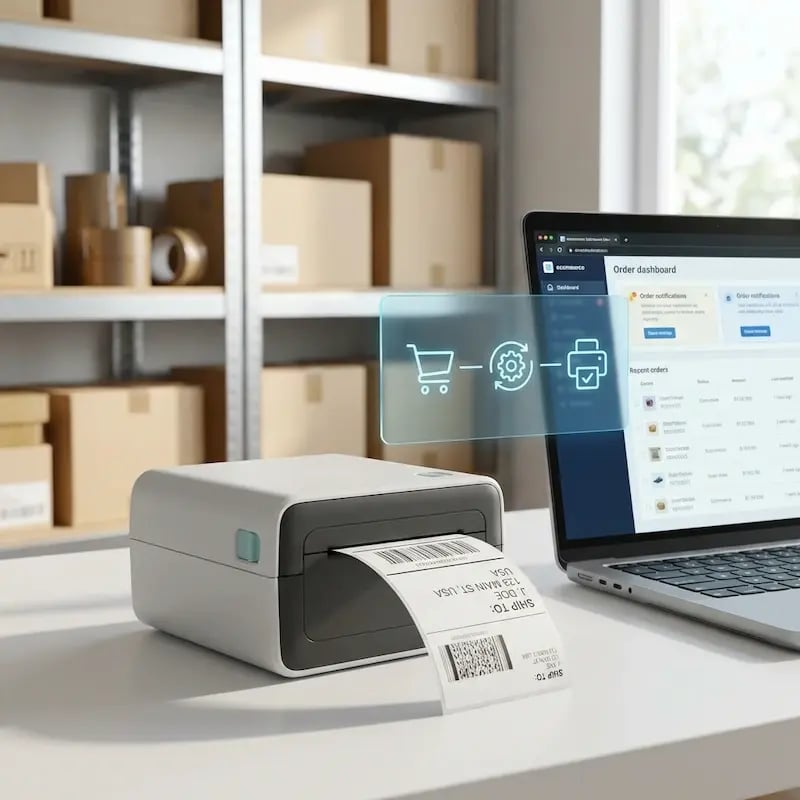
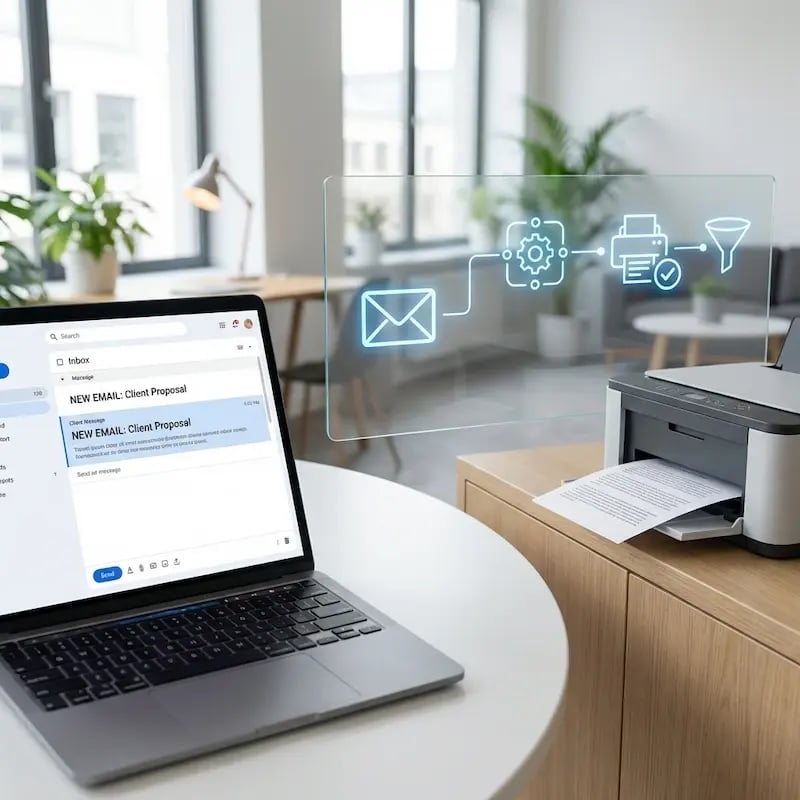
Drukowanie przychodzących wiadomości e‑mail
Wybrane wiadomości e‑mail kierowane są na drukarkę zaraz po ich otrzymaniu. Pabbly Connect monitoruje Waszą skrzynkę odbiorczą w poszukiwaniu wiadomości spełniających kryteria i wysyła je do ezeep w celu wydrukowania.
Przydatne przy zamówieniach zakupu, korespondencji z klientami lub dokumentach zgodności, które wymagają kopii papierowych.
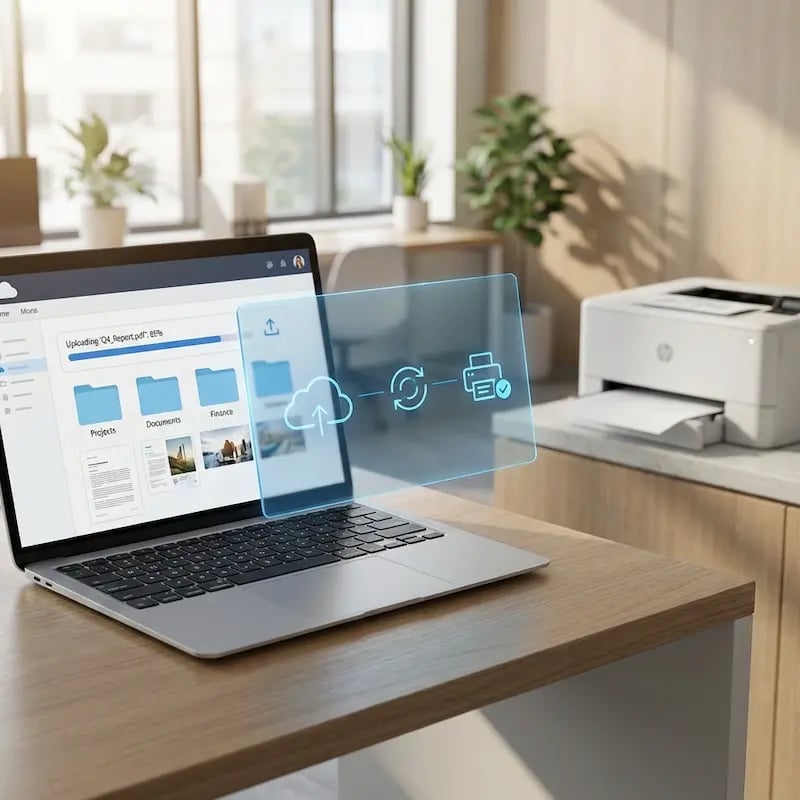
Drukowanie plików z chmury po ich przesłaniu
Gdy dokument zostanie dodany do wskazanego folderu w Google Drive, OneDrive lub Dropbox, Pabbly Connect uruchamia drukowanie przez ezeep.
Faktury, umowy, formularze zgodności — wszystko, co rutynowo wymaga kopii papierowej.
Drukowanie zgłoszeń z formularzy
Gdy formularz zostanie przesłany za pomocą Google Forms, Typeform lub JotForm, Pabbly Connect przesyła zgłoszenie do ezeep w celu wydrukowania.
Formularze rejestracyjne, wnioski, odpowiedzi z ankiet — wszystko wydrukowane i gotowe, bez konieczności monitorowania skrzynki odbiorczej.
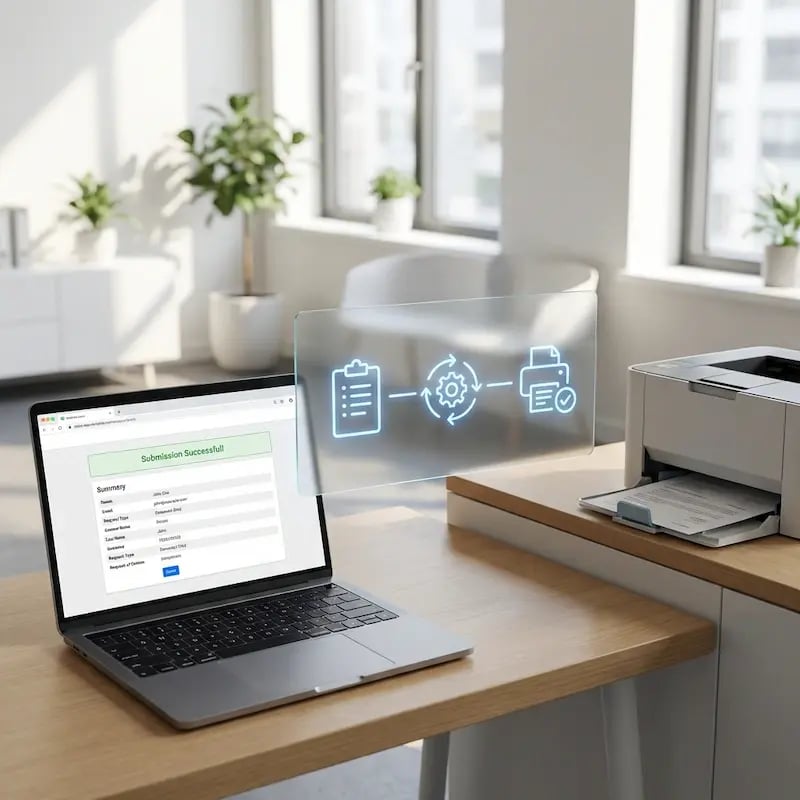
Less Infrastructure. More Calm.
Move campus printing to the cloud and reduce the day-to-day maintenance burden. Have fewer patches, fewer queue mysteries, and fewer "it broke overnight" surprises.
One Experience Across Campus
Support the real education device mix - Chromebooks, MacBooks, Windows laptops, tablets, and phones - across libraries, labs, dorms, and shared printers without special steps per department or "this printer only works on that OS."
Permissions That Actually Make Sense
Tie printer visibility and access to identity and groups, so students, staff, faculty, and researchers see the right printers by role, building, and department - all without constant manual adjustments.
Temporary Access, Without Temporary Chaos
Support guest lecturers, visiting scholars, events, and short-term programs with controlled access that doesn't create recurring IT work or one-off setups.
Confidential Pages Stay With The Right Person
Reduce tray exposure in busy shared spaces. Pull Printing helps ensure jobs only release when the user authenticates at the printer with their school ID, helping protect exams, registrar documents, and sensitive student records.
Visibility Finance Can Actually Use
Understand usage across departments and locations, support quotas and accountability, and make it easier for busier and finance teams to track print spend without turning IT into the print police.
Cost Recovery Without The Busywork
For campuses that charge students to print, ezeepCampus adds Self-Join onboarding and credit-based printing, so students and staff can self-serve while your institution keeps pricing and access under control.
How to Set Up Printing with Pabbly Connect
Pick Your Trigger App
Choose from 2,000+ apps in Pabbly Connect. Select the event that starts the workflow: a new order, an incoming email, a file upload, a form submission.
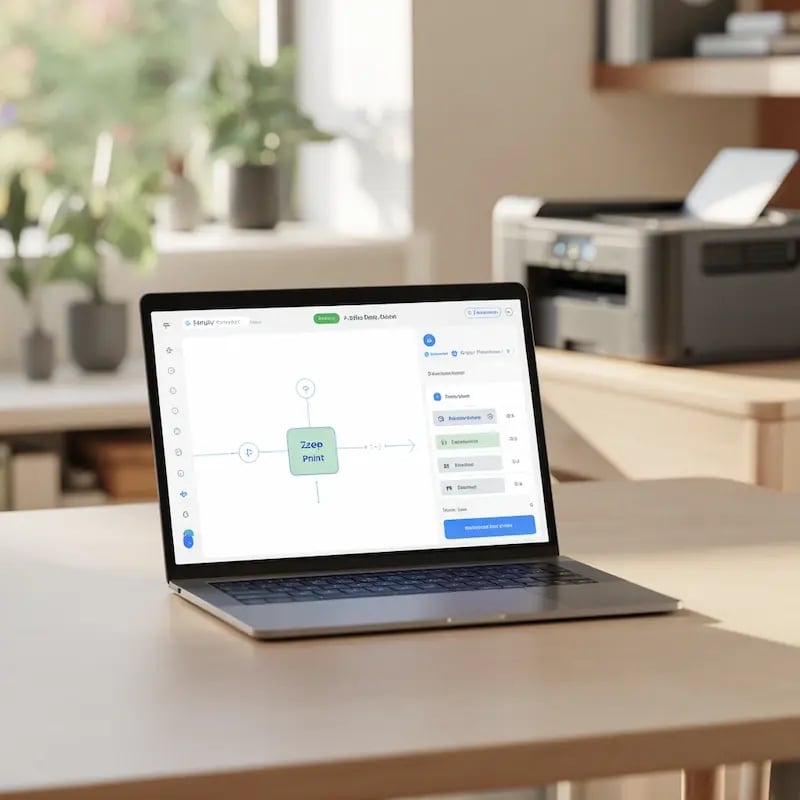
Add ezeep as the Print Action
Connect ezeep to your Pabbly workflow. Choose which printer receives the job, set print preferences like double-sided or color, and define any conditions for when printing should trigger.
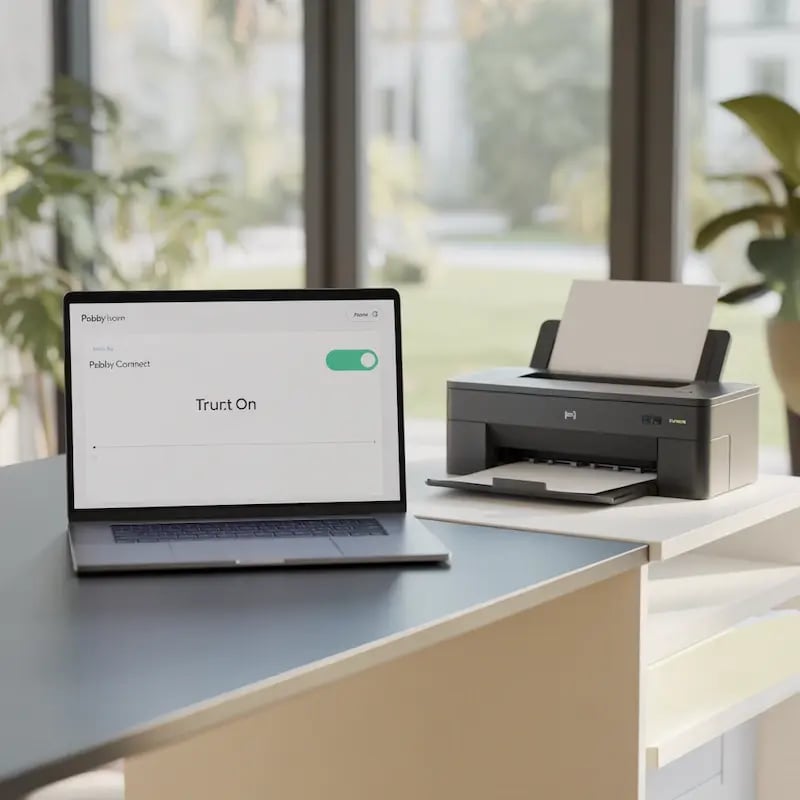
Turn It On
Activate the workflow. From now on, printing happens every time the trigger fires. No supervision, no manual steps, no code to maintain.

Need More Control? Use the ezeep Print API and MCP
Pabbly Connect handles straightforward, cost-effective print workflows without code. But if your team needs direct integration with internal systems, custom backends, or high-volume automation, the ezeep Print API and MCP gives developers full programmatic access through a RESTful interface.
Explore the ezeep Print APIGuides and Setup Help

Get started with ezeep on Pabbly Connect using step-by-step guides in the ezeep knowledge base. If you need help along the way, our support team is ready to assist.
Browse all ezeep-connected apps on Pabbly Connect.
Frequently Asked Questions
How does the ezeep integration with Pabbly Connect work?
You define a trigger event in Pabbly Connect (like a new order or incoming email), add ezeep as the print action, and choose the destination printer. Once the workflow is active, printing runs automatically every time the trigger fires.
What apps can trigger printing through Pabbly Connect?
Pabbly Connect supports over 2,000 apps including Shopify, WooCommerce, Google Drive, OneDrive, Dropbox, Gmail, Google Forms, Typeform, and many more. Any supported app can trigger printing through ezeep.
How is Pabbly Connect different from Zapier or Make?
Pabbly Connect is a cost-effective automation platform with lifetime pricing plans and no task charges for internal steps like filters and routers. It's a strong fit for teams that need straightforward trigger-based printing without recurring automation costs. Zapier offers broader app coverage (7,000+ apps), and Make provides more advanced visual workflows with conditional branching and error handling.
Does Pabbly Connect support conditional logic?
Yes. Pabbly Connect supports filters and conditions within workflows, so you can control when printing triggers based on specific criteria. For example, print only when an order exceeds a certain value or when specific file types are uploaded. For complex multi-path branching, Make offers more sophisticated visual workflow capabilities.
Do I need developers to set this up?
No. Pabbly Connect is fully no-code. Anyone who can build a Pabbly workflow can automate printing. For teams that want deeper integration or custom logic, ezeep also offers a Print API with full programmatic access.
Start Automating Your Printing
Connect ezeep with Pabbly Connect and let documents print themselves. No code, no recurring automation fees.