Rozwiązanie do drukowania Enterprise dla urządzeń Apple w mieszanych środowiskach Windows

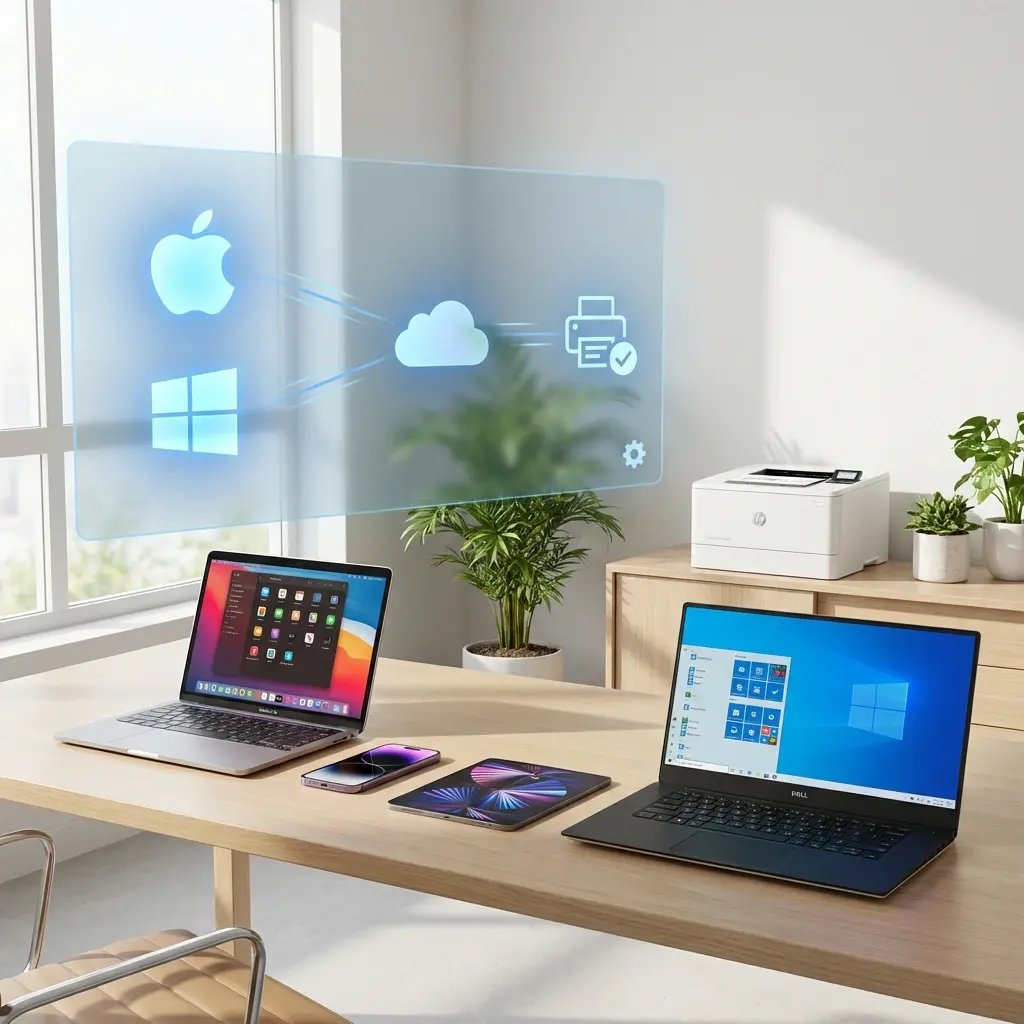
Zintegrujcie macOS, iOS, iPadOS i Windows w jednej, centralnie zarządzanej infrastrukturze druku — bez pakietowania sterowników, serwerów wydruku ani ograniczeń AirPrint.
Wypróbujcie bezpłatniePorozmawiajcie z ekspertem
apple-mac-ios-windows-printing-cloud
Problemy z drukowaniem na urządzeniach Apple

Dlaczego drukowanie z urządzeń Apple nie powinno być osobnym wyzwaniem dla działu IT

MacBooki, iPhone’y i iPady często stanowią mniejszość w środowiskach zdominowanych przez Windows, ale wprowadzają problemy z kompatybilnością, które fragmentują infrastrukturę druku.

Pakietowanie sterowników macOS to powtarzający się „podatek” dla działu IT

Każda aktualizacja macOS oznacza kolejną rundę testów zgodności sterowników, pakietowania i wdrożenia. W środowiskach zdominowanych przez Windows drukowanie z Maców jest doklejane jako poboczny projekt, który ciągle generuje dodatkową pracę.

AirPrint działa tylko w tej samej sieci

AirPrint wymaga, aby urządzenia Apple i drukarki znajdowały się w tej samej sieci, co powoduje mieszanie urządzeń prywatnych i BYOD bezpośrednio z infrastrukturą druku. To usuwa izolację, której potrzebuje dział IT, i pozwala każdemu w sieci drukować bez nadzoru ani kontroli.

Urządzenia Apple stają się wyjątkami w waszym środowisku druku

Drukowanie w Windows opiera się na Group Policy i serwerach wydruku. Drukowanie na Mac i iOS odbywa się zupełnie inaczej. Dwa równoległe systemy, dwa zestawy kroków diagnostycznych i brak jednej konsoli obejmującej oba.

Jak ezeep to upraszcza

Jeden system drukowania w chmurze dla wszystkich urządzeń

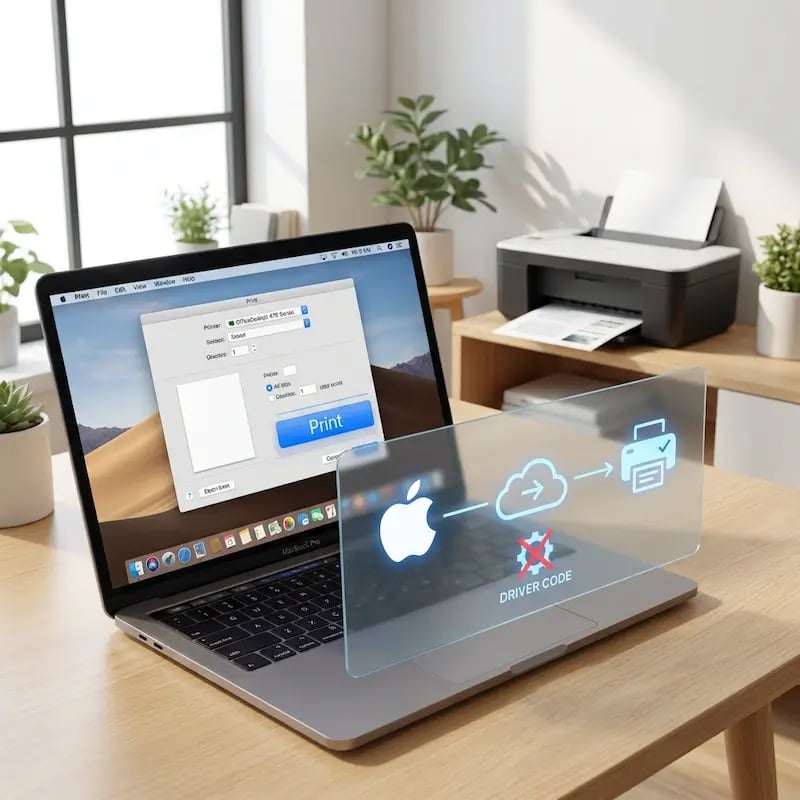
Oprogramowanie do drukowania bez sterowników dla komputerów Mac

Wyeliminujcie pakietowanie sterowników dla macOS i testowanie ich cyklu życia. Użytkownicy drukują za pomocą podpisanej i zatwierdzonej przez Apple aplikacji ezeep — bez tradycyjnych sterowników i uprawnień administratora.

Urządzenia Mac bezproblemowo integrują się z tym samym środowiskiem druku co Windows — nie są potrzebne równoległe systemy.
driver-free-mac-printing

Zarządzanie drukowaniem mobilnym klasy Enterprise dla iPhone'ów i iPadów

Wyjdźcie poza ograniczenia AirPrint. ezeep umożliwia urządzeniom z iOS i iPadOS drukowanie w segmentowanych sieciach, z bezpiecznym uwierzytelnianiem i centralną widocznością audytu.

iPhone'y i iPady działają w tym samym zarządzanym środowisku druku co urządzenia z Windows i macOS.

enterprise-mobile-tablet-printing

Drukujcie z urządzeń Apple z dowolnego miejsca

Użytkownicy urządzeń Apple drukują z biura, z domu lub zdalnie — bez dostępu do drukarek zależnego od VPN.

Zadania drukowania są bezpiecznie kierowane przez infrastrukturę chmurową na podstawie tożsamości użytkownika i zasad, a nie lokalizacji w sieci czy bliskości sprzętu.

print-anywhere-apple-mac-ios

Bezpieczne Pull Printing dla macOS, iOS i iPadOS

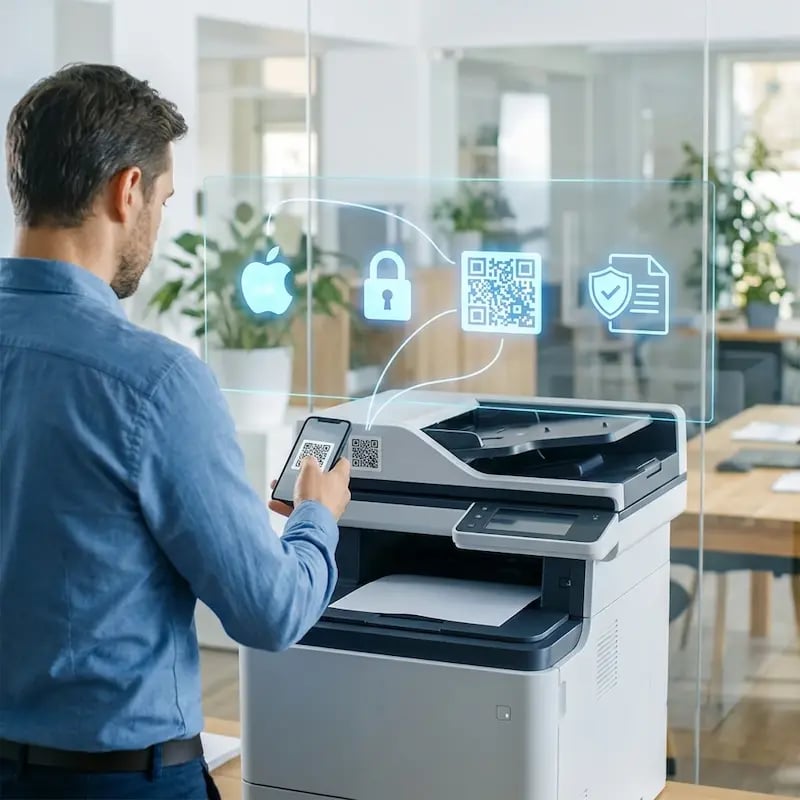
Chrońcie poufne dokumenty dzięki zwalnianiu wydruków na podstawie tożsamości.

Użytkownicy uwierzytelniają się przy drukarce za pomocą karty, kodu PIN lub urządzenia mobilnego, zanim wydruk zostanie zwolniony. Zapobiega to pozostawianiu dokumentów bez nadzoru i zapewnia spójną widoczność audytu na wszystkich platformach.

pull-printing-apple-mac-ios

Mniej infrastruktury. Więcej spokoju.

Przenieście drukowanie w kampusie do chmury i zmniejszcie obciążenie związane z codzienną konserwacją. Mniej łatek, mniej tajemnic w kolejkach wydruku i mniej niespodzianek w stylu „zepsuło się przez noc”.

Bez serwerów
Scentralizowane
Mniej konserwacji

One Experience Across Campus

Support the real education device mix - Chromebooks, MacBooks, Windows laptops, tablets, and phones - across libraries, labs, dorms, and shared printers without special steps per department or "this printer only works on that OS."

Campus-Wide
Cross-Platform
User-Friendly

Permissions That Actually Make Sense

Tie printer visibility and access to identity and groups, so students, staff, faculty, and researchers see the right printers by role, building, and department - all without constant manual adjustments.

Role-Based
Location-Aware
Consistent

Temporary Access, Without Temporary Chaos

Support guest lecturers, visiting scholars, events, and short-term programs with controlled access that doesn't create recurring IT work or one-off setups.

Temporary Access
Controlled
Low Effort

Confidential Pages Stay With The Right Person

Reduce tray exposure in busy shared spaces. Pull Printing helps ensure jobs only release when the user authenticates at the printer with their school ID, helping protect exams, registrar documents, and sensitive student records.

Private Release
Less Mix-Ups
Auditable

Visibility Finance Can Actually Use

Understand usage across departments and locations, support quotas and accountability, and make it easier for busier and finance teams to track print spend without turning IT into the print police. 

Measurable
Accountable
Budget-Friendly

Cost Recovery Without The Busywork

For campuses that charge students to print, ezeepCampus adds Self-Join onboarding and credit-based printing, so students and staff can self-serve while your institution keeps pricing and access under control.

Self-Join
Credit-Based
Accountable
apple-windows-it-users

Familiar for Users. Centralized for IT.

Mac users print through a clean, predictable workflow. iPhone and iPad users print without relying on AirPrint discovery.

For IT: centralized cloud printer management with identity-based authentication via Microsoft Entra ID or Google. No driver packaging, no print servers, no separate Apple vs Windows policies. Mixed-device environments become predictable and easier to support.

Start Free Trial
Who Solution is For

Who Benefits from ezeep’s Cross-Platform Apple Printing Solution

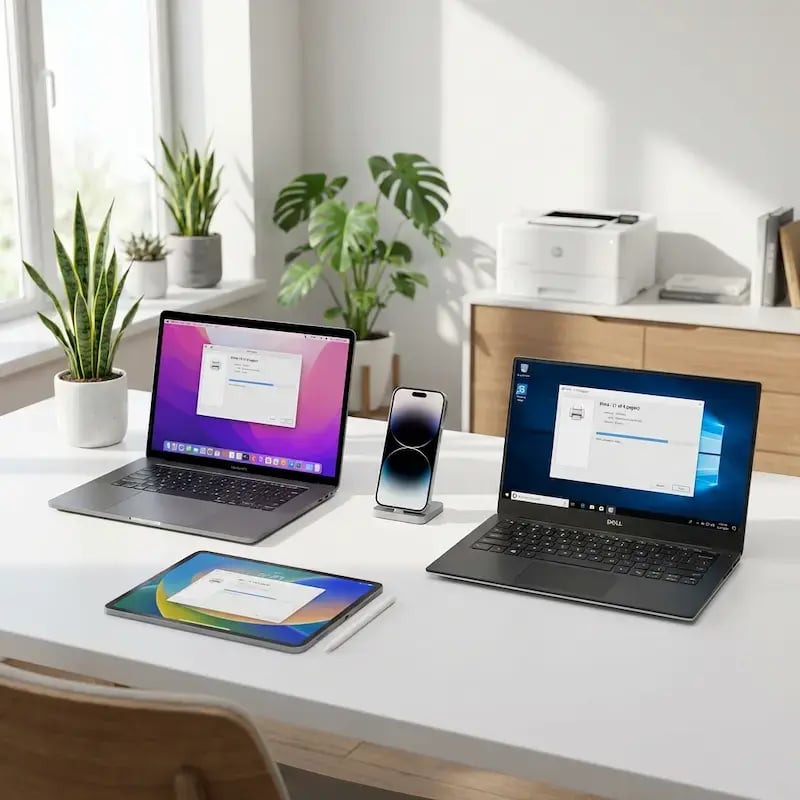
Designed for organizations running mixed Windows and Apple environments.
How It Works

Centralized Print Management Control. Identity-Based Access. No Print Servers.

One infrastructure across macOS, iOS, iPadOS, and Windows devices.
printing-from-apple-ios-windows
1

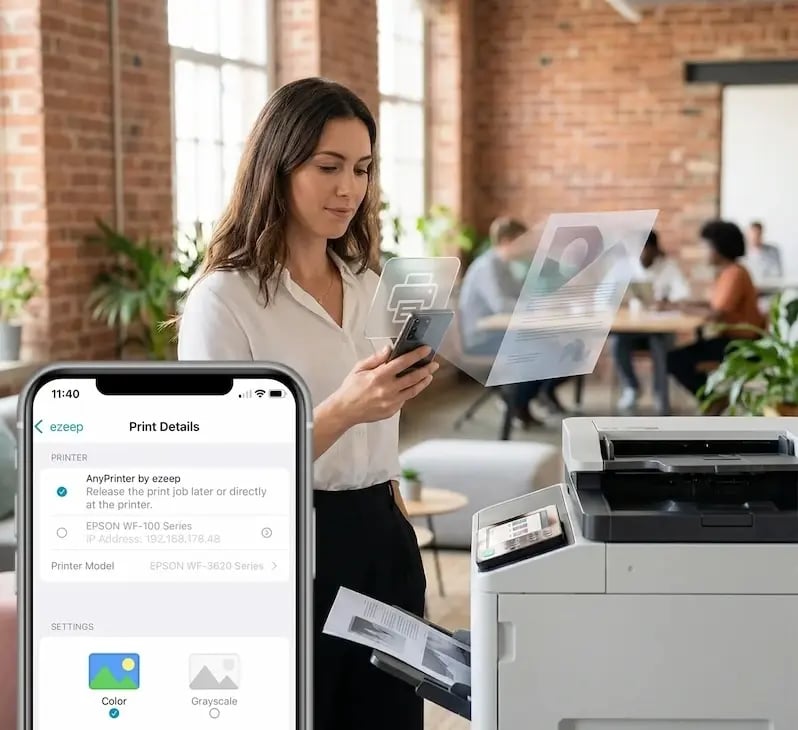
Print from macOS, iOS, iPadOS, or Windows

Users print using the ezeep Print app without manual driver packaging, print server dependencies, or platform-specific configurations.
processing-in-cloud
2

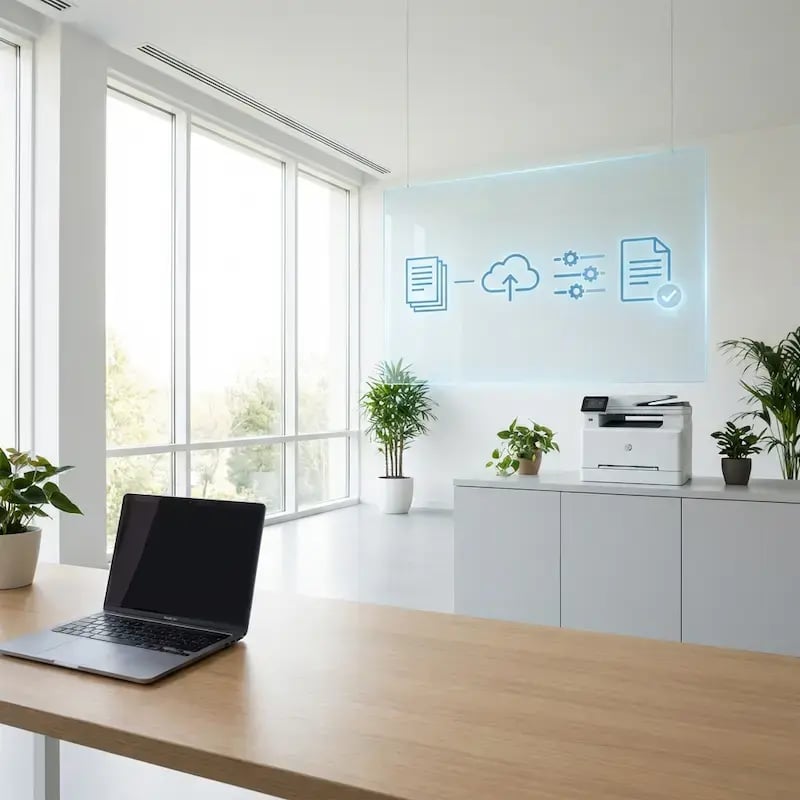
Central Processing in the Cloud

Print jobs are securely transmitted and handled within the ezeep Cloud platform, eliminating on-prem print servers and OS-specific driver conflicts.
pull-printing-legal-finance
3

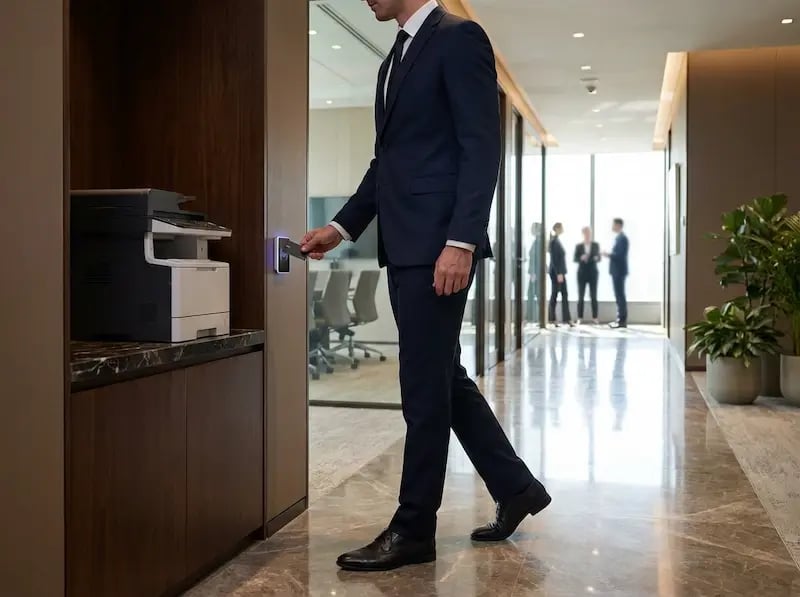
Deliver and Release Securely

Jobs are routed based on identity and policy. Optional Pull Printing ensures documents are released only after authentication at the device.
Native Apps Built for macOS, iOS, and iPadOS

The ezeep macOS and iOS/iPadOS printing apps are designed to integrate into modern enterprise environments with configuration complexity.

  • Signed and notarized macOS application
  • Compatible with Apple silicon
  • Identity-based login via Microsoft Entra ID or Google
  • Consistent user experience across Apple and Windows devices

Users can sign in once and print from multiple Apple and Windows devices within the same managed environment.

app-any-device

Frequently Asked Questions

How does ezeep support printing on macOS, iOS, and iPadOS?

ezeep supports macOS, iOS, and iPadOS printing through signed, notarized native applications and cloud-based rendering, eliminating the need for print servers, driver packaging, or AirPrint dependency. Mac users install the ezeep Print App for macOS, while iPhone and iPad users print through theezeep mobile app or Office Add-in. All print jobs are processed in the ezeep Cloud using manufacturer drivers, so Apple devices print to the same printers as Windows devices without parallel infrastructure or separate management.

Do Apple devices need to be on the same network as the printer?

No. Unlike AirPrint, ezeep routes print jobs through the cloud, so Apple devices can print across segmented networks, different subnets, remote locations, and firewalled environments without requiring Bonjour or mDNS discovery. A MacBook at home, an iPad at a client site, or an iPhone in a branch office can all print to headquarters printers without a VPN, and network topology has no impact on which printers a user can access.

How does this differ from AirPrint?

No. Unlike AirPrint, ezeep routes print jobs through the cloud, so Apple devices can print across segmented networks, different subnets, remote locations, and firewalled environments without requiring Bonjour or mDNS discovery. A MacBook at home, an iPad at a client site, or an iPhone in a branch office can all print to headquarters printers without a VPN, and network topology has no impact on which printers a user can access.

Can Apple and Windows users access the same printers?

Yes. ezeep manages macOS, iOS, iPadOS, Windows, ChromeOS, and Android devices from one centralized cloud platform, so every user prints to the same printers with the same policies regardless of operating system. IT defines printer assignments, default settings, and access rules once in the admin portal, and every device inherits them automatically. Mixed-device environments become consistent and predictable, with no separate Apple-specific infrastructure or Windows-specific workarounds.

Which identity providers are supported for Apple device authentication?

ezeep integrates with Microsoft Entra ID (formerly Azure AD) and Google Workspace for single sign-on and identity-based printer access across all Apple devices. Users sign in once with their corporate credentials and receive automatic printer assignments based on group membership, role, or location. Printer access updates immediately when users join teams, change roles, or leave the organization, eliminating manual printer mapping and supporting zero trust access models.

Back to top

Your Windows Fleet Deserves Cloud-Native Printing

Replace drivers, print servers, and GPO complexity with one cloud platform for every Windows device, virtual desktop, and backend system.

ezeep-chart (1)