Drukowanie w chmurze i zautomatyzowane rozliczenia dla przestrzeni coworkingowych korzystających z Deskworks
Połączcie ezeep z Deskworks — drukowanie stanie się płatną usługą, która działa samodzielnie. Ustalajcie zróżnicowane ceny za stronę, przypisujcie członków do grup drukarek i pozwólcie Deskworks automatycznie wystawiać faktury. Członkowie drukują z dowolnego urządzenia — bez sterowników i konfiguracji.

Co umożliwia integracja ezeep z Deskworks?
Warstwowy cennik oparty na wolumenie
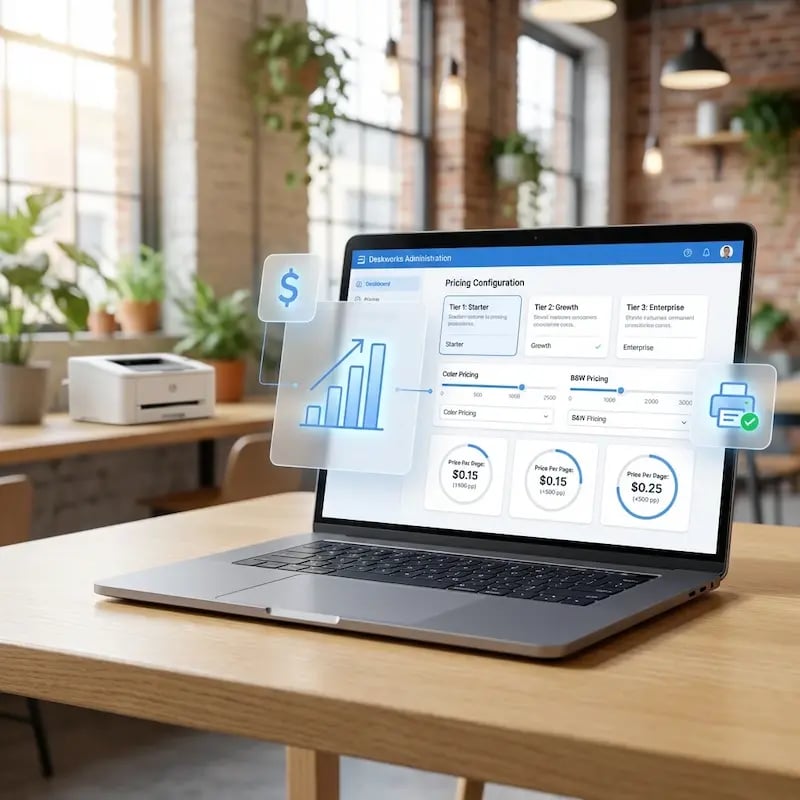
Ustalajcie ceny za stronę dla druku czarno‑białego i kolorowego, z automatycznymi rabatami ilościowymi. Deskworks oblicza opłaty według progu osiągniętego przez każdego członka, dzięki czemu użytkownicy drukujący najwięcej otrzymują skonfigurowane przez Was stawki bez ręcznego śledzenia.
Automatyczna synchronizacja i zarządzanie cyklem życia użytkowników
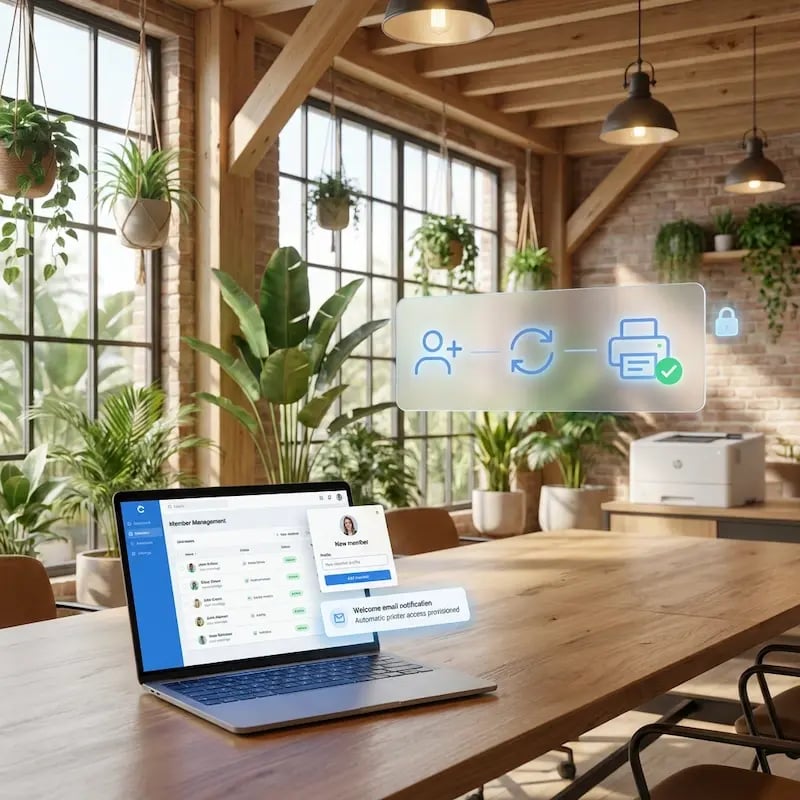
Nowi członkowie automatycznie otrzymują powitalną wiadomość e-mail od ezeep. Gdy konto członka zostanie dezaktywowane w Deskworks, jego konto ezeep jest zawieszane lub usuwane, w zależności od waszych ustawień. Bez ręcznego zarządzania kontami po obu stronach.
Automatyczne fakturowanie przez Deskworks
Cała aktywność drukowania przepływa z ezeep bezpośrednio do systemu rozliczeń Deskworks. Opłaty pojawiają się na fakturach jako pozycje, wyliczone na podstawie waszych progów cenowych. Bez arkuszy kalkulacyjnych, bez osobnego etapu fakturowania, bez uzgadniania.
Uczyńcie drukowanie źródłem przychodów — bez nakładu pracy administracyjnej
Cennik wolumenowy, który rośnie wraz ze zużyciem
Skonfigurujcie w Deskworks warstwowe stawki za stronę dla druku kolorowego i czarno‑białego, z wbudowanymi automatycznymi rabatami ilościowymi.
Największe wolumeny trafiają do niższych progów cenowych w miarę wzrostu drukowania, a Deskworks rozlicza to na każdej fakturze. Zarabiajcie na użytkownikach drukujących sporadycznie i nagradzajcie tych, którzy drukują najwięcej — bez utraty marży.
Wprowadzajcie i usuwajcie użytkowników bez strat finansowych
Nowi członkowie Deskworks otrzymują powitalną wiadomość e-mail, gdy tylko ich profil zostanie utworzony, dzięki czemu mogą zacząć drukować już od pierwszego dnia.
Gdy konto użytkownika zostaje dezaktywowane, jego dostęp do ezeep jest zawieszany lub usuwany zgodnie z waszymi zasadami. Zapobiega to wyciekom dostępu i zapomnianym kontom, które potajemnie generują koszty, których nie możecie obciążyć.
Zarabiajcie na drukarkach według lokalizacji
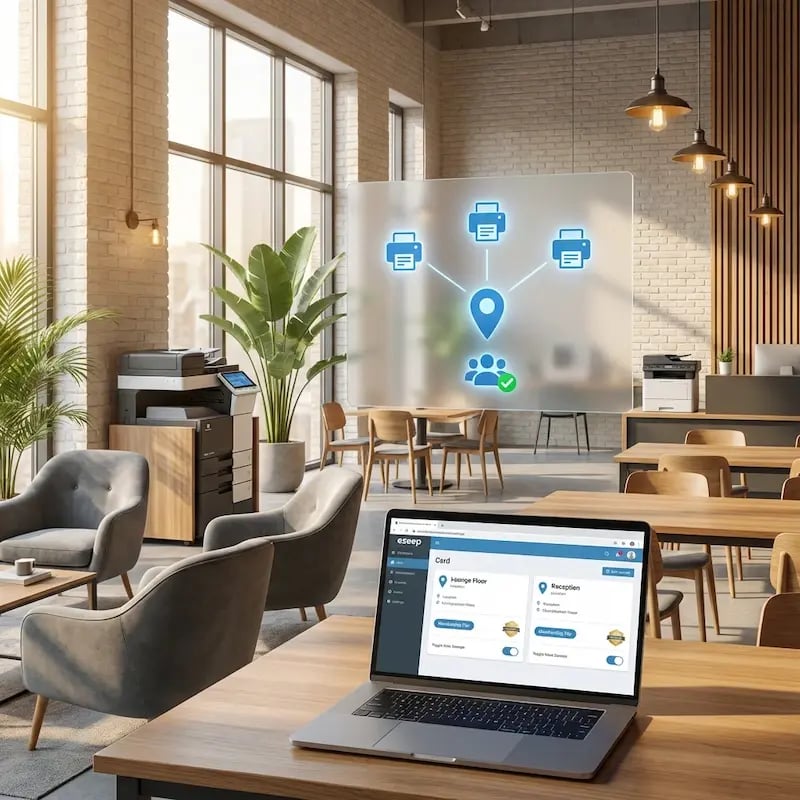
Grupujcie członków w pule drukarek ezeep dopasowane do pięter, budynków lub poziomów członkostwa.
Członkowie premium mają dostęp do kolorowego urządzenia wielofunkcyjnego na najwyższym piętrze, a posiadacze jednodniowych wejściówek — do podstawowej drukarki przy recepcji. Każda grupa jest przypisana do odpowiedniego strumienia przychodów. Wszystko zarządzacie z jednego miejsca.
Dowiedzcie się, które drukarki przynoszą wam zysk
Panel raportowania ezeep przedstawia szczegółowe dane o wydrukach w podziale na członków, drukarki i typy dokumentów, dzięki czemu widzicie, które urządzenia pracują wydajnie, a które nie.
Eksportujcie dane do pliku CSV na potrzeby księgowości lub wykorzystajcie je do dostosowania cennika, wycofania rzadko używanego sprzętu lub promowania planów premium.

Mniej infrastruktury. Więcej spokoju.
Przenieście drukowanie kampusowe do chmury i zmniejszcie codzienny nakład prac konserwacyjnych. Mniej poprawek, mniej problemów z kolejkami wydruku i mniej niespodzianek typu „zepsuło się w nocy”.
Jednolite doświadczenie na całym kampusie
Obsługujcie rzeczywisty miks urządzeń używanych w edukacji — Chromebooki, MacBooki, laptopy z systemem Windows, tablety i smartfony — w bibliotekach, laboratoriach, akademikach i przy drukarkach współdzielonych, bez odrębnych kroków w poszczególnych wydziałach i bez komunikatów „ta drukarka działa tylko na tym systemie operacyjnym”.
Uprawnienia, które faktycznie mają sens
Powiążcie widoczność drukarek i dostęp do nich z tożsamością i grupami, aby studenci, pracownicy, wykładowcy i naukowcy widzieli odpowiednie drukarki według roli, budynku i wydziału — a wszystko to bez ciągłych ręcznych zmian.
Temporary Access, Without Temporary Chaos
Support guest lecturers, visiting scholars, events, and short-term programs with controlled access that doesn't create recurring IT work or one-off setups.
Confidential Pages Stay With The Right Person
Reduce tray exposure in busy shared spaces. Pull Printing helps ensure jobs only release when the user authenticates at the printer with their school ID, helping protect exams, registrar documents, and sensitive student records.
Visibility Finance Can Actually Use
Understand usage across departments and locations, support quotas and accountability, and make it easier for busier and finance teams to track print spend without turning IT into the print police.
Cost Recovery Without The Busywork
For campuses that charge students to print, ezeepCampus adds Self-Join onboarding and credit-based printing, so students and staff can self-serve while your institution keeps pricing and access under control.
Let's Find the Right Setup for Your Space
ezeep is free for up to 10 users, and we offer special pricing for coworking spaces. Whether you run a single location or a growing network, we'll help you set things up in a way that makes printing work as a real revenue stream.
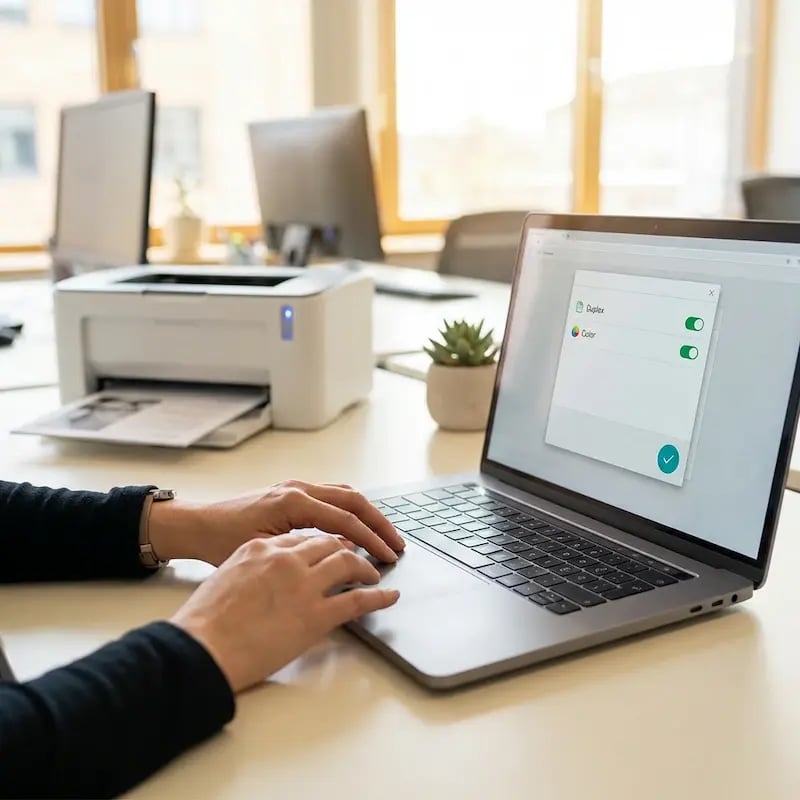
Printing That's Ready When Members Are
Any Device, Zero Setup
Send Now, Pick Up Later
Guests and Day Passes Welcome
Billing That Makes Sense
How to Set Up Deskworks Printing with ezeep
Connect ezeep in Your Deskworks Dashboard
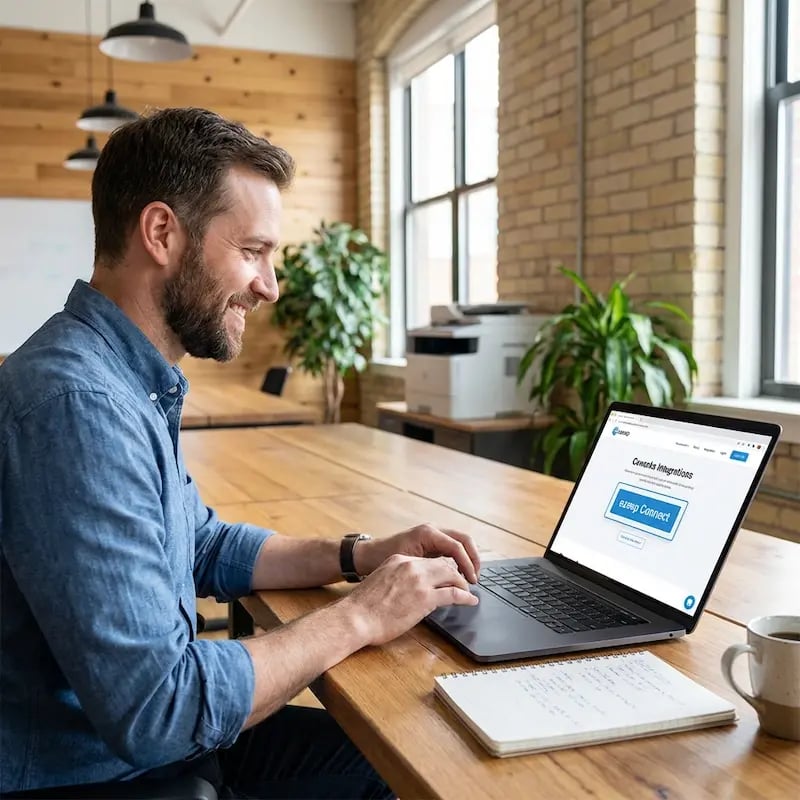
Submit a support ticket to Deskworks requesting activation of the ezeep integration. Once active, go to Setup, then Print Setup, and click Connect. Link your ezeep account and you're connected.
Configure Printer Groups and Pricing
Your ezeep groups and printers appear on the Print Setup page in Deskworks. Select the default group and available printers for each location. Then set up your tiered per-page pricing under Inventory, Products, Print Products. Deskworks supports volume-based pricing tiers automatically.

Members Get Access Automatically
When you create a member in Deskworks, they receive a welcome email from ezeep to activate their printing account. Their access is linked to their Deskworks profile and the printer group you've assigned.

How Your Printers Connect to the Cloud
The ezeep Hub is a small, maintenance-free device that bridges your existing printers to ezeep's cloud platform. Plug it in, connect your printers, and they're available to every member and guest in your space. No print servers, no driver packages, no ongoing IT work.
Once it's running, your printers just stay available. You don't have to think about it again.
Documentation & Support
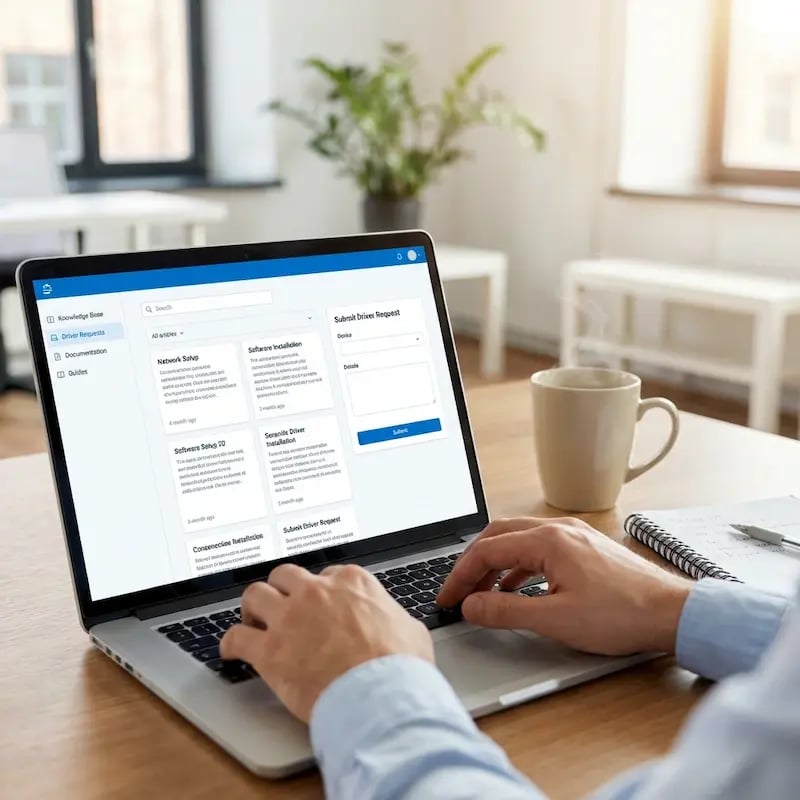
This integration is built and maintained by Deskworks. To get started, submit a support ticket to Deskworks requesting activation.
For step-by-step configuration details, visit the Deskworks Help Center or the ezeep Knowledge Base. Our team is also happy to help if you have questions along the way.
Other Coworking Printing Integrations
Frequently Asked Questions
How does the ezeep integration with Deskworks work?
The integration connects your Deskworks workspace to ezeep's cloud printing platform. You configure tiered per-page pricing and printer groups in Deskworks. When a member is created, they automatically receive an ezeep welcome email to activate their printing account. All print activity is tracked by ezeep and billed through Deskworks at the end of each cycle, with charges calculated from your pricing tiers.
Can I set up volume-based pricing for printing?
Yes. Deskworks supports tiered pricing based on print volume. You can configure different per-page rates at different thresholds, for example a lower rate once a member exceeds 25 or 100 pages in a month. Deskworks calculates the correct tier automatically based on each member's actual usage.
What happens when a member leaves or is deactivated?
You choose the behavior during setup. When a member is deactivated in Deskworks, their ezeep account is either suspended (kept in ezeep but inactive) or deleted (removed entirely to avoid unnecessary charges). If a deleted member is later reactivated in Deskworks, their ezeep account is recreated automatically.
Do members need to install printer drivers?
No. ezeep uses driverless cloud printing, which means the print job is processed in the cloud and delivered to the printer in a format it already understands. Members print from MacBooks, Windows laptops, iPads, Chromebooks, or smartphones using the ezeep app or web portal. Nothing to install, nothing to configure.
What makes ezeep different from other coworking printing options?
ezeep is built for shared and coworking environments from the ground up, with native integrations into platforms like Archie, Spacebring, Nexudus, Coworks, Cobot, and OfficeRnD. It provides true driverless printing from any device, automated billing through your coworking platform, group-based access control, built-in usage tracking, and the ezeep Hub for connecting printers without print servers. It's free for up to 10 users, with special pricing for coworking spaces.
Ready to Turn Printing Into a Revenue Stream?
ezeep is free for up to 10 users. Connect it to Deskworks and printing charges land on member invoices automatically.