Zarządzanie drukiem w chmurze dla całej waszej organizacji
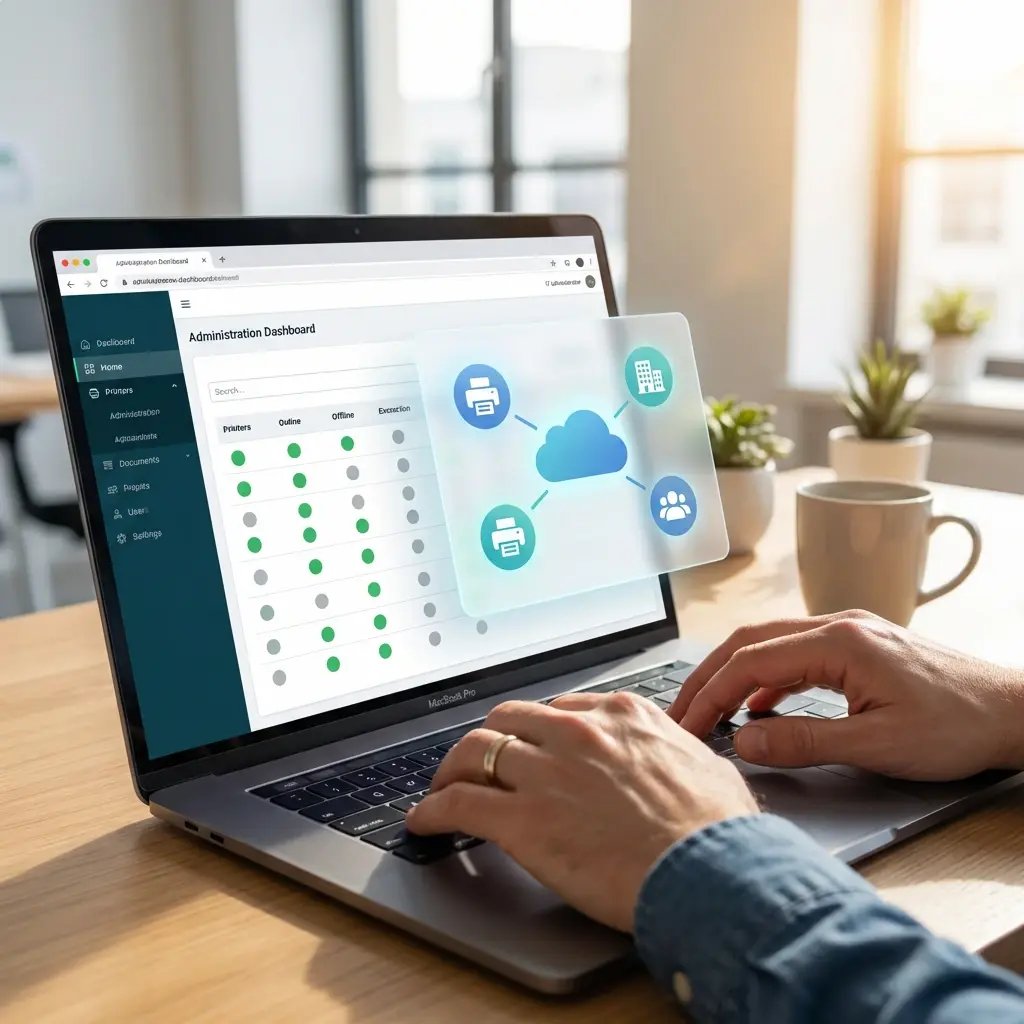
Zarządzanie drukarkami nie powinno wymagać plątaniny narzędzi, serwerów i ręcznych poprawek w każdej lokalizacji. ezeep przenosi całe wasze środowisko druku na jedną platformę chmurową. Dział IT zarządza drukarkami, użytkownikami i zasadami z jednej konsoli, a pracownicy drukują z dowolnego urządzenia — bez zastanawiania się.
Dlaczego tradycyjne zarządzanie drukiem się nie skaluje
Zbyt wiele narzędzi, brak integracji
Print servers, narzędzia do wdrażania sterowników, dashboardy do monitorowania i narzędzia poszczególnych producentów — wszystkie wymagają osobnej konfiguracji i konserwacji. Żadne z nich nie współpracuje z pozostałymi i żadne nie daje pełnego obrazu sytuacji we wszystkich lokalizacjach.
Każda lokalizacja ma własne środowisko druku
Oddziały, zdalne biura i centrala firmy — każda z tych lokalizacji ma ostatecznie własne środowisko druku: inne serwery, inne sterowniki, inne procedury wsparcia, inny poziom bezpieczeństwa. Standaryzacja czegokolwiek oznacza konieczność ingerencji w każdej lokalizacji z osobna.
Ciągłe zgłoszenia, brak wglądu
Problemy ze sterownikami, błędne mapowanie drukarek i dryf konfiguracyjny generują stały napływ zgłoszeń do helpdesku. Tymczasem dział finansowy nie może uzyskać dokładnych danych o kosztach, a dział IT nie ma wglądu w wykorzystanie w poszczególnych lokalizacjach. Obciążenie rośnie, a wgląd nie.
Jedna konsola chmurowa dla wszystkich drukarek, lokalizacji i użytkowników
Zarządzajcie wszystkimi drukarkami z dowolnego miejsca
Przypisujcie drukarki, ustawiajcie zasady, konfigurujcie opcje wykończenia i rozwiązujcie problemy we wszystkich lokalizacjach z jednej konsoli w chmurze.
Zmiany są wprowadzane natychmiast. Bez sesji pulpitu zdalnego, bez wizyt na miejscu i bez okien serwisowych.
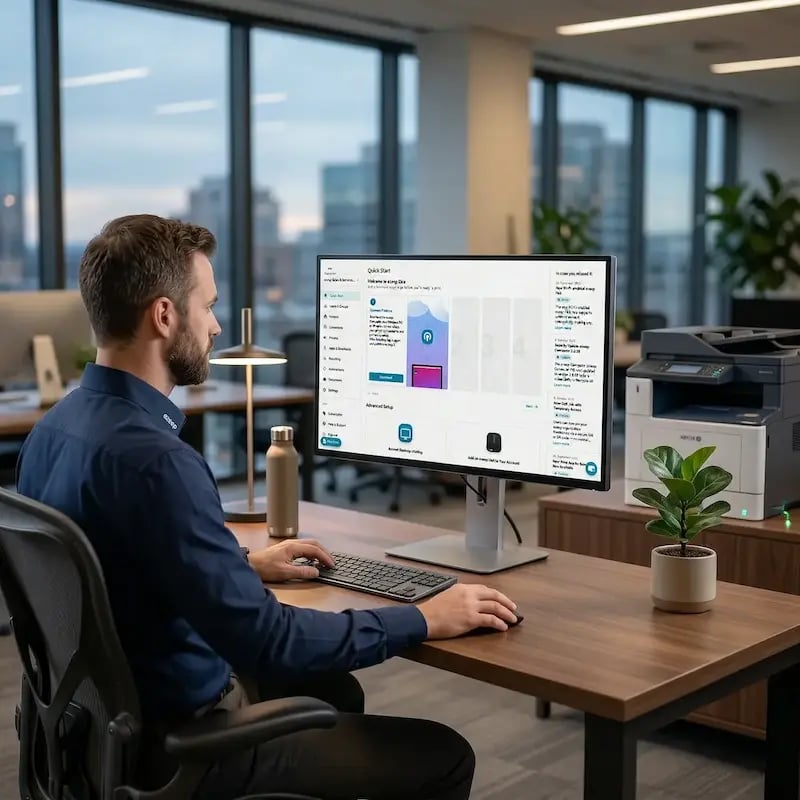
Użytkownicy automatycznie otrzymują właściwe drukarki
Drukarki są przypisywane na podstawie tożsamości i lokalizacji za pomocą Entra ID, Google Workspace lub katalogów lokalnych.
Gdy ktoś dołącza do zespołu, zmienia miejsce pracy lub loguje się z domu, drukarki są przypisywane automatycznie. Bez ręcznego mapowania ani zgłoszeń do IT.

Wszystkie urządzenia i platformy, jedna konsola
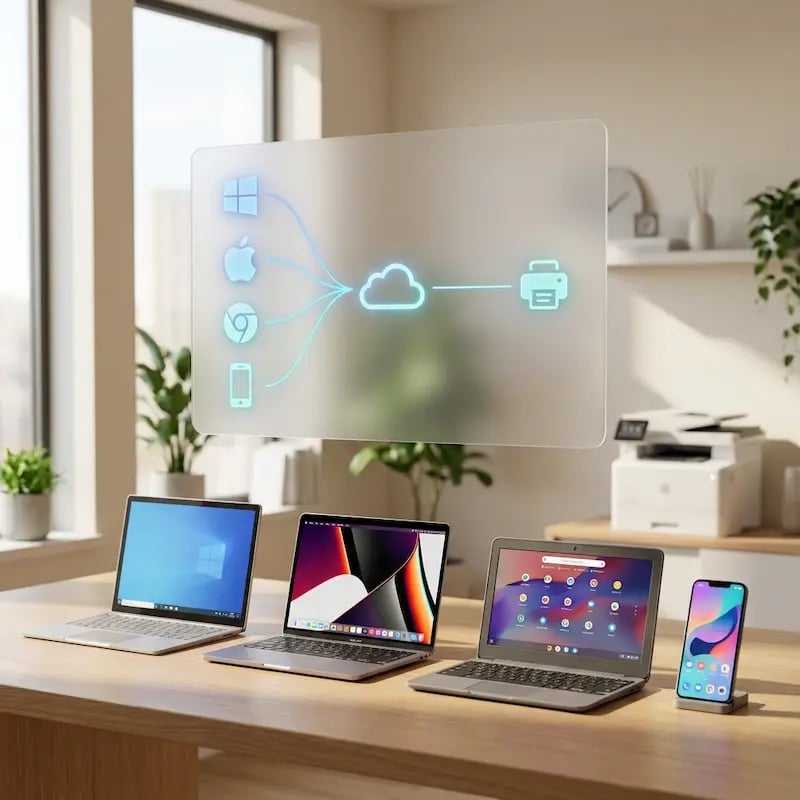
Windows, Mac, Chromebook, iOS, Android i pulpity wirtualne. Wszystkimi platformami zarządzacie z tej samej konsoli w chmurze, stosując te same zasady.
Bez oddzielnych konfiguracji dla każdej platformy.
Śledźcie wykorzystanie, kontrolujcie koszty, raportujcie wszystko
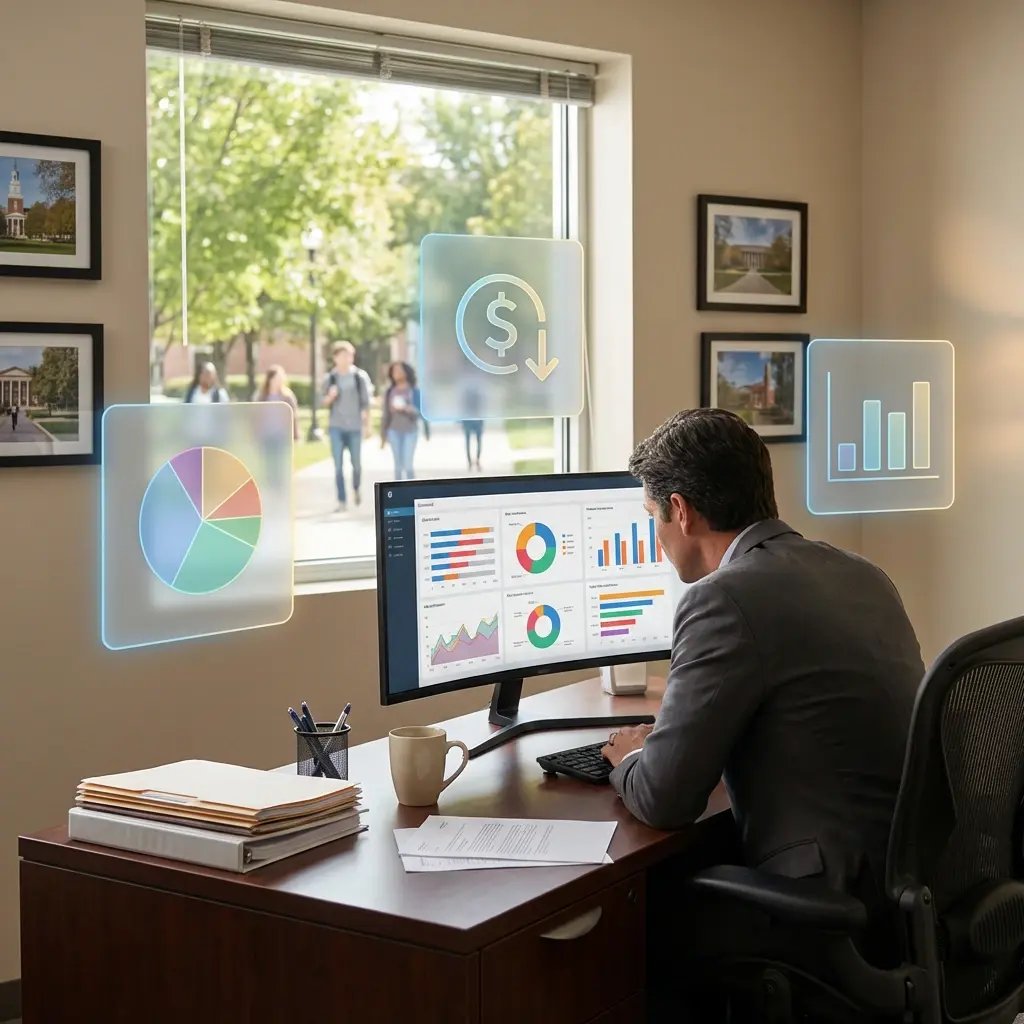
Pulpity w czasie rzeczywistym pokazują liczbę wydruków, koszty, wykorzystanie urządzeń i wpływ na środowisko we wszystkich lokalizacjach.
Eksportujcie dane do analiz finansowych, ustawiajcie zasady ograniczające marnotrawstwo i podejmujcie decyzje w oparciu o rzeczywiste liczby, a nie szacunki.
Wdrożcie raz, zarządzajcie centralnie
Wdrożenie odbywa się raz dla każdej lokalizacji. Bieżące aktualizacje, zarządzanie sterownikami i utrzymanie infrastruktury odbywają się automatycznie w chmurze.
Dział IT nie musi utrzymywać infrastruktury druku na miejscu.
Less Infrastructure. More Calm.
Move campus printing to the cloud and reduce the day-to-day maintenance burden. Have fewer patches, fewer queue mysteries, and fewer "it broke overnight" surprises.
One Experience Across Campus
Support the real education device mix - Chromebooks, MacBooks, Windows laptops, tablets, and phones - across libraries, labs, dorms, and shared printers without special steps per department or "this printer only works on that OS."
Permissions That Actually Make Sense
Tie printer visibility and access to identity and groups, so students, staff, faculty, and researchers see the right printers by role, building, and department - all without constant manual adjustments.
Temporary Access, Without Temporary Chaos
Support guest lecturers, visiting scholars, events, and short-term programs with controlled access that doesn't create recurring IT work or one-off setups.
Confidential Pages Stay With The Right Person
Reduce tray exposure in busy shared spaces. Pull Printing helps ensure jobs only release when the user authenticates at the printer with their school ID, helping protect exams, registrar documents, and sensitive student records.
Visibility Finance Can Actually Use
Understand usage across departments and locations, support quotas and accountability, and make it easier for busier and finance teams to track print spend without turning IT into the print police.
Cost Recovery Without The Busywork
For campuses that charge students to print, ezeepCampus adds Self-Join onboarding and credit-based printing, so students and staff can self-serve while your institution keeps pricing and access under control.
How Cloud Print Management Reduces IT Costs
Consolidate Tools and Licensing
Reduce Help Desk Volume
Eliminate Print Server Overhead
Scale Without Adding Complexity
Better Cost Allocation
Stronger Security and Compliance
Cloud Managed Printing vs. Serverless Printing
ezeep supports both approaches. Start with centralized management today, and remove print servers when you're ready.
Who Benefits Most from Cloud Print Management
Multi-Location and Distributed Teams
Standardize printing across headquarters, branch offices, remote sites, retail locations, and home workers without site-specific configurations or requiring local IT at every location.
IT Teams Reducing Support Overhead
Cut the ticket volume that comes with driver issues, printer mapping problems, and configuration drift. Cloud management automates the repetitive tasks that generate the most help desk noise.
Companies Standardizing Across Devices
Support Windows, Mac, Chromebook, iOS, Android, and virtual desktops from one platform. Same management, same policies, same user experience everywhere, even backend printing.
Organizations Evaluating Microsoft Universal Print
Universal Print works in pure Microsoft environments but requires M365 licensing, Intune for deployment, and compatible printers or connectors. ezeep works across all platforms and supports any printer through the ezeep Hub, without additional Microsoft licensing.
Connect Printers to the Cloud Without Servers
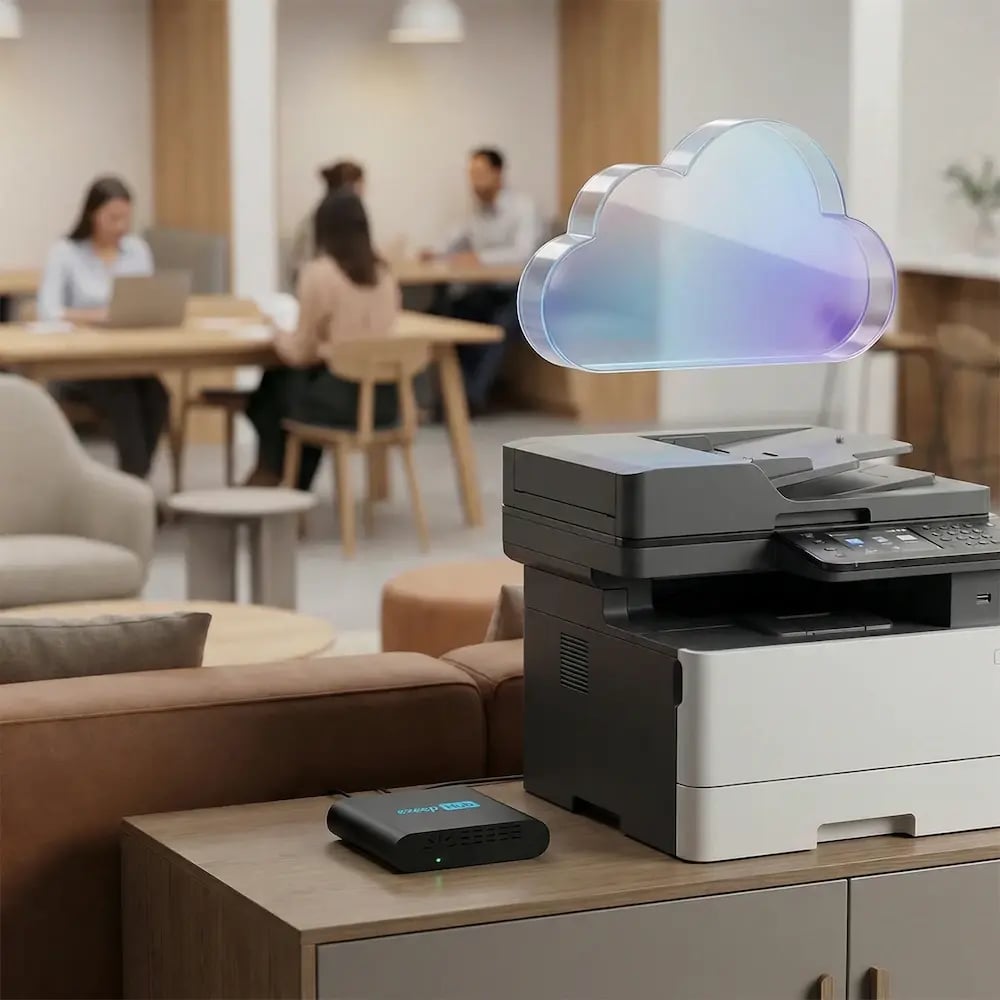
The ezeep Hub is a compact, maintenance-free device that bridges your existing printers to ezeep's cloud platform. It connects network and USB printers without acting as a print server. No drivers, no queues, no on-site management required.
Deploy one per location, manage everything from the cloud, and add more as you grow.
How Cloud Print Management Works with ezeep
Connect Your Printers
Deploy the ezeep Hub at each location to connect existing printers to the cloud. Network and USB printers are supported. No server setup, no driver installs, no on-site configuration.

Users Print from Any Device
Employees print from Windows, Mac, Chromebook, iOS, or Android using the ezeep app or browser. Printers are assigned automatically based on identity and location, so users always see the right ones.

IT Manages Everything Centrally
Assign printers, set policies, monitor usage, and troubleshoot across every location from one cloud dashboard. Add locations, adjust settings, and pull reports, all from a browser, all in real time.
Frequently Asked Questions
What is cloud managed printing?
Cloud managed printing centralizes your entire print environment in one cloud-based platform: printers, users, policies, and reporting. Instead of managing print servers, drivers, and configurations at each location individually, IT controls everything from a single web console that works across all sites, devices, and platforms.
How is it different from serverless printing?
Cloud managed printing centralizes control and can work with or without print servers. Serverless printing goes further by eliminating on-premises print servers entirely, with all rendering handled in the cloud. ezeep supports both approaches, so you can centralize management today and remove print servers when you're ready.
What devices and platforms does ezeep support?
ezeep supports Windows, macOS, ChromeOS, iOS, Android, and virtual desktop environments including Azure Virtual Desktop, Citrix, Parallels, and Omnissa Horizon. All devices are managed through the same cloud console with the same policies.
How does ezeep compare to Microsoft Universal Print?
Universal Print eliminates print servers but requires Microsoft 365 licensing, Intune for deployment, and compatible printers or connectors for older devices. ezeep works across all platforms without additional Microsoft licensing, supports any printer through the ezeep Hub, and uses cloud rendering to eliminate drivers on every endpoint.
How does cloud print management improve security?
Printer access is controlled through identity providers like Entra ID or Google Workspace. Print data is encrypted in transit, and Pull Printing holds jobs until users authenticate at the device. All activity flows through one platform, giving IT a single audit trail instead of per-site logs that are hard to correlate.
Ready to Manage All Your Printing from One Place?
Replace fragmented tools and manual processes with one cloud platform that scales across every location, device, and user.