Drukowanie w chmurze dla przestrzeni coworkingowych korzystających z Archie
Połączcie ezeep z Archie, a drukowanie stanie się płatną usługą działającą samodzielnie. Ustawcie ceny za stronę, przypiszcie kredyty na drukowanie i pozwólcie, by Archie automatycznie obsługiwało fakturowanie na koniec każdego cyklu rozliczeniowego. Członkowie mogą drukować z dowolnego urządzenia — bez sterowników i konfiguracji.

Co umożliwia integracja ezeep z Archie?
Cennik za stronę w Archie
Ustawcie ceny druku czarno-białego i kolorowego, rozdzielone według formatu papieru. Archie wykorzysta Waszą konfigurację cenową do automatycznego obliczania opłat za każdym razem, gdy członek wyśle zadanie drukowania.
Kredyty na wydruki i przydziały
Przypisujcie kredyty na wydruki do kont indywidualnych lub zespołowych. Nadajcie członkom nielimitowane kredyty lub ustalcie określony przydział. Gdy kredyty się wyczerpią, wy decydujecie, co dalej.
Automatyczne fakturowanie na koniec cyklu
W każdym cyklu rozliczeniowym Archie pobiera całą aktywność z ezeep i generuje pozycję na fakturze członka. Bez ręcznego śledzenia, arkuszy kalkulacyjnych ani osobnego fakturowania.
Przychody z drukowania w coworkingu — na autopilocie
Wycena dopasowana do rzeczywistego drukowania
Ustalcie różne stawki dla druku kolorowego i czarno‑białego dla każdego formatu papieru obsługiwanego w waszej przestrzeni. Archie pobiera zasady wyceny, oblicza łączną kwotę każdego zadania drukowania i umieszcza ją bezpośrednio na fakturze członka.
Każda wydrukowana strona staje się pozycją na fakturze, która generuje przychód — bez żadnego ręcznego obliczania.

Kredyty, które napędzają sprzedaż planów
Nadajcie członkom przydziały wydruków lub przypiszcie wspólne kredyty całym zespołom dla prywatnych biur i kont firmowych.
Decydujecie, czy opłaty za druk trafią na fakturę osoby, czy na fakturę organizacji. Dzięki temu kredyty stają się narzędziem dodatkowej sprzedaży większym klientom oraz korzyścią, która ułatwia sprzedaż planów premium.

Fakturowanie, które działa, gdy śpicie
Na koniec każdego cyklu rozliczeniowego Archie dodaje każdą opłatę za druk do faktury odpowiedniego członka jako przejrzystą pozycję.
Koniec z arkuszami śledzenia, osobnym etapem fakturowania i przychodami, które umykają, bo ktoś zapomniał zarejestrować zadanie drukowania. Drukowanie staje się dochodem, który pojawia się automatycznie.

Sprawdźcie, które plany są najbardziej rentowne
Panel ezeep przedstawia szczegółowe dane o wykorzystaniu z podziałem na członków, rodzaj strony i drukarkę, dzięki czemu możecie dokładnie zobaczyć, na co idzie wasz budżet papierowy i które plany przynoszą więcej przychodów niż kosztów.
Pobierajcie raporty CSV do księgowości albo użyjcie danych do optymalizacji przydziałów kredytów i sprawcie, by mniej rentowne plany zaczęły przynosić zyski.

Mniej infrastruktury. Więcej spokoju.
Przenieście drukowanie kampusowe do chmury i zmniejszcie codzienny nakład pracy związany z utrzymaniem. Mniej poprawek, mniej tajemniczych problemów z kolejkami wydruku i mniej niespodzianek w stylu „znowu coś przestało działać”.
Jedno spójne doświadczenie na całym kampusie
Obsługujcie rzeczywistą mieszankę urządzeń używanych w edukacji — Chromebooks, MacBooki, laptopy z Windows, tablety i telefony — w bibliotekach, laboratoriach, akademikach i przy drukarkach współdzielonych, bez specjalnych procedur dla poszczególnych wydziałów i bez ograniczeń typu „ta drukarka działa tylko na tym systemie operacyjnym”.
Uprawnienia, które naprawdę mają sens
Powiążcie widoczność drukarek i dostęp do nich z tożsamością i grupami, dzięki czemu studenci, pracownicy, wykładowcy i naukowcy zobaczą odpowiednie drukarki przypisane do ich roli, budynku i wydziału — a wszystko to bez ciągłych ręcznych modyfikacji.
Temporary Access, Without Temporary Chaos
Support guest lecturers, visiting scholars, events, and short-term programs with controlled access that doesn't create recurring IT work or one-off setups.
Confidential Pages Stay With The Right Person
Reduce tray exposure in busy shared spaces. Pull Printing helps ensure jobs only release when the user authenticates at the printer with their school ID, helping protect exams, registrar documents, and sensitive student records.
Visibility Finance Can Actually Use
Understand usage across departments and locations, support quotas and accountability, and make it easier for busier and finance teams to track print spend without turning IT into the print police.
Cost Recovery Without The Busywork
For campuses that charge students to print, ezeepCampus adds Self-Join onboarding and credit-based printing, so students and staff can self-serve while your institution keeps pricing and access under control.
Let's Find the Right Setup for Your Space
ezeep is free for up to 10 users, and we offer special pricing for coworking spaces. Whether you run a single location or a growing network, we'll help you set things up in a way that makes printing work as a real revenue stream.
Contact SalesThey Print. You Don't Hear About It.
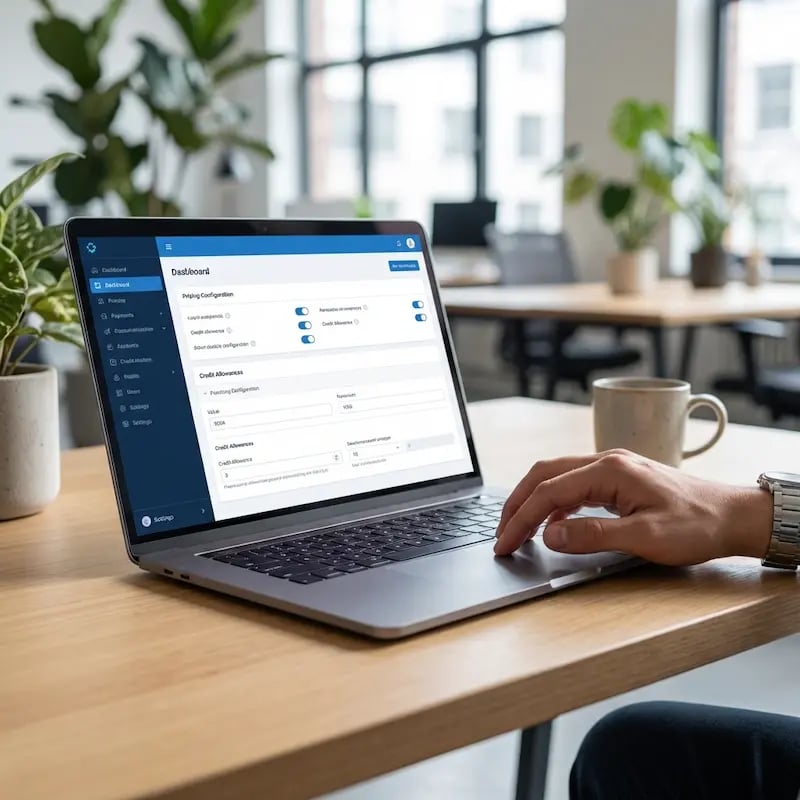
Every Device, Same Experience
Whether they brought a MacBook, a Windows laptop, a Chromebook, or a phone, the ezeep app handles printing the same way. No drivers, no configuration, no "which printer is which?" conversations.
Print Remotely, Collect in Person
Members send a job from wherever they are and pick it up at the printer when they arrive. Documents stay in the cloud until someone's standing there to grab them.
Day Pass? No Problem.
Short-term visitors print the same way full-time members do. No special setup from your team and no permanent account left behind when they leave.
Credits and Charges, Fully Transparent
How to Set Up Archie Printing with ezeep
Connect ezeep in Your Archie Dashboard
Go to Settings → Integrations → ezeep in Archie and click Connect. Link your ezeep account, and you're connected.

Set Up Printing Pricing
Go to Settings → System → Printing in Archie. Add a configuration and define your per-page pricing for black-and-white and color, by paper format. You can create different pricing rules for different member types.

Create Printing Accounts for Members
Open a member's account in Archie, go to Printing, and click "Create ezeep Account." Select the billing option (individual or team) and assign print credits. The member's ezeep account is created directly from Archie.

Watch Our Joint Webinar with Archie
Want to see how coworking spaces are automating printing and daily operations together? Check out our joint webinar with Archie, where we walk through real workflows and show how operators are saving time while improving the member experience.
How Your Printers Connect to the Cloud
The ezeep Hub is a small, maintenance-free device that bridges your existing printers to ezeep's cloud platform. Plug it in, connect your printers, and they're available to every member and guest in your space. No print servers, no driver packages, no ongoing IT work.
Once it's running, your printers just stay available. You don't have to think about it again.
Learn More About ezeep HubDocumentation & Support
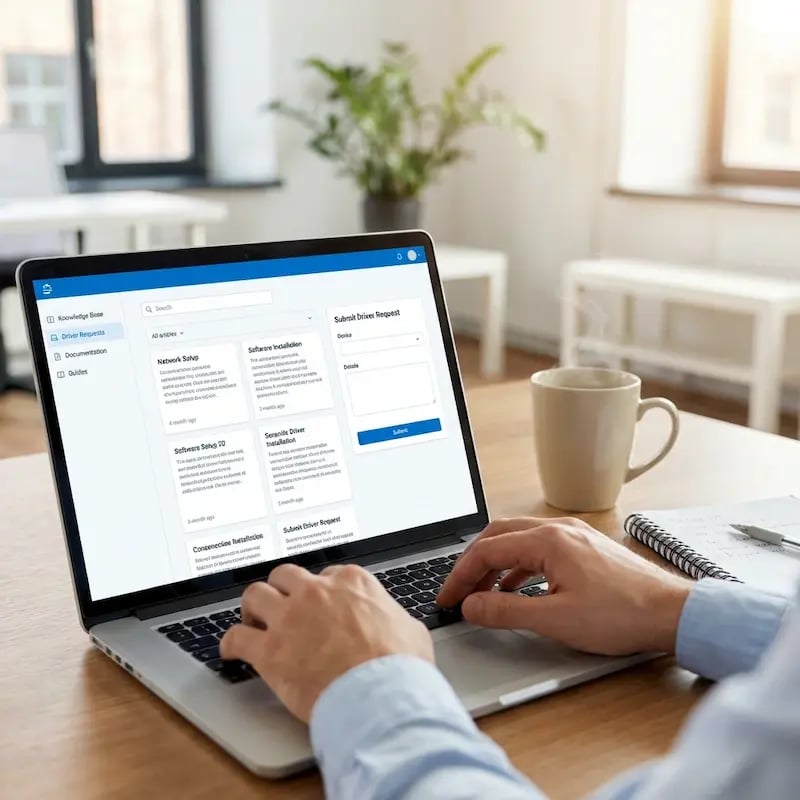
This integration is built and maintained by Archie.
For step-by-step configuration details, visit the Archie Help Center or the ezeep Knowledge Base.
Our team is also happy to help if you have questions along the way.
Other Coworking Printing Integrations
Frequently Asked Questions
How does the ezeep integration with Archie work?
The integration connects your Archie workspace to ezeep's cloud printing platform. You set per-page print pricing in Archie, create ezeep printing accounts for members from within Archie, and assign print credits. When a member prints, ezeep sends the job details to Archie. At the end of the billing cycle, Archie generates an invoice line item with the total printing charge automatically.
Can I charge coworking members for printing automatically?
Yes. You define per-page pricing directly in Archie, separately for black-and-white and color, and by paper format. Every time a member prints through ezeep, the job details are recorded. At the end of the billing cycle, Archie tallies everything up and adds a printing line item to the member's invoice.
Can I assign print credits or bill printing to a team?
Yes to both. When creating a member's printing account in Archie, you can assign a specific number of credits or give them unlimited access. You also choose whether charges go to the individual member or their team account, which is useful for private offices or companies that want one consolidated printing invoice.
Do members need to install printer drivers?
No. ezeep uses driverless cloud printing, which means the print job is processed in the cloud and delivered to the printer in a format it already understands. Members print from MacBooks, Windows laptops, iPads, Chromebooks, or smartphones using the ezeep app or web portal. Nothing to install, nothing to configure.
What makes ezeep different from other coworking printing options?
ezeep is built for shared and coworking environments from the ground up, with native integrations into platforms like Deskworks, Spacebring, Nexudus, Coworks, Cobot, and OfficeRnD. It provides true driverless printing from any device, automated billing through your coworking platform, plan-based access control, built-in usage tracking, and the ezeep Hub for connecting printers to the cloud without print servers. It's free for up to 10 users, with special pricing for coworking spaces.
Ready to Turn Printing Into a Revenue Stream?
ezeep is free for up to 10 users. Connect it to Archie and printing charges land on member invoices automatically.