Drukowanie Xerox zarządzane w chmurze
Urządzenia wielofunkcyjne Xerox obsługują obieg dokumentów w agencjach rządowych, kancelariach prawnych, sieciach opieki zdrowotnej i dużych przedsiębiorstwach. Print servers i infrastruktura sterowników stojące za nimi nie nadążają. ezeep łączy flotę urządzeń VersaLink, AltaLink i PrimeLink w jedną platformę chmurową. Jedna konsola dla każdego urządzenia Xerox, każdej lokalizacji i każdego systemu operacyjnego.
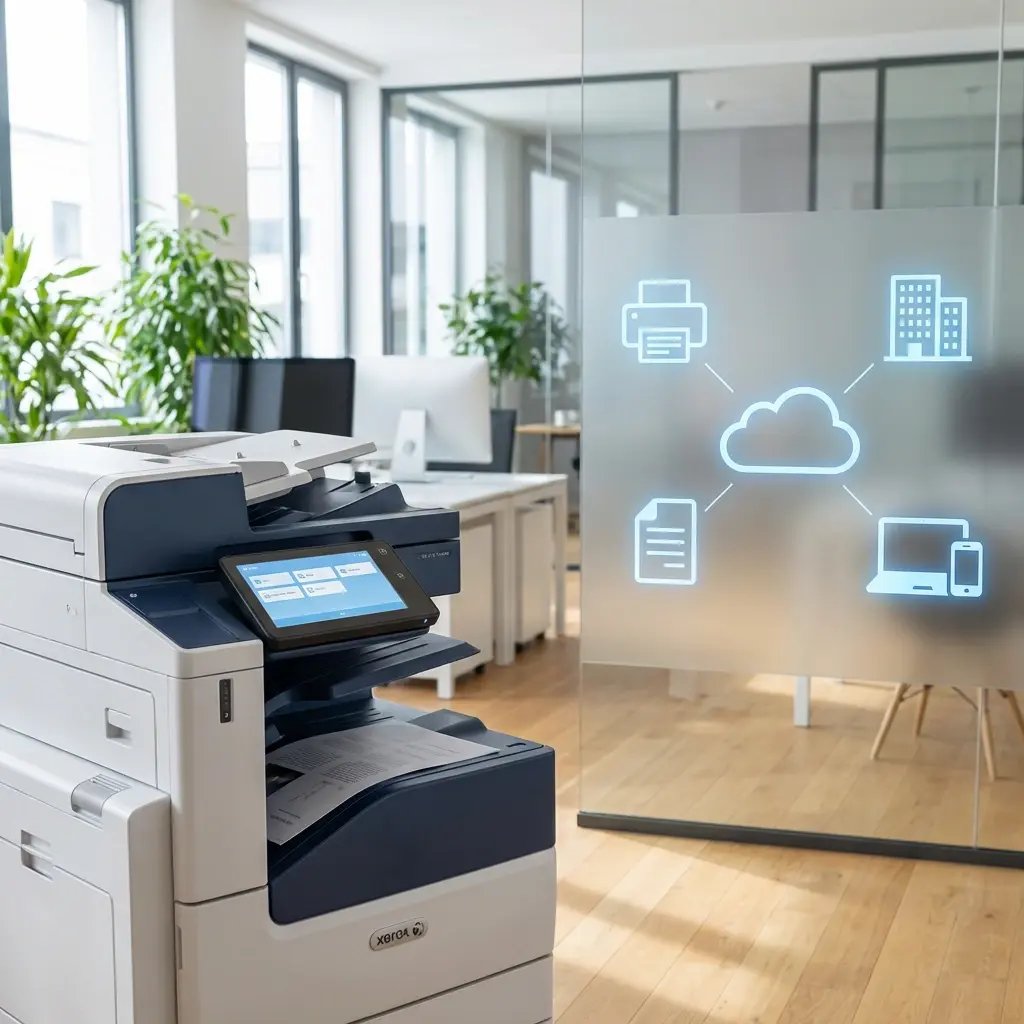
Dlaczego zarządzanie drukarkami Xerox w wielu lokalizacjach staje się trudniejsze wraz ze wzrostem skali
Print Servers i wdrażanie sterowników w każdej lokalizacji
Zarządzanie drukarkami Xerox w wielu biurach oznacza obecność print servers w każdej lokalizacji, wdrażanie Xerox Global Print Driver przez GPO lub SCCM oraz aktualizacje oprogramowania układowego, które psują istniejące mapowania drukarek. CentreWare monitoruje urządzenia, ale nie eliminuje obciążenia związanego z print servers i sterownikami, którego działy IT próbują się pozbyć.
Mieszane floty po przejęciu Lexmark
Przejęcie Lexmark przez Xerox pozostawiło wiele organizacji z urządzeniami obu marek w połączonych biurach. Dwa ekosystemy sterowników, dwa procesy zarządzania i narzędzia producentów obsługujące wyłącznie własną markę. Dział IT utrzymuje równoległe konfiguracje, co podwaja zakres pracy.
Branże regulowane potrzebują czegoś więcej niż podstawowe zarządzanie drukowaniem
Agencje rządowe, kancelarie prawne i sieci opieki zdrowotnej potrzebują kontrolowanego zwalniania dokumentów, ścieżek audytu i spójnych zasad drukowania na każdym urządzeniu Xerox. Wymuszanie tego lokalnie przy użyciu print servers i konfiguracji GPO dla poszczególnych urządzeń nie skaluje się.
Zarządzanie flotą drukarek Xerox w chmurze
Bez serwerów wydruku w każdej lokalizacji
ezeep Hub lub Connector zastępuje lokalne serwery wydruku w każdej lokalizacji. Wasz sprzęt Xerox pozostaje.
Infrastruktura Windows Server odchodzi w przeszłość. To o jeden serwer mniej do licencjonowania, łatania i utrzymania w każdej lokalizacji.
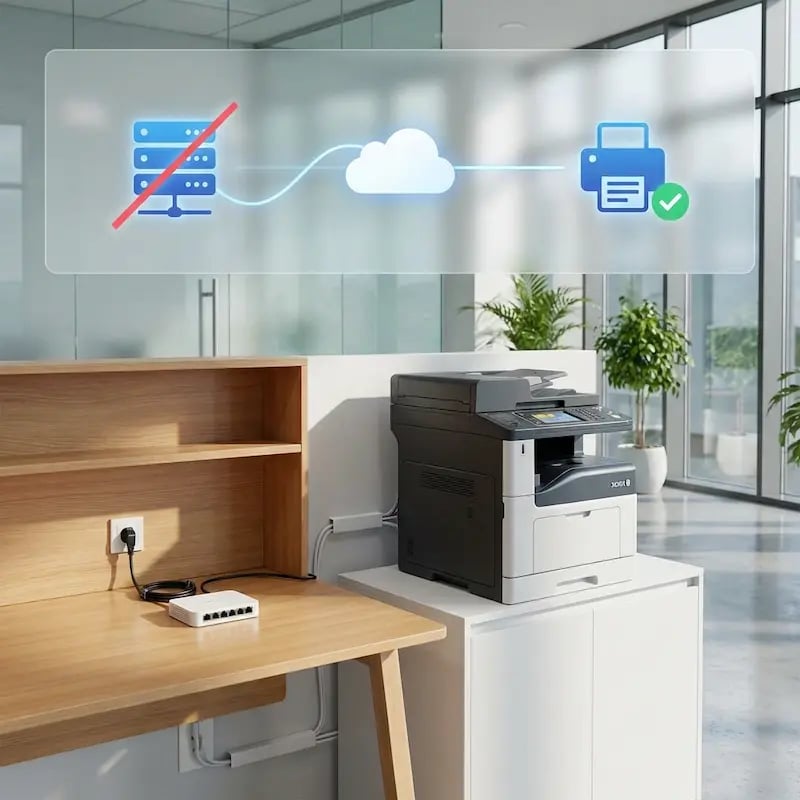
Koniec z pakietami sterowników. Koniec z konfliktami oprogramowania sprzętowego.
Cloud rendering zajmuje się tłumaczeniem sterowników dla każdego modelu Xerox.
Bez mapowań drukarek przez GPO, bez pakietów sterowników w SCCM czy Intune i bez lokalnych sterowników, które przestają działać po aktualizacjach oprogramowania sprzętowego Xerox.
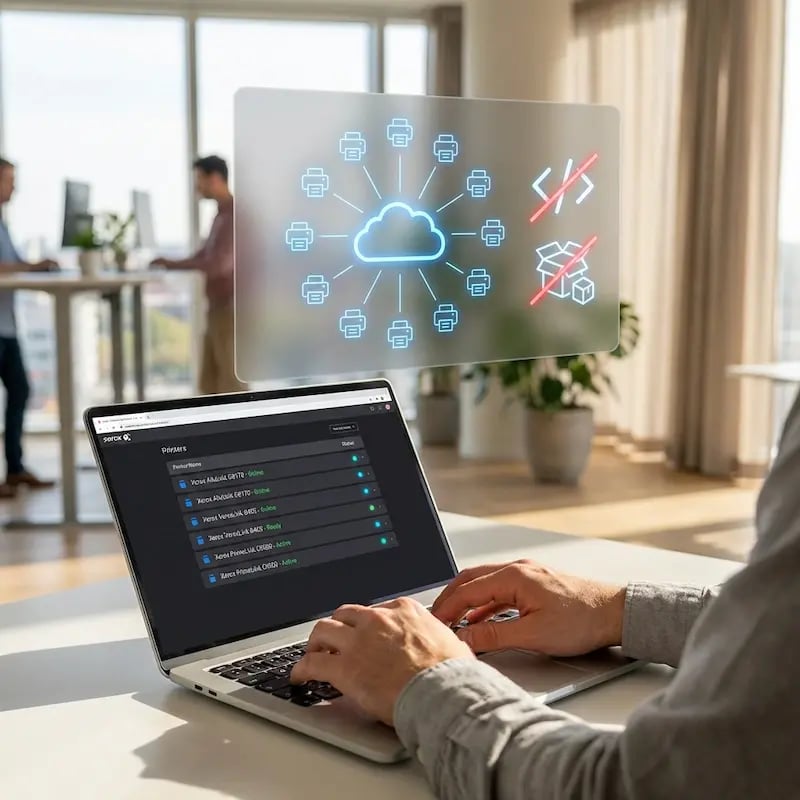
Każde urządzenie, każda lokalizacja, spójne doświadczenie
Pracownicy drukują z Windows, macOS, ChromeOS, iOS, Android oraz przez Print App for Services na urządzeniach wielofunkcyjnych Xerox, bez konieczności konfiguracji każdego urządzenia z osobna.
Pracownicy zdalni i hybrydowi drukują z domu bez tuneli VPN i bez lokalnej instalacji sterowników.
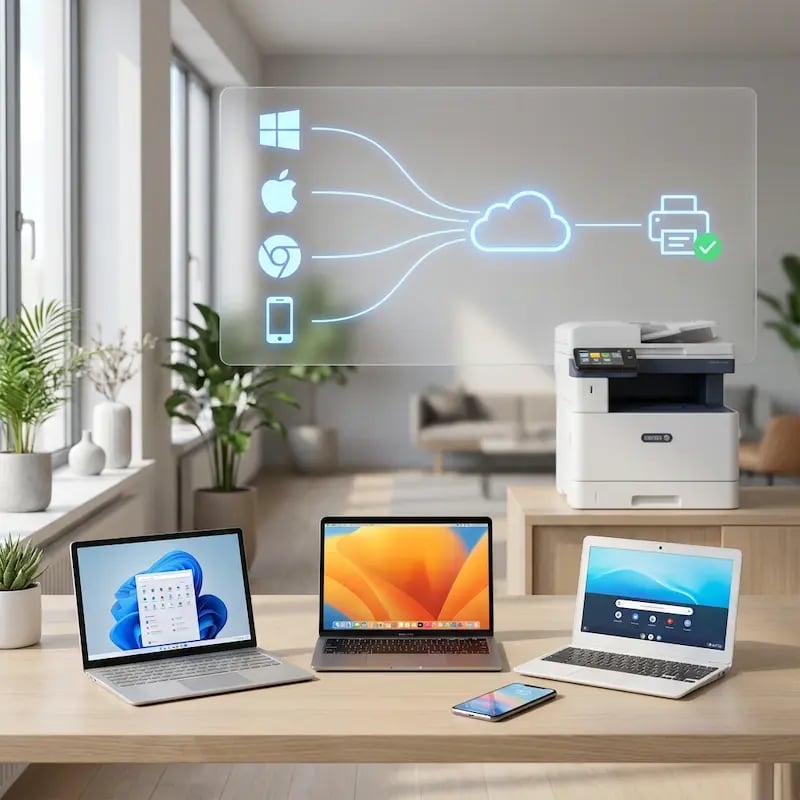
Jedna konsola dla wszystkich marek
Przejęcia i regionalne zakupy sprawiają, że obok urządzeń wielofunkcyjnych Xerox pojawiają się też urządzenia HP, Lexmark, Konica Minolta lub Brother.
ezeep zarządza nimi wszystkimi z jednego portalu — bez oddzielnych narzędzi dla każdego dostawcy.

Kontrolowane zwalnianie dokumentów i śledzenie wydruków
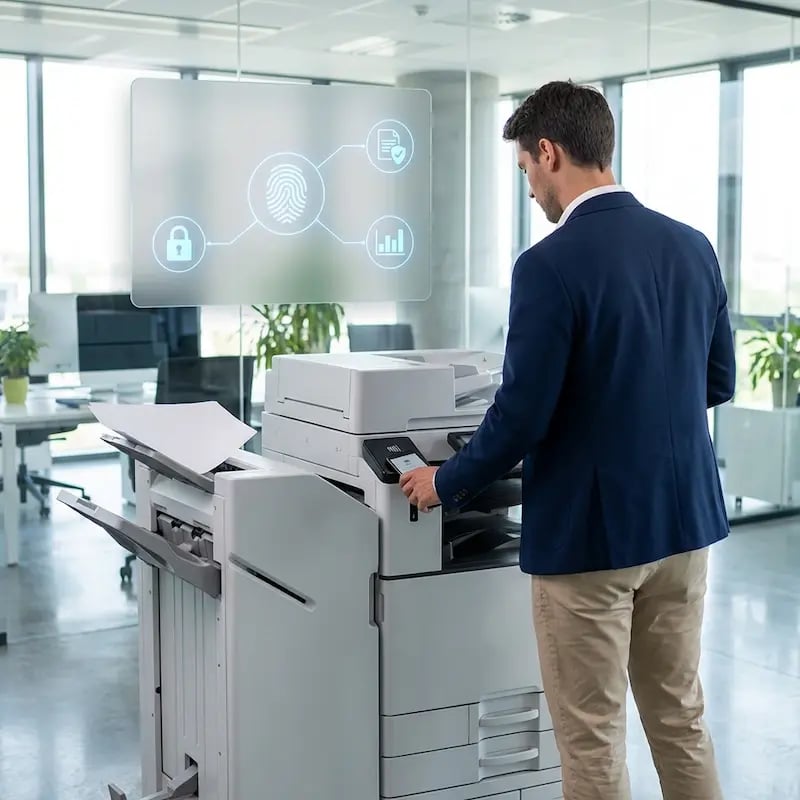
ezeep przechowuje zadania drukowania w chmurze, dopóki użytkownicy nie uwierzytelnią się przy urządzeniu Xerox za pomocą QR code lub karty RFID. Nic nie wydrukuje się bez nadzoru.
Każde zadanie jest śledzone według użytkownika, grupy i drukarki — do rozliczeń kosztów, ich alokacji i raportów audytowych.
Less Infrastructure. More Calm.
Move campus printing to the cloud and reduce the day-to-day maintenance burden. Have fewer patches, fewer queue mysteries, and fewer "it broke overnight" surprises.
One Experience Across Campus
Support the real education device mix - Chromebooks, MacBooks, Windows laptops, tablets, and phones - across libraries, labs, dorms, and shared printers without special steps per department or "this printer only works on that OS."
Permissions That Actually Make Sense
Tie printer visibility and access to identity and groups, so students, staff, faculty, and researchers see the right printers by role, building, and department - all without constant manual adjustments.
Temporary Access, Without Temporary Chaos
Support guest lecturers, visiting scholars, events, and short-term programs with controlled access that doesn't create recurring IT work or one-off setups.
Confidential Pages Stay With The Right Person
Reduce tray exposure in busy shared spaces. Pull Printing helps ensure jobs only release when the user authenticates at the printer with their school ID, helping protect exams, registrar documents, and sensitive student records.
Visibility Finance Can Actually Use
Understand usage across departments and locations, support quotas and accountability, and make it easier for busier and finance teams to track print spend without turning IT into the print police.
Cost Recovery Without The Busywork
For campuses that charge students to print, ezeepCampus adds Self-Join onboarding and credit-based printing, so students and staff can self-serve while your institution keeps pricing and access under control.
Straightforward for Users. Manageable for IT.
Users access Xerox printers from their familiar print dialogs, whether they're on Windows, Users print to Xerox devices from their familiar print dialogs on Windows, macOS, ChromeOS, iOS, Android, and Print App for Services. No Xerox print client. No driver installs. No per-device configuration.
IT manages the entire fleet from one portal. Printer assignments, access policies, default print settings, and usage reporting across every site. ezeep supports a broad range of Xerox models and continuously expands its cloud-hosted driver library.
See All Supported Xerox PrintersWho Benefits from Xerox Cloud Printing Management
Government Agencies
Healthcare Networks
Legal and Financial Services
Multi-Site Enterprises
Branch Offices? Remote Sites? Covered.
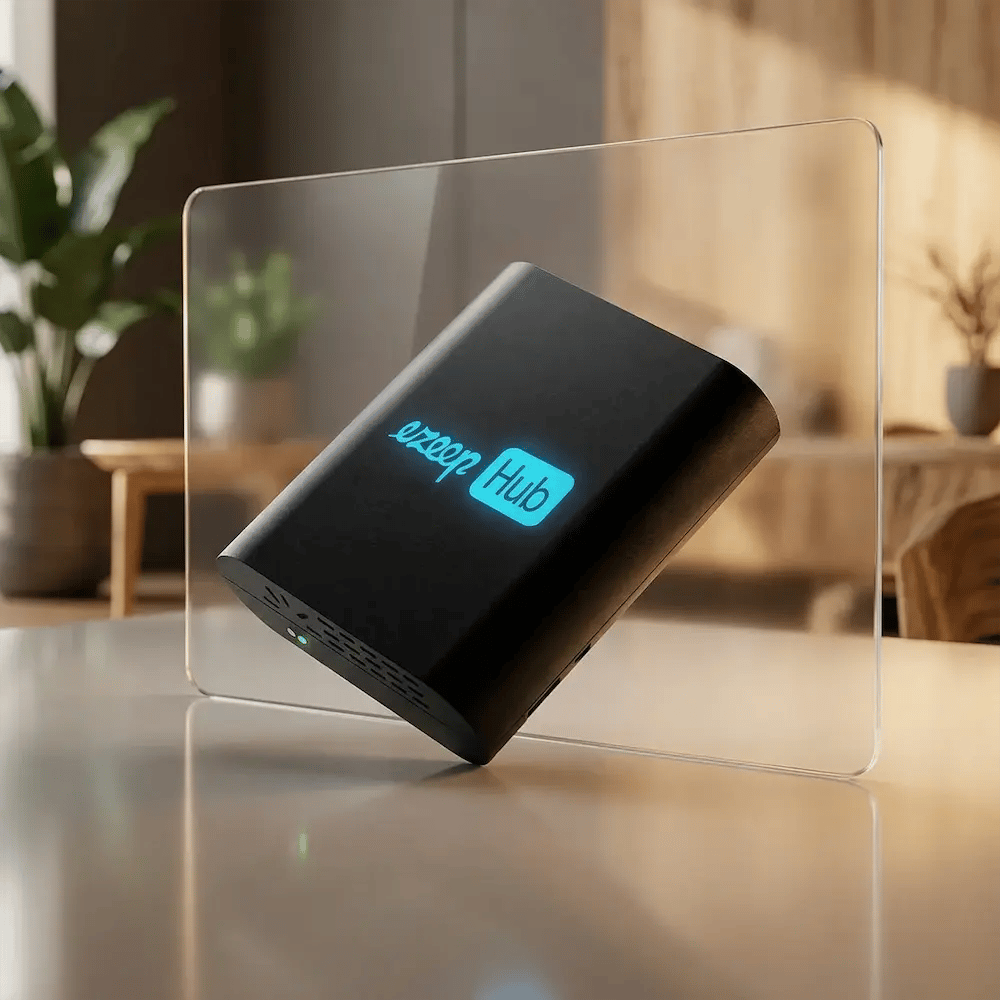
Remote Xerox printers connect to the cloud using the ezeep Hub. A compact, maintenance-free device that replaces the print server at branch offices, courthouses, clinics, and satellite campuses.
The Hub is managed remotely from the ezeep admin portal. No on-site IT required. Deploy it wherever Xerox devices are already installed and manage them from headquarters.
How Cloud-Based Xerox Printing Works with ezeep
Connect Your Xerox Network Printers
Deploy the ezeep Hub at each site or install the ezeep Connector on a Windows PC that already has Xerox printers configured. VersaLink, AltaLink, PrimeLink, and legacy models all register in your cloud console within minutes. No changes to your existing Xerox hardware.

Configure Access and Settings
Assign printers to users or groups from the central management portal. Deploy Printer Profiles with your preferred Xerox print settings, policies, and security configurations across your entire fleet.

Print from Anywhere
Users print from any device without installing Xerox drivers. Jobs render in the cloud and route to the designated Xerox device. Backend systems work the same way. ERP, EMR, case management, and warehouse applications send jobs to Xerox devices automatically through the ezeep Print App for Services. No user interaction required.
Frequently Asked Questions
Which Xerox printers does ezeep support?
ezeep supports a broad range of Xerox network printers and MFPs, including VersaLink, AltaLink, and PrimeLink models, through its cloud-hosted driver library of over 6,000 drivers. The library is continuously expanded. If a specific Xerox model is not yet supported, you can request it and the ezeep team will add it.
Do users need to install the Xerox Global Print Driver?
No. ezeep renders print jobs in the cloud using Xerox-specific drivers, so no local driver is installed on any endpoint. This eliminates GPO-based driver deployments, SCCM/Intune packaging, and the compatibility issues that surface when Xerox firmware updates conflict with locally installed drivers.
Can ezeep manage both Xerox and Lexmark printers after the acquisition?
Yes. ezeep manages both brands from a single admin console with cloud-hosted drivers for each. Organizations that now run mixed Xerox and Lexmark fleets after the acquisition can consolidate management without running separate vendor tools side by side.
How does Pull Printing work on Xerox devices with ezeep?
Print jobs are held in a secure cloud queue until the user authenticates at the Xerox printer by scanning a QR code with the ezeep mobile app or tapping an RFID/NFC card on the ezeep Hub. Nothing prints until someone is standing at the device. This works across all supported Xerox models without requiring Xerox Secure Print or vendor-specific middleware.
Does ezeep replace Xerox CentreWare or Device Manager?
ezeep replaces the print server, driver management, and user assignment functions that CentreWare handles. For device-level monitoring (toner levels, firmware, hardware alerts), Xerox's own tools or a third-party monitoring solution can run alongside ezeep.
Ready to Simplify Xerox Fleet Management?
Connect your HP fleet to the cloud. Manage every printer from one console. No drivers on endpoints. No print servers to maintain.