By Karen Thulmann on September 2, 2026
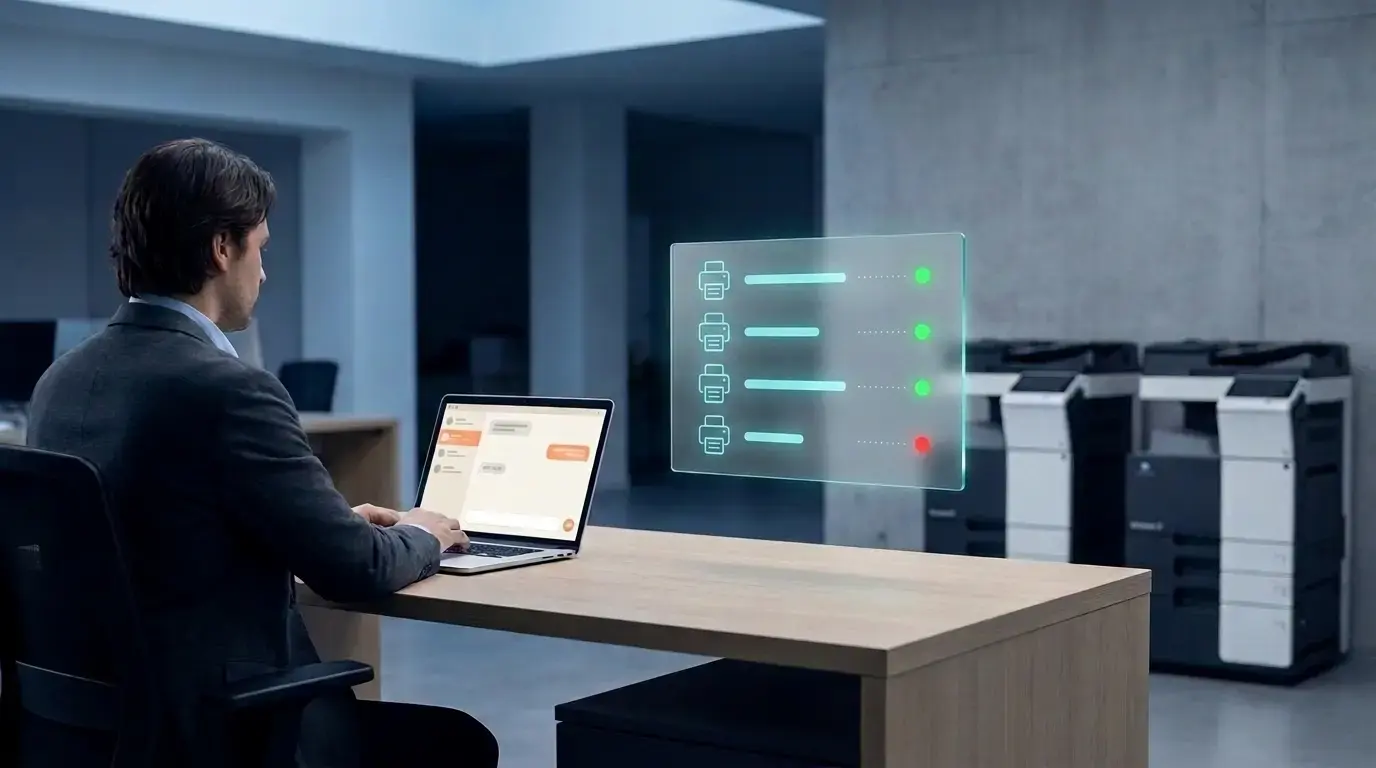
If you're already running ezeep, you know the Monday morning routine: open the admin portal, click into fleet status, scroll for anything offline or erroring, then chase down whichever site owns the printer. That workflow works fine - it's just slow, because it's built around clicking through screens for information you could ask for directly.
ezeep MCP gives an AI client like Claude Desktop the same fleet visibility the admin portal has, as tools you can call in plain language. You're not managing anything new; you're asking for it instead of finding it through the UI yourself.
The Print Data Isn't New. The Way to Access It Is.
Connector status, offline detection, printer issues - all of it already lives in the ezeep admin portal, and it's not going anywhere. What's new is a second way to get at it: ask instead of click.
"Which connectors are offline right now" replaces clicking into a connectors tab and scanning a status column. "Any printers reporting issues at the Berlin office" replaces filtering a list by location. Same data, same portal underneath - you're just skipping the navigation.
What This Looks Like in Practice
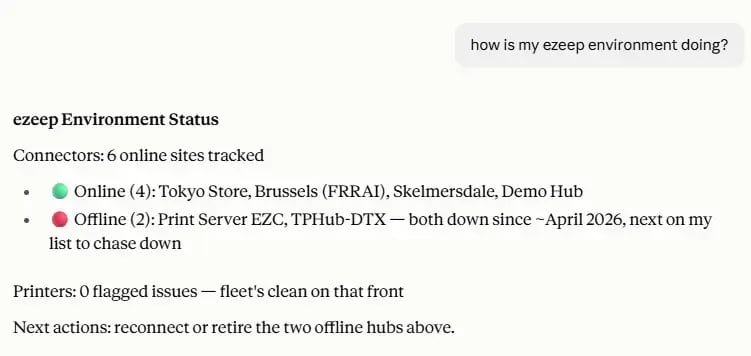
A few of the questions this setup answers directly, the way you'd ask a colleague who happened to have the dashboard open:
"Which connectors are offline right now." Pulled straight from list_offline_connectors, no filtering through the full connector list to find the ones that matter.
"Any printers reporting problems this week." list_printers_with_issues surfaces exactly that, without a manual scan.
"Is the connector at the London office online." get_connector_status checks one specific connector by name, usually faster than opening the portal to look up one thing.
None of these require remembering ezeep's dashboard layout, which tab holds which filter, or which report had connector uptime on it. You ask, and the answer comes back in the same window you're already working in.
Why Is It Worth Setting Up The ezeep MCP If You Already Run ezeep?
This doesn't add a capability - it saves time on one you already have. A status check that used to mean opening a browser tab, logging back in if the session expired, and clicking through two or three screens now takes the length of a sentence. For an admin checking fleet health a few times a day, that's a real amount of time back.
It's also easier to actually keep doing. You forget to check a dashboard. You don't forget a question you can ask from wherever you're already working.
How to Set Up the ezeep MCP
If you already have an ezeep admin account, adding this is closer to installing a browser extension than standing up new infrastructure. Connect Claude Desktop, or another supported client, to the ezeep MCP endpoint at https://mcp.ezeep.com/mcp, sign in once with your existing ezeep login, and the fleet tools become available in that client from then on. No separate account, no new credentials to manage, no change to how your printers or connectors are actually set up.
Where the Limits Are Right Now
This currently works against one ezeep organization at a time, tied to the account you signed in with. If you manage printing across multiple separate client organizations, asking "which connectors are offline" today answers for the one org you're signed into, not all of them at once.
These tools are mostly read-only. Some admin functions go further - assigning printers to groups, inviting users - but fleet status is about seeing current state, not changing it. Fixing an offline connector still means the same steps it does today.
If you're looking for an easy way to always check your ezeep status in the AI tools you use on the daily, the ezeep MCP is definitely worth checking out.

The Latest ezeep Print App for Windows: Cloud Printing With Windows Protected Print (WPP) Mode Enabled
ezeep App for HP Workpath: Print, Scan, and Release at the Printer