
By Brock McKenna on October 22, 2026

Removing a print server is easy to describe on an architecture slide. The difficult part is everything that has been quietly depending on it for years.
An ERP system doesn’t care that IT is modernizing the print environment. Neither does an EHR, a pharmacy application, an accounting package, or the software that prints shipping labels every few seconds. They expect the same printer name, the same paper tray, the same background workflow, and the same output they used yesterday.
That’s why legacy application printing is one of the most important things to test before removing a print server.
The question is not simply “Can users still print?”
It’s “Can the applications that rarely ask a user how to print still behave exactly as they need to?”
Short answer: ERP and EHR applications can keep printing after the print server is removed, as long as the replacement supports the print path each application uses today, whether that is a Windows share, a Unix or Linux queue, or a direct IP address. The safest way to confirm it is to test the real workflows: background jobs, paper trays and label printing.
How Legacy ERP and EHR Applications Print
Modern workplace printing is often interactive: a user opens a document, chooses a printer, and clicks Print. Legacy business applications frequently work very differently.
An ERP may generate hundreds of invoices in the background. An EHR may send a wristband to a label printer without opening a print dialog. An accounting system may select a special tray because the next page has to land on check stock. A warehouse application may send raw ZPL directly to a Zebra printer.
To the application, the important thing is usually not the print server itself. It is the printer definition and print path the application expects to find.
That distinction is what makes print-server elimination possible, but it is also what makes careless migrations risky.
Windows Share, Unix or Linux Queue, or Direct IP: Know the Print Path
Legacy Windows applications can continue printing without a traditional print server if the replacement still presents a printer in a way the application can address through the Windows printing system.
This is where browser-only printing workflows often fall short. They may be perfectly good for a person uploading a PDF and choosing a printer, but an ERP batch job is never going to open a browser tab.
ezeep’s Print App for Windows makes assigned ezeep printers available from the normal Windows print dialog, including in supported virtual desktop environments such as Azure Virtual Desktop, Windows 365, Citrix and Omnissa Horizon.
That means applications using the standard Windows printing path can continue to see printers through the operating system rather than needing a completely new application workflow.
Not every application reaches its printers through Windows. Many ERP and EHR systems keep printer definitions on the application's backend and send jobs to a Windows share, a Unix or Linux queue, or a direct IP address. Only the Windows share path runs through the Windows print spooler. Find out which path each application uses today before deciding what to test.
How to Test Background and Silent Printing Before You Migrate
Many legacy applications print with a user at the screen. The jobs most likely to expose a migration problem are the ones nobody manually starts.
Batch invoices. Reports. Labels. Patient documents. Automated forms.
If an application prints without user interaction today, test that exact workflow before removing the old environment.
A successful test should confirm more than whether something appears at the printer. It should confirm that the application can address the intended printer consistently, submit the job without a new user step, and produce the expected output.
Paper Tray Selection for Checks, Prescriptions and Pre-Printed Forms
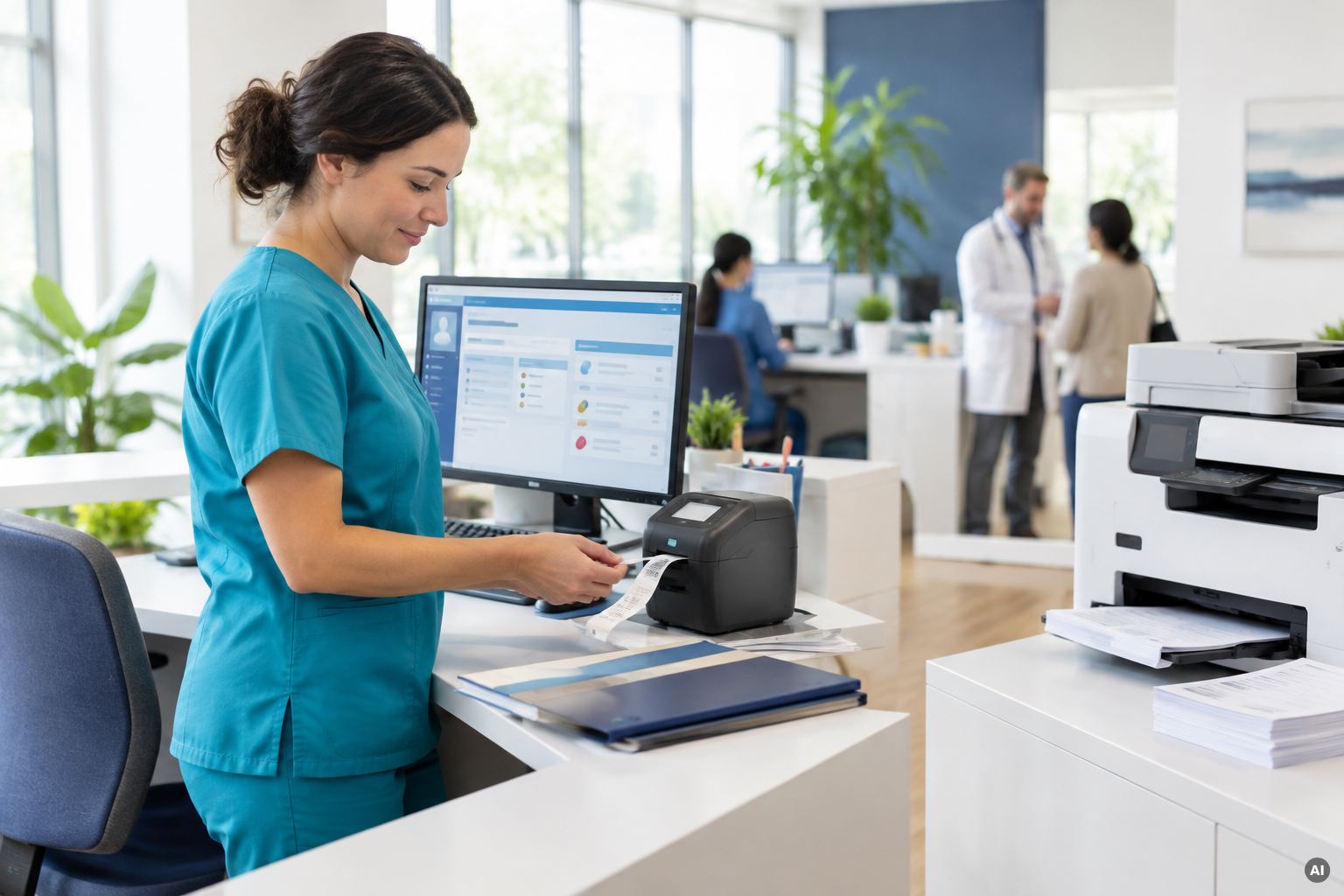
A print migration can look successful until somebody prints a check.
Legacy applications often depend on paper source just as much as printer identity. One tray may contain letter paper, another legal paper, another prescription stock, checks, labels, or pre-printed forms.
Legacy applications often choose the tray job by job, not once per printer. That makes application-driven tray selection its own test.
This is exactly the kind of detail worth testing with the real application rather than inferring from a printer feature list.
ZPL and Raw Label Printing Without a Print Server
Thermal and label printing introduce another expectation: sometimes the application is not sending a normal document at all.
Zebra printers commonly use ZPL, a printer command language that describes the label directly. In those workflows, changing or re-rendering the data can change the output.
So if an ERP, EHR, warehouse or logistics application sends raw printer language today, treat that as its own migration scenario. Confirm the printer model, the language being sent, the connection path, and whether the replacement platform passes the required data in the way the application expects.
ezeep supports raw printing, including native ZPL pass-through to Zebra printers, and is an official Zebra Co-Sell and Validated partner. Run the test with your own label formats and your own Zebra models.
That test should happen before the original queue disappears.
Do You Have to Replace Old Printers When You Remove the Print Server?
Print-server projects often become printer-refresh projects by accident. They don’t have to.
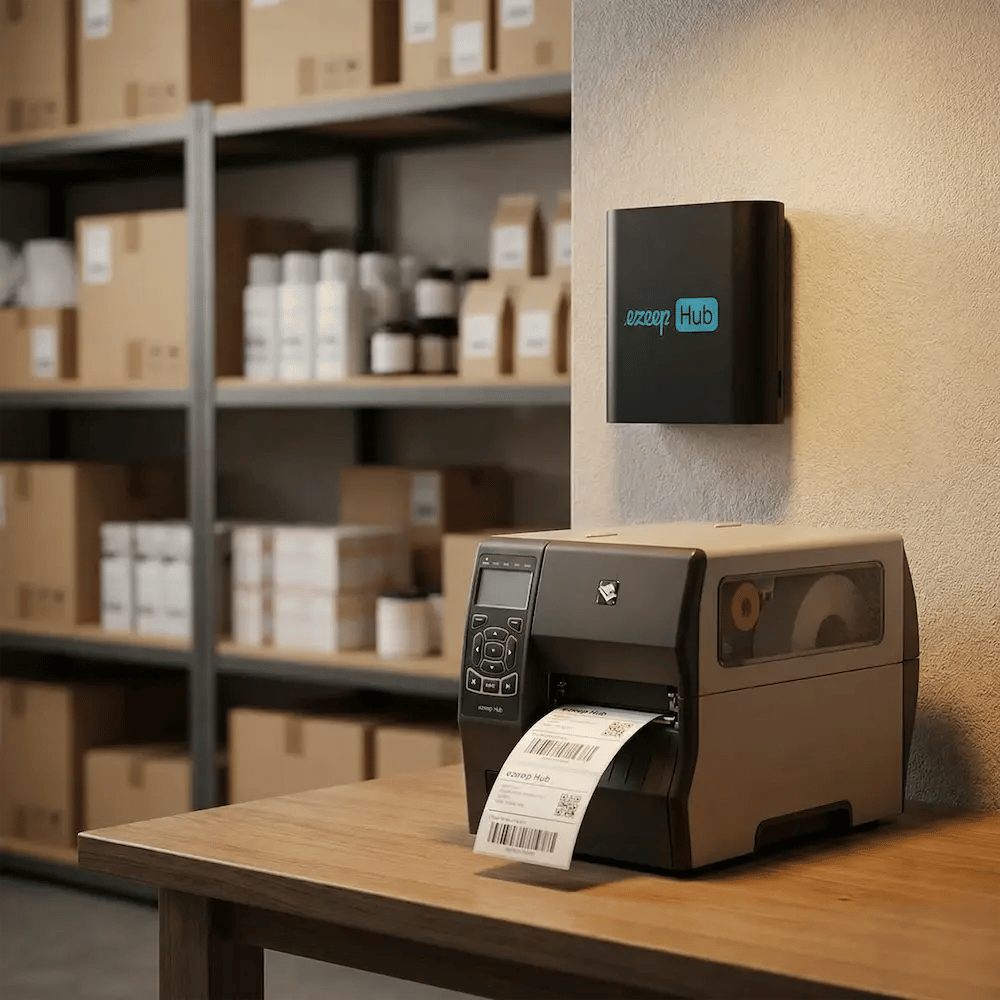
The ezeep Hub can connect network and USB printers to the ezeep cloud without requiring a Windows print server at the site. That creates a path for older devices that still perform their job perfectly well but do not have modern cloud connectivity built into them.
For ERP and EHR environments, that can matter immensely. Check printers, label printers and specialized devices often remain in service much longer than ordinary office printers because replacing the surrounding workflow is more difficult than replacing the hardware.
A serverless migration is much more attractive when it modernizes the infrastructure around those devices instead of forcing them out prematurely.
Print Server Migration Checklist for ERP, EHR and Label Workflows
The safest way to evaluate legacy application printing without a print server is to build the test around business behavior.
Before migration, identify:
- applications that print without a user dialog
- hard-coded printer names or UNC queue paths
- backend printers defined as a Windows share, a Unix or Linux queue, or a direct IP address
- jobs that depend on a specific tray or paper stock
- label printers receiving ZPL or another raw printer language
- USB or older network printers that need to remain in service
- virtual desktop or session-host workflows
- print jobs where failure would stop a business process
Then print the real thing.
A generic Word document proves that a printer can receive a job. It does not prove that payroll checks, patient wristbands, invoices or warehouse labels will still work on Monday morning.
The Migration Is Successful When the Application Does Not Notice
The best legacy-printing migration is surprisingly uneventful. IT removes infrastructure, reduces what has to be maintained, and changes how printing is managed. The ERP still prints the invoice. The EHR still produces the right document. The label still scans. The check still comes from the correct tray.
The application does not need to understand that the architecture behind its printer has changed.
That is the real test of print-server elimination: modernize everything you can without breaking the workflows that still have a job to do.
