By Brock McKenna on September 29, 2026
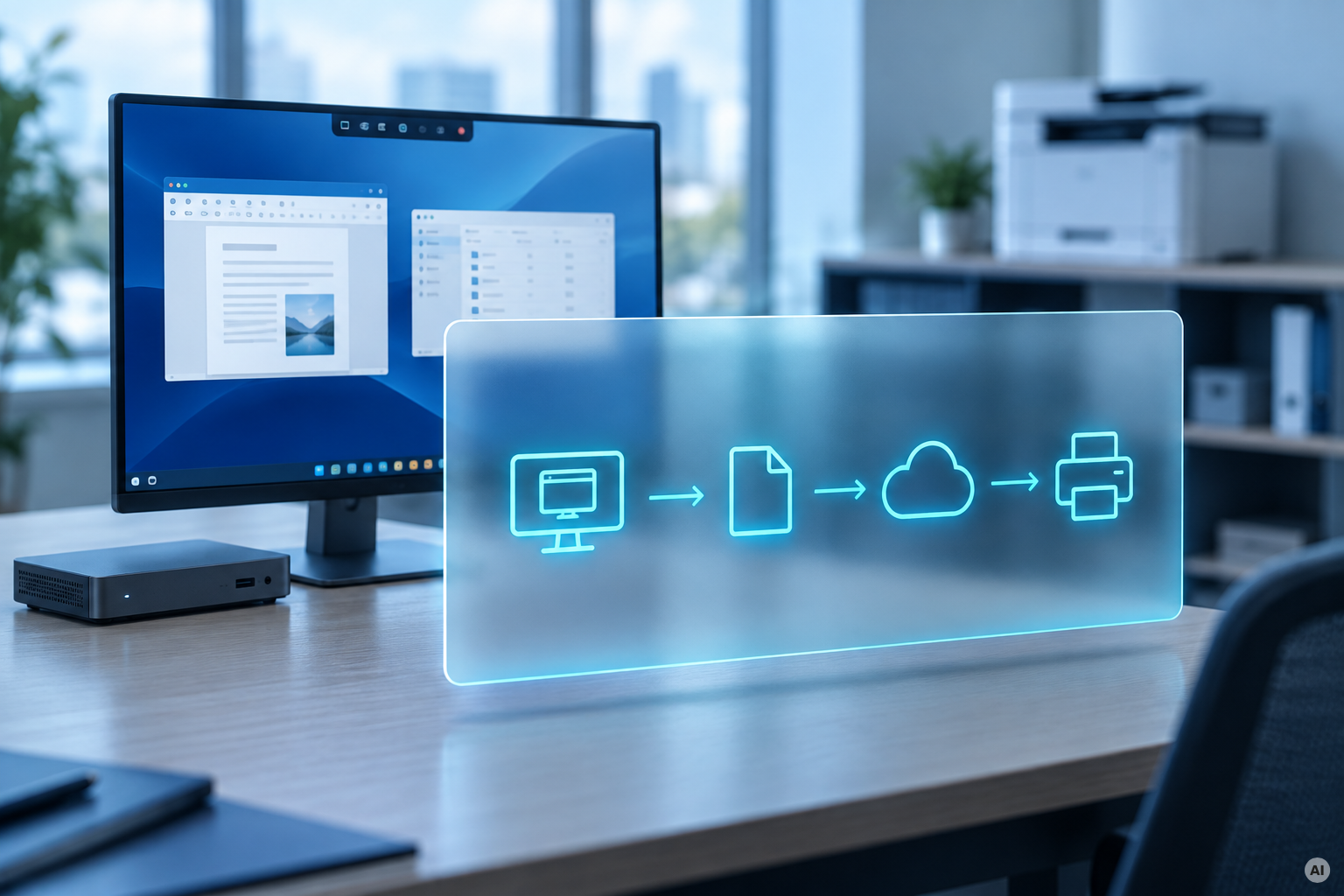
Printing in a virtual desktop works by bridging a gap: the user's session runs on a server in a datacenter, and the printer sits on a network somewhere else, usually next to the user. Something has to carry the job across that boundary, and something has to know how to turn the document into data the printer understands.
There are three ways to do this, and each one solves the problem by moving the difficulty somewhere else. Understanding which one you are running explains most of the print failures you've had.
On paper, each approach sounds straightforward. In practice, each makes a different trade-off.
How Does Virtual Desktop Printing Work?
1. Printer Redirection in AVD, Citrix, and RDS
Printer redirection maps the printers installed on the user's local device into the virtual session. The user connects, their local printers appear in the session's printer list, and jobs printed inside the session travel back down the remote display channel (RDP & HTML5 for AVD, RDP for RDS, and ICA for Citrix) to the client, which then sends them to the printer.
It’s the default, it requires no additional infrastructure, and it introduces three predictable failures.
Driver mismatch. The session host needs a driver for the redirected printer, or it substitutes a generic one. If the driver is not in the image, the printer either does not appear or appears with the wrong capabilities. This is why golden images accumulate print drivers, and why removing one always breaks something.
Printer names change. In pooled multi-session environments, redirected printer names commonly acquire session-specific suffixes. Any application configured to print to a fixed printer name (line-of-business ERPs are the classic case) cannot find it. The application does not error usefully. It just does not print.
The job crosses the session boundary twice. The document goes into the session, gets rendered there, and the rendered output comes back out to the client. Rendered print data is much larger than the source document, so this consumes session bandwidth that was budgeted for pixels.
The next approach tackles a different part of the problem: the number of drivers in the session.
2. Universal Print Drivers in Virtual Desktop Environments
A universal print driver installs one driver in the session that handles every printer, rendering jobs to an intermediate format that is then converted at the client or at a print server.
This fixes the image bloat. One driver, not forty. It doesn’t fix the bandwidth, because the rendered job still crosses the session boundary, and depending on the implementation, it can make bandwidth worse.
It also introduces a capability ceiling. A universal driver exposes a common subset of features. Tray selection, stapling, hole punching, and accounting codes are the things that stop working, and they stop working for the users who care most: the finance team printing on letterhead from tray 3, the legal team who need the specific paper, etc.
If neither redirection nor a universal driver is attractive, there's a more direct option: let the session host talk to the printer itself.
3. Direct IP Printing from a Virtual Desktop Session
The session host prints directly to a network printer over IP, with no redirection and no client involvement.
Clean in a single-site deployment where the session hosts and printers are on the same network. Increasingly implausible everywhere else. If your AVD host pool runs in West Europe and your printer sits in a branch office in Manchester, "direct IP" means a route from an Azure subnet to a printer VLAN across a site-to-site VPN, and the print job takes a scenic trip through your network to reach a device that is thirty feet from the person who printed it.
It also means printers must be individually reachable from the session hosts, which is a network access model most security teams have opinions about.
The Three VDI Printing Models at a Glance
Why Does Printing Break in AVD, Citrix, and RDS?
Because all three keep the driver inside the session, and the session is the worst place for it.
The session host is a shared, pooled, frequently-rebuilt machine running a spooler that loads third-party driver code. Every driver in the image is a compatibility risk against the next Windows update. Every driver conflict takes down printing for every user on that host, not one person. And the golden image, which your team has carefully minimized for boot performance, is carrying a print driver library that exists purely because the printer is somewhere else.
Then there is the security dimension. The session-side spooler has the same properties as any other spooler: it runs as SYSTEM, it accepts RPC, and it loads third-party code. Microsoft attributes 9% of Windows security issues reported to MSRC to the print stack. Running that on a multi-session host with dozens of users on it is not an improvement over running it on a print server.
That points to a different question. Instead of trying to make printing inside the session more manageable, what if rendering leaves the session altogether?
What Changes When VDI Print Rendering Moves Out of the Session?
If the job is rendered outside the session, none of the three models is needed, because the problem they exist to solve does not arise.
That is the architectural shift ezeep makes.
With ezeep, the job leaves the session as a document. It is rendered in the cloud against a library of over 6,000 manufacturer drivers. The rendered output is then delivered to the ezeep Hub at the printer's physical location, over an outbound-only connection, and printed. It never travels back through the RDP or ICA channel.
The consequences are specific:
- No print drivers in the golden image. The image gets smaller and stops being a driver compatibility surface.
- No print traffic on the session channel. Bandwidth budgeted for the user experience gets spent on the user experience.
- No printer mapping at logon. Printers are assigned by identity through Entra ID or Google Workspace. A user sees their printers because of who they are.
- No session-side spooler carrying third-party driver code. Which also means nothing for Windows Protected Print mode to block, as WPP arrives on Windows Server 2025 and Windows 11 24H2 session hosts.
ezeep supports Azure Virtual Desktop, Windows 365, Citrix, Parallels, and Omnissa Horizon. DMK Group, Germany's largest dairy cooperative, runs it across an Azure Virtual Desktop estate of more than 4,000 users.
And this is not a new problem ezeep happened to arrive at recently.
The ThinPrint lineage matters here. ezeep is built on ThinPrint technology, which has been working on printing in Terminal Services and Citrix environments since the 1990s. The approach reflects a very long time spent watching this specific thing fail.
The story comes back to the same boundary we started with: the user is in one place, the session is somewhere else, and the printer is somewhere else again. The question is simply where you choose to handle the complexity.


AVD Printer Redirection Not Working? Fixes and Solutions
Cloud Print Management Software: What IT Teams Should Evaluate in 2026