By Ines Reinhardt on June 4, 2026
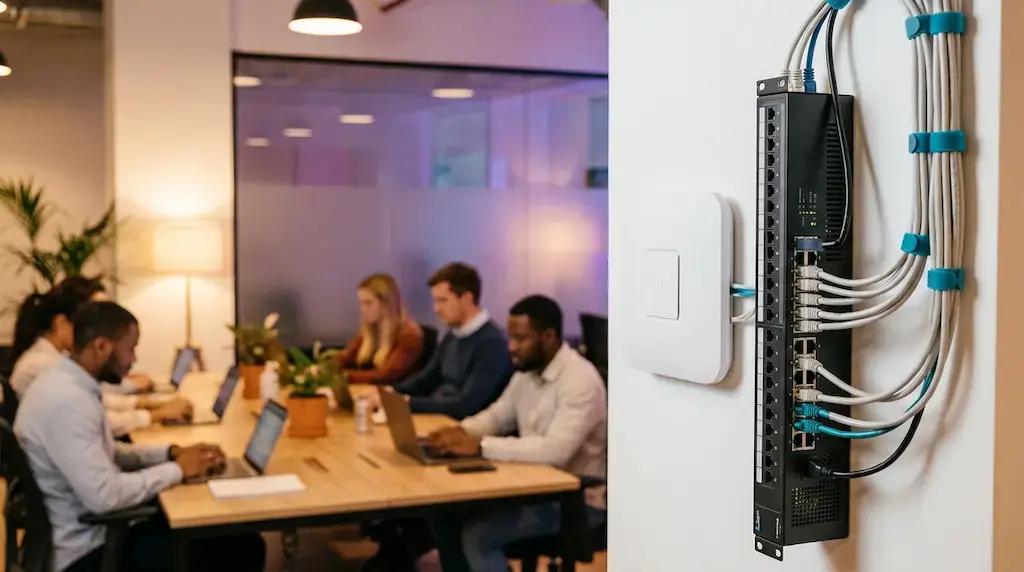
Imagine this: A freelancer is sitting in your space, opens their laptop, and unknowingly sees the accounting data of the company sitting at the next table. No cyberattack. No bad intent. Just a network that wasn’t designed for different user groups.
Sounds unlikely? It happens every day in coworking spaces that haven’t fully thought through their network setup.
Why "Just Wi-Fi" Isn't Enough
A coworking space is not a café, and it’s not a traditional office. It’s both of those, and a lot more. Every day, you bring together people with very different needs under one roof:
-
Day pass users who simply want to get online
-
Regular members who need reliable connections for video calls
-
Corporate clients who need to protect sensitive data
-
Your own team, which manages and administers the space
Putting everyone on the same network is like making every guest walk through your office just to get to the restroom. Technically possible, but definitely not a good idea.
The Basic Principle: Separation Protects Everyone
The key concept here is network segmentation. It sounds complicated, but the idea is actually simple: different user groups get different networks, and they can’t see or interfere with each other.
Think of your network like a building. Each group gets its own area with its own door. Anyone in the guest area can’t enter the office. Anyone in the office can’t enter the server room.
The Three Network Zones Every Coworking Space Needs
Zone 1: The Guest Wi-Fi
For day pass users, visitors, and anyone who simply needs internet access. This network:
-
is open or secured with a simple daily password
-
has no access to other devices in the space
-
can have bandwidth limits, so one guest doesn’t slow everyone else down
-
can be reset quickly and easily
Practical tip: Many modern routers and access points let you automatically change the guest Wi-Fi password daily, without you having to do anything.
Zone 2: The Member Network
For your regular members who work at your space daily or on a recurring basis. Here, reliability and performance matter most:
-
Stable connections and prioritized bandwidth
-
Access to shared resources, such as printers
-
Personal login credentials instead of a daily password
-
Devices cannot see each other unless you explicitly allow it
That last point is especially important: Even if two members are on the same network, their laptops should be invisible to each other. This is called client isolation, and most professional access points support it.
Zone 3: The Company Network
For corporate clients that rent space for entire teams. This group often has its own IT requirements:
-
A dedicated, fully isolated network segment, also known as a VLAN
-
The ability to enforce their own security policies
-
In some cases, even a separate internet connection through a dedicated line
Being able to offer these clients a clean, isolated network is a real selling point, and it sets you apart from 90% of coworking spaces.
Bonus: Printing Without the Chaos
One issue that causes frustration in almost every coworking space is printing.
When all users are on the same network, all devices can see all printers, and vice versa. That leads to wrong print jobs, privacy issues, and annoyed members.
The solution is cloud printing. Instead of connecting printers directly to the network, they are managed through a cloud printing platform like ezeep. That means:
-
Every user prints through their own account, no matter which network segment they are in
-
No driver installation, no IT effort
-
You stay in control: who is allowed to print how much?
-
Billing by user or membership is possible
This isn’t a nice-to-have. It’s the only practical way to offer printing in a segmented network.
What You Need for This, and What It Costs
The good news: You don’t have to be an IT expert to set up your network professionally. At its core, you need three things:
-
Managed access points, for example from Ubiquiti or Cisco Meraki: They make it possible to run multiple separate Wi-Fi networks at the same time and support client isolation, meaning devices on the same network cannot see each other.
-
A VLAN-capable switch: This ensures that network separation works not only over Wi-Fi, but also for wired connections.
-
A cloud printing solution: This ensures that printing works smoothly across network boundaries, with no driver installation and no IT effort.
The exact cost depends on the size of your space, your existing infrastructure, and the setup you want. An IT service provider can give you an individual assessment. Setup is usually a one-time effort that pays for itself quickly.
The Takeaway: Your network is infrastructure, and infrastructure is your product
As a coworking space, you’re not selling square footage. You’re selling productive work. And productive work needs infrastructure people can trust.
A well-designed network concept is not just a technical detail. It’s a quality marker. It protects your members, simplifies your daily operations, and makes your space attractive to corporate clients.
Wi-Fi isn’t enough. But with the right concept, it’s the beginning of everything.


Security in Coworking Spaces: 8 Areas Operators Should Keep an Eye On

IT Challenges in Coworking Spaces