By Adam Hill on September 16, 2026

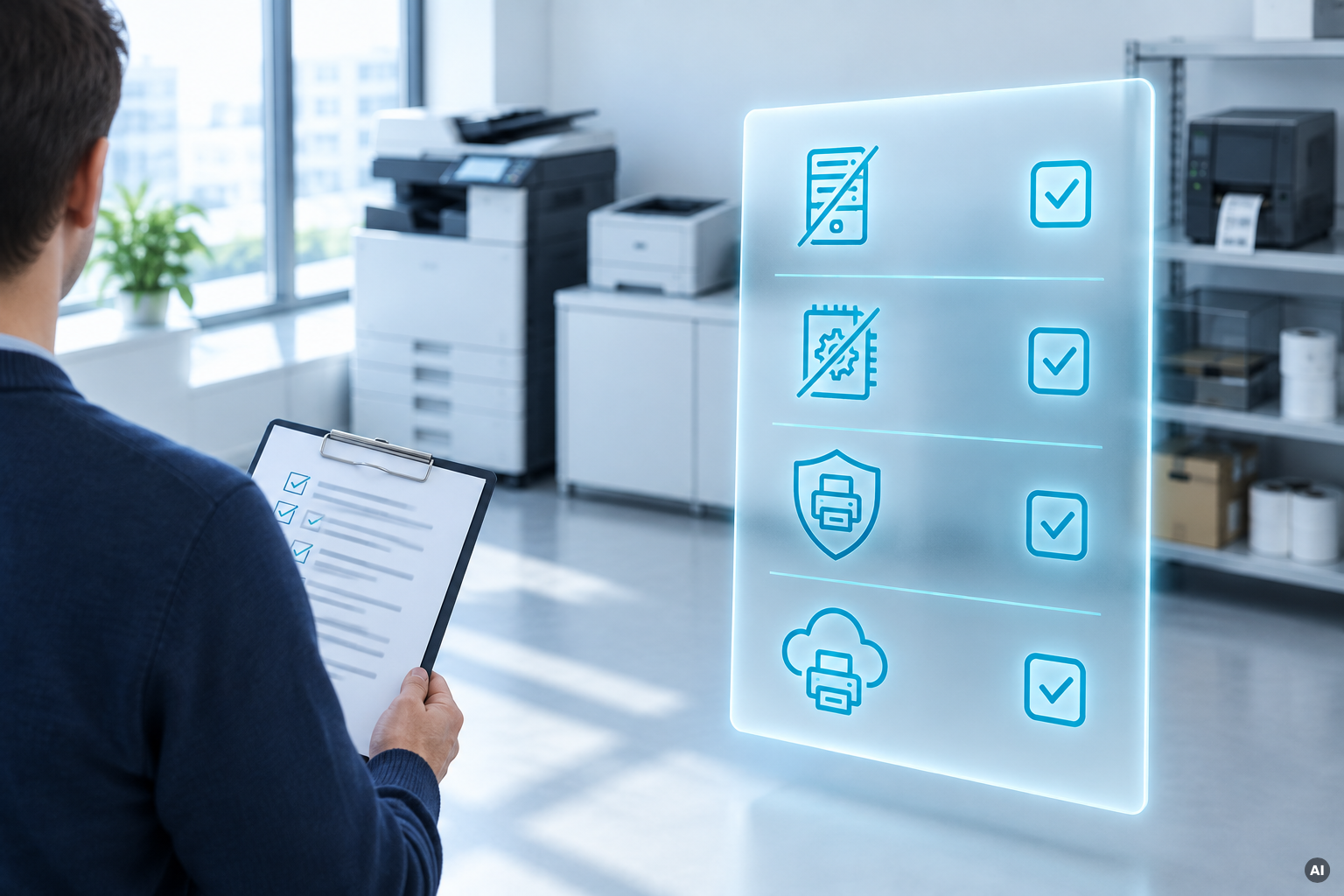
Hybrid schedules, satellite offices, coworking memberships, warehouse floors, and pop-up retail all mean the same thing: "the office" isn't one place anymore. Almost every part of IT has adapted to that reality except printing, which for many organizations is still tethered to a Windows box quietly running in a server closet.
That's the piece that doesn't survive contact with flexible work. A print server assumes a stable network, a fixed set of drivers, and someone to manage it. Distributed teams break all three assumptions at once. So what does printing infrastructure need to look like to actually support flexible work, and how does a platform like ezeep, particularly the ezeep Hub appliance, approach the problem?
Why does a local print server break down under flexible work?
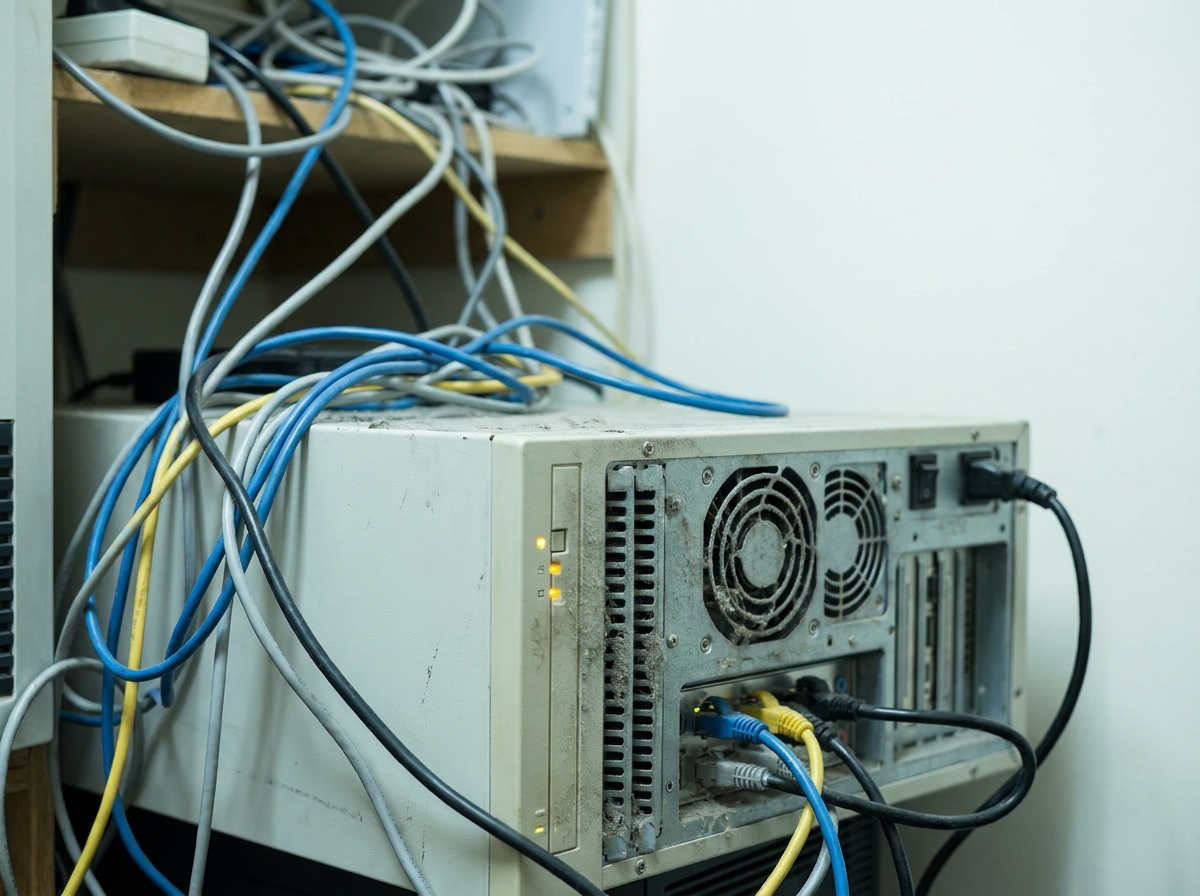
A conventional print server is a dedicated machine that stores drivers, manages queues, and routes jobs to physical printers. It works fine when everyone is on one network, using company-issued machines, at one location. Flexible work removes all of that certainty.
- Remote and hybrid staff aren't reliably on the corporate network, so VPN tunnels or site-to-site links become the only way to reach the server. That setup is fragile and slow in practice.
- Multiple locations each want their own server, multiplying the patching, driver management, and hardware refresh burden.
- BYOD and mixed operating systems (Windows, macOS, ChromeOS, iOS, Android) mean the driver library on that one server can never really keep up.
- Temporary or non-traditional sites (pop-ups, job sites, event spaces) often don't have the infrastructure a server-based setup assumes at all.
None of this is really a "printing" problem. It's an infrastructure problem that happens to live inside the print stack. The fix isn't a better server. It's removing the server from the equation.
What does cloud printing need to deliver instead of a print server?
Ripping out the server box is easy. Replacing everything it quietly did is the hard part. For cloud printing to genuinely support flexible work, it needs to cover the same ground a print server did, just without living on-site.
- Driverless rendering. The cloud, not a local machine, translates documents for whatever printer receives them, so users on any OS or device don't need a manufacturer driver installed.
- A way to physically bridge existing printers to the cloud. Most organizations aren't buying all-new printer fleets, so something has to connect the printers already sitting in the building.
- Identity-based access, not network-based access. Who can print where should follow the org chart and directory groups, not which subnet a laptop happens to be on.
- Secure release of jobs, so sensitive prints (payroll, HR, patient records) don't sit exposed in a tray while someone works from home three days a week.
- Centralized management across every site, so a five-location company isn't repeating the same setup and patching cycle five times over.
How does the ezeep Hub replace a local print server?
The ezeep Hub is built for exactly this problem. It's a small hardware appliance that sits on-site and connects to the ezeep cloud, managing print queues, routing jobs, and connecting printers to the network locally, without the continuous patching, driver packages, or post-update restarts a Windows server needs.
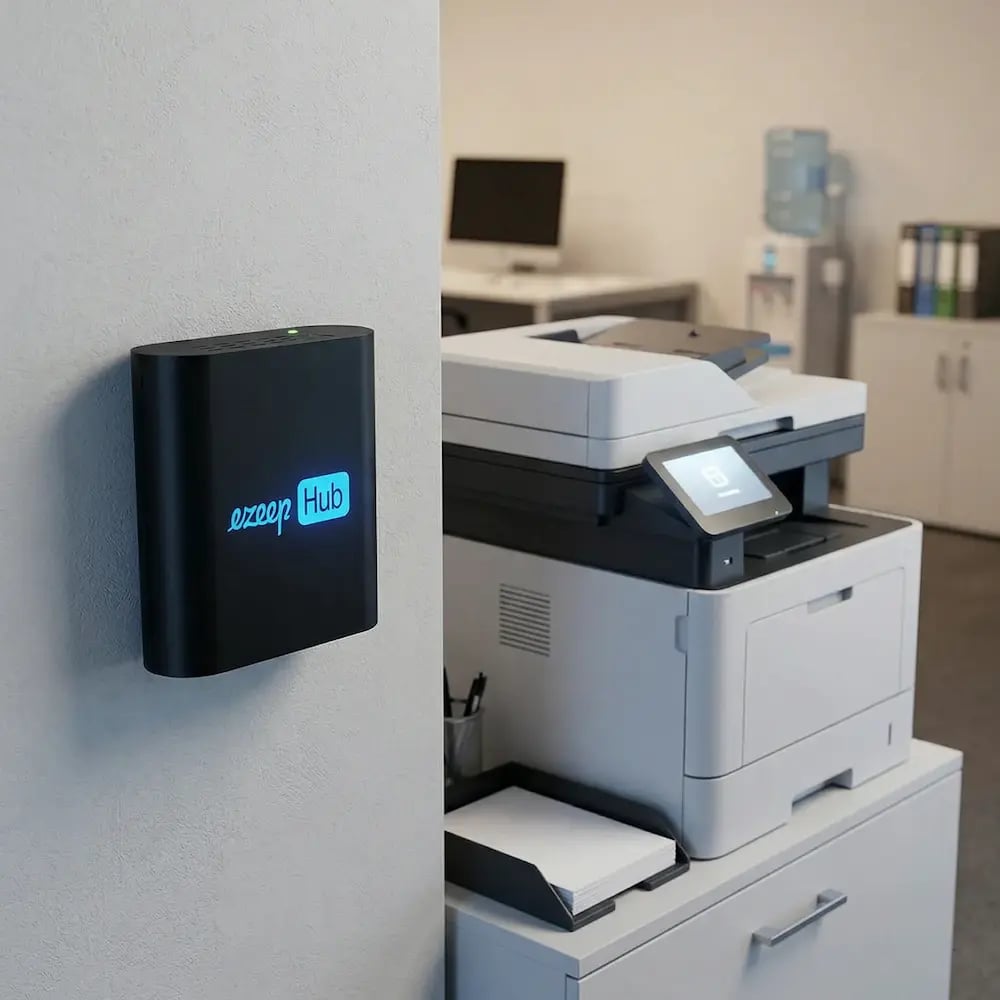
A few details matter specifically for flexible-work scenarios:
- Cross-platform printing without local drivers. Because rendering happens in the cloud, users on Windows, Mac, ChromeOS, iOS, or Android can print to the same fleet without IT pushing a driver install to each device. That matters for BYOD policies and mixed-device teams.
- A Wi-Fi-enabled Hub for sites without wired networking. ezeep introduced a wireless version of the Hub aimed at exactly the environments where flexible work tends to show up: warehouses, retail pop-ups, construction sites, temporary clinics, and coworking spaces. Plug it in, connect to Wi-Fi, and printers already on that network become cloud-ready, with no Ethernet run required.
- Identity sync from Entra ID. Printer access follows existing directory groups rather than being managed as a separate permission system, which matters when staff move between desks, sites, or hybrid schedules regularly.
- Pull printing for security. Jobs are held in the cloud until a user authenticates at the printer with a QR code, badge, or PIN. That's a meaningful control when the person printing a document isn't always the one standing at the machine right after sending it.
- One Hub per site, managed from a single console. Multi-location organizations get one place to see and govern printing everywhere, rather than a server-shaped project at each address.
- API and backend printing. For automated output (shipping labels, invoices, pick lists) that needs to keep running without a person in the loop, the platform also exposes an API and a background "print app." This extends the same no-server approach to system-triggered printing, not just people printing from a laptop.
What should you check before trusting a cloud printing platform?
Not every product that markets itself as a print-server replacement covers the same ground. It's worth being specific about what "supports flexible work" means for your organization before committing.
- Does it handle the specific printer makes and models you already own, or only a subset?
- Does pull printing work the same way across every printer, or only ones with compatible readers?
- How are guest and short-term users onboarded? Is there a self-service option, or does every new person need an admin ticket?
- If you print special formats (labels, tickets, receipts), confirm the platform's format and print-ticket support matches what those printers expect. This is an area where general-purpose cloud print platforms have historically had gaps compared to specialized label-printing software.
None of these are reasons to stick with a local print server. They're the questions that separate "we removed a server" from "we actually solved printing for a distributed workforce."
The bottom line
Flexible work didn't create a printing problem so much as it exposed one that was always there: print infrastructure tied to a single physical location and a single machine. Solving it isn't about finding a cloud-based replacement for the server. It's about replacing everything the server was quietly doing (rendering, routing, driver management, access control, security) with something that doesn't care where your printer, or your employee, happens to be that day. That's the bar tools like the ezeep Hub are designed to clear, and it's the bar worth measuring any alternative against.

Printing Anywhere: Introducing the Wi-Fi ezeep Hub

Windows Protected Print: What AVD, Citrix & RDS Admins Need to Know