By Silke Kluckert on November 12, 2024
Companies searching for a flexible cloud printing service often find PrintNode, an API-based service for internet printing. However, PrintNode has limitations that can complicate printing and restrict flexibility. ezeep offers a powerful alternative that overcomes these limitations with broader functionality and compatibility for modern businesses.
In this comparison, we show why we believe ezeep is a better alternative to PrintNode.
ezeep: The Cloud Printing Service for Your Business
Comprehensive File Format Support
Unlike PrintNode, which supports only PDF and RAW files, ezeep allows printing of PDFs, Office documents, images, and RAW files. This expanded support means no file conversion is needed, which simplifies workflows for businesses.
No Client Installation Needed with ezeep Hub
PrintNode requires a client installed on a local device within the printer’s network for each print job, adding maintenance and IT resource demands. With ezeep, no such client is required. The ezeep Hub connects printers directly to the cloud without needing an additional connector on each device. This reduces IT overhead and simplifies management.
Driverless Printing with Cloud Rendering
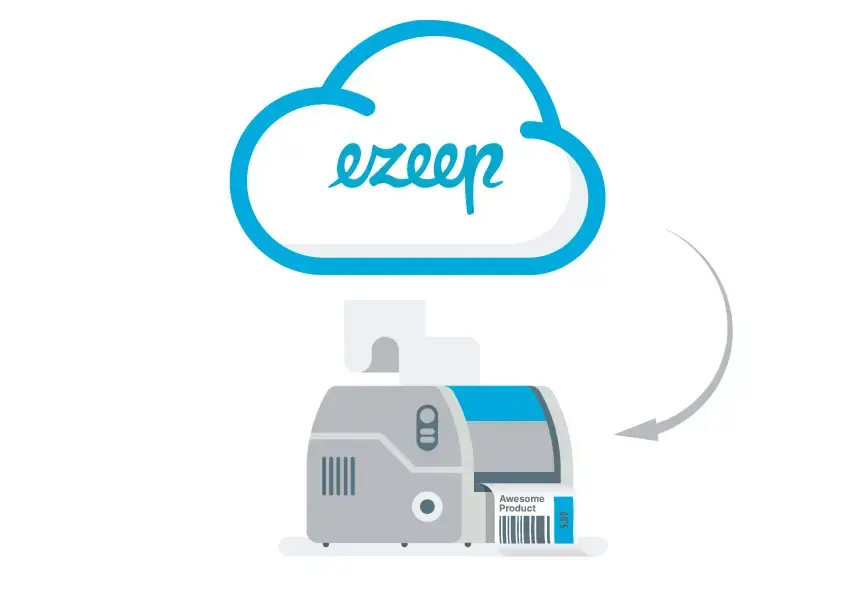
PrintNode processes print jobs directly on the end device, often requiring native drivers and consuming device resources. ezeep provides cloud rendering, processing print jobs directly in the cloud. This allows for driverless printing, saving memory and reducing hardware demands on devices. This is especially useful for companies managing many different printers and devices.
Broader Platform Compatibility and Native Print Apps
PrintNode is limited to web apps and API access, but ezeep offers native print apps for platforms like Windows, macOS, iOS, Chrome OS, and Android. This allows users to print consistently via the cloud, making ezeep an ideal choice for businesses with diverse device ecosystems.
Zebra Validated for Specialized Printing Needs
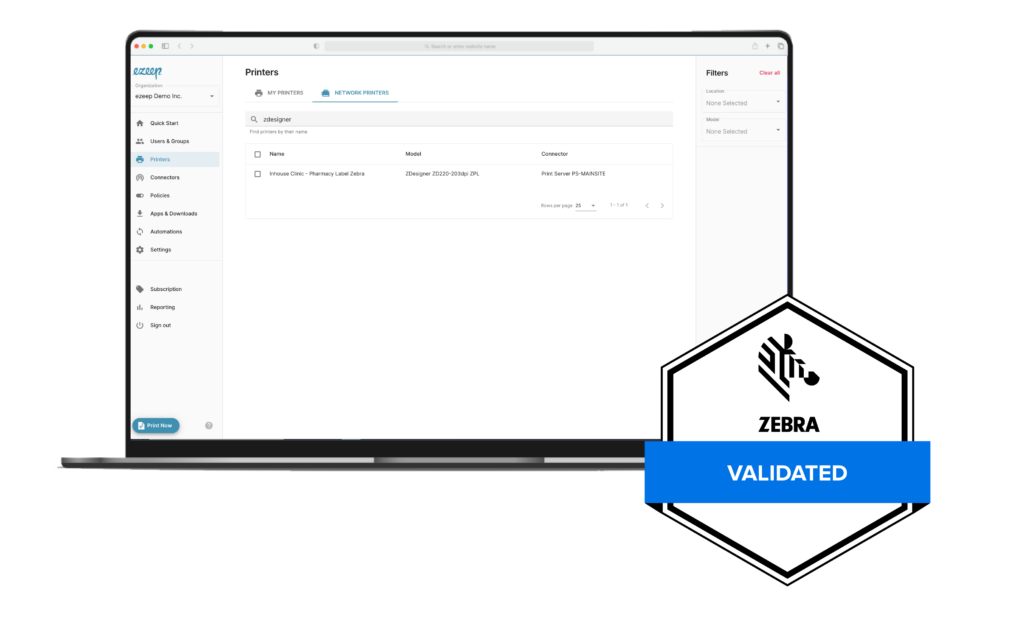
ezeep is Zebra Validated. This means it works well for companies using Zebra printers for specific tasks. This validation helps ensure high compatibility for industries like logistics and healthcare that depend on Zebra printers.
ezeep.js for Integrating Print Dialogs in Web Apps
While PrintNode offers an API, it does not easily integrate a user-friendly print dialog into web apps. ezeep.js offers an easy way to include a print dialog directly within web apps, allowing users to print documents without leaving the app and improving workflow.
Additional Cloud API Features
ezeep offers all essential cloud API printing features available with PrintNode, including integration with Make (formerly Integromat) and Zapier. While features like Media, NUP, and Collate are currently not supported with ezeep, our comprehensive functionality makes it a preferred alternative to PrintNode.
Conclusion: Why ezeep is a Top PrintNode Alternative
For companies seeking a cloud printing service that is easy to use and provides many features, ezeep is the answer. Compared to PrintNode, which is an API-based service with limited file format support and client requirements, ezeep offers a reliable and dependable printing service.
- Comprehensive file format support
- No client needed thanks to ezeep Hub
- Driverless cloud rendering
- Zebra validation and wide platform compatibility
- ezeep.JS for easy web app integration
Cloud Printing with Native Printer Drivers

Secure Cloud Printing with Zero Trust: ezeep's Innovative Approach