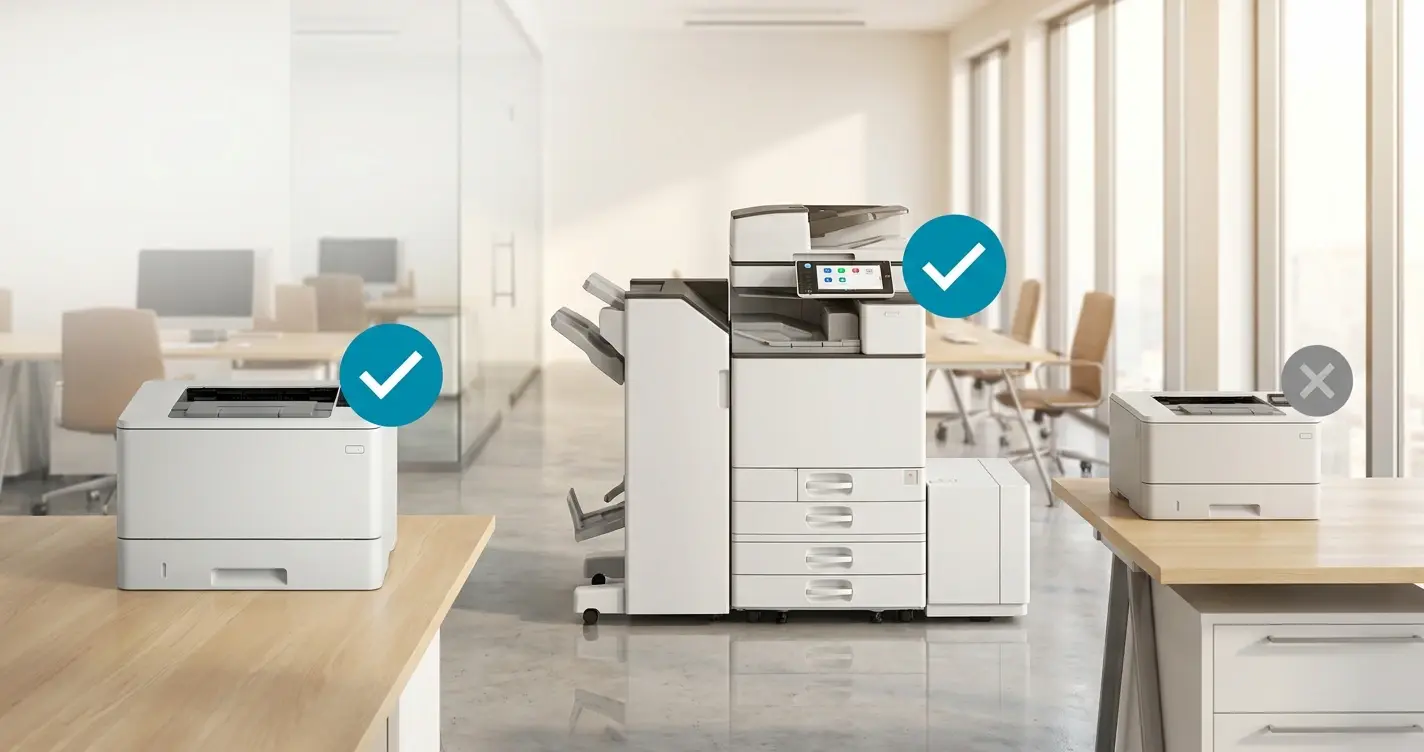
By Henning Volkmer on June 5, 2026

TL;DR
Most large-format plotters from the major manufacturers (HP DesignJet, Canon imagePROGRAF, Epson SureColor, Roland) aren't on the Mopria certified list today, so Windows Protected Print Mode (WPP) uninstalls their manufacturer drivers and blocks reinstallation. Some recent plotter models support IPP natively, which can make them WPP-compatible without appearing on the Mopria list. The plotter hardware still works. The Windows path to it is what breaks. Three approaches keep an AEC fleet printing: keep WPP disabled on CAD workstations through GPO, refresh older plotters to recent IPP-native or PDF-direct models, or move plotter printing through a cloud-rendered stack like ezeep that removes the Mopria requirement at the printer level entirely.
Why plotters are a special case under WPP
Mopria certification was designed around office MFPs, not large-format plotters. The certification assumes IPP-based printing in standard page sizes, with a feature set built around duplex, N-up, color and black-and-white, and basic finishing. Plotters work differently. They handle continuous-feed media, oversized sheets on 24-inch, 36-inch, and 44-inch rolls, CAD-specific formats like HP-GL/2 and native AutoCAD pen settings, and workflows that office MFPs were never built for.
Mopria has certified more than 10,000 printer and scanner models. Almost none are plotters. The candidates for certification are printers that accept PDF as input, since PDF is becoming the universal standard. Plotters that accept PDF directly may eventually get certified. The ones that need driver-mediated language conversion probably won't.
The practical effect for an AEC IT admin is direct. When WPP is enabled on a workstation, every plotter using a manufacturer-supplied driver gets uninstalled, and reinstallation is blocked unless the device is on the Mopria certified list. For most AEC environments, that means none of them come back through the WPP-native path.
What stops working first when WPP is enabled?
Direct IP printing and driver features
WPP disables direct IP-based printer connections that rely on third-party drivers. The HP DesignJet on the LAN that AutoCAD has been plotting to for years goes dark. Everything that lived in the manufacturer driver goes with it: HP-GL/2 settings, pen mappings, calibration profiles, paper handling, and roll-fed media configuration. The IPP class driver exposes none of it.
Plot-to-PDF and drag-and-drop workflows
AEC firms often work around driver issues by plotting to PDF and sending the PDF to the device by hand. WPP doesn't break that directly. But if the workflow depends on a virtual PDF printer driver that isn't on the Mopria list, that virtual printer gets uninstalled too.
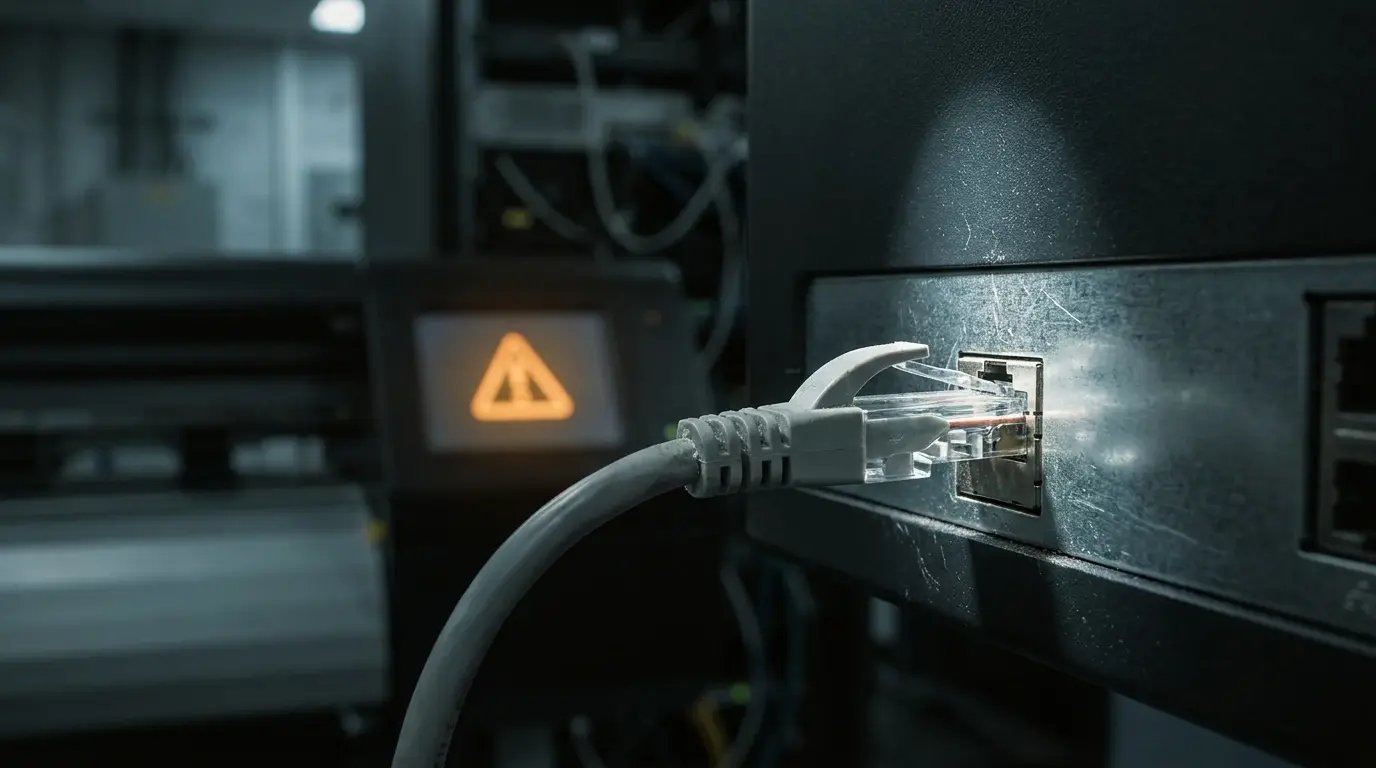
None of this means the plotter is dead as hardware. The cable still works. The network port still works. What stops working is the Windows path to it.
Three options for AEC fleets
Disable WPP on AEC workstations
Available today. WPP is opt-in, so you can scope GPO to exclude AEC workstation OUs and leave those machines on the legacy path. The downside is that the security argument that drove WPP still applies to those workstations. About 11% of MSRC-reported issues came from the print stack, and PrintNightmare plus ongoing CVE volume don't care which OU a machine sits in. Those workstations become the soft spot in an otherwise WPP-hardened environment. Microsoft has signaled WPP will eventually be on by default, so the workstation exclusion is a delay, not a permanent fix.
Wait for manufacturer compliance
Possible for some plotter lines, slow for most. HP has announced the HP Universal Print Application, a Print Support App (PSA), and is extending it across its Mopria-compliant fleet, though current coverage is consumer-product-first. Some recent plotter models from various manufacturers support IPP natively, which can be enough for WPP compatibility without appearing on the Mopria certified list. Verify that device by device. Canon, Epson, and Roland have not broadly signaled comparable plans for their large-format lines at the time of writing. The wait could be quarters. It could be longer. For plotters already out of vendor support, it isn't coming.
Move plotter printing through a cloud-rendered path
Removes the Mopria dependency at the printer level entirely. The cloud handles the format conversion, including HP-GL/2 and PDF, and the plotter receives print-ready data. Manufacturer drivers stay off the workstation. WPP can be enforced fleet-wide while the plotter keeps doing exactly what it did before.
Can a print server keep legacy plotter drivers under WPP?
No. WPP blocks this. A common instinct is to stand up a dedicated non-WPP print server with the legacy drivers loaded and route AEC workstations through it. WPP-enabled clients are restricted to the IPP class driver locally and cannot install or load third-party drivers from any source, including through Point and Print from a print server. The print server's driver pool does not reach the WPP-enabled client. The server idea solves the wrong half of the problem.
How does ezeep keep plotters printing under WPP?
ezeep handles plotters through the same cloud rendering engine that handles every other printer in an ezeep environment. On the CAD workstation, the ezeep Print App for Windows captures the plot job and sends it to the cloud, running on WPP-enabled Windows machines today. The cloud driver pool covers over 6,000 printer models, including most large-format devices in active commercial use. The plotter itself doesn't need to be Mopria-certified. It only needs to receive the print-ready data ezeep forwards to it.
This is the same architectural answer that covers office MFPs without a Print Support App and label printers using non-IPP formats. Cloud rendering removes the requirement that the printer speak Microsoft's modern print stack natively. For AEC specifically, the result is that WPP can be enabled on every CAD workstation, and the HP DesignJet keeps plotting.
For AEC teams running CAD on Mac (Vectorworks, Archicad, Revit) or Linux (engineering visualization, render farms), the same cloud path handles plotter access. You don't maintain a Mac driver or a Linux CUPS configuration to get there.
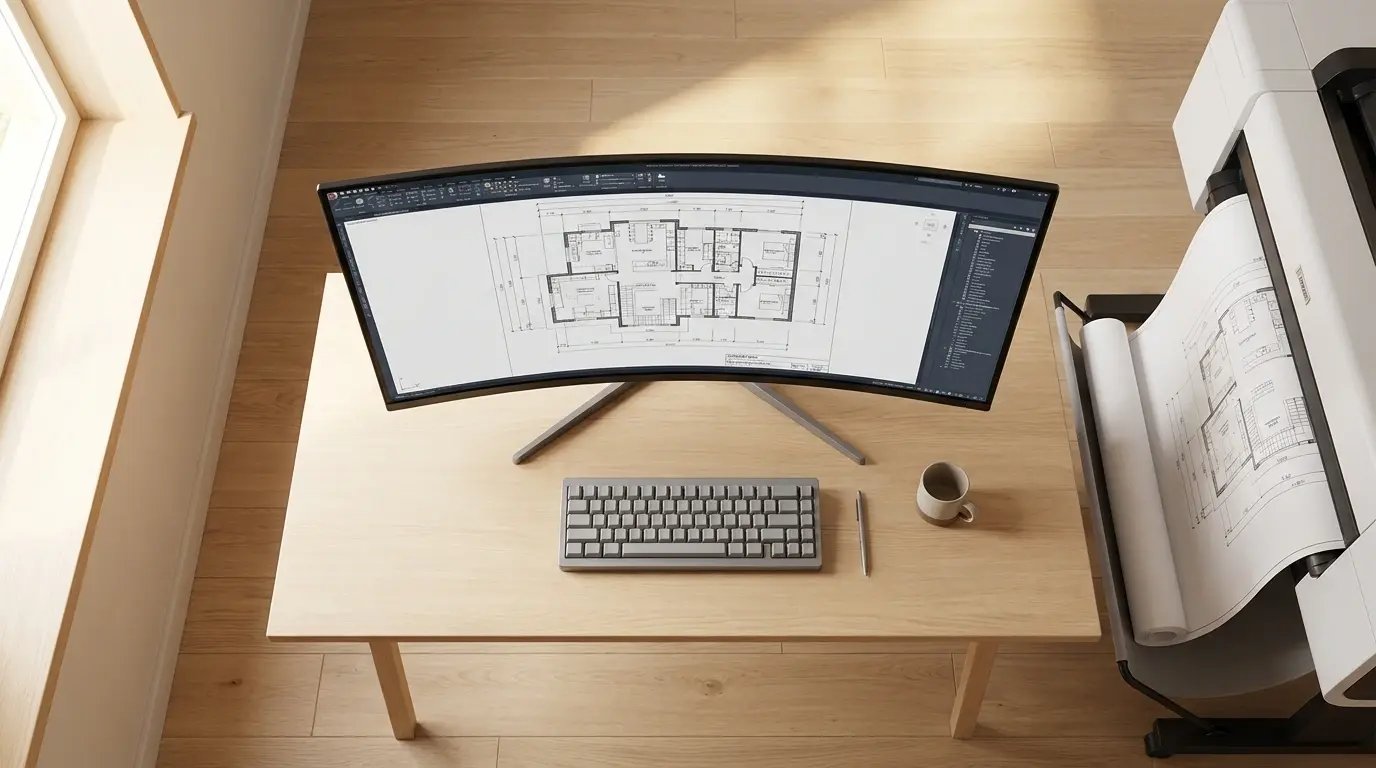
What to do before WPP is enforced on AEC workstations
- Audit the plotter fleet against the Mopria-certified list at mopria.org. Expect most or all of your devices to be absent.
- Run the WPP preview on one CAD workstation. Enable WPP, look at which plotters Windows flags for removal, and cancel out before confirming. You'll see exactly what you'd lose.
- Decide on the path forward: workstation-level WPP exclusion, a hardware refresh to IPP-native plotters, or moving plotter printing through a cloud-rendered stack.
Talk to an expert about your AEC plotter fleet
Run the WPP preview on one CAD workstation, enable WPP, note which plotters Windows flags for removal, and cancel before confirming. Send us that list and we'll walk through what each device looks like under cloud-rendered printing.


Will Label Printers Stop Working Under Windows Protected Print Mode?

Will Printers That Aren't Mopria-Certified Stop Working Under WPP?