By Ines Reinhardt on September 22, 2026

A coworking space thrives on openness. People come and go, new members can be up and running within minutes, guests use meeting rooms, external teams work in the space for days or weeks at a time, and many bring their own devices.
The same openness that makes coworking flexible also creates specific security challenges for operators.
Unlike in a traditional corporate office, the IT team of a coworking space does not control all endpoint devices, user accounts, or applications. Nevertheless, members, especially corporate customers, expect a professional environment where they can work securely.
Cyber Security Awareness Month in October is therefore a great opportunity for a security check. But this shouldn't stop at firewalls and passwords.
1. Security Begins with Clear Responsibilities
Who is responsible for what?
The space provides the network, rooms, printers, meeting technology, and possibly additinal digital services. Members, in turn, are responsible for their own devices, applications, and company data.
This boundary should be clear. At the same time, the operator should be able to document how they protect the infrastructure they provide.
Corporate customers in particular are increasingly asking for this kind of information. A clear and understandable security concept can therefore not only reduce risks, but also become part of the sales argument for a coworking space.
2. Not All Users Belong on the Same Network
A day guest, an employee of the space operator, and a team from a corporate customer have completely different requirements.
That is why different user groups should be separated from one another. Guests, for example, should'nt be able to access internal systems or see other devices on the network.
We explain how to separate guest, member, and corporate networks from one another using VLANs and client isolation in our article “Wi-Fi Is Not Enough: Network Concepts for Coworking Spaces.”
For the security check, here is a simple question to start with:
Can any guest on the Wi-Fi see devices or resources that do not belong to them?
If the answer is not clearly “No,” it is worth taking a closer look at the network architecture.
3. Access to the Building Does Not Mean Access to Everything
The same principle applies inside the building: just because someone is allowed to enter the space does not automatically mean they should have access to every area.
Server and technical rooms, offices used by the operator team, mail areas, or rooms containing sensitive infrastructure should be protected separately.
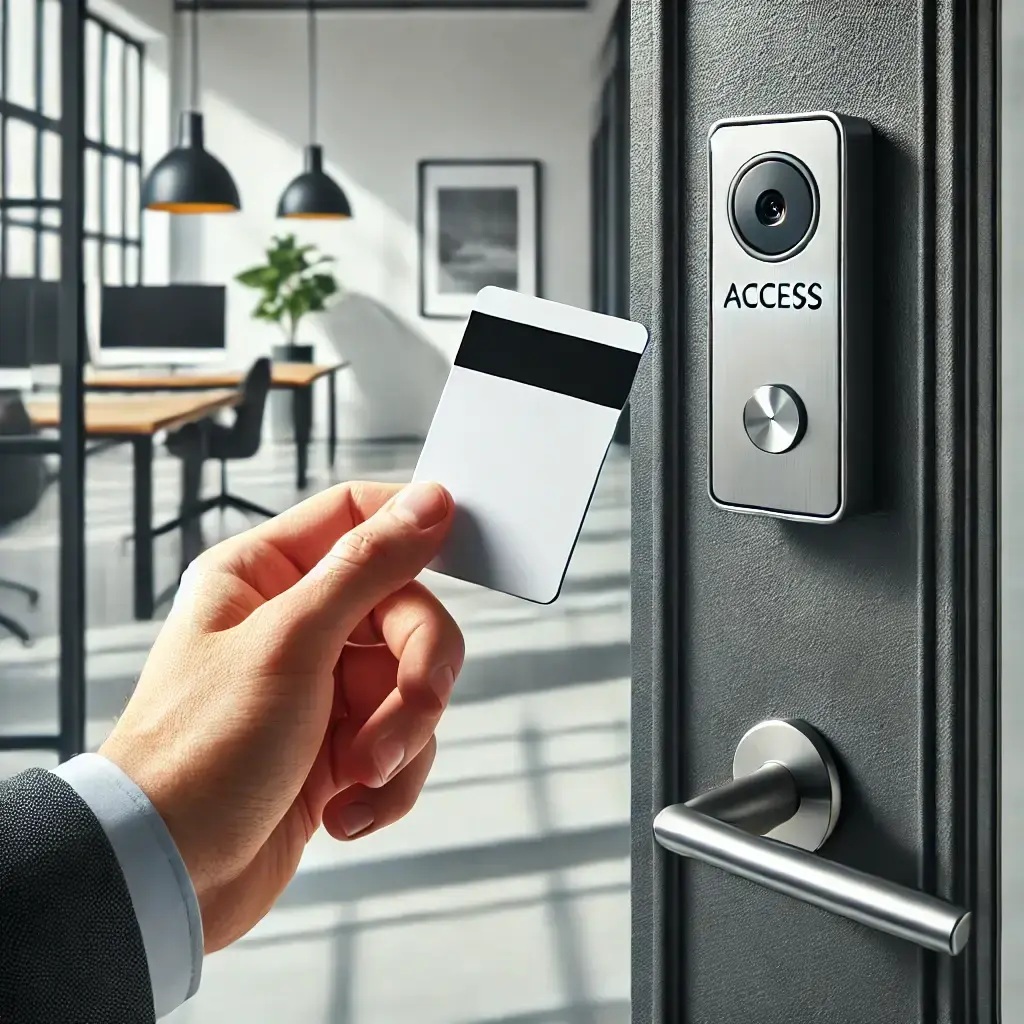
Modern access control systems can grant and automatically revoke access rights depending on the person, membership, location, or time of day. You can find out more in our article on access control systems for coworking and flex spaces.
However, the process behind it is also important: What happens, for example, to an access card when a membership ends? Are permissions automatically revoked, or does someone have to remember to do it?
4. Shared Devices Deserve Special Attention
Coworking means shared infrastructure. And it is precisely these devices that are easily overlooked during security checks.
Examples include displays in meeting rooms, tablets at reception, scanners, printers, or shared PCs.
Operators should regularly check:
- Are operating systems and firmware up to date?
- Are any default passwords still in use?
- Which devices can be reached from which networks?
- Which user accounts and permissions are configured?
- Do any data or login information remain on the device after use?
After all, a smart TV with an old user account or a freely accessible administration interface can become just as much of a security problem as a poorly configured laptop.
5. The Printer Is a Security Issue Too
At first glance, printing may seem harmless. In reality, however, it brings together several typical coworking risks.
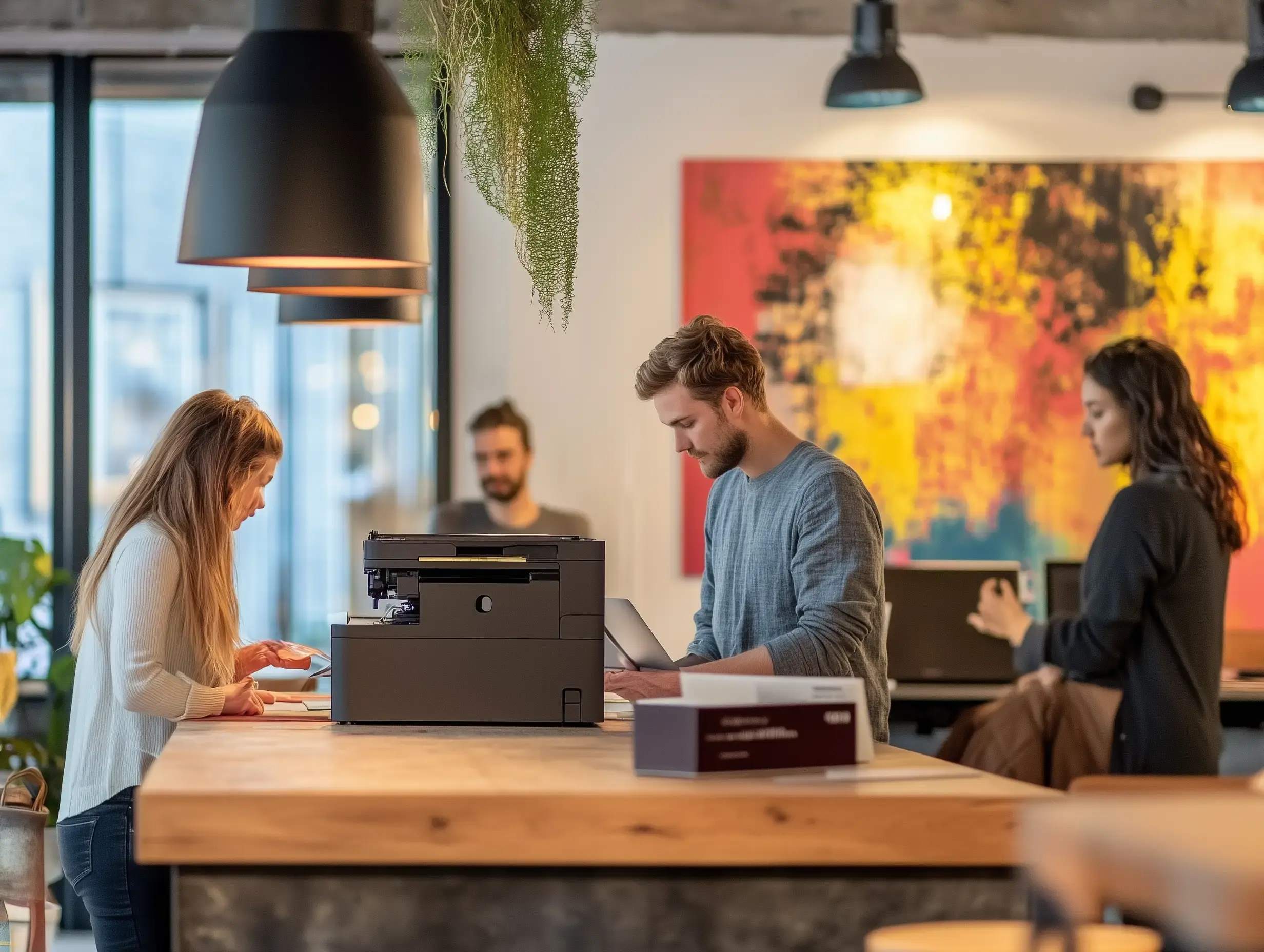
A member prints out a contract, gets distracted, and only picks it up ten minutes later. In the meantime, the document is lying in the output tray where everyone can see it. Or users on the network can see printers that actually belong to another company.
A secure printing solution should therefore prevent unrestricted access to printers and ensure that confidential documents are only released when the right person is standing at the device.
With pull printing, for example, a print job can first be held back and only released directly at the printer after authentication. With ezeep, this can be done via RFID cards, among other options, including the same card that is already used for building access.
Cloud printing also offers another advantage: users don't need direct network access to a printer. This makes it possible to provide printing even in strictly segmented network environments.
6. People Are Part of the Security Concept
Not every risk can be solved technically.
An unfamiliar visitor holds a door open. Someone politely asks the community team for the Wi-Fi password. Someone claiming to be technician wants to quickly access the router. A member leaves their laptop unattended.
In these situations, a lengthy security manual is usually less helpful than a few clear, understandable rules.
The operator team should know, for example, how to deal with unknown visitors, who is allowed to authorize technical service providers, and to whom access credentials may be issued. Regular short reminders for members can also be useful, for example about phishing, screen locks, or handling confidential documents.
Security awareness does not have to be complicated. It has to be present.
7. Do Not Forget SaaS Accounts and Integrations
Modern coworking spaces have long consisted of more than just rooms and Wi-Fi. Booking platforms, member management, payment providers, access control, printing, CRM, newsletter systems, and many other cloud services work together.
This also increases the number of accounts and integrations.
At least once a year, it is worth doing a bit of spring cleaning or, in this case, a Security Awareness Month cleanup:
Which employees still have admin rights? Which former colleagues still have accounts? Where is multi-factor authentication missing? Which integrations are no longer needed?
Accounts that several people use to log in are particularly critical. Personal user accounts with clearly defined roles make it much easier to manage and revoke permissions.
8. Have a Plan for When Things Go Wrong
There is no such thing as 100 percent security. That is why a good security concept also includes the question:
What do we do if something does happen?
This does not have to be an 80-page incident response plan.
For a coworking space, it should at least be clear whom employees should contact if a device appears to be compromised, credentials have been stolen, a suspicious person is discovered, or an important cloud service goes down.
Contact lists, responsibilities, and basic procedures should be documented and available even if the affected IT system is not currently working.
Security Check: A Walkthrough of Your Own Space
Perhaps the simplest security test does not begin with a software tool, but with a walkthrough.
Imagine you were visiting the space as a guest for the first time today. What could you see? Where could you enter? Which devices could you reach? What information is lying around openly? Which services could you use without anyone checking who you are?
Then do the same walkthrough digitally: networks, accounts, cloud services, devices, and permissions.
Often, this does not reveal spectacular security gaps. Instead, it is the small things: an old user account, a printer on the wrong network, an access card that was never returned, or a password that has been known at reception for three years.
That is where good security begins.
Security and User-Friendliness Are Not Opposites
Coworking spaces are meant to be open, flexible, and easy to use. Security should not turn them into fortresses.
The best solutions therefore work as unobtrusively in the background. Network segments separate users automatically, digital access systems grant permissions based on membership, and cloud printing enables secure printing without requiring members to configure printer drivers or network addresses.
The goal is not more security at any cost. It is security by design: building infrastructure in such a way that secure behavior happens as automatically as possible.
And ultimately, that is also a question of member experience. Because a good coworking space offers its members more than just a desk and fast Wi-Fi.
It offers them a place where they can work easily and with confidence.

IT Challenges in Coworking Spaces

Printing in Zero Trust Networks