By Franck Raison on September 22, 2026
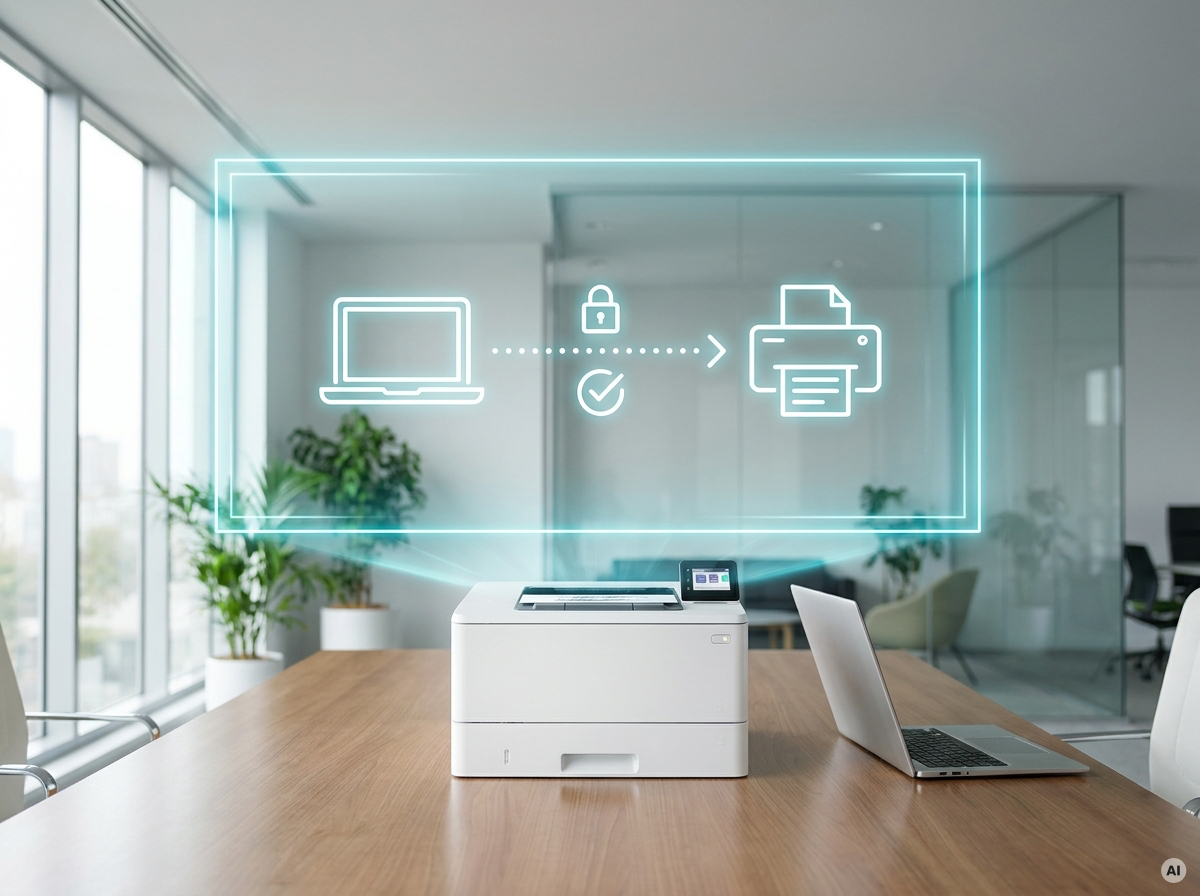
IPP, the Internet Printing Protocol, is the IETF-standardized protocol that carries print jobs between a client and a printer over HTTP. It lets a client submit a job, query what a printer can do, check job status, and cancel a job. Unlike the protocols it replaced, it supports authentication, access control, and TLS encryption as part of the standard rather than as an afterthought.
The reason it matters right now is that IPP is the mechanism by which a printer describes itself, which is the mechanism by which the printer driver becomes unnecessary. Microsoft's entire modern print platform is built on it, and as of July 1, 2026, Windows Ready Print makes IPP the default path for new printer installations on Windows.
How does IPP work?
When a client adds an IPP printer, it queries the device and the printer replies with its own capabilities: supported paper sizes, duplex, color modes, resolution, finishing options like stapling. The client builds a print queue from that reply. When a job is submitted, it travels over HTTP with the job attributes attached.
That exchange is the whole trick. In the driver model, the client has to be told in advance what the printer can do, and the vehicle for telling it is a driver package written by the manufacturer. In the IPP model, the client asks and the printer answers. The knowledge lives in the device, where it was always the most accurate anyway.
Because IPP rides on HTTP, it inherits HTTP's machinery for free: authentication schemes, TLS for encryption, proxying, streaming. A print job to an IPP printer over HTTPS is an authenticated, encrypted HTTP transaction.
What did IPP replace?
IPP replaced LPD/LPR and raw TCP/IP port 9100 printing, both of which predate any serious expectation that a network protocol should authenticate anyone.
LPR (Line Printer Remote) came out of BSD Unix and was documented in RFC 1179 in 1990. It listens on port 515, accepts a job, and prints it. There is no authentication in the protocol, no encryption, and only rudimentary status reporting.
Raw printing on port 9100, sometimes called JetDirect or socket printing, is even more minimal. The client opens a TCP socket to the printer and streams the print data at it. There is no job control, no negotiation, no acknowledgment beyond the TCP connection itself. If you can reach the port, you can print, and the printer will not ask who you are.
Both are still widely deployed. Both are the reason a print queue can happily send a confidential document to a device that never checked whether it was allowed to. Windows Protected Print Mode, when enabled, disables the legacy pipelines that rely on RAW and LPR queues entirely, which is a much bigger change in most environments than it sounds.
Where did IPP come from?
IPP started in 1996 as a Novell proposal, developed with Xerox as the Lightweight Document Printing Application. IBM was proposing something similar at the same time, and HP and Microsoft were building new print services for what became Windows 2000. Rather than fragment, the companies took the work to the Printer Working Group and negotiated an IETF working group.
The version history is worth knowing because it explains why IPP is not a vendor standard:
- IPP/1.0, 1999, published as a set of experimental RFCs
- IPP/1.1, 2000, as a draft standard
- IPP/1.1 revised, January 2017, as a proposed standard (RFC 8010, RFC 8011)
- Internet Standard 92 (STD 92), June 2018
Work continues in the PWG's Internet Printing Protocol workgroup, which has extended IPP to cover scanning, fax, 3D printing, and system management.
Today IPP is supported by over 98% of printers sold. It is the foundation underneath AirPrint, IPP Everywhere, and Mopria. When Apple, Google, Microsoft, and the printer manufacturers all independently arrived at driverless printing, they all arrived at IPP.
What is IPP Everywhere, and how does Mopria relate to it?
IPP Everywhere is the Printer Working Group's certification program, published in 2013, which defines a baseline every printer must meet to support driverless printing. It specifies which document formats a printer has to accept and which IPP operations it has to implement, so a client can print without any prior knowledge of the device.
Mopria certification builds on that baseline and adds requirements of its own. The Mopria Alliance, founded in September 2013 by Canon, HP, Samsung, and Xerox, has certified more than 10,000 printer models across 24 brands, representing over 120 million devices in the field.
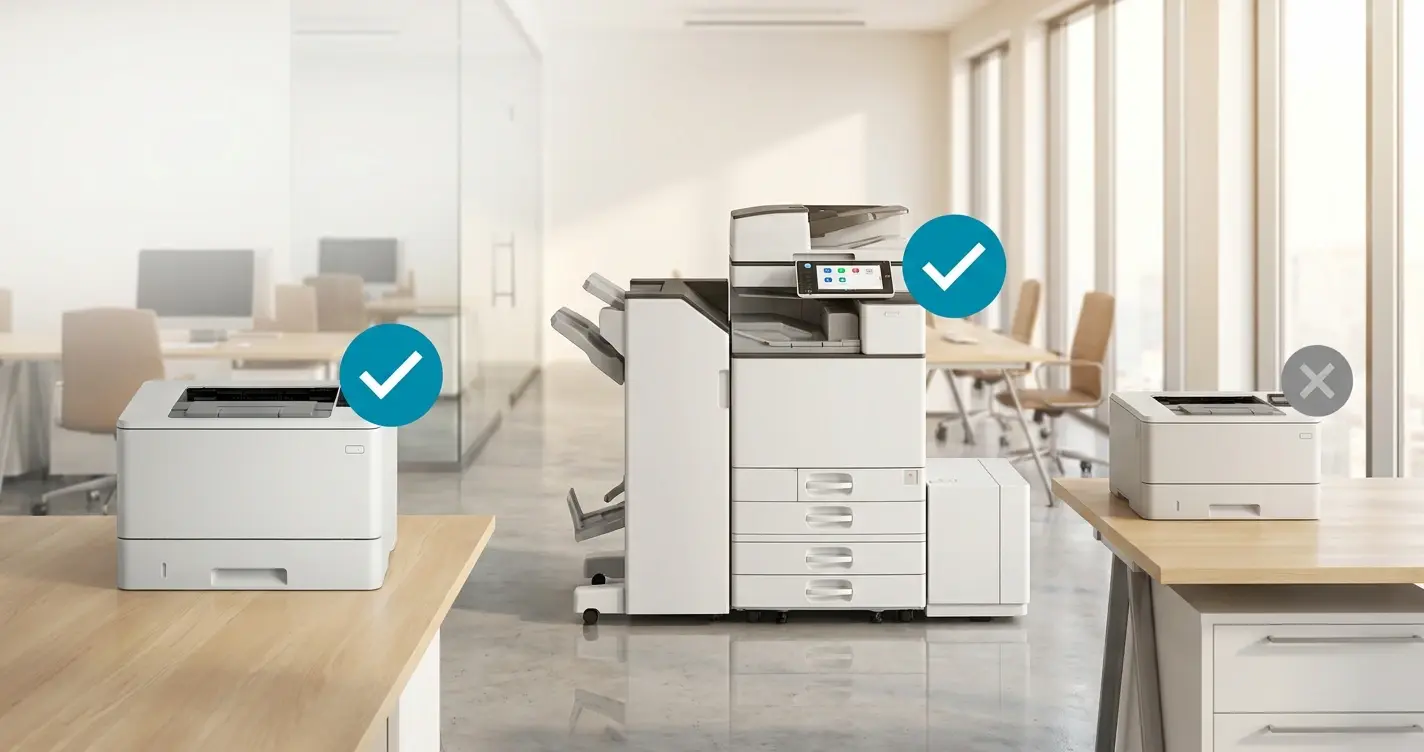
The distinction matters for one practical reason: Windows Protected Print mode requires Mopria certification, not IPP Everywhere. The two lists overlap heavily but are not identical, and a device can be IPP-capable without being Mopria-certified. When checking a fleet against WPP, the Mopria certified products directory is the authoritative source.
What does the shift to IPP mean for an enterprise fleet?
It means the print driver stops being your problem and printer capability becomes your problem instead.
Under the driver model, a printer that could not do something was a printer that needed a better driver. Under IPP, a printer that cannot do something is a printer that does not report the capability, and there is no manufacturer package to install that adds it. Advanced finishing, accounting codes, tray-level control, and department tracking are the features most likely to behave differently when Windows selects the inbox IPP driver instead of the manufacturer one.
That is the real migration risk, and it is not a security question. It is a "the finance team's checks come out of the wrong tray now" question, and it will surface in the first week.
Cloud rendering avoids the trade because it does not put the printer and Windows in direct negotiation. ezeep renders each job in the cloud against the correct manufacturer driver from a library of over 6,000, then delivers print-ready data to the device through the ezeep Hub. The endpoint needs no driver, and the printer does not need to describe itself to Windows in IPP, because the cloud already knows what it can do. Non-certified and specialty hardware stays in service.

How To Check If a Printer is Mopria-Certified (for WPP)
Does Follow-Me / Pull Printing Still Work with WPP?