By Henning Volkmer on July 8, 2026
ezeep removes two things from a print environment that most platforms only relocate: the printer driver on the endpoint, and the print server itself. Teams choosing ezeep over other cloud printing approaches are usually choosing it for the practical effects of those two removals, not for the architecture as an abstract idea. This post breaks down what each one actually changes day to day.
What does driverless printing change for IT teams?
Driverless printing removes the printer driver from the user's device entirely, which removes the single largest source of print-related support tickets along with it. Driver conflicts, version mismatches between OS and printer model, and Print Spooler crashes are common reasons users open a ticket, and none of them can occur on a device that never has a driver installed in the first place.
There's a second, less obvious benefit: manufacturer printer drivers are often poorly maintained. Printer vendors prioritize hardware sales over firmware and driver upkeep, which means security patches for print drivers frequently lag well behind the vulnerability. That maintenance gap is part of what made PrintNightmare (CVE-2021-34527) as damaging as it was. Removing the driver from the endpoint removes that attack surface entirely, regardless of how diligent any given manufacturer is.
It also means ezeep's architecture is already aligned with Windows Protected Print (WPP), Microsoft's move toward a stricter, driverless print model. Organizations running ezeep don't need to audit their driver estate or replace non-compliant hardware to meet WPP requirements. The driverless architecture gets them there by default.
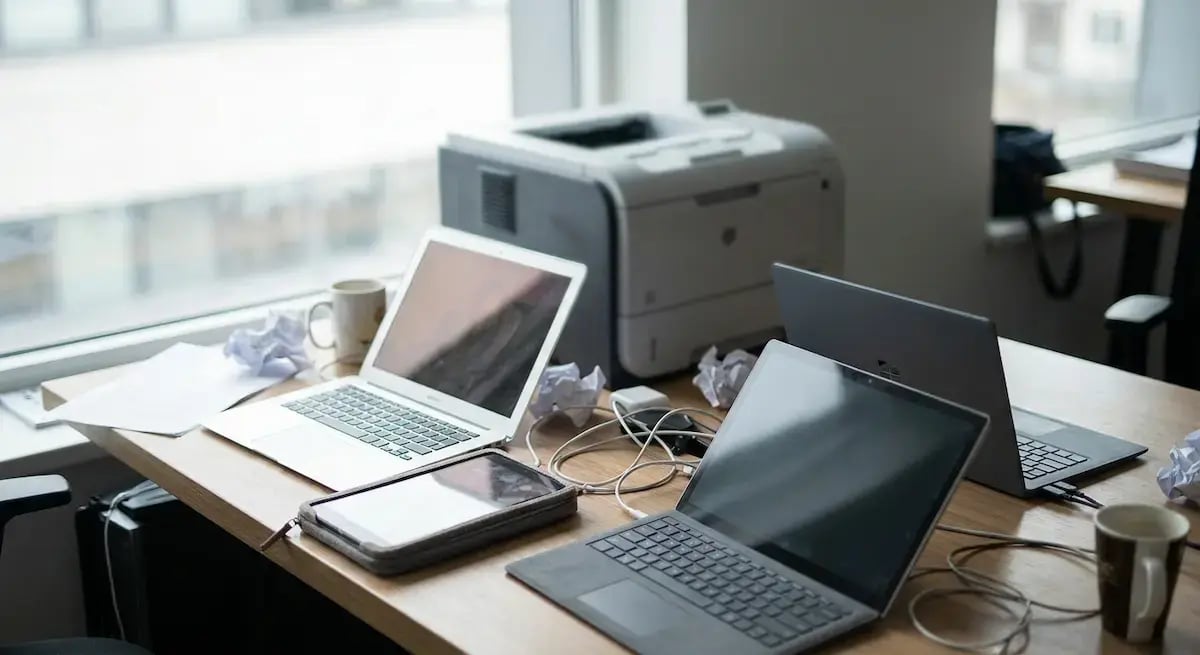
No per-OS, per-printer driver matrix to maintain. Every printer model traditionally needs its own driver, and every operating system needs its own version of that driver. A mixed fleet of HP, Xerox, Konica Minolta, and Brother devices, reaching Windows, macOS, ChromeOS, iOS, and Android endpoints, multiplies into a matrix IT has to test, package, and keep current. ezeep's cloud rendering engine holds that matrix in a library of over 6,000 manufacturer-specific drivers, and the device sends a driver-free print stream instead of holding any of it locally.
That matters most at the moment a new device shows up. A Windows laptop in the office, a MacBook at home, and a Chromebook in a classroom all reach the printer through the same cloud rendering process, with no separate troubleshooting path for "the Mac users" or "the mobile users." Adding a new printer to the fleet works the same way: instead of packaging and testing a new driver before it can be deployed, IT checks whether the model is already in ezeep's cloud library, and requests it if it isn't.
No admin-rights bottleneck for new deployments. Since the PrintNightmare patches were applied in 2021, installing or updating a printer driver through the standard Point and Print pathway requires administrator credentials by default, a restriction that didn't exist before that patch. That's a deliberate security fix, but it also means every new device or printer connection that depends on local driver installation now needs an admin in the loop. A driverless endpoint never triggers that pathway, because there's no local driver installation step to gate.
What does serverless printing change for IT budgets and maintenance?
Serverless printing removes the print server role from the environment entirely, rather than rehosting it somewhere else, which removes the categories of cost and maintenance that come with running that server.
Start with the hardware. A traditional print server, often one per office or location, is physical infrastructure: a machine to buy, rack, power, and eventually replace on a refresh cycle. ezeep replaces that role with the ezeep Hub, a compact connector device, or the ezeep Connector software running on an existing machine. Neither performs the server's queue-management or driver-hosting functions, because there's no queue or driver library to host locally.
The licensing follows the hardware out the door. Running a dedicated print server means paying for:
- The Windows Server license itself
- Antivirus software
- Remote management tools
- Other software the box needs to be production-ready
None of that comes free. When the server role is removed rather than rehosted, those costs are removed along with it, not shifted into a different line item on a cloud bill.
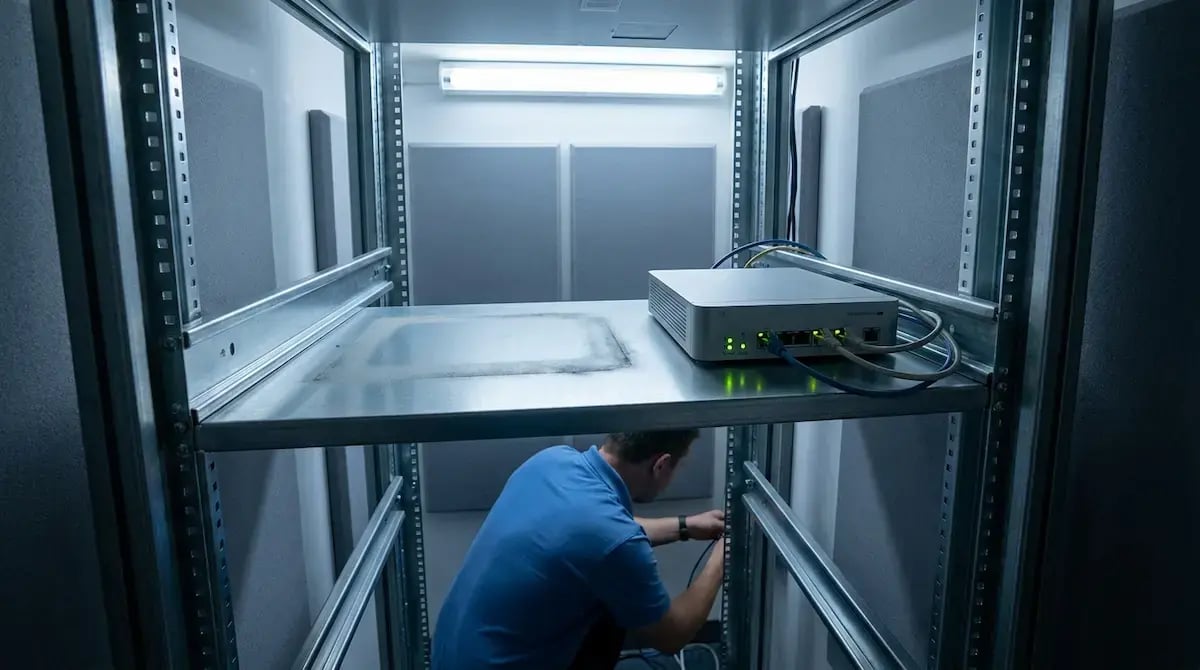
Patching and failover planning are no longer IT's responsibility. A print server needs its own patch cycle, and when it goes down, every user connected to it stops printing until it's back up. With the server role gone, there's no server-specific patch schedule to maintain and no single point of failure tied to one machine per location. Setup follows the same pattern: adding a new office with a traditional print server means provisioning that server, installing drivers on it, configuring queues, and connecting it to the network before anyone can print. ezeep's setup time is around 30 minutes to get cloud-based printing running for a location, since the equivalent step is connecting a Hub and assigning printers in the admin portal.
How do driverless and serverless work together in ezeep's architecture?
They're not two separate features bolted together. They're two effects of the same underlying choice: ezeep renders print jobs entirely in the cloud, so neither the endpoint nor a local server ever needs to hold a driver. Removing the driver from the endpoint is what makes the server unnecessary in the first place, since a traditional print server's main job is hosting and distributing the drivers that devices need. Take the driver out of that equation, and the server has nothing left to do.
ezeep is built on ThinPrint technology, used in production environments handling millions of printed pages daily. The architecture was cloud-native from the start, which is why driverless and serverless aren't a migration ezeep performed on an older product - they're the foundation it was built on.
Start a 14-day free trial to see what a driverless, serverless print environment looks like against the printer infrastructure already in place.

Cloud Print Management Software: What IT Teams Should Evaluate in 2026
Nerdio and ezeep for AVD & Windows 365 Printing