By Henning Volkmer on June 30, 2026
TL;DR
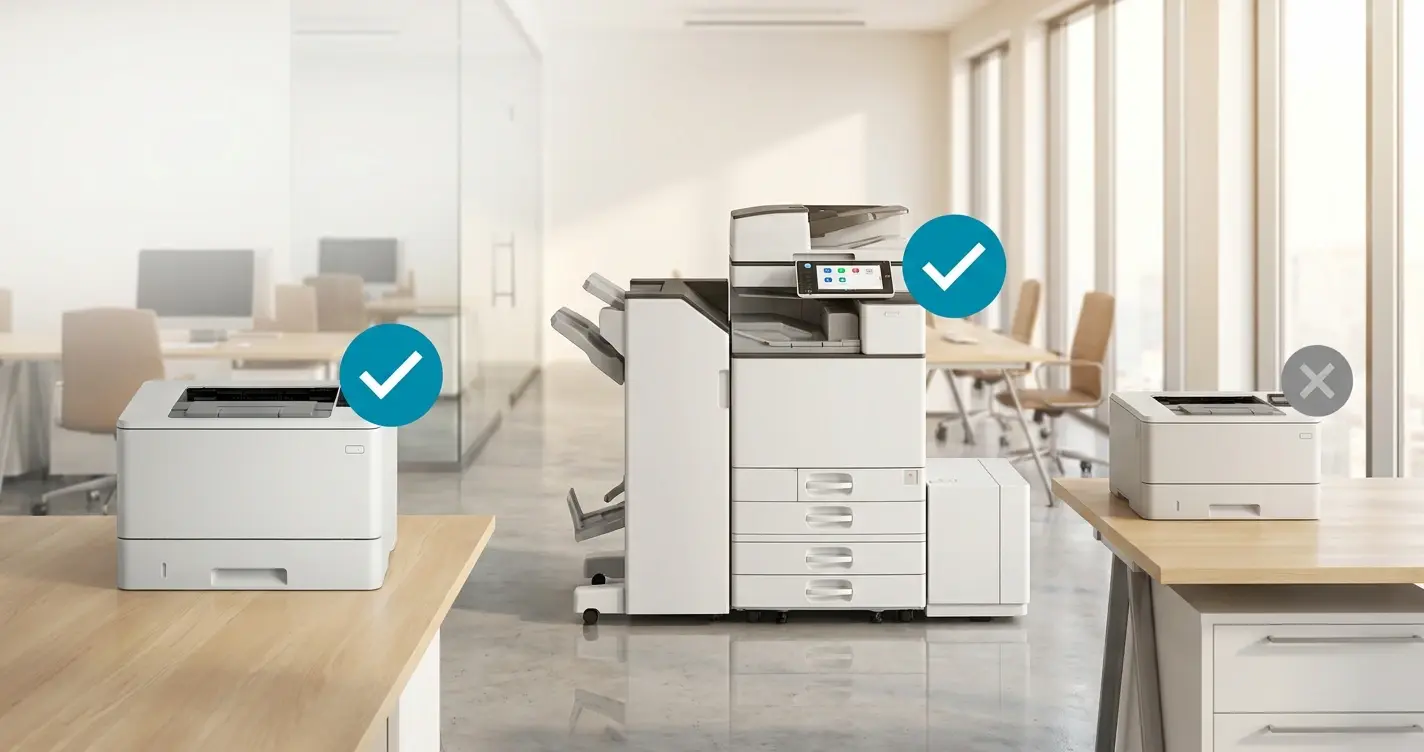
If your printer is Mopria-certified and its firmware exposes finishing capabilities over IPP, standard finishing options work with the Microsoft IPP class driver alone. No Print Support App (PSA) is required. PSAs are only needed for vendor-specific finishing options that go beyond what the IPP standard defines. Whether stapling, hole punching, and folding are available under WPP depends on the printer firmware's IPP capability declarations, not on whether the manufacturer has shipped a PSA.
What does the IPP class driver support for finishing?
When WPP is enabled, Windows stops loading third-party print drivers and routes everything through the Microsoft IPP class driver. Driverless printing under WPP supports a limited number of PDLs based on public standards, principally PWG Raster and PDF. PWG Raster is the universal baseline (every Mopria-certified printer must accept it). PDF is what the IPP class driver and printer most often negotiate to in practice on modern fleets. Mopria certification additionally requires PCLm support, so on Mopria-certified printers a third format is in play.
The user-facing feature set the IPP class driver exposes is shaped by what IPP itself defines. IPP is more capable than the early framing of WPP made it sound. The IPP Finishings 3.0 specification (PWG 5100.1, May 2022) defines a vocabulary for finishing operations:
- Standard staple positions.
staple-top-left,staple-top-right,staple-bottom-left,staple-bottom-right,staple-dual-left,staple-dual-top,staple-dual-right,staple-dual-bottom. - Stitch types.
edge-stitchandsaddle-stitch. - Positional hole punching. Declared through integer offset and location attributes (
punching-locations-supported,punching-offset-supported). The spec notes hole counts and locations are not well standardized at the enum level, so printers declare specific punch capabilities through these integer attributes. - Standard fold types.
fold-half,fold-letter,fold-z,fold-accordion,fold-double-gate,fold-gate,fold-half-z,fold-left-gate,fold-right-gate,fold-parallel,fold-poster,fold-engineering-z. - Output bin selection.
When the IPP class driver and the printer negotiate over IPP, the printer declares which of these capabilities its firmware actually supports, and the IPP class driver surfaces those declarations in the Windows print dialog.
What this means in practice: an IPP-capable, Mopria-certified MFP whose firmware properly declares its finishing capabilities will offer those finishing options under WPP, through the IPP class driver, with no PSA in the picture. Duplex, N-up, color/B&W, page size, paper tray, orientation, and standard IPP-defined finishing all live in this layer.
When Does WPP require a Print Support App?
Print Support Apps are needed when a manufacturer wants to expose finishing options that go beyond the standard IPP vocabulary. The clearest examples:
- Vendor-specific extensions of standard finishing. Staple positions beyond the eight in IPP (or crimping at non-standard positions), punch patterns beyond what the integer-offset model exposes, fold types beyond the twelve in IPP Finishings 3.0. The standard IPP attributes don't reach these.
- Multi-step finishing sequences with vendor-specific logic. Things like "staple every N pages with chapter breaks at duplex transitions," sequences that aren't expressible in standard IPP attributes alone.
- Manufacturer-specific device features. Calibration, advanced color management, and proofing controls. Device features rather than document features, but they surface through the same PSA layer.
- Custom UI for complex print options. Where the manufacturer wants a richer print dialog experience than the Windows-standard surface.
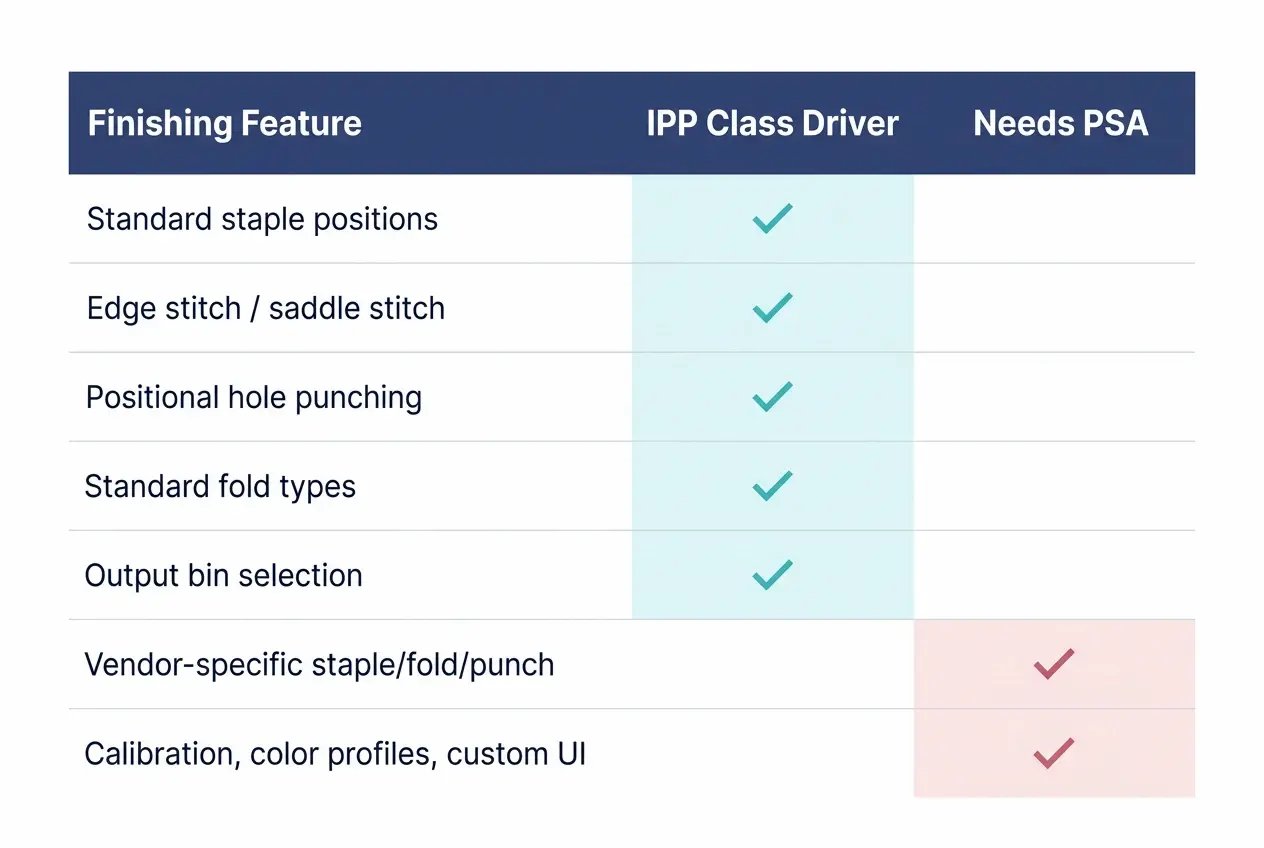
A PSA is the manufacturer's mechanism for shipping these vendor-specific extensions on top of the IPP standard. The Microsoft Store is the default distribution channel; enterprise environments can sideload PSAs via MSI packages or Intune line-of-business app deployment.
How do I plan a WPP rollout for a finishing-heavy fleet?
The planning question for finishing under WPP is more nuanced than "do I need a PSA." The actual sequence:
- Is the printer Mopria-certified? If no, it's uninstalled by WPP and the conversation is about hardware refresh or alternative print stack, not finishing options.
- Does the printer firmware expose its finishing capabilities through IPP? Modern Mopria-certified MFPs generally do. Older devices may have partial or absent IPP capability declarations even when the hardware finisher exists. Firmware updates from the manufacturer can sometimes close this gap.
- Do the workflows depend on standard IPP finishing options or vendor-specific extensions? Standard options work through the IPP class driver alone. Vendor-specific options need the PSA.
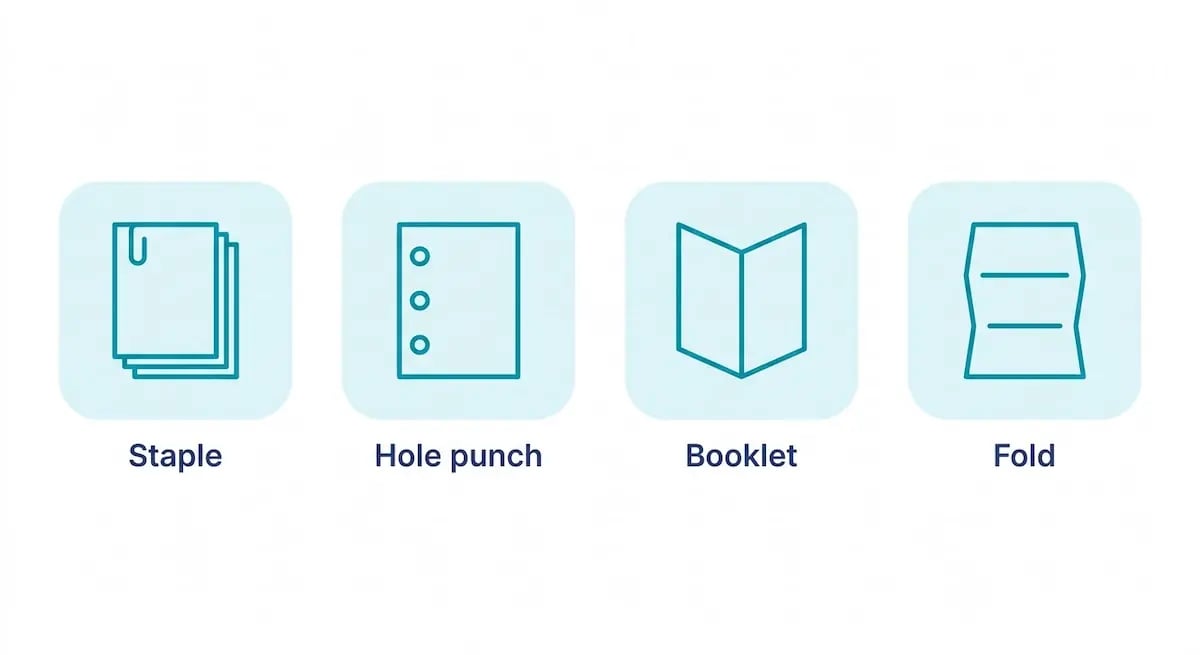
For most office finishing (single-staple, two-staple, basic hole punching, common fold types) the IPP class driver path covers it without a PSA. Vendor-specific advanced finishing (custom staple sequences, proprietary booklet workflows, calibration-heavy production printing) is what needs the PSA, and PSA availability is the right thing to track.
HP (HP Universal Print Application) and Xerox (Xerox Print and Scan Experience, which now also covers Lexmark devices since the two companies merged) have shipped PSAs covering their current device lines. Microsoft Store and the manufacturer's product page are the sources of truth for current state.
How does ezeep handle finishing under WPP?
ezeep enables WPP on the client with the full Microsoft IPP class driver feature set across every existing customer printer. Duplex, N-up, color/B&W, paper handling, and standard IPP finishing options surface the same way they would in a Mopria-native deployment.
For vendor-specific finishing options (the ones that need a PSA), the model is the same as native WPP. The manufacturer's PSA is what surfaces them, and ezeep works alongside the PSA on the Windows client. ezeep does not replace the PSA's role for vendor-specific options.
Where ezeep changes the math is on the device-side requirement. Under native WPP, the printer has to be Mopria-certified for any of this to work. Under ezeep, it doesn't. Cloud rendering removes the Mopria dependency at the printer level. That means finishing-heavy environments that need to keep older, non-certified MFPs in service get to do that, with the IPP class driver feature set delivered through ezeep's cloud path.
What should IT do before enabling WPP for a finishing fleet?
Three concrete moves.
-
Audit which workflows actually depend on standard IPP finishing versus vendor-specific extensions. Most fleets have a smaller vendor-specific subset than the IT team initially assumed.
-
For Mopria-certified MFPs in your fleet, confirm via test prints whether the standard finishing options are available under WPP. If the firmware properly declares the capabilities through IPP, they should appear in the print dialog.
-
For genuinely vendor-specific finishing requirements, check Microsoft Store and the manufacturer's product page for current PSA status.
Talk to an expert about your finishing-heavy environment
Legal, education, marketing, healthcare. Environments that staple, punch, and fold need an answer that distinguishes between standard IPP finishing and vendor-specific options. Let's walk through what WPP looks like for your specific fleet.

How to Deploy Print Support Apps Without the Microsoft Store
Will Printers That Aren't Mopria-Certified Stop Working Under WPP?