By Scott Seddon on June 2, 2026

Modern enterprises are rapidly moving toward secure, cloud-managed browser environments. Many of these environments are built on Chromium-based foundations, delivering strong security controls, centralized policy management, and streamlined application delivery.
As organizations increasingly adopt browser-first workspaces, they expect every aspect of the user experience to be simple, secure, and centrally managed. However, printing often remains one of the last legacy processes that hasn't kept pace with modern IT strategies.
Complex drivers, print servers, VPN dependencies, and inconsistent user experiences can create unnecessary friction for both IT teams and end users. As a result, organizations are seeking modern printing solutions that align with the same cloud-first principles driving today's Chromium-based enterprise browser environments.
This is where ezeep delivers a fundamentally simpler approach.
The Challenge of Printing in Browser-First Workspaces
Organizations adopting Chromium-based enterprise browsers are often doing so to simplify application delivery, improve security, and reduce endpoint complexity.
Yet printing frequently remains dependent on:
- Legacy print servers
- Driver management
- Complex network configurations
- VPN connectivity
- Location-specific printer deployments
This creates an experience that feels disconnected from the modern browser-centric workplace.
Introducing Secure Cloud Printing Through the ezeep Chrome Extension
The ezeep Chrome Extension enables organizations to add secure cloud printing capabilities directly into Chromium-based browser environments.
Rather than relying on traditional print infrastructure, organizations can leverage cloud-managed printing that is easy to deploy, simple to manage, and designed to support modern workstyles.
Benefits include:
- Rapid deployment through browser management tools
- Reduced dependency on print servers
- Simplified printer administration
- Secure cloud-managed print workflows
- Consistent user experience across locations
- Support for hybrid and remote work environments
For organizations investing in browser-first strategies, the ezeep Chrome Extension provides a straightforward way to modernize printing without adding complexity.
Chromium-Based Enterprise Browsers That Can Benefit
One of the key advantages of the ezeep Chrome Extension is that it aligns naturally with Chromium-based browser environments.
Organizations using any Chromium-based enterprise browser can benefit from simplified cloud printing, including: (to name a few)
As more vendors adopt Chromium as their browser foundation, organizations gain the ability to standardize on a common printing approach regardless of which Chromium-based browser they choose.
This helps IT teams maintain consistency while supporting different browser strategies across departments, partners, contractors, and end users.
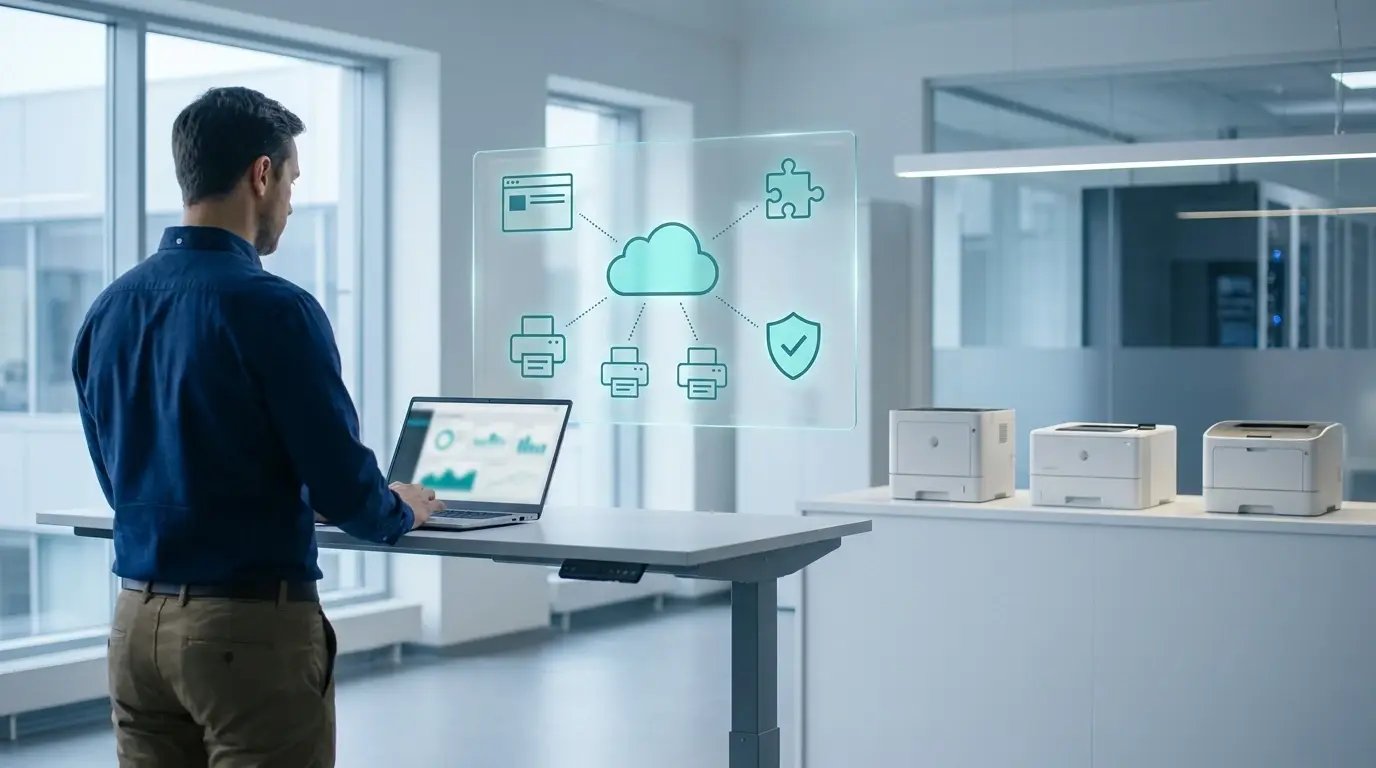
Why the ezeep Chrome Extension Simplifies Printing
Centralized Deployment
The extension can be deployed and managed through existing browser administration platforms, reducing operational overhead.
Reduced Infrastructure
Organizations can reduce their reliance on traditional print servers and complex print management systems.
Secure Cloud Printing
Print jobs are securely managed through the cloud, helping organizations support modern security and compliance requirements.
Consistent User Experience
Users receive the same printing experience regardless of device, location, or workspace configuration.
Simplified IT Management
Administrators can manage printers, permissions, and user access through a centralized cloud platform.
The Value for IT Teams
The ezeep Chrome Extension helps IT teams:
- Reduce printer-related support tickets
- Minimize infrastructure requirements
- Accelerate deployment of printing services
- Simplify onboarding for new users and devices
- Support distributed and hybrid workforces

The Value for End Users
End users benefit from:
- Easy access to printers
- Reliable cloud-based printing
- Reduced setup requirements
- Consistent experiences across locations
- Seamless integration into their browser-based workflow
A Simpler Future for Enterprise Printing
As organizations continue to embrace Chromium-based enterprise browsers, printing should no longer be treated as a legacy exception.
The ezeep Chrome Extension enables organizations to add secure cloud printing to their browser environment quickly and efficiently, helping IT teams reduce complexity while providing users with a modern printing experience.
For enterprises building browser-first workspaces, secure cloud printing can be just as simple, scalable, and centrally managed as the rest of the modern digital workplace.

Chromium-Based Enterprise Browser

ezeep is Chrome Enterprise Recommended for printing
How to Print from Chromebooks: Cloud Printing Explained