By Henning Volkmer on June 1, 2026
TL;DR
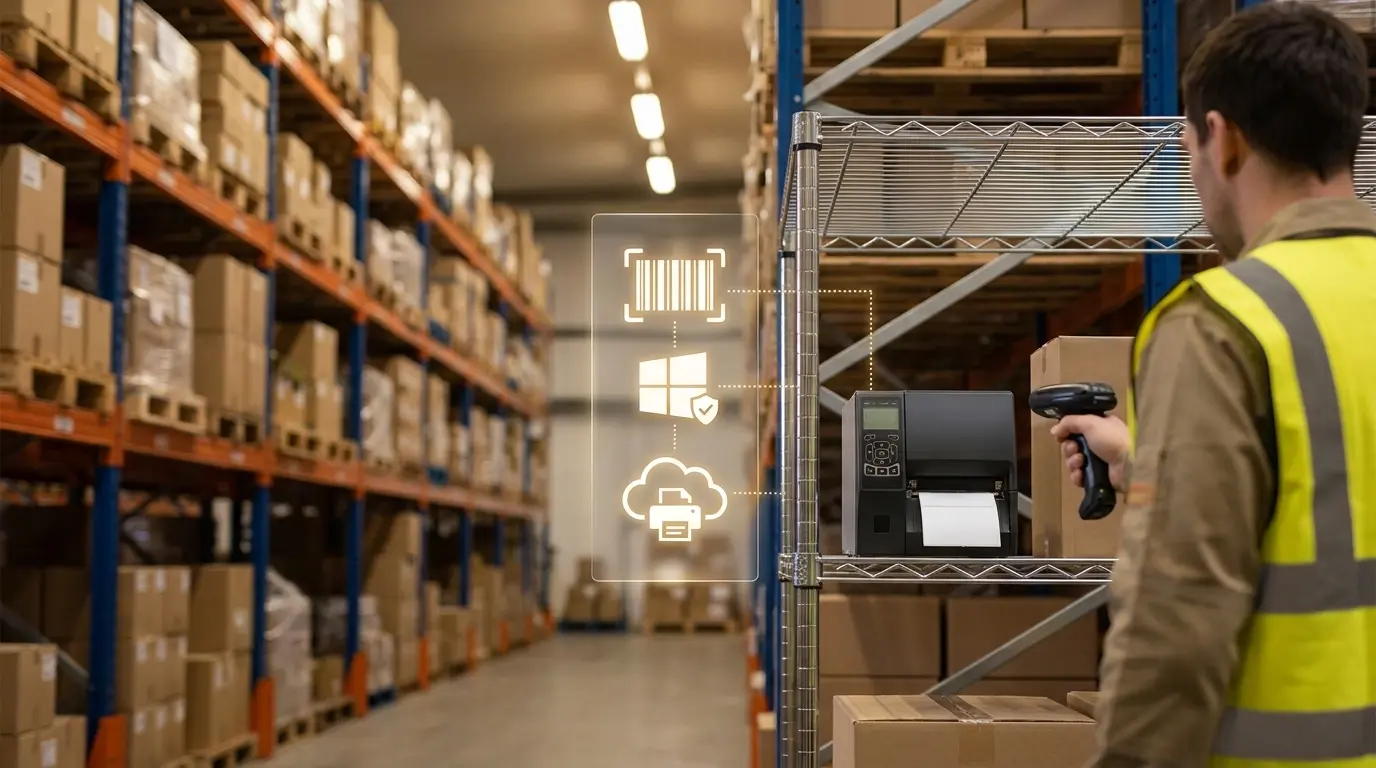
Most thermal label printers (Zebra, Honeywell, SATO, TSC, Dymo) aren't Mopria-certified, so they stop working when Windows Protected Print Mode (WPP) is enforced. ZPL and EPL aren't part of the IPP spec the IPP class driver speaks. Some newer label models support IPP directly. For older fleets, three paths: keep WPP disabled on label workstations via GPO, refresh to IPP-capable hardware, or use a cloud-rendered and API-passthrough stack like ezeep.
Why do label printers fall outside Mopria?
Mopria certification relies on IPP-defined document formats (PWG Raster, PDF, PCLm — see the pillar guide for details). Label printers (Zebra, Honeywell, SATO, TSC, Brother label models, Dymo industrial) don't speak any of them. They speak ZPL (Zebra Programming Language), EPL (Eltron Programming Language), DPL, ZPLII, and vendor-specific dialects.
These aren't document formats. They're printer command languages. A ZPL stream is a sequence of instructions: start a label, set a barcode encoding, move to coordinate X/Y, drop a 14-point font string, advance to the next label. That's not a thing IPP was designed to carry, and it's not a thing the Microsoft IPP class driver produces.
Label printers fall in the specialty printer category that Mopria certification doesn't cover. Some label printers can accept PDF directly (a few newer Zebra ZD-series models, certain Brother and Honeywell devices), which gives them a path forward as PDF becomes more standard. But the installed base of ZPL-driven thermal label printers in active retail, warehouse, and clinical environments is not on the Mopria certified products list and won't be moving onto it.
What breaks first when WPP is enforced?
For a retail, logistics, warehousing, or healthcare environment with thermal label printers in production use, several specific things stop working when WPP turns on:
Windows-side driver dependencies
WPP disables the third-party driver path that label printer fleets typically use, so direct IP printing from Windows clients fails: the ZPL stream from the WMS to the Zebra at the pick station no longer reaches the device. Driver-mediated printing from line-of-business apps (WMS, ERP, EHR, lab systems, POS, shipping software) fails for the same reason — those apps hand the OS a print job expecting the driver to format it correctly, and the driver path is gone.
Cross-platform label printing through Windows print servers
Mac and Linux clients that route label jobs through a Windows print server inherit whatever the server can deliver. If the Windows server's path to the device depends on a third-party driver, that path goes away too.
Silent failure is the default mode. Label print jobs queue, the queue clears, no label comes out, the operations team finds out at the next inventory count.
What this looks like in production environments
Warehousing and logistics
Pick-and-pack operations live and die on label print throughput. A single Zebra at a high-volume pick station prints thousands of labels per shift. Stop those labels and the operation backs up within minutes. Most warehouse Zebra fleets are on ZPL, talking to a WMS that sends raw ZPL streams or driver-mediated jobs through Windows clients on the floor.
Retail
Receipt printers, shelf-edge label printers, and price-tag printers. Same architecture as warehousing. POS systems print receipts through a Windows printer object, often with a manufacturer driver doing the format conversion. WPP enforcement uninstalls the device.
Healthcare
Specimen labels, patient wristbands, pharmacy bottle labels. The lab system or EHR sends label jobs through Windows. The compliance and patient-safety implications of silent label-print failures are not theoretical.
Manufacturing and lab environments
Bar-coded part labels, calibration labels, sample labels. Often driven by ERP or LIMS systems running on Windows.
In every one of these, the operational cost of a label print outage is meaningfully higher than the cost of office MFP printing being slow. The case for solving this before WPP gets enforced (not after) is straightforward.
What it means if you're on ezeep
ezeep handles label printers through two complementary paths.
-
Cloud rendering for office-document-style label workflows. On Windows clients, the ezeep Print App for Windows captures the print job and sends it to the cloud, running on WPP-enabled machines today. The cloud renders the document and forwards print-ready data to the printer. The driver pool covers over 6,000 printer models, label printers included. The label printer doesn't need to be Mopria-certified; it only needs to receive the data ezeep forwards.
-
Native ZPL pass-through through the ezeep API. For environments where the WMS, ERP, EHR, or lab system is generating raw ZPL streams, ezeep accepts them through the API and routes them to the target label printer. No driver layer, no format conversion, no WPP dependency. The print stream goes from source application straight to device, with ezeep handling routing, authentication, and audit trail. Zebra ships a standardized programming language across most of its installed base, and most third-party WMS and ERP integrations target ZPL directly - ezeep's pass-through preserves that integration pattern, so labels print the same way they always have, except the print path bypasses the broken Windows driver layer.
ezeep has validated integrations with Zebra devices through Zebra's Enterprise Testing Program. The combination of cloud rendering, native ZPL pass-through, and Zebra-validated integrations puts ezeep in a position to keep label fleets running through WPP without a hardware refresh. Mark II Enterprises uses ezeep to print sales orders in the warehouse without routing label traffic through VPNs. Online retailer Ecom Marketing automates label printing across three warehouses through the ezeep API.
What should you do before WPP gets enforced
Three concrete moves. First, inventory every thermal label printer in the environment by location, manufacturer, language (ZPL, EPL, ZPLII, DPL), and the application that drives it (WMS, ERP, EHR, lab system, POS). Note which devices are recent enough to potentially support IPP directly. Those may have a path forward without architectural change. Second, run the WPP preview on one workstation that prints labels: enable WPP, look at which devices Windows flags for removal, cancel out before confirming. Third, decide between the three enabling paths:
- Keep WPP disabled on label-printing workstations via GPO scope. Interim, not permanent. Workstations stay on the legacy print stack and don't get the WPP security benefit.
- Refresh older devices to IPP-capable label printers for fleets that are due for refresh anyway. Recent label printer models from major vendors support IPP natively, though full ZPL fleet replacement on operational timelines is rarely practical.
- Move label printing through a cloud-rendered and API-passthrough stack. Removes the WPP dependency from the path entirely.
A note on print servers. A common consideration is to stand up an intermediary print server with the legacy ZPL/EPL drivers loaded and route label-printing workstations through it. WPP blocks this. WPP-enabled clients are restricted to the IPP class driver locally and cannot install or load third-party drivers from any source, including via Point and Print from a print server. The print server's driver pool does not reach the WPP-enabled client.
Does Follow-Me / Pull Printing Still Work with WPP?
How To Check If a Printer is Mopria-Certified (for WPP)