By Henning Volkmer on June 15, 2026

TL;DR
Yes. Mac and Linux clients can continue to print through a Microsoft Print Server under both Windows Ready Print (WRP) and Windows Protected Print Mode (WPP), as long as the print server exposes queues over IPP or IPPS. macOS and Linux both use CUPS for printing, and CUPS speaks IPP natively. Basic printing works without driver-side changes. Advanced finishing capabilities are limited to standard IPP attributes. Vendor-specific finishing controls that previously required a manufacturer driver on the client are not available through this path.
How Mac and Linux print to Windows Print Servers today
Non-Windows clients connecting to a Microsoft Print Server have always had two paths: SMB-based (mount the print queue as an SMB share, submit through SMB, server handles forwarding - historically dominant in mixed-shop environments for its AD authentication and familiar network-printer UX), and IPP-based (connect directly to the queue over IPP, exposed in macOS Printers & Scanners as "IPP" and treated by Linux CUPS like any other queue). Both have been available for years. The question for WRP and WPP is what changes about each.
What WRP and WPP change, and what they don't
A quick distinction matters here. Windows Ready Print (WRP) is Microsoft's name for the modern print platform: IPP-based and driverless by default, with legacy third-party drivers still available as a fallback. Windows Protected Print Mode (WPP) is the strict enforcement layer built on top of it: when WPP is enabled, the fallback disappears, legacy drivers are blocked entirely, and only Mopria-certified printers work. Microsoft introduced the WRP name in May 2026. The underlying platform is the same; what differs is whether the legacy fallback exists.
For Mac and Linux clients, the distinction between WRP and WPP matters less than it does for Windows clients, because the enforcement happens on the Windows client side, not the server side.
WPP and WRP are enforced on Windows clients, not on Windows Servers. The Windows Print Server itself doesn't implement WPP or WRP in the sense that controls Mac and Linux clients; what it implements is whatever it always has (IPP queues, SMB shares, GPO-driven configuration, the spooler service). Windows Server 2025 includes WPP as a feature, but the meaningful enforcement happens on the Windows client side of the connection.
For a Mac or Linux client, none of this enforcement applies. macOS and Linux don't have a Windows print spooler with the third-party driver model that WPP closes. They have CUPS, which is structured around IPP from the start. So the client side is unaffected by either WRP defaults or WPP enforcement.
What changes is what the Windows Print Server can offer through its queues. Specifically:
- IPP queues remain functional. A Windows Print Server hosting IPP queues continues to expose them over IPP/IPPS. Mac and Linux clients connect, send IPP-formatted print jobs, and the server forwards them to printers. This path keeps working under both WRP and WPP.
- SMB-based printing to Windows Server 2025 has a known issue. SMB print queue access for macOS clients has a documented compatibility problem with Windows Server 2025 specifically - jobs enter the queue and fail silently, independent of WPP or WRP enforcement. This isn't a WPP/WRP issue; it's a separate Server 2025 behavior that Microsoft has acknowledged but not yet resolved. Linux clients using CUPS-based SMB connections may be affected differently. If your environment routes Mac clients through SMB to a Windows Server 2025 print server, IPP is the recommended path, and it works cleanly.
-
Driver download to clients via SMB doesn't apply to non-Windows clients anyway. This is the WPP-affected path for Windows clients, but it's a Windows-specific mechanism. Mac and Linux clients don't pull Windows drivers from the print server even in a pre-WPP/WRP environment. They use CUPS-resolvable paths or PostScript/PCL drivers that they install locally.

What's available and what's limited with WRP and WPP
Basic printing and authentication: unaffected.
Page output, color/B&W, duplex, N-up, and other IPP-standard attributes work the same as before. Active Directory-based printer permissions continue to apply to Mac and Linux clients, as long as the connection method supports the chosen authentication mechanism (Kerberos for AD-authenticated SMB connections, IPP-AUTH or Negotiate for IPP-based connections).
Finishing: standard IPP available, vendor-specific limited.
IPP defines a standard vocabulary for finishing options: eight standard staple positions, two stitch types (edge-stitch and saddle-stitch), positional hole punching declared through integer-offset attributes, twelve standard fold types in IPP Finishings 3.0, and output bin selection. If the printer firmware exposes these and the print server forwards the IPP attributes correctly, Mac and Linux clients can request them the same way the IPP class driver does on Windows. What's limited: vendor-specific finishing controls that depend on the Windows PSA model. Mac and Linux clients don't have a PSA equivalent. They see whatever IPP-standard attributes describe, plus whatever the vendor's own Mac driver (if installed locally) exposes.
Advanced rendering for non-Mopria printers: not a Windows Print Server role.
A common assumption is that the print server's legacy driver pool can render jobs from non-Windows clients and forward to non-Mopria printers. The Windows print queue/driver model doesn't support that transcoding pattern: each queue pairs with one driver and expects jobs in that driver's format. For non-Mopria devices in mixed Mac/Linux/Windows environments, the working paths are direct IPP connections from each client to an IPP-capable printer, hardware refresh where possible, or a cloud-rendered architecture that handles transcoding outside the Windows print path.
What to do if your environment depends on this path
Audit which clients connect through which path. Mac and Linux clients connecting through SMB versus IPP get a different experience against Windows Server 2025 - not just around finishing controls, but around whether jobs complete at all. Knowing the breakdown is the first step.
Move Mac clients to IPP before touching WRP or WPP settings. The SMB issue with Windows Server 2025 is independent of WPP/WRP, but it's likely to surface during a WPP migration project. Getting Mac clients onto IPP queues first removes that variable.
Test cross-platform printing on the WRP-enabled Windows server image before broad rollout. Specifically test: print job submission, queue access, finishing options exposed in the macOS or Linux print dialog, and any vendor-specific options that workflows depend on. The IPP print path should work without changes; the finishing detail and SMB behavior are where surprises live.
Document the IPP-attribute fallback path for advanced finishing. Where Mac or Linux clients lose access to vendor-specific finishing through the WRP transition, IPP-standard attributes typically cover the equivalent operations. Mapping the vendor-specific options to IPP-standard equivalents is the migration documentation worth producing once.
How does ezeep work in a Windows Ready Print environment?
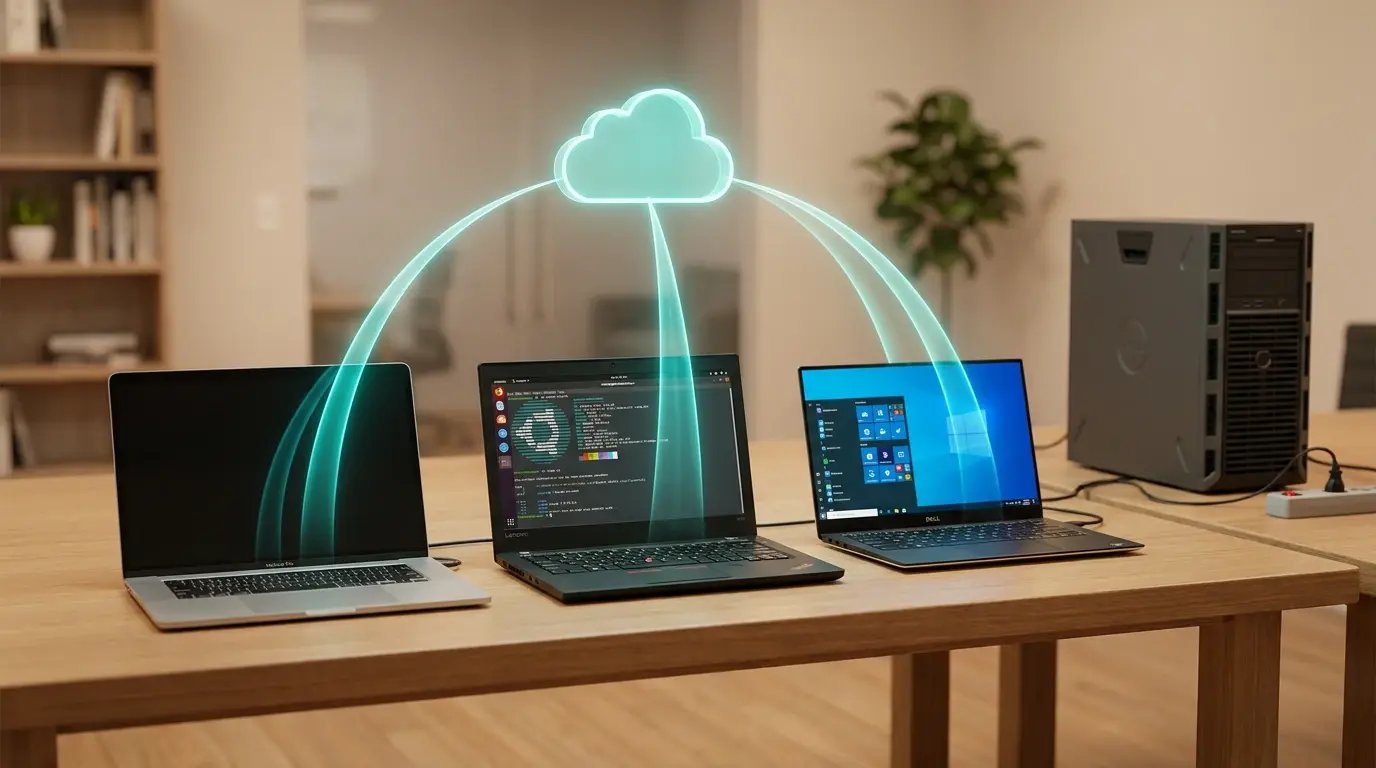
ezeep removes the Windows Print Server from the path entirely, which means the questions in this post don't apply to ezeep environments. The SMB-to-Server-2025 issue, WPP enforcement on Windows clients, finishing attribute availability through a server-forwarded queue - none of these are variables when the print server isn't there.
Mac, Linux, and Windows clients connect to ezeep through their own platform-native paths. The cloud-rendered path delivers the same experience to every supported OS: print job submission, queue access, finishing controls available through IPP-standard attributes, and authentication through identity provider integration with Microsoft Entra ID or Google Workspace.
On Windows, the ezeep Print App handles the client side and runs on WPP-enabled machines today. Mac and Linux clients connect through their own platform-native paths. Cross-platform printing works, WPP on Windows clients doesn't affect Mac or Linux, and the Server 2025 SMB issue is someone else's problem.
Talk to an Expert about your cross-platform print environment
Send us your environment topology: Windows Server version, queues, clients by OS, finishing-dependent workflows. We'll map what changes for each client class under WRP and WPP and where the cross-platform gaps are. Want to get started on your own? We have a WPP-readiness checklist you are going to want to check out.
The Latest ezeep Print App for Windows: Cloud Printing With Windows Protected Print (WPP) Mode Enabled

Windows Protected Print vs. Windows Ready Print: What Changed