By Henning Volkmer on June 3, 2026

TL;DR
In strict WPP mode, Microsoft explicitly restricts the print path to Mopria-certified devices. A printer that speaks basic IPP but isn't on the Mopria certified list is still blocked from installation when WPP is enforced. WPP remains optional until July 1, 2027, and can be disabled via GPO on workstations or OUs that need to keep incompatible devices in service. With ezeep, the Mopria requirement at the printer level doesn't apply. Cloud rendering handles document processing, so non-certified devices keep printing whether or not the manufacturer adapts.
What WPP changes about the manufacturer relationship
Windows Protected Print Mode (WPP) is Microsoft's response to a print spooler security problem that generated approximately 11% of all vulnerabilities reported to MSRC over the past three years. Once WPP is enabled, the print spooler stops loading third-party drivers, and only printers reachable through the IPP class driver (Mopria-certified printers) are usable. WPP is opt-in today and on by default on July 1, 2027; v3 and v4 driver servicing ends in 2027.
The practical shift is that responsibility for ongoing Windows printing moves from your IT team to your printer manufacturers. They have to certify their devices with Mopria. They have to ship Printer Support Apps (PSAs) to expose anything beyond the basics (duplex, N-up, color/black-and-white. And they have to keep doing that across their installed base, not just on the models they want to sell today.
Not every manufacturer is moving at the same pace.
What happens to printers from non-compliant manufacturers
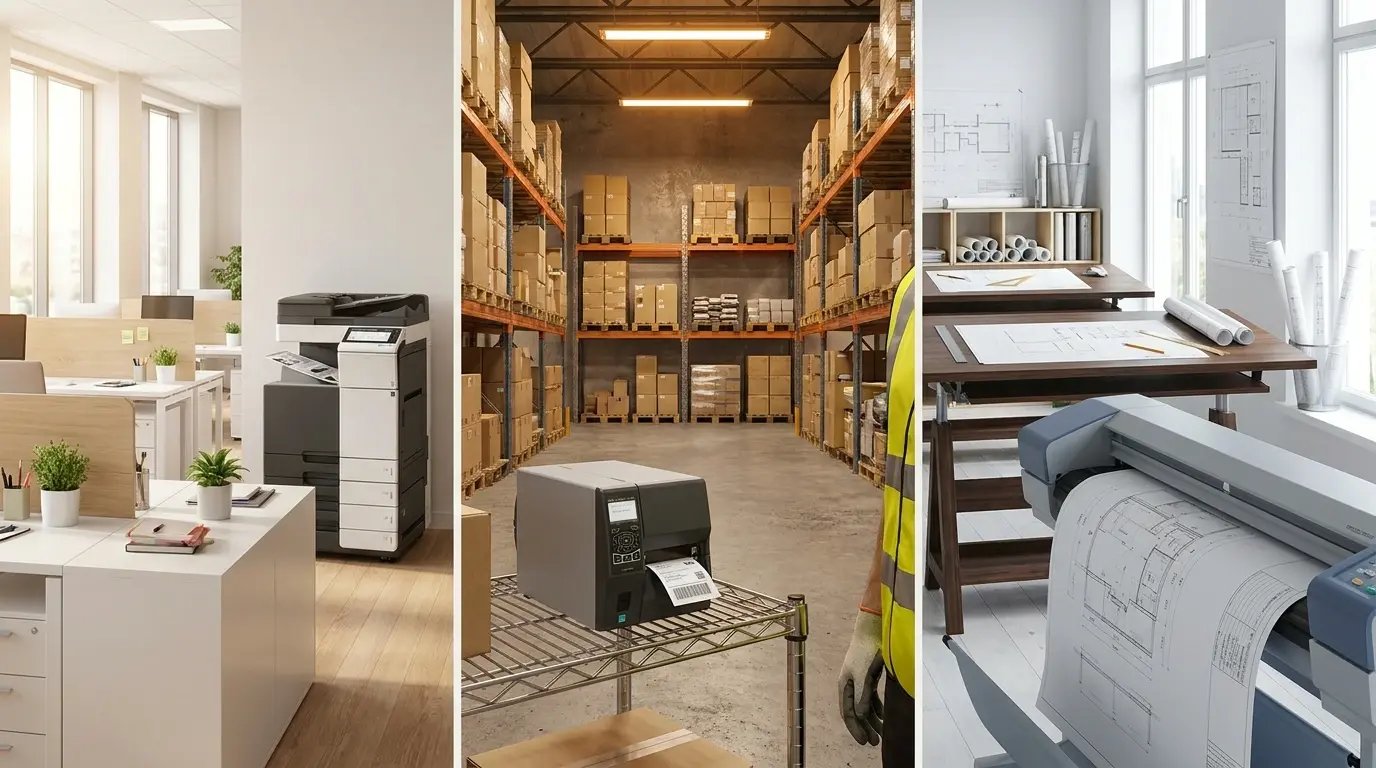
Three categories matter when WPP is enforced:
Mopria-certified, with a manufacturer PSA shipped. Best case. Basic features come through the IPP class driver; extended finishing capabilities come through the manufacturer's PSA, which Windows pulls automatically from the Microsoft Store based on the printer's hardware ID. HP, Xerox, and a handful of others are among the manufacturers who have shipped PSAs.
Mopria-certified, no PSA yet. Workable, with vendor-specific extensions unavailable. The printer prints with the full IPP class driver feature set, including standard IPP finishing operations where the printer firmware declares the capabilities. What's missing without a PSA: vendor-specific extensions like multi-step finishing sequences with conditional logic, vendor-proprietary fold types, and custom staple patterns. PSA availability has been growing steadily and is expected to continue through 2027.
Not Mopria-certified. This is where it breaks. When WPP is enabled, Windows uninstalls non-Mopria printers from the client and blocks reinstallation. If the manufacturer never pursues certification - and many specialty printer makes, label printer makers, and older enterprise model lines won't - the device is gone from that Windows fleet for as long as WPP is active.
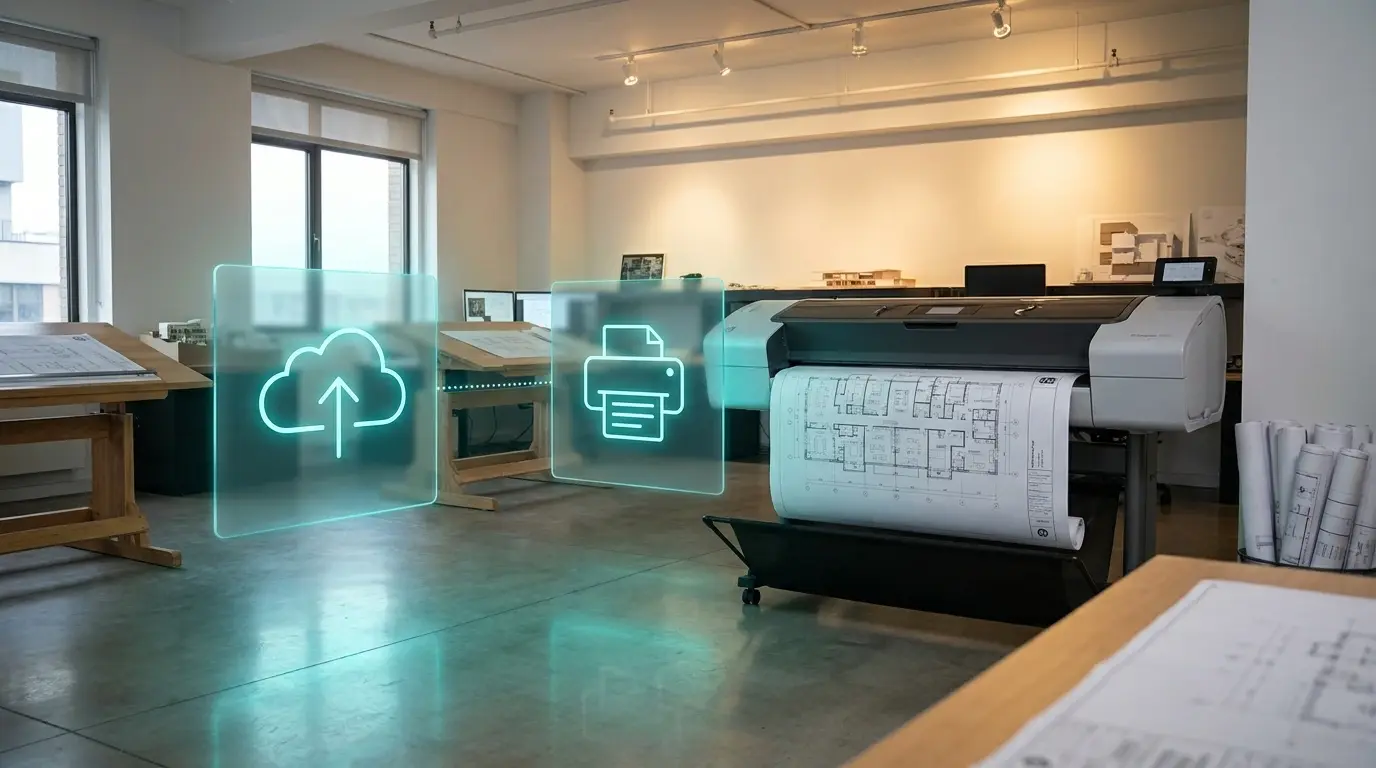
Mopria has certified more than 10,000 printer and scanner models, with over 120 million Mopria-certified devices in active use. That sounds like complete coverage. It isn't. The certified list is heavily skewed toward consumer and SMB office MFPs from the largest brands. Industrial label printers, ZPL-only Zebra fleets, large-format plotters from AEC environments, older enterprise multifunction devices that predate Mopria participation, and the long tail of specialty hardware are mostly outside it. Check the Mopria-certified product list against your own inventory before drawing conclusions.
The interim path: WPP disabled via GPO

WPP is opt-in through Windows 11 24H2 and remains optional until July 1, 2027. For environments with non-Mopria-certified devices that operations cannot live without, GPO scoping is a valid interim. Common patterns:
- Workstation OU exclusion. Scope the WPP-enable GPO to specific OUs and exclude OUs containing workstations that depend on non-Mopria devices (warehouse floor, AEC studio, lab, prepress).
- Per-workstation registry exclusion. For environments with finer-grained needs than OU-level scoping.
- Locked-down WPP policy. In environments where WPP is enabled fleet-wide, locking the policy via GPO prevents local admins from disabling it on individual workstations.
The trade-off is consistent in both directions: workstations with WPP disabled stay on the legacy print stack and don't get the security benefit. with a mandatory switch coming in 2027, GPO exclusions buy planning time. They aren't a permanent answer.
The fleet refresh question
The real question for IT is what proportion of the fleet is affected, what replacement costs look like, and whether a forced refresh aligns with the existing depreciation cycle. For a 200-printer fleet on legacy hardware, project-level costs typically run into six figures once you include hardware, procurement, deployment, and retraining, with a realistic timeline of six to nine months from audit to completion.
For environments running specialty hardware with no certified replacement - warehouse label printers, lab-attached devices, large-formant plotters - the answer often isn't refresh. It's finding a different print path.
A practical first step before any spreadsheet work: enable WPP on a test client, observe which printers Windows flags for removal, then cancel before confirming. No commitment, no decisions made under pressure. Just an accurate picture of which devices Windows considers compatible in your environment.
What it means if you're on ezeep
ezeep eliminates the Mopria dependency at the printer level. On Windows, the ezeep Print App for Windows captures the print job and sends it to the cloud. Documents are rendered in the cloud using a driver pool covering over 6,000 printer models, then forwarded as print-ready data to the device. The printer only needs to receive the data. Mopria certification isn't required, and neither is a PSA from the manufacturer.
That means WPP can be enabled on every client in your environment, and printers your manufacturer has abandoned still work. The ezeep Hub and ezeep Print App for Services all run on the same cloud rendering engine, so the same logic applies whether the device in question is a campus MFP, a warehouse label printer, or an ERP-attached receipt printer. Secure pull printing keeps working with WPP active on the client, which is a position most other WPP-compatible solutions can't claim today.
For environments with a mixed fleet, this also means WPP adoption doesn't require resolving every device before you start. You can move at the pace that makes sense for your organization.
What to do before WPP gets enforced in your environment
Three steps, in order of urgency:
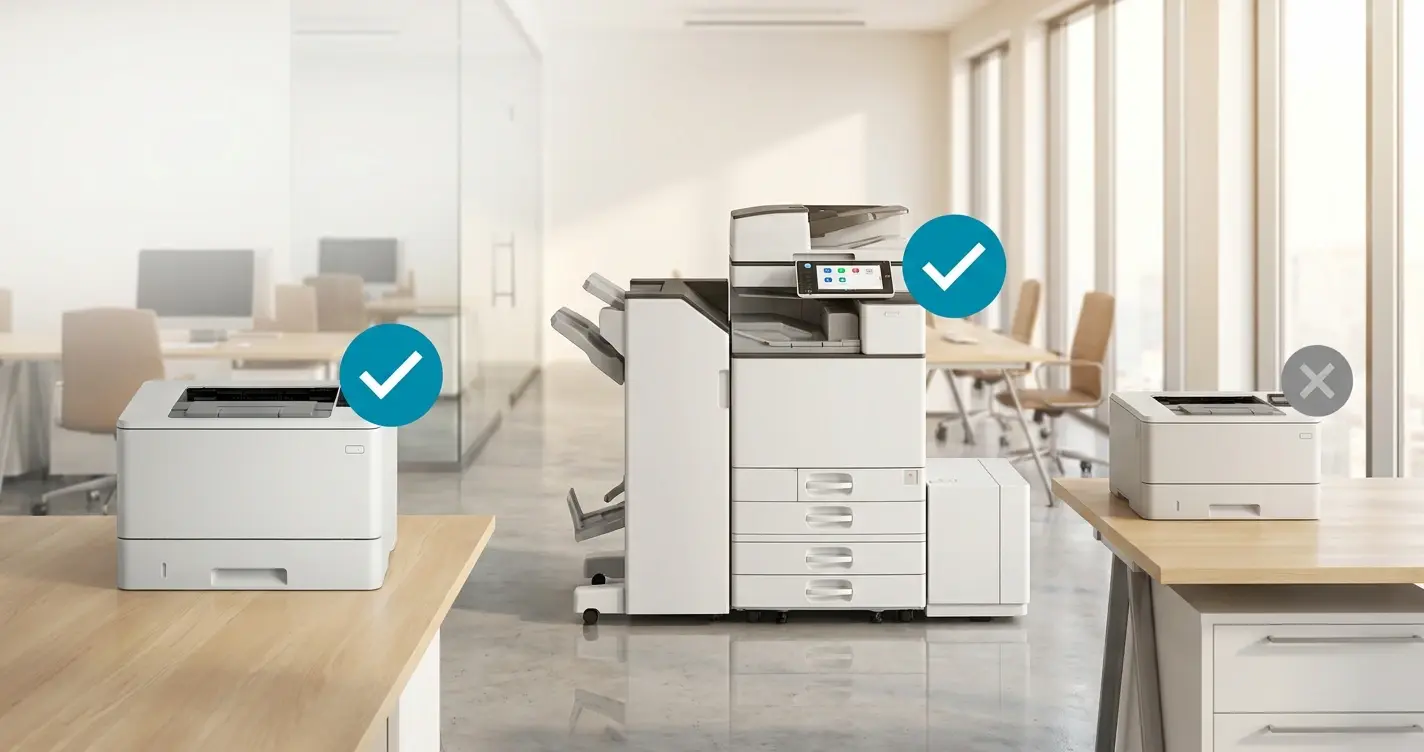
- Audit your fleet against the Mopria-certified product list.
- Run the WPP preview on a test client to see what Windows actually flags in your environment.
- Group affected devices by function. Finishing-heavy office MFPs are a different problem than warehouse label printers, and the right answer for each is different.
Will Plotters and Large-Format Devices Still Work Under WPP Mode?
How To Check If a Printer is Mopria-Certified (for WPP)