By Henning Volkmer on June 23, 2026
TL;DR
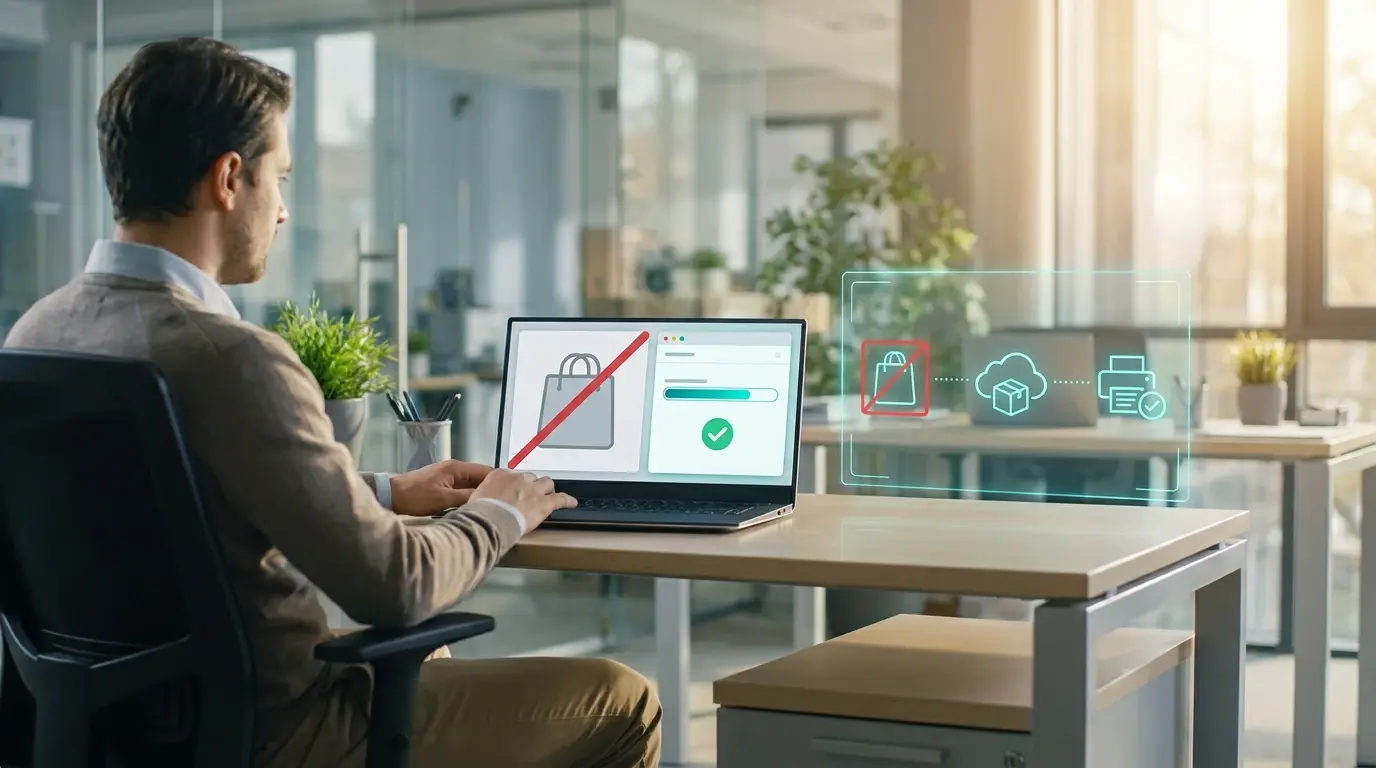
Print Support Apps (PSAs) don't require the Microsoft Store. In enterprise environments where the Store is disabled by policy, PSAs can be deployed through MSIX/APPX sideloading or through Microsoft Intune as line-of-business apps. The Store-based path is the default for consumer environments; MSIX-via-Intune is the enterprise-grade path. Both result in the same PSA running in user context on the client. The technical mechanism is well-established, and the gap is manufacturer-specific: not every vendor packages their PSA for enterprise distribution yet. Confirm with each manufacturer whether their PSA is available in a sideloadable format before you build a deployment plan.
How PSAs Fit Into Windows Ready Print and Windows Protected Print
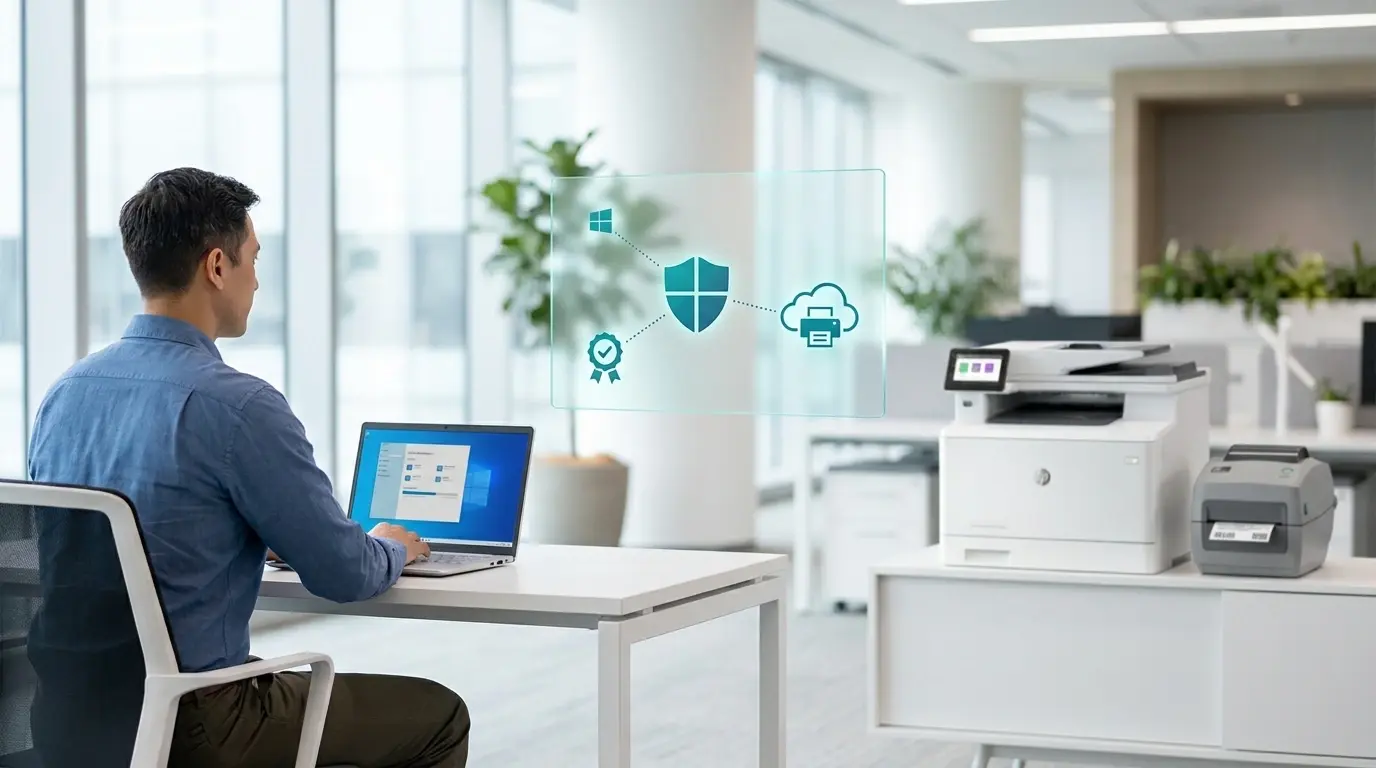
Windows Ready Print (WRP) is Microsoft's modern IPP-based print platform. It makes IPP the default protocol for newly installed printers, with the January 2026 driver supply cutoff already in effect for Windows Update. Windows Protected Print (WPP) is the strict enforcement mode that sits on top of WRP; it removes all fallback to legacy drivers and requires Mopria-certified printers exclusively.
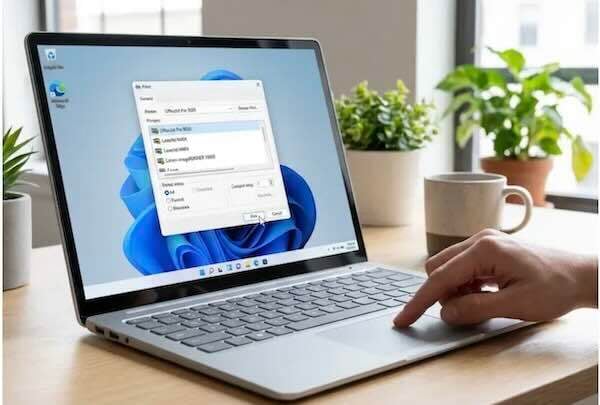
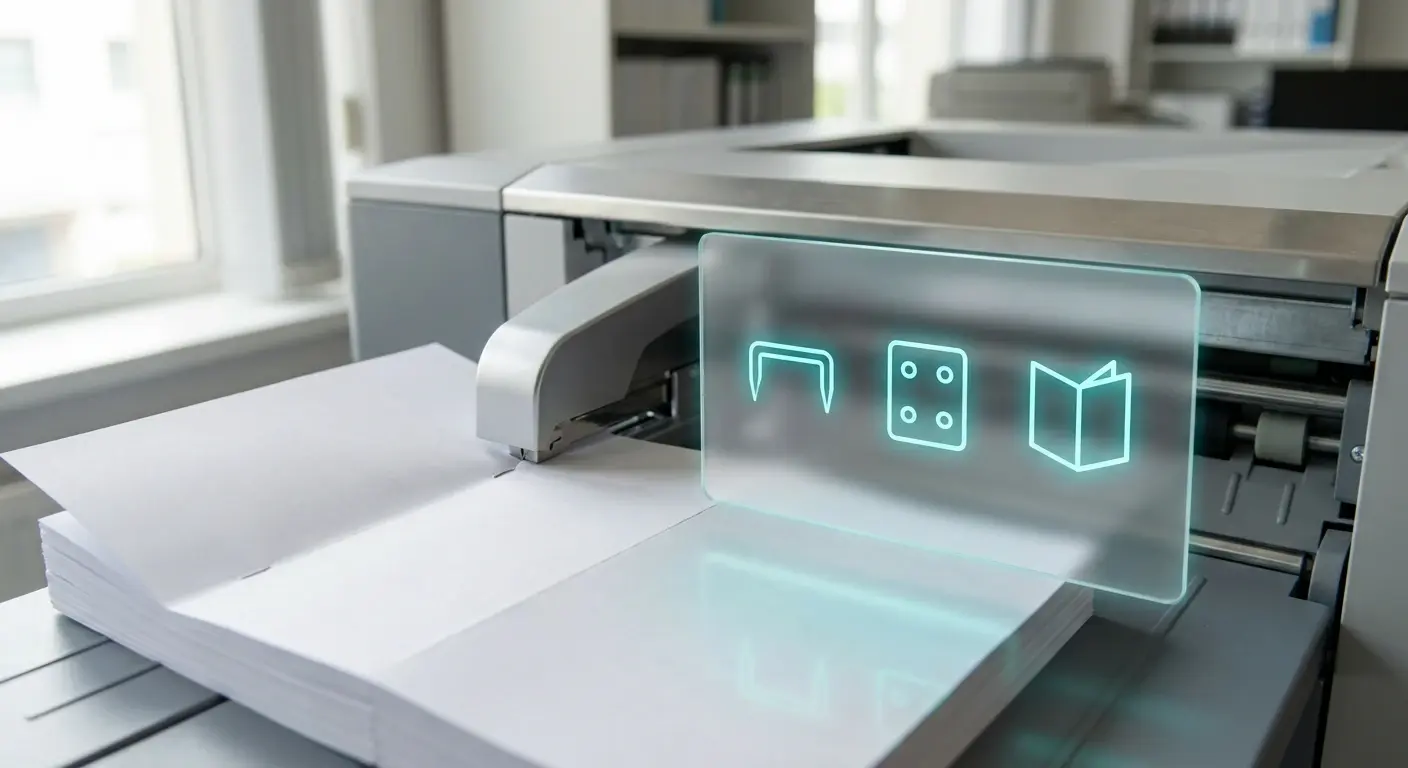
PSAs operate within both WRP and WPP. The IPP class driver handles basic print features - duplex, N-up, color/B&W - and the standard IPP finishing vocabulary: the eight staple positions defined in IPP Finishings 3.0, edge-stitch and saddle-stitch, hole punching declared through integer-offset attributes, the twelve standard fold types, and output bin selection, when the printer's firmware declares those capabilities. What requires a Print Support App is vendor-specific functionality beyond that standard vocabulary: proprietary staple positions, custom punch patterns beyond the integer-offset model, multi-step finishing sequences with vendor-specific logic, and vendor-proprietary fold variants. The PSA runs in user context, outside the print spooler, and surfaces those manufacturer-specific options in the print dialog.
The default distribution path for PSAs is the Microsoft Store. When a Windows client connects to a printer using the IPP class driver, Windows checks the Store for a matching PSA based on the printer's hardware ID. If one exists, the Store installs it automatically. The PSA's extended capabilities surface in the print dialog the next time a user prints to that device.
That works for clients with Store access. For enterprise environments where the Store is disabled by policy, the default path doesn't fire. The PSA never installs. Vendor-specific finishing features that depend on the PSA stay unavailable.
What Are the Enterprise Deployment Paths for PSAs?
MSIX/APPX sideloading. PSAs are packaged as MSIX apps (UWP), not traditional Win32 MSI installers. Microsoft's own documentation confirms that on Windows Server, which doesn't support the Store, administrators must provide and install PSAs via sideloading (MSIX/APPX) or through enterprise app management tools. The same applies to Store-disabled Windows 11 clients. MSIX packages can be deployed through SCCM, Microsoft Configuration Manager, Group Policy software installation, or any tooling in the environment that handles MSIX deployment to managed clients. The PSA installs the same way any other line-of-business application would.
Intune line-of-business app distribution. For environments managing devices through Intune, PSAs packaged as LOB apps can be deployed to specified device groups as MSIX/APPXBUNDLE files. This path operates independently of the consumer Microsoft Store policy and works for managed devices regardless of Store status. Microsoft also documents a registry key method that enterprise customers can use to override PSA association from an extension INF, distributed via Endpoint Manager, which is useful when deploying a custom or business-logic PSA rather than the manufacturer's standard app.
New Microsoft Store in Intune via Windows Package Manager. A second Intune path: if the manufacturer publishes their PSA to the public Microsoft Store, Intune can deploy it through the new Microsoft Store integration (Windows Package Manager/WinGet), independent of the consumer Store policy that's disabled at the device level. The LOB path above is specifically needed when the manufacturer doesn't provide a Store-published PSA and instead packages MSIX directly for enterprise distribution.
Organization-specific PSAs through the manufacturer. Organizations with direct manufacturer relationships can request custom PSAs and distribute them internally. Customization of the PSA itself - branded UI, organization-specific defaults, print quota enforcement, cost accounting, policy enforcement (no color, duplex-only) -differentiates this from the standard distribution path. Microsoft explicitly recommends Endpoint Manager for distributing both the custom PSA and the registry key that associates it with the right printer queues.
The practical conclusion: the "Store-disabled environments are stuck" framing doesn't hold. The enterprise distribution paths exist. The real variable is manufacturer packaging, and whether each vendor has produced an MSIX/APPX that can go through these channels for their specific PSA.
A Note on HP and Xerox PSA Packaging
Two manufacturers come up most often in enterprise PSA planning.
HP's Print Support App is named the HP Universal Print Application. HP released it in 2024 for consumer-based products and has committed to extending it across HP's fleet of Mopria-compliant printers. Whether the HP Universal Print Application is available as an MSIX package for Intune or SCCM deployment should be confirmed directly with HP's enterprise documentation and account team before building a deployment plan.
Xerox's PSA is delivered as part of the Xerox Print and Scan Experience app. Xerox documents several installation paths including Xerox Smart Start and the Microsoft Store. Whether a standalone MSIX or LOB-deployable package is available for Store-disabled enterprise environments should be confirmed with Xerox's enterprise support documentation.
Both names are correct at time of writing; packaging availability for enterprise deployment is worth verifying device-by-device and model-by-model as PSA development continues through 2026 and 2027.
Can You Scope Windows Protected Print to Specific Workstations?
Yes. WPP is configurable through GPO and Intune at the OU level. Scoping it to general office workstations and excluding finishing-heavy workstations - where PSA-dependent vendor features matter - is a valid interim approach. The excluded workstations stay on the legacy stack and don't get the WPP security benefit. That's a trade-off to weigh explicitly, not a workaround to leave undocumented.
A scoped GPO that re-enables the Store on specific OUs is technically possible but conflicts with the security posture that disabled the Store in the first place. With MSIX sideloading and Intune LOB distribution as cleaner alternatives, that path is rarely the right answer.
What Does This Look Like for a Security-Led IT Shop?
For a security-led IT shop with WPP on the rollout plan, the Store disabled, and WRP's July 2026 default-on date for new printer installations approaching, the planning questions are:
- Which printers in the fleet have manufacturer PSAs at all?
- Of those, which are available as MSIX packages or Intune-compatible LOB apps?
- Which workflows actually need vendor-specific finishing features - proprietary staple positions, custom punch patterns, multi-step finishing sequences - beyond the standard IPP vocabulary the IPP class driver already covers?
- For models without an enterprise-grade distribution path, what's the answer: manufacturer escalation, fleet refresh, or an alternative print architecture?
These have manufacturer-specific answers that change as PSA development matures. Major manufacturers are shipping PSAs and moving toward enterprise-deployable packaging, but coverage by device line is uneven. That audit is worth doing device-by-device, not assumed.
What Changes If You're on ezeep?
ezeep changes the dependency structure. Cloud rendering forwards print-ready data to the device, so the print path itself doesn't break in environments without PSA coverage. Basic printing and the standard IPP finishing vocabulary keep working through ezeep's cloud path regardless of whether a PSA is installed. No servers. No drivers. No headaches.
For vendor-specific extended finishing - proprietary staple positions, custom punch patterns, multi-step vendor-specific finishing sequences - the manufacturer's PSA is still the mechanism on the Windows client side. ezeep works alongside it where it's installed. Where ezeep changes the math is that the absence of a PSA doesn't take down the entire print environment for that device class. Workflows that need vendor-specific finishing extensions still depend on PSA availability; the rest of the fleet stays in service.
For environments where the Store is fully disabled and PSA distribution is genuinely blocked, the practical question becomes: which workflows actually need those vendor-specific features? It's usually a small subset, legal, marketing production, executive admin, not the entire fleet. Solving for that subset through scoped manufacturer engagement is more tractable than solving for every device at once.
What to Do Before WPP Enforcement in a Locked-Down Environment
Three concrete moves.
-
Document the Store policy and the application control posture. This is the constraint everything else has to fit. Knowing whether MSIX sideloading is permitted, or whether Intune LOB deployment is available, defines which enterprise paths are actually viable.
-
Audit the fleet by which workflows need vendor-specific finishing features. Separate the fleet into "basic printing and standard IPP finishing" —-where the IPP class driver feature set is enough and "vendor-specific finishing required" - where PSA distribution matters and needs to be solved before WPP enforcement.
-
For the finishing-required subset, escalate the PSA distribution question to manufacturers. Ask specifically for MSIX packaging and Intune LOB compatibility, not just Store availability. For any device class without a manageable answer from the manufacturer, bring in ezeep or another print architecture that doesn't depend on PSA coverage for the core print path.
Talk to an Expert About Locked-Down Enterprise Environments
If your security posture rules out the Microsoft Store and your finishing-heavy workflows depend on manufacturer PSAs, the path forward needs to fit your application control reality. Let's walk through it.
Does Windows Protected Print Support Stapling and Finishing?
Will Printers That Aren't Mopria-Certified Stop Working Under WPP?