ezeep Hub Setup Made Simple with Claim and Connect
By Charles Ian Pritchard on February 18, 2025
![]()
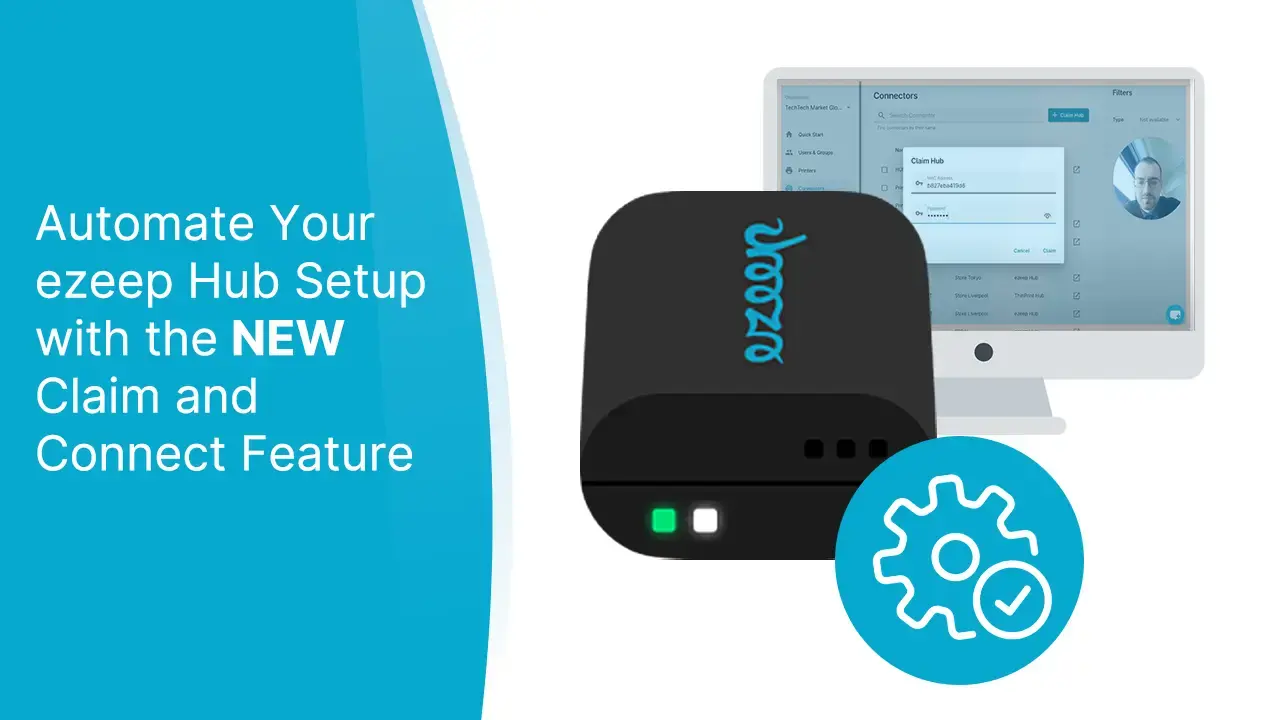
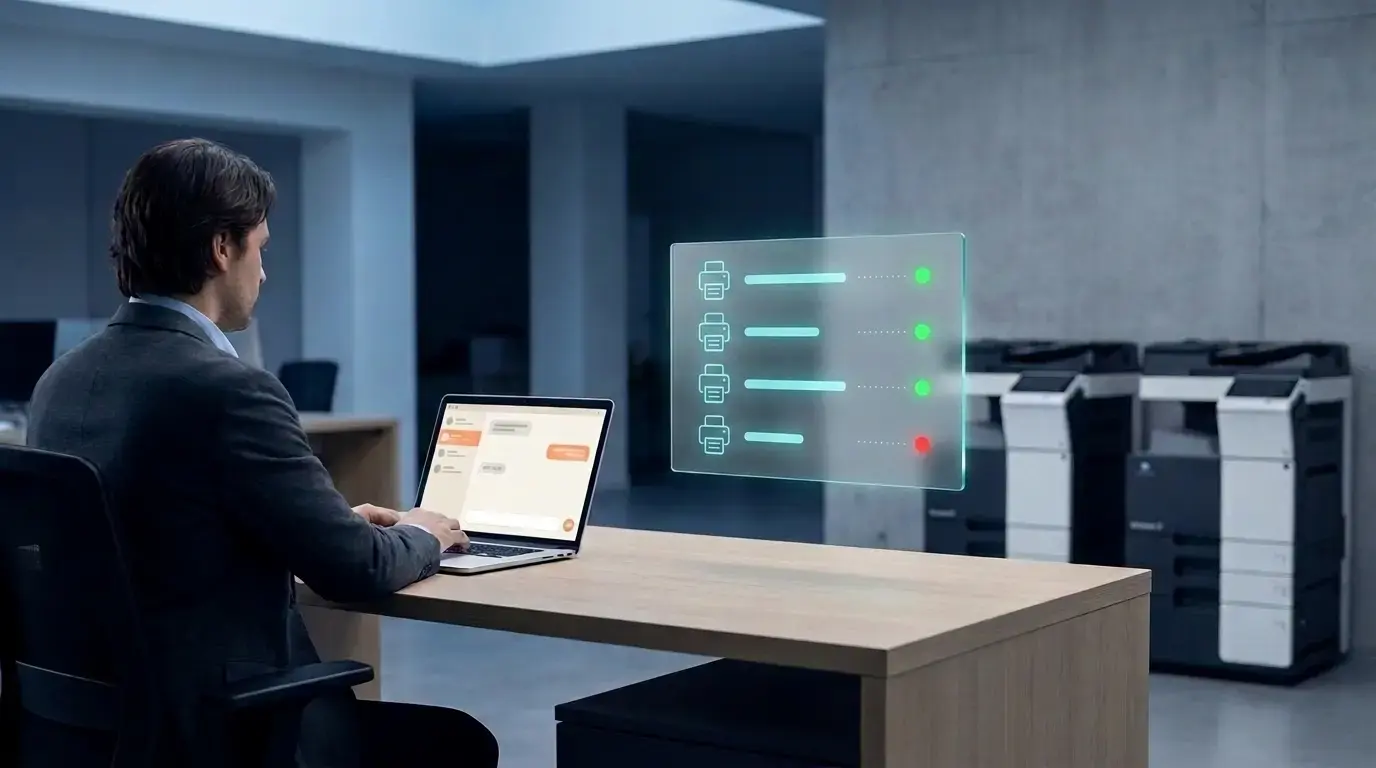
The ezeep Hub now sets itself up. With Claim and Connect, plugging your. Hub into the network is all it takes: claim it from the Admin Portal and it automatically connects your local printers to the ezeep Cloud. There no more manual configuration in the Hub console, and no IT expertise required on-site.
Previously, connecting your Hub required logging into its management console to establish the cloud connection manually. Claim and Connect removes that step entirely.
How Claim and Collect saves time
This update makes a real difference in distributed environments When local IT support isn't available at a remote location, the old setup flow created friction - someone had to know their way around the Hub console before printing could start.
Now, any team member can plug in the Hub and get printers online. That makes deployment faster for new sites and eliminates a common source of setup errors.
For those who need it, the Hub management console is still accessible via the ezeep Admin Portal.
Frequently Asked Questions
What is Claim and Connect for the ezeep Hub?
Claim and Collect is a feature that automates the ezeep Hub setup process. Once you plug the Hub into your network and claim it from the ezeep Admin Portal, it automatically connects your local network printers to the ezeep Cloud - no manual Hub console configuration required.
How do I set up the ezeep Hub with Claim and ConnecT?
Connect the Hub to power and your network, then log into the ezeep Admin Portal and go to Connecters -> Claim Hub. Enter the Hub's MAC address (printed on the bottom label) and the default password, then click Claim. The Hub connects automatically and your network printers appear in your dashboard.
Does Claim and Connect work with the Wi-Fi ezeep Hub?
Yes. the Wi-Fi ezeep Hub supports the same Claim and Connect setup process. At startup, the Hub creates a temporary wireless access point. Connect to it to configure your preferred Wi-Fi network, then proceed with claiming as normal. Once on your network, setup works the same as the wired Hub.
Do I still need to log into the Hub management console?
Not for the initial setup. Claim and Collect handles the cloud connection automatically.If you do need console access, for advanced configuration or troubleshooting, you can reach it through the ezeep Admin Portal.
Can someone without IT experience set up the ezeep Hub?
Yes. The Claim and Connect process is designed to be straightforward enough for any team member to complete. The steps are the same regardless of location, which makes it practical for remote sites where local IT support isn't available.
What are the main benefits of the Claim and Connect setup process?
Claim and Connect reduces setup time, removes the need for on-site IT expertise, and eliminates a common source of configuration errors. It makes adding printers at new or remote locations significantly faster, and keeps the process consistent across every site you manage.
- June 2026 (11)
- May 2026 (3)
- April 2026 (3)
- March 2026 (3)
- February 2026 (2)
- January 2026 (2)
- December 2025 (1)
- November 2025 (4)
- October 2025 (4)
- September 2025 (1)
- August 2025 (4)
- July 2025 (1)
- June 2025 (3)
- May 2025 (3)
- April 2025 (5)
- March 2025 (6)
- February 2025 (5)
- January 2025 (3)
- December 2024 (5)
- November 2024 (5)
- October 2024 (6)
- September 2024 (2)
- August 2024 (2)
- July 2024 (4)
- May 2024 (4)
- March 2024 (1)
- February 2024 (3)
- January 2024 (1)
- December 2023 (1)
- November 2023 (2)
- October 2023 (3)
- September 2023 (2)
- August 2023 (1)
- July 2023 (2)
- June 2023 (2)
- May 2023 (1)
- April 2023 (3)
- March 2023 (5)
- February 2023 (4)
- January 2023 (2)
- December 2022 (3)
- November 2022 (2)
- October 2022 (5)
- September 2022 (4)
- August 2022 (1)
- July 2022 (3)
- June 2022 (4)
- May 2022 (2)
- April 2022 (4)
- March 2022 (4)
- February 2022 (2)
- January 2022 (1)
- October 2021 (1)
- July 2021 (5)
- June 2021 (4)
- May 2021 (3)
- April 2021 (1)
- March 2021 (4)
- February 2021 (1)
- December 2020 (1)
- November 2020 (1)
- October 2020 (1)
- September 2020 (1)
- July 2020 (1)
- June 2020 (1)
- April 2020 (4)
- March 2020 (3)
- February 2020 (3)
- January 2020 (1)
- August 2019 (2)
- May 2019 (1)
- January 2018 (1)
You May Also Like
These Related Stories

Printing Anywhere: Introducing the Wi-Fi ezeep Hub
How to Print from Chromebooks: Cloud Printing Explained