
By Henning Volkmer on May 20, 2026
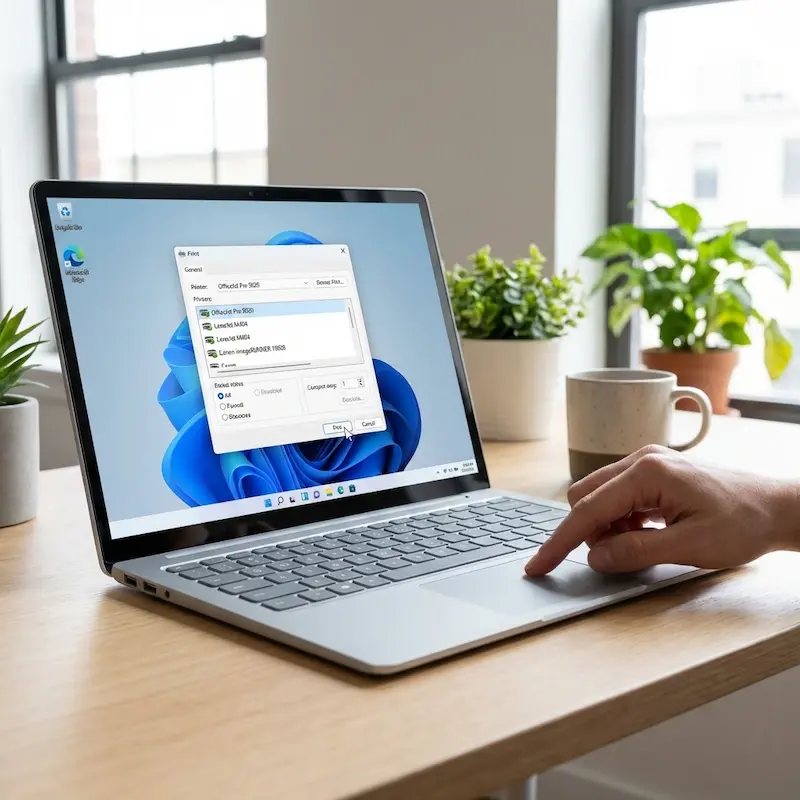
You flip the toggle. Windows Protected Print Mode is on. Within minutes, the support queue starts filling: "I can't print." "The printer disappeared." "Finance needs these invoices out today." Third-party print drivers stop loading, point-and-print is blocked, and most of your existing print queues go silent. If you run ezeep, that same toggle has historically taken ezeep printers down with everything else.
The latest ezeep Print App for Windows is a Windows application that maps ezeep-managed printers on devices with Windows Protected Print Mode enabled. It became available on May 15, 2026, and it restores ezeep printer access in WPP-enabled environments without forcing you to disable the security feature. Cloud printing keeps working, WPP stays on, and your compliance posture stays intact.
What the Latest ezeep Print App for Windows Does
Now flip that same toggle with the app installed. The printers come back. Your users see what they've always seen, and from your end WPP stays fully on.
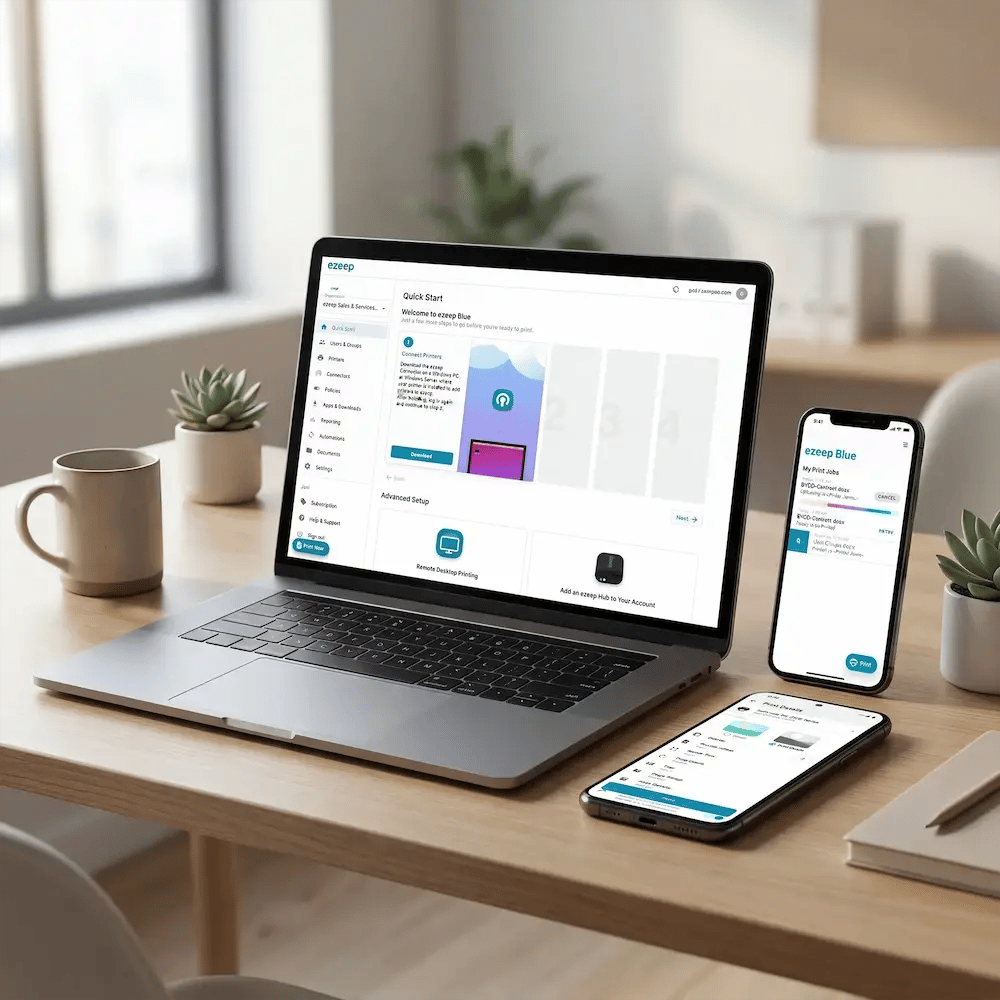
The latest ezeep Print App for Windows runs as a dedicated Windows application in the user context, with a WPP-specific compatibility layer that works inside the constraints Microsoft has set rather than around them. You manage printer assignment in the ezeep Portal the same way you would on any other ezeep deployment.
The app is built on top of ezeep's existing cloud rendering architecture. Print jobs are rendered in the cloud, not by a vendor driver installed on the endpoint. That alignment isn't a coincidence: ezeep's driverless approach predates WPP by years, and Microsoft's direction with WPP validates the same architectural choice. The latest app closes the last remaining compatibility gap for environments running both at once.
Who the Latest ezeep Print App for Windows is Built For
You're a likely candidate if you're balancing compliance and operational continuity at the same time. That covers a few common situations:
- You're at an enterprise with strict endpoint security policies and you're enabling WPP ahead of the 2027 default-on date.
- You're actively migrating toward Microsoft's secured printing architecture.
- You're running compliance-driven projects in finance, healthcare, government, or another regulated industry.
- Your compliance team is pushing WPP enablement and you can't afford to lose printing during the transition.
What the Latest ezeep Print App for Windows Requires
To use the app, your environment needs:
- A Windows version that supports WPP. That means Windows 11 version 24H2 or later, or Windows Server 2025 or later.
- An existing ezeep deployment, with printers assigned through the ezeep Portal.
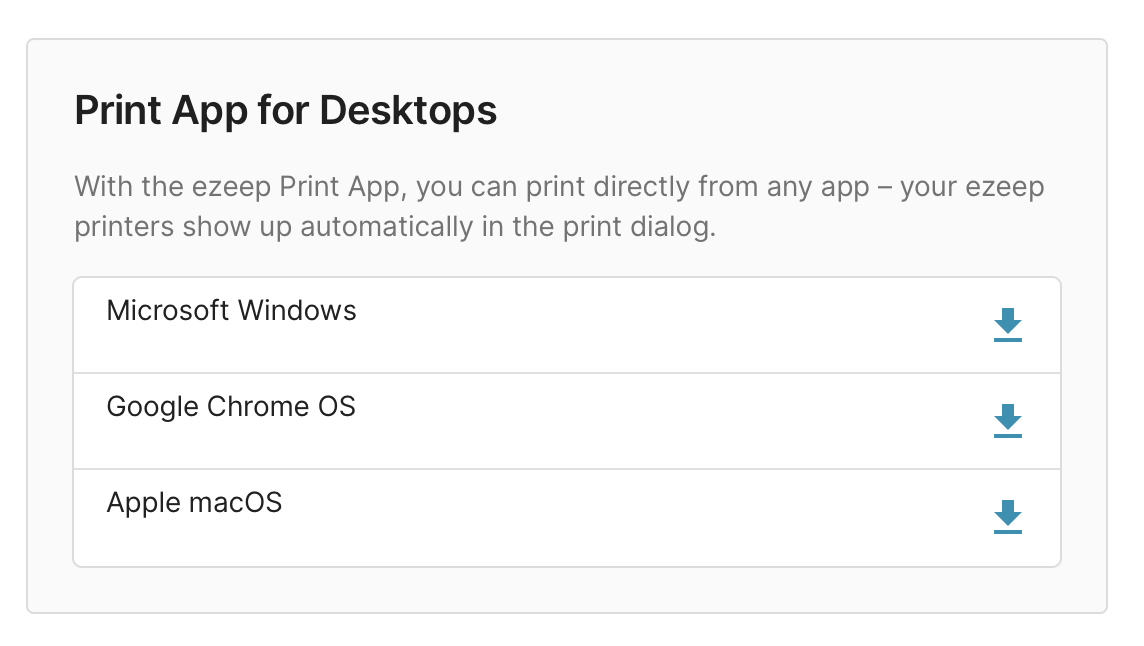
- The latest ezeep Print App for Windows installed in the user context on each Windows machine where WPP is enabled.
You don't need any local printer drivers. Cloud rendering handles the print path the same way it does on any other ezeep deployment.
One Honest Note on Printer Capabilities Under WPP
Why This Matters Before 2027
WPP is off by default on every Windows version that supports it today. Microsoft has signaled it will become the default by 2027, and your compliance team is probably already asking you to enable it ahead of the deadline. The architectural changes WPP triggers, including rebuilt queues, lost vendor utilities, and Print Support App planning per manufacturer, aren't a quick weekend project. Hit WPP without a plan and you'll generate ticket volume. Plan the print path before you flip the toggle and you'll come through smoothly.
If you're already running ezeep, the WPP transition is now a configuration question rather than a print-stack rebuild. If you're running a traditional driver-based print management system, the transition is bigger, and it's worth planning before the default-on date arrives.
Built on ThinPrint technology and trusted by Fortune 500 organizations in production environments processing millions of printed pages every day, ezeep was designed to take the print server out of the equation entirely. The latest ezeep Print App for Windows closes the gap for environments running WPP today.

What's Next in the WPP Series
WPP raised a lot of specific questions in our recent webinar: finishing options, plotters, label printers, the Microsoft Print Server, follow-me printing, PostScript workflows, and more. Over the next few weeks we're publishing detailed answers to each one.
For the comprehensive WPP reference, the full Windows Protected Print Mode guide covers what WPP is, what it changes, what it requires, and how to plan around the default-on timeline.
Windows Protected Print Mode: What IT Needs to Know
Does Follow-Me / Pull Printing Still Work with WPP?