By Henning Volkmer on September 7, 2026

The copier lease charge shows up every month like clockwork. It has a number on it, and most broker-owners assume that number is what real estate office printing costs actually run each month.
It isn't. The lease only covers the hardware. It says nothing about the hour your office manager lost last Tuesday when the printer wouldn't talk to a new agent's laptop, or the service call you paid for because nobody in the office could figure out why the printer wouldn't print, or the closing packet that sat half-printed while a client waited in the lobby.
Brokerages end up absorbing all of that themselves, split across invoices, service calls, and whoever's free to help. Here's where the real cost hides, and what it actually takes to see it.
If your office runs under a franchise's desk-fee or chargeback billing, the math works differently.
What does printing actually cost a real estate office without IT?
The full cost of printing in a real estate office runs well past the lease payment. Add it up and you're looking at:
- The hardware itself
- Time spent fixing problems nobody was hired to fix
- Service calls paid out of whatever budget line happens to be open
And then there's the one that doesn't show up on any invoice: a client's financial disclosure sitting out in an open tray, visible to whoever walks by. If the wrong person sees it, that's the broker's problem to answer for, not a line item anyone budgeted for.
Most brokerages only ever track the first piece.
Does your copier lease cover your real estate office's actual printing costs?
A copier lease is a hardware cost. It's not a printing cost, and treating the two as the same number is how the real spend disappears.
Here's what's missing from the invoice:
- Toner and paper bought at retail once the included supplies run out mid-month
- Overage charges that land three months later, coded to "office supplies" instead of anything recognizable as printing
- $150 service calls for driver conflicts a copier technician can't actually fix, because the problem was never the copier
Add it up and it's real money every month. None of it shows up as a single line item labeled "printing."
Who pays for printer troubleshooting at a real estate office with no IT staff?
Ask who fixes the printer when it stops talking to a laptop. In a brokerage with no IT department, the answer is almost always the office manager, or the broker, or whoever happens to be standing nearby with a few free minutes and a willingness to unplug things.
That person's time has a cost. It just never shows up as a line item, because their job title isn't "tech support" and nobody bills for the hour. Multiply one printer ticket a week across a year and the office manager has spent several full workdays on something that was never part of the job description, at the expense of the parts of the job that actually generate business.
The pattern repeats every time a new device shows up. A new laptop, a new phone, an agent who switches from a PC to a Mac. Each one needs a driver (the small program that lets a device talk to a specific printer) installed and a printer connection configured by hand, and each one lands back on the same person.
How does cloud printing help new real estate agents skip IT setup?
Recruiting an agent is a bet on shared momentum, with everyone excited to start selling together. A printer that won't cooperate creates real friction on day one.
A new agent's first days decide how the relationship feels from then on. If day one means waiting around for someone to configure a driver before a listing agreement can print, that's what a new agent remembers, and it's what they tell the next brokerage that comes calling with a better offer.
With cloud printing, an agent's own laptop or phone sends a job straight to the office printer with no driver install and no setup call. The device just needs to be on the same network as the printer, and the print job renders in the cloud instead of depending on software installed locally. A new agent can print their first listing agreement the same morning they hang their license.
What happens when a printer fails during a real estate closing?

A single transaction runs to about 180 pages once contracts, disclosures, and addenda are all accounted for. That number climbs if the title company wants anything printed instead of signed on a screen. If the printer fails, closing day is the worst time for it: the client, the agent, and the title company are all in the room waiting.
A closing-day printer failure doesn't cost you a service call. It costs you the referral that client would've sent your way. You'll never know it happened, because clients don't call to complain about a slow closing. They just take their friends to a different brokerage next time.
With cloud printing, the agent isn't locked to one machine. If the desk printer jams, they send the job to the one down the hall, from their own laptop or phone, no driver to reinstall. The closing keeps moving.
Why does secure print release matter for real estate client documents?
A loan application carries a client's Social Security number. A pre-approval letter carries their financial standing. A disclosure carries their financial history. When those sit in an open tray, whoever walks by can see them (an agent, a visitor, the cleaning crew after hours) for however long it takes someone to notice and grab the stack.
If the wrong person sees it, the complaint and the liability land on the broker, not on whichever agent happened to hit print.
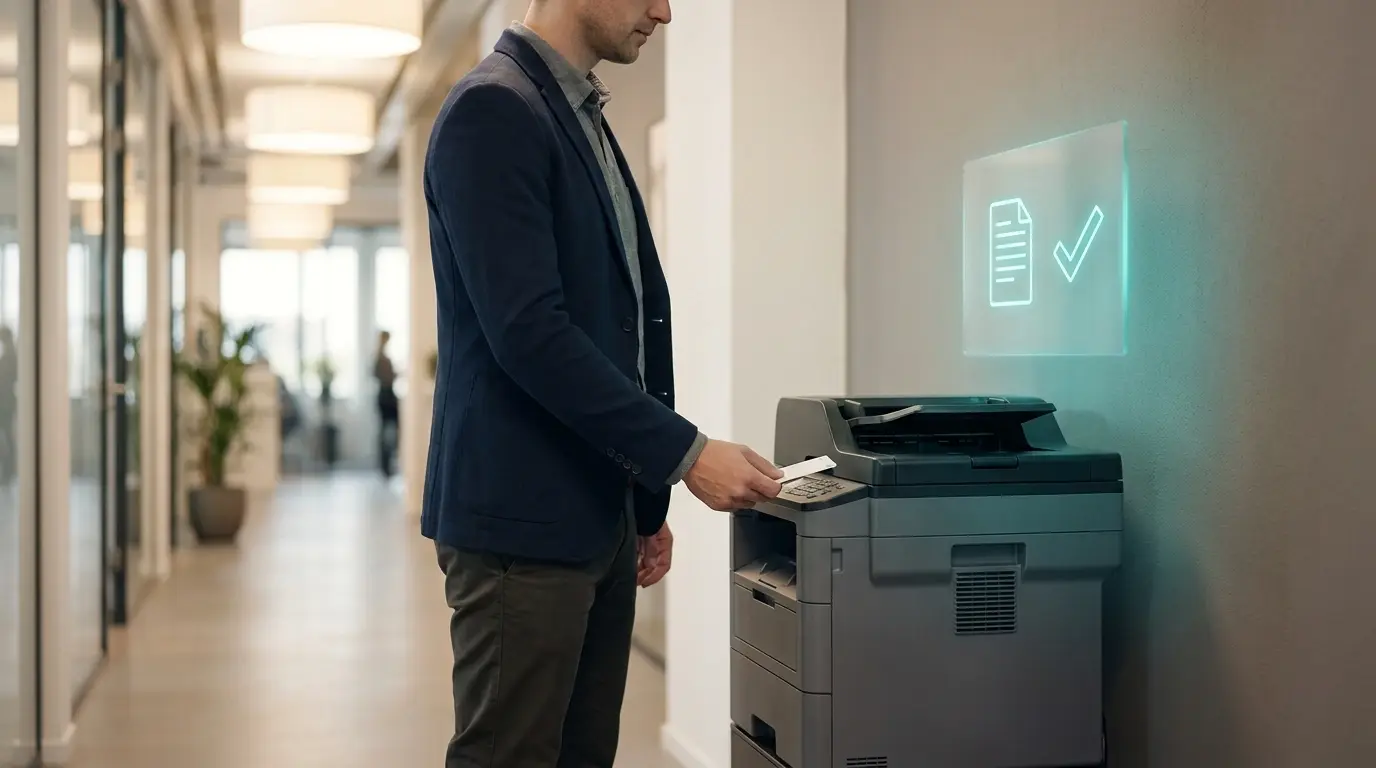
Secure release printing closes that gap. The job holds at the printer until the person who sent it authenticates with a PIN or a badge, so nothing sits out unclaimed. It also means a job sent by mistake, or sent twice, never actually prints, so that paper and toner never gets wasted either.
How do you find out what printing actually costs your real estate office?
Two things to check:
1. The invoices. Pull the last three copier bills and add up anything beyond the base lease payment: overages, supplies bought outside the lease, service calls. Most of that never gets coded as "printing," so it's easy to miss.
2. The time. For two weeks, every time someone stops to help with a printer, write down who and how long. Two weeks is enough to see the pattern without turning it into a project.
Add them together and that's what printing actually costs you. Most broker-owners have never put those two numbers side by side.
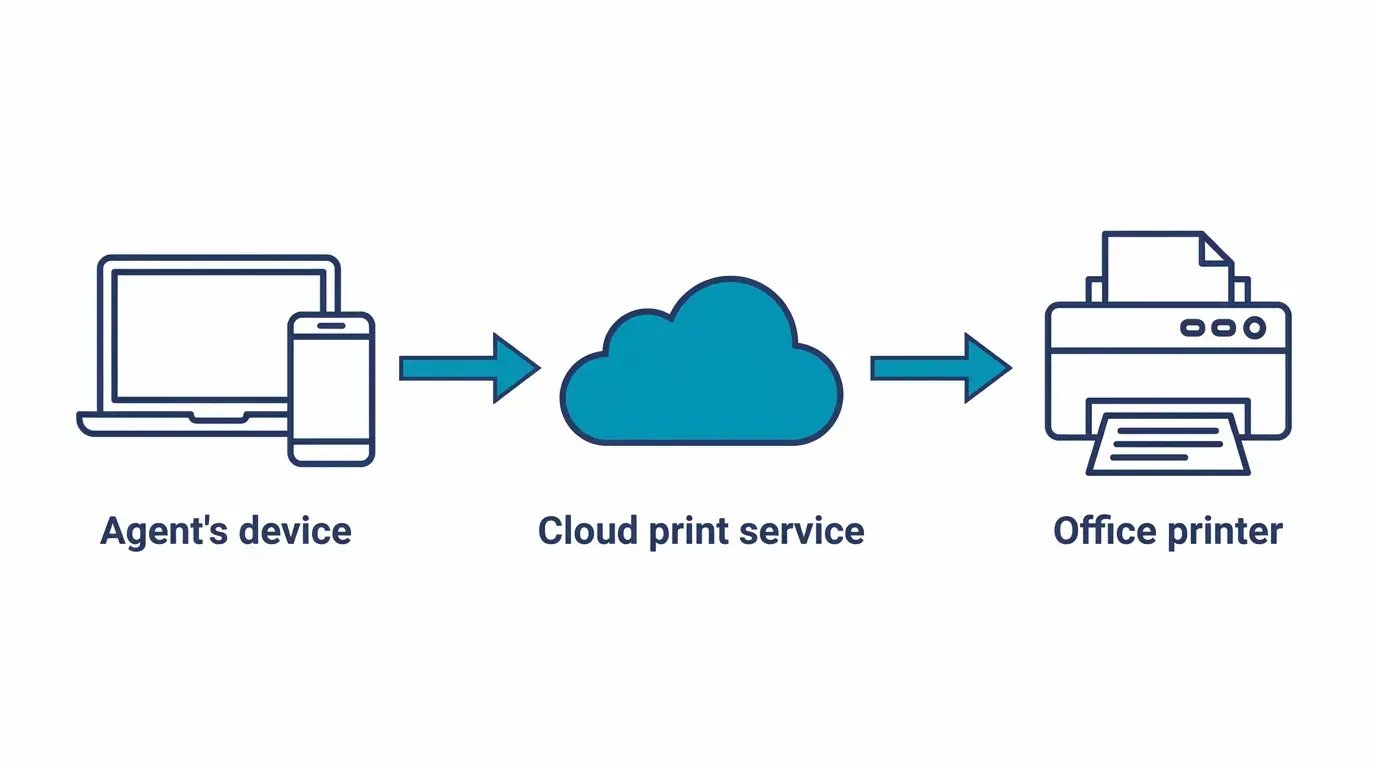
Think about what a good listing does: it works without you standing next to it all day. That's the idea behind ezeep.
No driver installs. Agents print from their own laptop or phone. A new agent connects to the printer the same way they'd connect to Wi-Fi. No IT visit required.
No exposed documents. A job holds at the printer until the person who sent it shows up and authenticates with a PIN or badge. A disclosure never sits out for whoever walks by.
No manual tracking. Every job gets logged: who printed it, what printer, how many pages. The number this article just made you dig for by hand is something you pull up in a report instead.
No new hardware. No print server to maintain, no IT department required.
Free for 10 agents or fewer. 14 days with everything unlocked. No card, no commitment. Just a printer that finally runs itself.

Does Follow-Me / Pull Printing Still Work with WPP?

Cloud Printing Without a Local Print Server for Hybrid & Flexible Work