By Brock McKenna on September 9, 2026
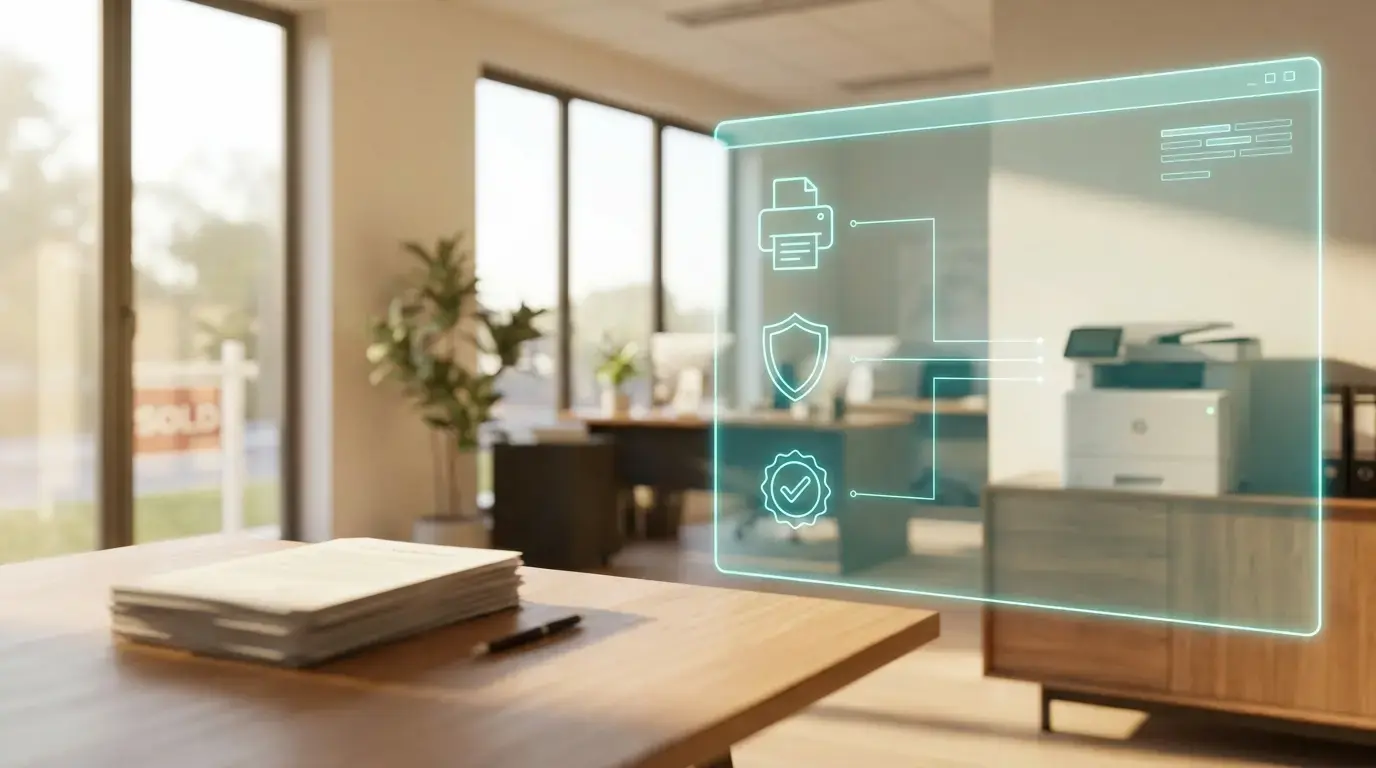
Microsoft changed how Windows installs printers on July 1, 2026, and depending on the size of your operation, that's either a footnote or the start of a project. If your title agency runs one office, this barely touches your week. If you're running four branches stitched together by two acquisitions, with copiers nobody actually chose and a closing package that has to print correctly every single time, it's worth ten minutes of your attention now instead of an afternoon of scrambling later.
Most coverage of this change is written for IT departments, but most title and escrow offices don't have one. That’s where this post comes in: it’s written for both IT and non-IT workers. Read the first two sections if you want the plain-language version and a phone call to make. Keep going if you run your own IT, work with an MSP, or just want the full technical picture, because that's where it gets specific.
What is Windows Ready Print, in plain terms?
Every printer needs a small piece of software called a driver, so Windows knows how to talk to it. For years, each manufacturer wrote and packaged its own driver, which is part of why setting up a new printer has always felt like a small(mostly unpleasant) adventure. Microsoft is replacing that patchwork with one standard, built-in way for Windows to talk to any modern printer, and it's calling the result Windows Ready Print.
The push behind it is security, not convenience. Manufacturer-written drivers have long been one of the more common paths attackers use to get into a Windows machine, and print bugs accounted for 9% of all vulnerabilities reported to the Microsoft Security Response Center over the past three years. A single, Microsoft-maintained way of talking to printers is easier to keep safe than hundreds of different ones from hundreds of different vendors.
None of that means anything that worked before July 1 stopped working, and Microsoft has been direct about it: an existing printer that works with Windows today keeps working, and nothing about your setup requires immediate action. What changed is the default for new installs, along with the fact that the old driver-based model now has a published expiration date.
Do you need an IT department to handle this?
No, and if nobody at your agency owns IT, you can get ahead of this with a single phone call to whoever already manages your printers, usually your copier dealer or an outside IT provider.

Ask two things:
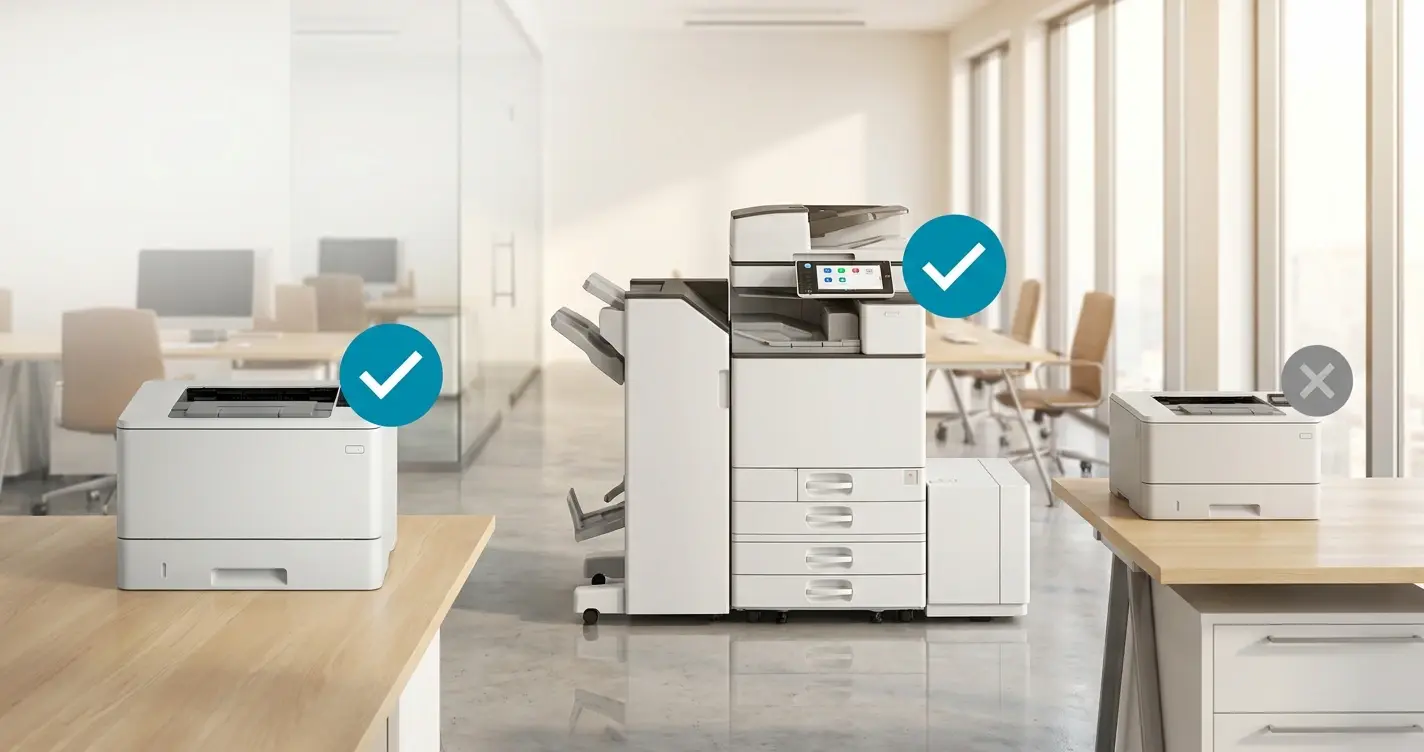
- Are our printers Mopria certified and reachable over IPP (Internet Printing Protocol, the standard modern printers speak)? Mopria certification is the practical shorthand for "works on the modern Windows print path," and it's a normal question for any dealer to answer, given that more than 120 million certified printers are already in the field.
- What happens to our printers if Windows Protected Print Mode gets turned on later? That's the stricter version of this change, still off by default today, but Microsoft has said it's coming.
Get both answers in writing. You don't need to act on them right away, just know where you stand before a printer stops cooperating in the middle of a signing and you're finding that out the hard way.
If that's what brought you here, you have it, and the rest of this post won't add much to your afternoon.
For IT teams and MSPs (managed service providers). Everything from here on is for you. Windows Ready Print and Windows Protected Print Mode are new enough that they haven't made it into most IT playbooks yet, and the distinction between the two trips up plenty of admins who'd tell you they already know how Windows printing works. Here's the detail: what actually changed, what didn't, and what to check in your own environment.
What actually changed on July 1, 2026?
Windows now prefers its own built-in IPP class driver whenever a new printer gets installed. Microsoft announced the change on June 9, 2026, and on Windows 11 and Windows Server 2025, a newly supported printer installs against the inbox IPP driver by default instead of pulling an OEM (original equipment manufacturer) driver package.
Two other dates matter more than most offices realize.
- January 15, 2026. Microsoft stopped publishing new third-party printer drivers to Windows Update for Windows 11 and Windows Server 2025 by default, so new submissions now get approved case by case.
- July 1, 2027. Third-party printer driver updates through Windows Update end, aside from security fixes.
Will your existing printers stop working?
No. Existing print queues and existing drivers both stay put, vendor installers still work, and users can still choose the OEM driver at install time, with administrators still able to govern the behavior through Group Policy. The July 1 change moved a default. It didn't throw a switch that turns your fleet off, and anyone telling you otherwise is selling something.
If you want to test the change on one machine before deciding anything fleet-wide, the toggle lives under Settings > Bluetooth & Devices > Printers & Scanners > Printer preferences. IT can control it across the fleet through the Group Policy setting "Configure Windows Ready Print driver ranking."
What it does mean is that the driver-based model now has a published expiration date, and Microsoft wrote it down.
How is Windows Protected Print Mode different from Windows Ready Print?
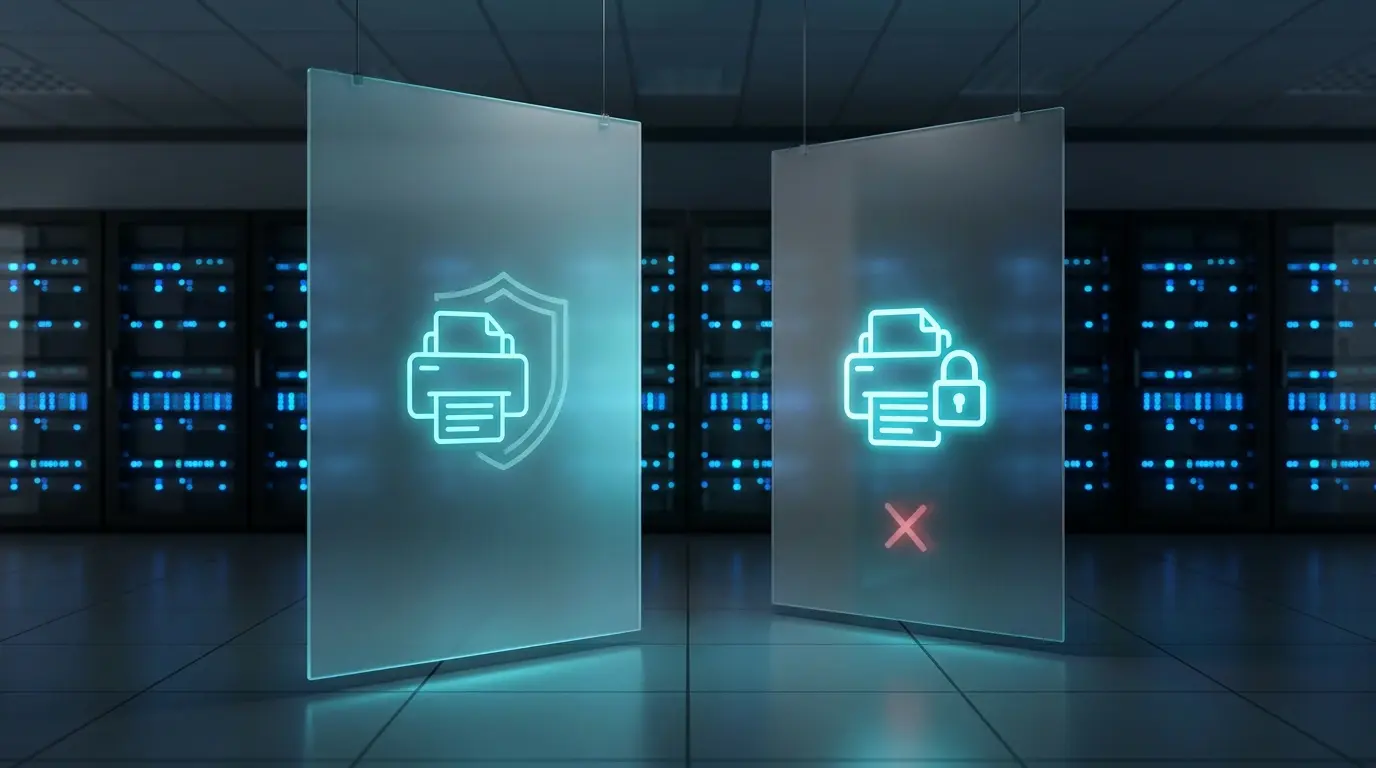
Windows Protected Print Mode, or WPP, is the strict enforcement layer built on the same platform: third-party print drivers get blocked, printers that depend on them get uninstalled, and only Mopria-certified devices can be installed, with no fallback and no partial rollout. It's per-machine, and it's all or nothing.
WPP is off by default today, and Microsoft has said it will be enabled by default at a future date, though it hasn't published one, so treat any specific deadline you see quoted as speculation.
Microsoft's own analysis found that Windows Protected Print Mode would have mitigated over half of the print-related vulnerabilities reported to the Microsoft Security Response Center, which is worth having in your pocket if the conversation ever reaches your underwriter, your E&O (errors and omissions) carrier, or a lender doing vendor due diligence on your agency.
Our side-by-side comparison of Windows Ready Print and Windows Protected Print Mode covers the distinction in more depth.
Why does this hit title and escrow harder?
It comes down to how the fleet got there in the first place. Most title and escrow offices didn't choose their printers so much as accumulate them, and three patterns show up again and again.
The dealer lease. Each branch signed with whichever copier dealer happened to be local, so you end up with different vendors, different vintages, and different feature sets, all on lease cycles that expire in different years.
The acquisition. Title and escrow is a consolidating industry: a regional underwriter acquires an agency, or two shops merge ahead of a rate cycle, and whoever's left standing inherits a branch's printer fleet along with everything else on the closing schedule.
Branch churn. Offices open and close with the rate cycle, and every open means a new driver package while every close means a decommission that never quite finishes.
The result is a mixed fleet with a long tail of older devices, and that long tail is exactly what the modern Windows print path doesn't accommodate.
Is your branch fleet Mopria certified?
The real audit question isn't "are our printers new," it's "how many of our printers are Mopria certified and reachable over IPP." For a handful of models across a handful of vendors, some acquired rather than chosen, the honest answer is usually "we don't know yet," and that's a fine place to start.
Ask your copier dealer, and pay attention to how they answer. A dealer who bundled print management software into your lease has an obvious incentive to tell you the fleet is fine.
What about your title production software?
This one's worth a quick check, and it costs an afternoon rather than a project. If any part of your title or closing platform, whether that's document generation, check printing, or scan-to-PDF, installs as a printer on the machine, that component depends on the same third-party driver model Windows Protected Print Mode removes.
Ask your software vendor directly whether anything in your platform registers as a printer and depends on a manufacturer driver, and get the answer in writing before you pilot WPP. Nobody is claiming your production software stops working on July 1, but if you're planning to test WPP under full enforcement, that's the one thing worth confirming first, on a pilot machine, before it turns into a problem in the middle of a closing.
How do you get off the driver treadmill?
Stop maintaining a driver matrix on endpoints and session hosts, and the Windows driver deprecation timeline stops being your problem, since none of it applies once the OEM driver isn't on the machine in the first place.
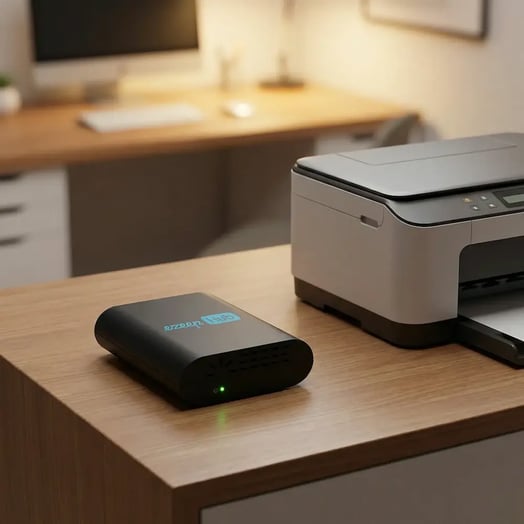
ezeep renders print jobs in the cloud, so one virtual driver replaces the manufacturer drivers on Windows endpoints, inside Citrix, Azure Virtual Desktop, and Windows 365 session hosts. Jobs render centrally against the manufacturer driver, then reach the printer through an ezeep Hub or Connector at the site over an outbound-only connection. See how this works for Windows printing and for VDI printing, VDI being shorthand for virtual desktop infrastructure.
For a multi-branch title or escrow office, that means no OEM driver packages to maintain per branch or per acquisition, no print server to stand up in a new office, one print path across Windows, macOS, and mobile. Printer access is assigned by identity and office group rather than by subnet and GPO (Group Policy Object).
One honest caveat. If your organization intends to enable Windows Protected Print Mode in full enforcement, validate any print platform against WPP in a pilot ring before you commit. That includes this one. WPP is strict by design, and "aligns with the direction Microsoft is going" is not the same claim as "runs under full enforcement today." Ask the question of every vendor you talk to, and be suspicious of anyone who answers it too quickly.
What to do in the next 90 days
If you don't have a dedicated IT team:
- Call your copier dealer or MSP and ask the Mopria and WPP questions above.
- Ask your title production software vendor whether anything in the platform installs as a printer.
- Get both answers in writing. You don't need to act yet; you just need to know where you stand.
If you have IT support:
- Inventory the fleet. Model, site, and Mopria certification status.
- Count the drivers. Every OEM driver on a session host or golden image is work you've already committed to.
- Test WPP in a lab ring, including your production software's document generation and check printing.
- Decide on the long tail. Devices that will never be Mopria certified need a plan: replace them, or route them through a print path that doesn't depend on the endpoint driver.
Steps 1 and 2 in either list need nothing from a vendor. Do them before you take a single sales call, including ours. If you're not sure what to do, contact our team, and we can walk you through your setup.

Windows Protected Print vs. Windows Ready Print: What Changed
How To Check If a Printer is Mopria-Certified (for WPP)