How to Make Old Printers Cloud-Ready Instead of Replacing Them
By Maximilian Bauer on January 28, 2025 Last updated on September 29, 2026
Direct answer: You don’t necessarily need to replace an older printer just because your IT environment has changed. If the printer still works reliably, meets your security requirements and has compatible driver support, cloud printing can often connect it to modern devices and environments. The real question is whether the printer itself is outdated - or just the way you connect to it.
Should You Keep, Cloud-Enable or Replace an Old Printer?
A printer can continue working reliably long after its original software, drivers or print server have become inconvenient to maintain. The important distinction is between a printer that is genuinely reaching the end of its useful life and one that simply no longer fits your current IT architecture.
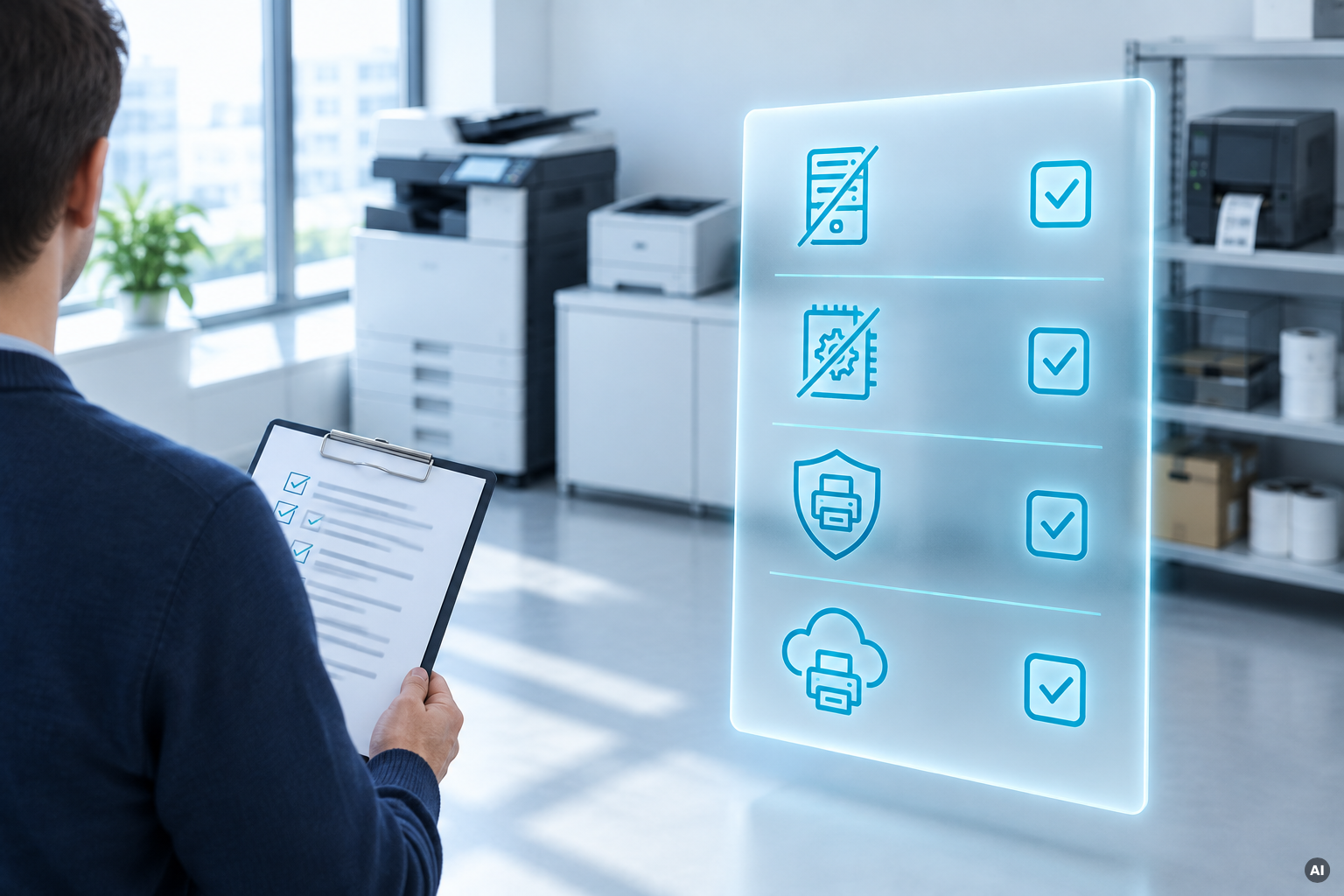
Use the table below to see which approach makes sense for different types of existing printers.
What to Consider
Cloud Optionr
Best Next Step
Reliable Network Printer
Firmware, security, and driver compatibility
Connect as a network printer
Keep and cloud-enable
Reliable USB Printer
Driver compatibility and available consumables
Connect via ezeep Hub
Keep and cloud-enable
Specialist or Label Printer
Required features and driver support
Depends on printer and workflow
Test before deciding
Unsupported or Insecure Printer
Firmware support and network security
USB connection or network isolation may reduce exposure
Assess risk or replace
Unreliable or Expensive-to-Run Printer
Repairs, consumables, energy use and downtime
Cloud-enabling won't solve hardware issues
Replace
The key point: A printer does not automatically need replacing simply because your IT environment has changed. If the hardware is reliable, secure and compatible, changing the printing infrastructure may be enough.
Why Old Printers Become Difficult to Use
Older printers often continue working perfectly well even when the surrounding IT environment has moved on. Users may now work with Windows 11, macOS, Chromebooks, smartphones, virtual desktops or cloud-based applications. Meanwhile, the printer may still depend on locally installed drivers, a Windows print server or even a dedicated PC. In those situations, the printer itself may not be the problem. The connection between users and the printer is.
Can Both USB and Network Printers Be Made Cloud-Ready?
In many cases, yes. The way they are connected is simply different.
Network printers can be integrated into a centrally managed cloud printing environment, removing the need for users to connect through a traditional local print server.
USB printers need an additional bridge because they cannot connect to a cloud service directly. The ezeep Hub can provide that connection by linking USB printers to the ezeep cloud without requiring a dedicated PC.
The Hub can also connect network printers, making it useful in branch offices or other locations where you want printing without maintaining local server infrastructure.
How the ezeep Hub Gives Existing Printers a New Life
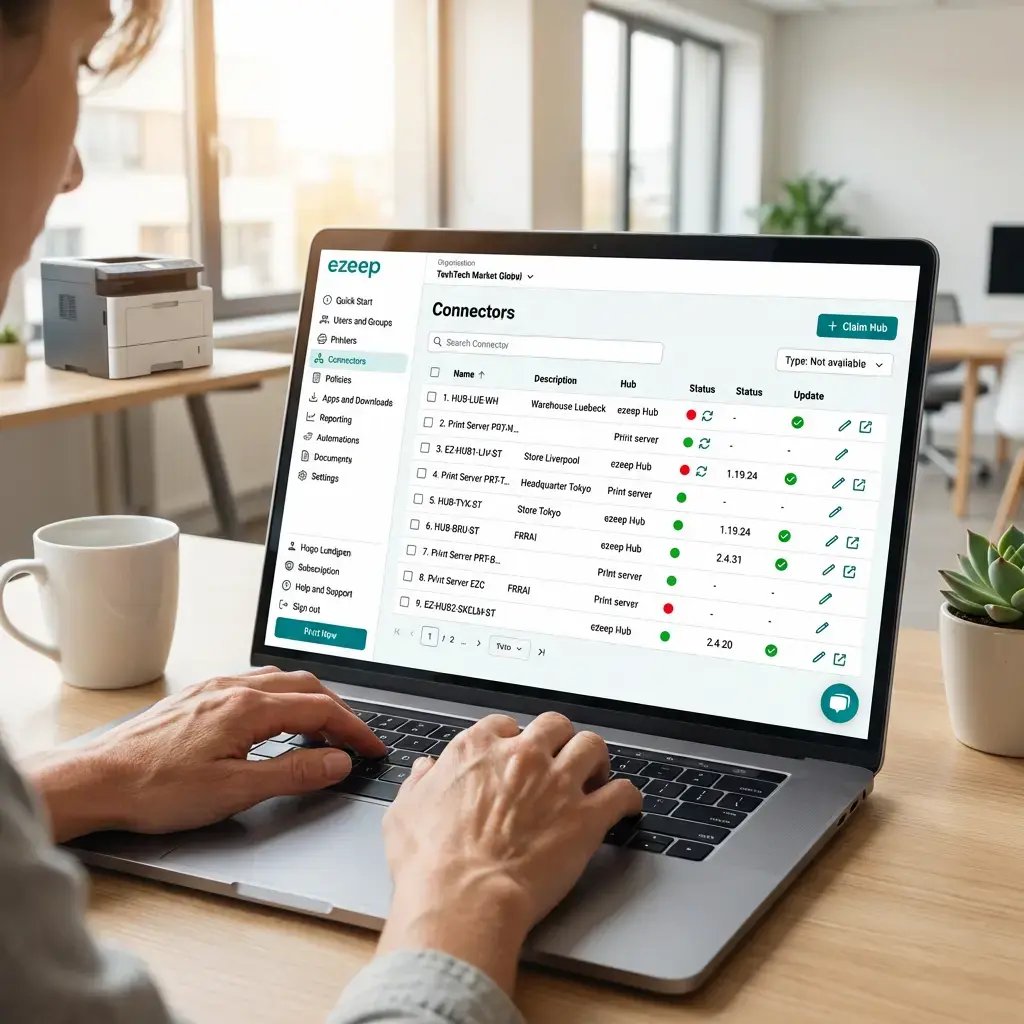
USB printers connect directly to the Hub, while compatible network printers can be reached over the local network. Administrators manage the printers centrally and assign them to the appropriate users or groups.
This allows existing hardware to become part of a modern serverless printing environment without replacing the printer simply because the IT architecture has changed.
Will Every Old Printer Work?
No, and that's worth checking before deciding to keep a device. A compatible printer driver still needs to be available, and specialist functions such as unusual paper sizes, finishing options or label printing may require testing.
Security matters, too. If a printer no longer receives firmware updates, you should consider whether it can still be operated safely. Connecting an older printer via USB to a print gateway or isolating a network printer can reduce its exposure, but unsupported hardware should still be assessed against your organization’s security requirements.
Keeping Old Printers Can Reduce Unnecessary E-Waste
There can also be a sustainability benefit to extending the life of working hardware. The Global E-waste Monitor 2024 reports that 62 million tonnes of electronic waste were generated worldwide in 2022, while only 22.3% was formally collected and recycled. That doesn’t mean every old printer should stay in service. Newer devices may be more energy-efficient or better suited to current workflows.
The better question is simply: Does this printer actually need replacing yet?
When Is Replacement the Better Choice?
Replacing an old printer usually makes more sense when:
security risks can no longer be adequately managed
compatible drivers are unavailable
required printer features no longer work
repairs or consumables have become expensive
reliability or print quality has deteriorated
a newer device would provide a meaningful operational benefit
Cloud printing can solve connectivity and infrastructure problems. It cannot fix hardware that has genuinely reached the end of its useful life.
Modernize the Connection, Not Necessarily the Printer
Moving to cloud printing does not have to mean replacing an entire printer fleet. With ezeep and the ezeep Hub, many existing USB and network printers can continue to be used in a centrally managed, serverless printing environment.
Before replacing a working printer, ask: Is the printer outdated - or just the way we connect to it?
Yes. A USB printer cannot usually connect to a cloud printing service by itself, but a print gateway can provide that connection. With the ezeep Hub, for example, a USB printer can be connected directly to the Hub and then made available through the ezeep cloud. This means the printer can remain in use without being permanently attached to a user’s PC or relying on a traditional print server.
Do I need to replace my printers when removing a print server?
Not necessarily. Removing a Windows print server and replacing your printer fleet are two separate decisions. If your existing printers are still reliable, meet your security requirements and have compatible driver support, they can often continue to be used in a serverless or cloud-managed printing environment. This can make it possible to modernize the print infrastructure first and replace individual printers only when the hardware actually needs replacing.
Does cloud printing work with every old printer?
No. The age of the printer alone does not determine compatibility. What matters is whether a suitable printer driver or print method is available and whether the functions you need are supported. Standard office printing is often easier to support than specialist requirements such as label printing, finishing options, unusual paper formats or manufacturer-specific features. Older or unusual printer models should therefore be tested before you decide to keep them.
Is it safe to continue using an old printer?
That depends on the printer and how it is connected. An older printer may still work perfectly while no longer receiving firmware or security updates from the manufacturer. In that case, you should consider whether the printer still meets your organization’s security requirements. Reducing direct network exposure - for example by connecting the printer via USB to a print gateway or isolating a network printer - can help, but it does not remove every risk associated with unsupported hardware.

Is it more sustainable to keep an old printer than to replace it?
It can be. Extending the life of functioning hardware can help avoid unnecessary electronic waste, particularly when the printer still meets your operational needs. However, sustainability is not just about keeping equipment for as long as possible. Energy consumption, consumables, reliability and the efficiency of newer hardware should also be considered. The better question is whether replacing the printer now delivers enough benefit to justify retiring a device that still works.